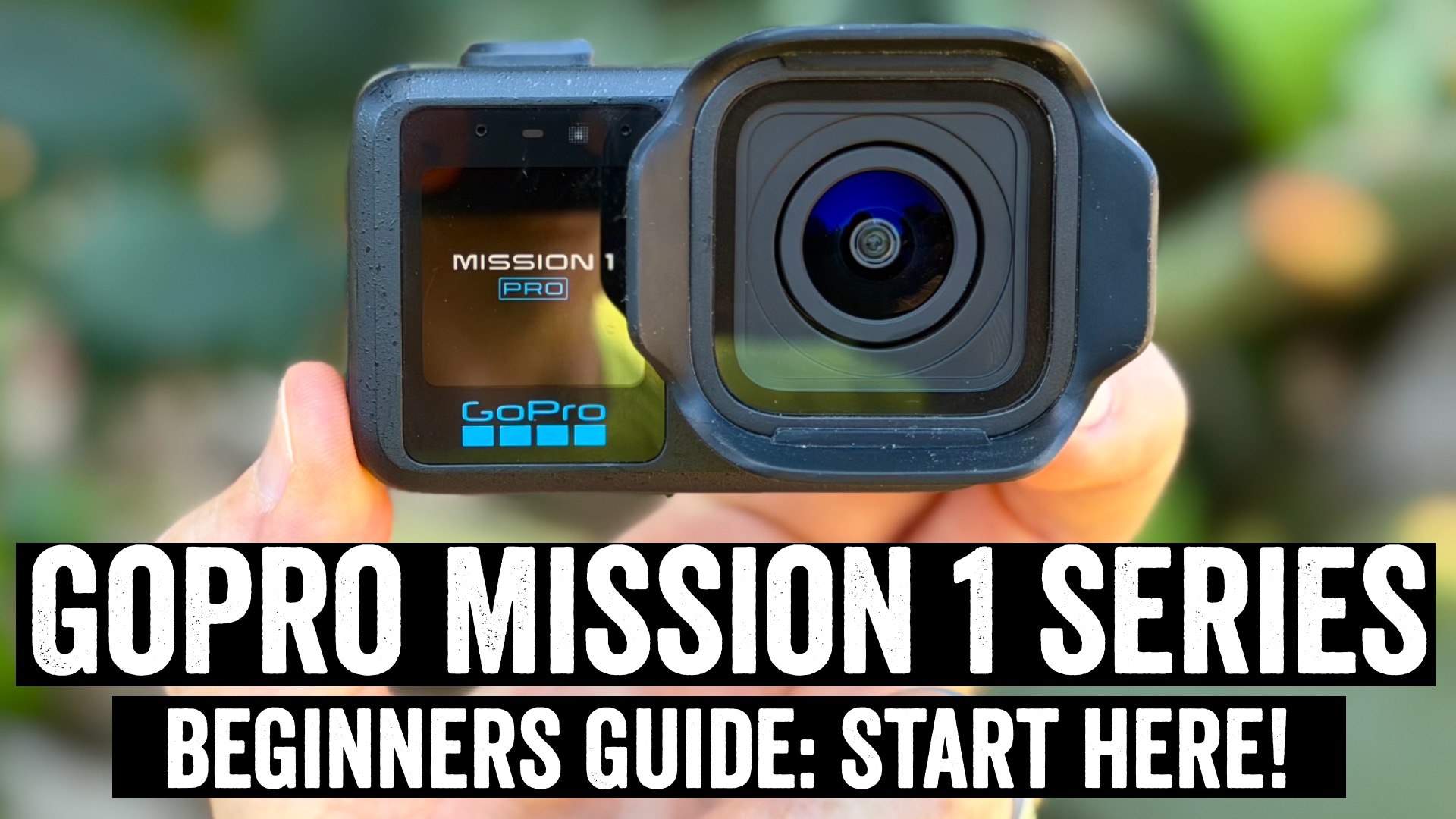

Above is my complete GoPro Mission 1 series beginners guide, covering the GoPro Mission 1 & Mission 1 Pro cameras (my full in-depth review video is here). In this guide, I cover everything from what’s in the box, to how to use all the hardware bits, a walk-through of virtually every software feature in there (especially the newness), and plenty more. I think it’s a good guide for not just beginners, but really anyone who wants to get the most out of their camera. Just the same for all the other long-form guides I do. There will be a few of them coming up over the next week or so.
Here’s a look at all the main chapters (but obviously, there are tons more smaller sections within these):
0:00 Quick Overview
0:58 What’s In the Box
2:02 Hardware Basics (Buttons, Mounts, Ports)
7:41 Pairing to the app, initial setup
8:43 GoPro Mission 1 base vs Mission 1 Pro
10:23 User Interface Walk-Through
15:02 Starting/Stopping/Viewing Videos
16:11 Understanding video modes
18:20 Video Mode Settings (aka all the tiny options)
20:03 Digital Lenses Explained (Linear, Wide, SuperView)
21:42 Horizon Lock Explained
22:44 Hindsight, Scheduled Capture, HyperSmooth, and Many More
26:33 Image Tuning (Sport, Face, Underwater, and more)
27:22 10-Bit, Bit Rate, and Log Options
29:15 Open Gate Mode
30:03 Low Light Video Modes
31:11 Slow Motion Options
33:11 Timelapse & Timewarp (New) Features
36:40 Night Effects (Star Trails, Light Painting, Vehicle Lights)
38:20 Subject Tracking (Follow-Me Mode)
39:19 Photo Modes
41:34 Battery & Overheating
43:25 Underwater & Waterproofing
44:04 Dive Mode
46:13 GoPro Quik App Core Features
49:24 Accessories I actually use/buy
55:58 Pairing Microphones & USB-C Mics
As always, the point of the long-form beginner’s guides I produce is to cover both the basics as well as more advanced tips. I also try really hard to squeeze it in under 1 hour (this one started at 1 hour 45 minutes of filming time, and sliced and diced it a bunch). Anyways, enjoy!
Oh, and I’ve got a written review for the Mission 1 Pro coming. Obviously, given it’s an action (video) camera, I’d really just suggest watching the video instead, but there’s a lot of text stuff I’d like to cover as well. Till then, I suspect we’ll just continue the recent loop of G-named posts the last few weeks: Google (Fitbit), GoPro, and Garmin. Fear not, though, there are a few other letters of the alphabet coming soon.
With that – thanks for watching!
Found This Post Useful? Support The Site!
Hopefully you found this review/post useful. At the end of the day, I’m an athlete just like you looking for the most detail possible on a new purchase – so my review is written from the standpoint of how I used the device. The reviews generally take a lot of hours to put together, so it’s a fair bit of work (and labor of love). As you probably noticed by looking below, I also take time to answer all the questions posted in the comments – and there’s quite a bit of detail in there as well.
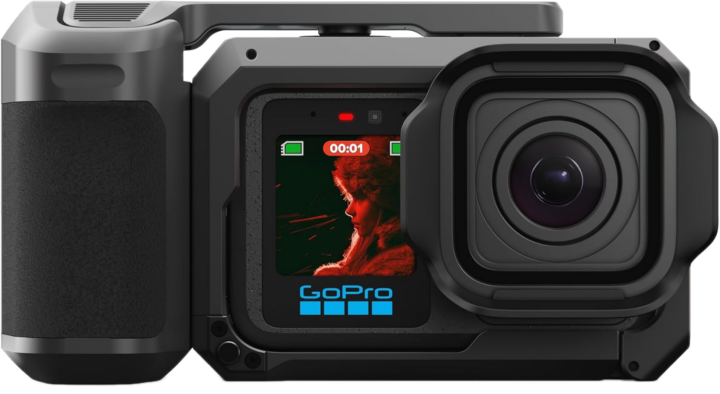
If you’re shopping for the GoPro Mission 1 Pro (with Grip) or any other accessory items, please consider using the affiliate links below! As an Amazon Associate I earn from qualifying purchases. It doesn’t cost you anything extra, but your purchases help support this website a lot.
And of course – you can always sign-up to be a DCR Supporter! That gets you an ad-free DCR, access to the DCR Shed Talkin’ video series packed with behind the scenes tidbits…and it also makes you awesome. And being awesome is what it’s all about!
Thanks for reading! And as always, feel free to post comments or questions in the comments section below, I’ll be happy to try and answer them as quickly as possible. And lastly, if you felt this review was useful – I always appreciate feedback in the comments below. Thanks!


