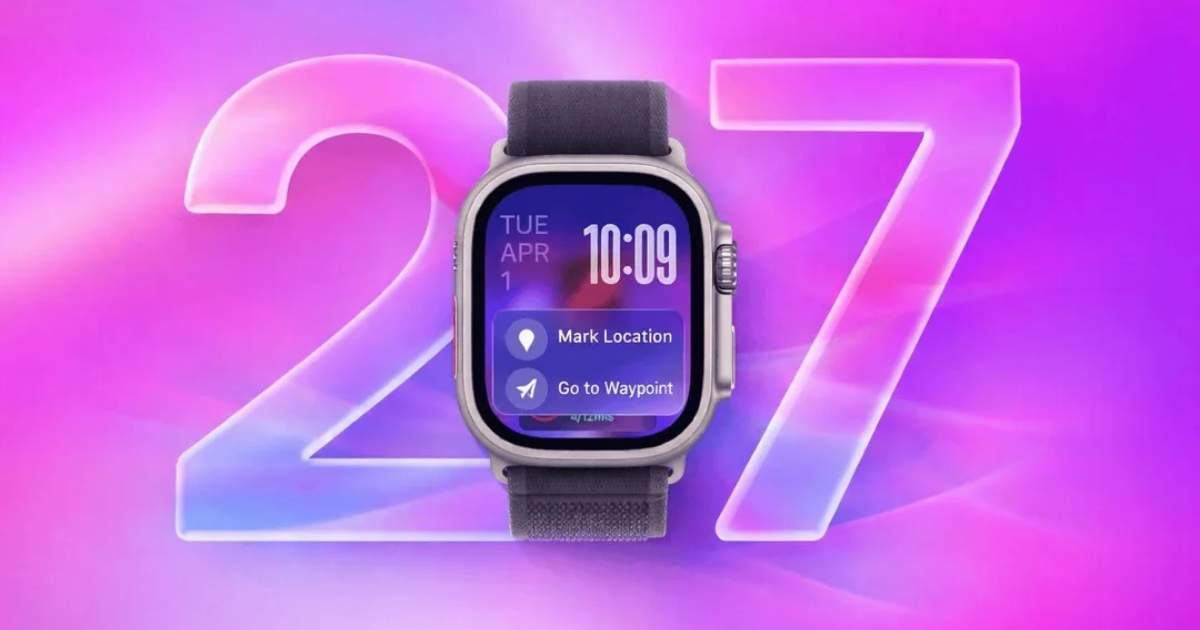
watchOS 27: Dynamic App Grid and New Gestures
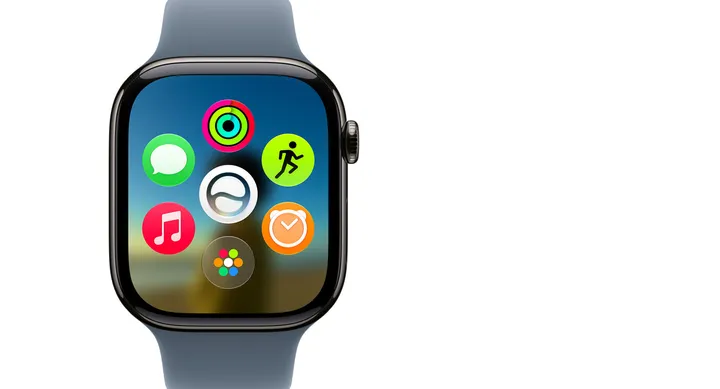
The biggest visual change in watchOS 27 is the new Dynamic App Grid. Instead of showing a static collection of apps, the Apple Watch now highlights five apps based on your activity and usage patterns. Users can tap a button at the bottom of the screen to access all installed apps.
Apple is also introducing a new gesture that allows users to select Smart Stack widgets by tapping their thumb and index finger together once. The feature is designed to make one-handed interactions easier when the other hand is occupied.
Smarter Smart Stack and Wallet
Smart Stack is becoming more intelligent with context-aware suggestions. It can now surface useful information such as birthday reminders, parked car locations, transit card balances, and holiday-related sleep alarm adjustments.
Wallet is also gaining new capabilities. Users can create custom passes for membership cards, loyalty cards, and other QR code or barcode-based cards using their iPhone, then access them directly from Apple Watch. Transit cards and IDs can also appear automatically in Smart Stack.
Performance, Find My, and More
Apple says watchOS 27 improves readability with enhancements to its Liquid Glass design, offering better contrast and more consistent visual effects.
The update also includes faster Music startup, quicker app extension launches, improved Wi-Fi connectivity, more efficient water detection, and battery-saving recommendations.
Key Points
- New Dynamic App Grid highlights your most relevant apps
- New tap gesture enables easier one-handed use
- Smart Stack gains more contextual suggestions
- Custom Wallet passes can be created from QR codes and barcodes
- Find My gets a redesigned interface
- New Call Context feature surfaces useful information during calls
- Faster Music startup and app launches
- Improved Wi-Fi connectivity and battery efficiency
- New fitness, workout, and sleep tracking enhancements
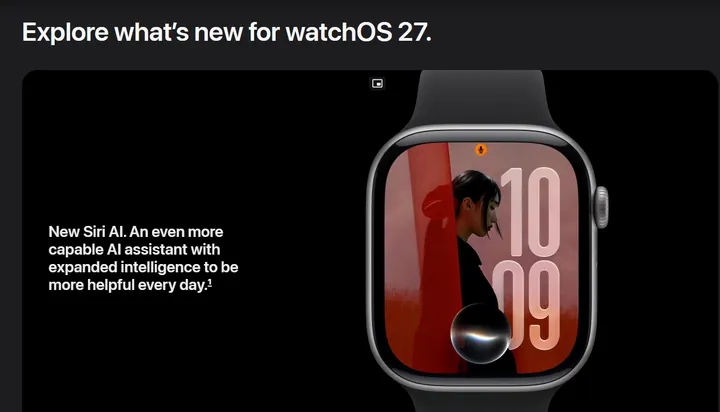
Find My has been redesigned with a map-focused layout that combines Find Devices, Find People, and Find Items into a single view. Meanwhile, the new Call Context feature can display helpful information during business calls, such as reservation numbers or confirmation codes from other apps. The update will arrive for the following Apple Watch models:
- Apple Watch Ultra 3 (2025)
- Apple Watch Ultra 2 (2023)
- Apple Watch Series 11 (2025)
- Apple Watch Series 10 (2024)
- Apple Watch Series 9 (2023)
- Apple Watch SE (3ª geração, 2025)


