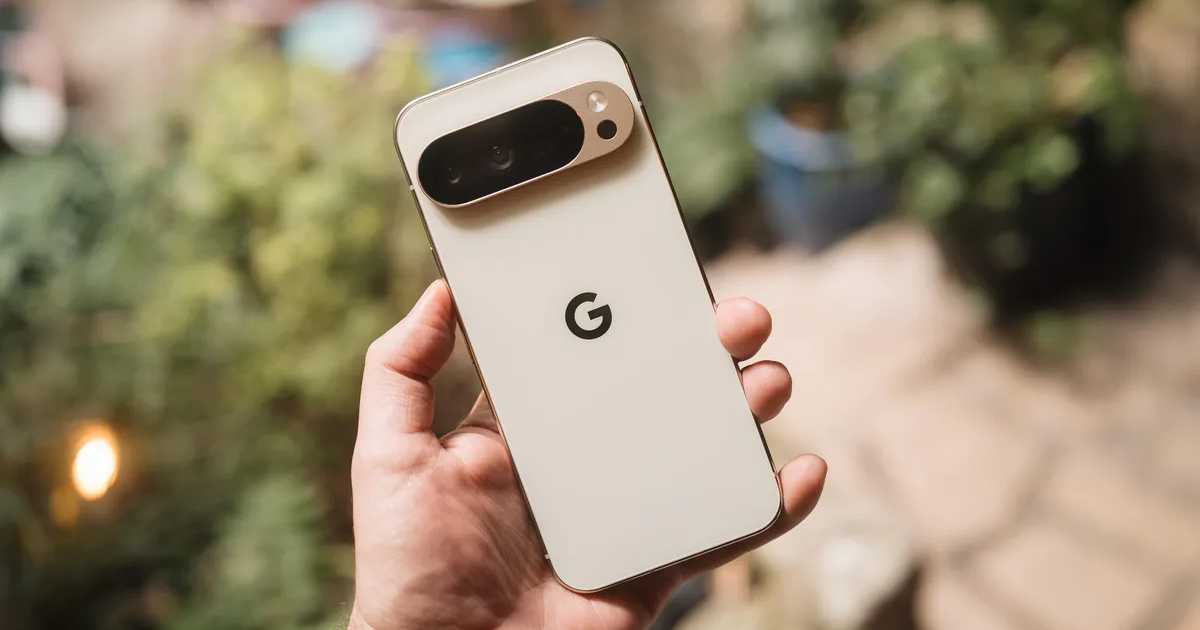
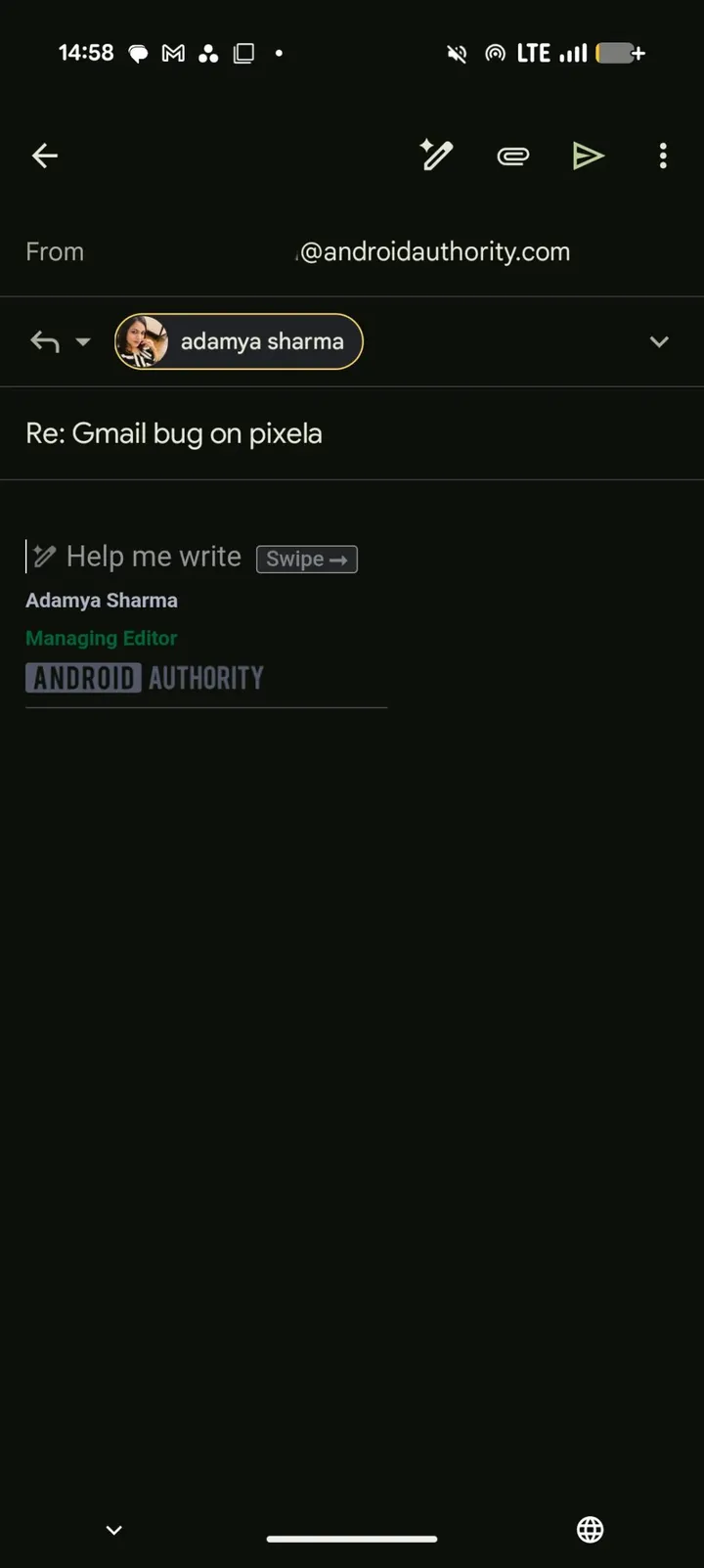
Instead of bringing up the keyboard as expected, Gmail prioritizes the “Help me write” option, preventing users from manually typing their responses. As a result, replying to emails has become frustrating for affected users.
Google Pixel 10 “Help me write” Reportedly Overrides Keyboard Input
When users attempt to reply to an email, the “Help me write” prompt reportedly takes priority over the standard keyboard. This prevents access to the text input field and creates an unnecessary obstacle for those who simply want to type a message themselves.
Key points:
- Pixel 10 users are reporting problems with Gmail.
- The issue involves Google’s AI-powered “Help me write” feature.
- The AI prompt reportedly appears instead of the keyboard when replying to emails.
- Affected users are unable to manually type responses as expected.
- The problem highlights a conflict between AI features and basic user interface functionality.
- The bug has become a major source of frustration for some Pixel 10 owners.
- Google has yet to perfect the balance between AI assistance and user experience.
Users have described the behavior as the AI “stealing the spotlight” or “photobombing” their email interactions. The reports suggest that Google has not yet found the right balance between offering helpful AI suggestions and maintaining a smooth, intuitive user interface.
For now, the main complaint remains unchanged: Pixel 10 users affected by the bug cannot easily bypass the “Help me write” feature to access the keyboard and manually compose their replies.


