Apple has officially released iOS 27 Beta 2 for developers, bringing a range of updates, performance enhancements, and bug fixes. This iteration builds on the foundation of Beta 1, refining key features and addressing user feedback. The update focuses on improving Siri’s functionality, enhancing the user interface, and introducing new tools in core apps like Photos, Wallet, and Safari. While it offers noticeable improvements in system stability and usability, some issues remain unresolved. If you’re considering testing this beta, it is essential to weigh the potential risks, especially if you plan to install it on your primary device. The video below from Brandon Butch gives us more details on the new beta.

Highlights of iOS 27 Beta 2
General Updates
- The update size varies depending on the device, with the iPhone 17 Pro Max requiring over 10GB of free storage space.
- The new build number is 24A5370H, and the modem firmware has been updated to version 2.08.08.01.
Siri Gets Smarter and Faster
- The “Indexing in Progress” label has been renamed to “Optimizing Search in Siri”, reflecting its enhanced capabilities.
- Siri now responds faster, with noticeable improvements in performance and accuracy.
- UI changes include a smaller, less intrusive Siri bubble and streamlined settings menus for easier navigation.
- A new “Visual Intelligence” menu allows Siri to perform image-based searches, expanding its functionality.
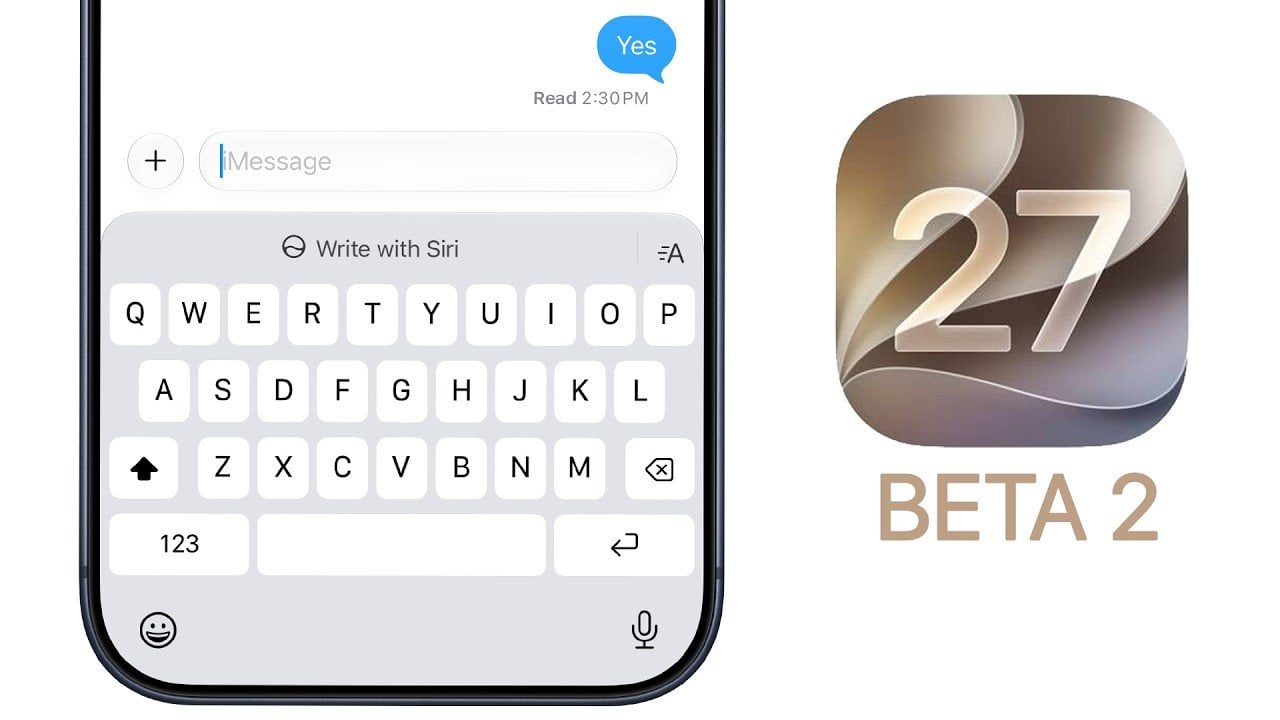
- The “Write with Siri” feature offers improved predictive text suggestions, making typing more intuitive and efficient.
User Interface Enhancements
- The lock screen’s “Now Playing” menu transitions more smoothly, offering a seamless experience.
- Liquid glass visuals now feature higher resolution, delivering a more polished and refined appearance.
- Keyboard responsiveness has been significantly improved, particularly when opening new chats or switching between apps.
- The paste menu for text and images has been redesigned, offering a cleaner and more user-friendly layout.
- A bug affecting image cropping in the Photos app has been resolved, making sure smoother editing workflows.
App-Specific Improvements
- Music: Subtle visual enhancements to liquid glass effects and improved lock screen behavior for a more immersive experience.
- Photos: A new “Move to” option for shared libraries has been introduced and AI tools now support RAW image editing for professional-grade adjustments.
- Wallet: The new “Insight” feature provides spending analytics, though it is currently in a limited rollout phase.
- Safari: Usability improvements have been made to the “Notify Me” and “Describe Extension” menus, enhancing user interaction.
- Reminders: Notes and URL fields have been merged into a single input box, simplifying task management.
- Passwords: The UI for security descriptions and account management has been refined for better clarity and ease of use.
Camera and Night Mode Updates
- Night mode and macro mode now feature yellow indicators, making it easier to identify active features.
- Real-time updates improve visibility and control over active camera settings, enhancing the photography experience.
Bug Fixes
- An issue where cropped images failed to save correctly has been resolved.
- A grammatical error underlining bug in text fields has been fixed, improving text editing accuracy.
- Android RCS message replies and reactions now function more reliably.
- Wallpaper customization issues that caused clock styles to reset have been addressed.
Performance and Stability
- Initial impressions suggest smoother overall performance compared to Beta 1, with fewer crashes and glitches.
- Although Geekbench scores are slightly lower, real-world usage remains unaffected, maintaining a stable user experience.
- Wi-Fi and Bluetooth connectivity are consistent with the previous beta, making sure reliable network performance.
- The impact on battery life is still unclear and will require further testing to determine long-term effects.
HealthKit Updates
- Support for heart rate zones and cycling power zones has been added, providing more detailed fitness tracking options.
Known Issues
- Some bugs and incomplete features persist, as outlined in the release notes. Developers are encouraged to review any additional issues they encounter.
Release Timeline
- Beta 3: Expected around July 6, 2026.
- Public Beta: Likely to launch in mid-July 2026, offering broader access to non-developers.
- Final Release: Anticipated in September 2026, coinciding with the launch of the next iPhone lineup.
Should You Install iOS 27 Beta 2?
Installing iOS 27 Beta 2 can provide an early look at the latest features and improvements, especially if you have a secondary device. However, for those relying on a single device for daily use, it is advisable to wait for the public beta or the final release. Beta versions often contain unresolved bugs and stability issues that could disrupt your experience. Carefully consider your needs and the potential risks before proceeding with the installation.
Unlock more potential in iOS 27 Beta 2 by reading the previous articles we have written.
Source & Image Credit: Brandon Butch
Filed Under: Apple, Apple iPhone, Guides, Top News
Disclosure: Some of our articles include affiliate links. If you buy something through one of these links, Geeky Gadgets may earn an affiliate commission. Learn about our Disclosure Policy.


