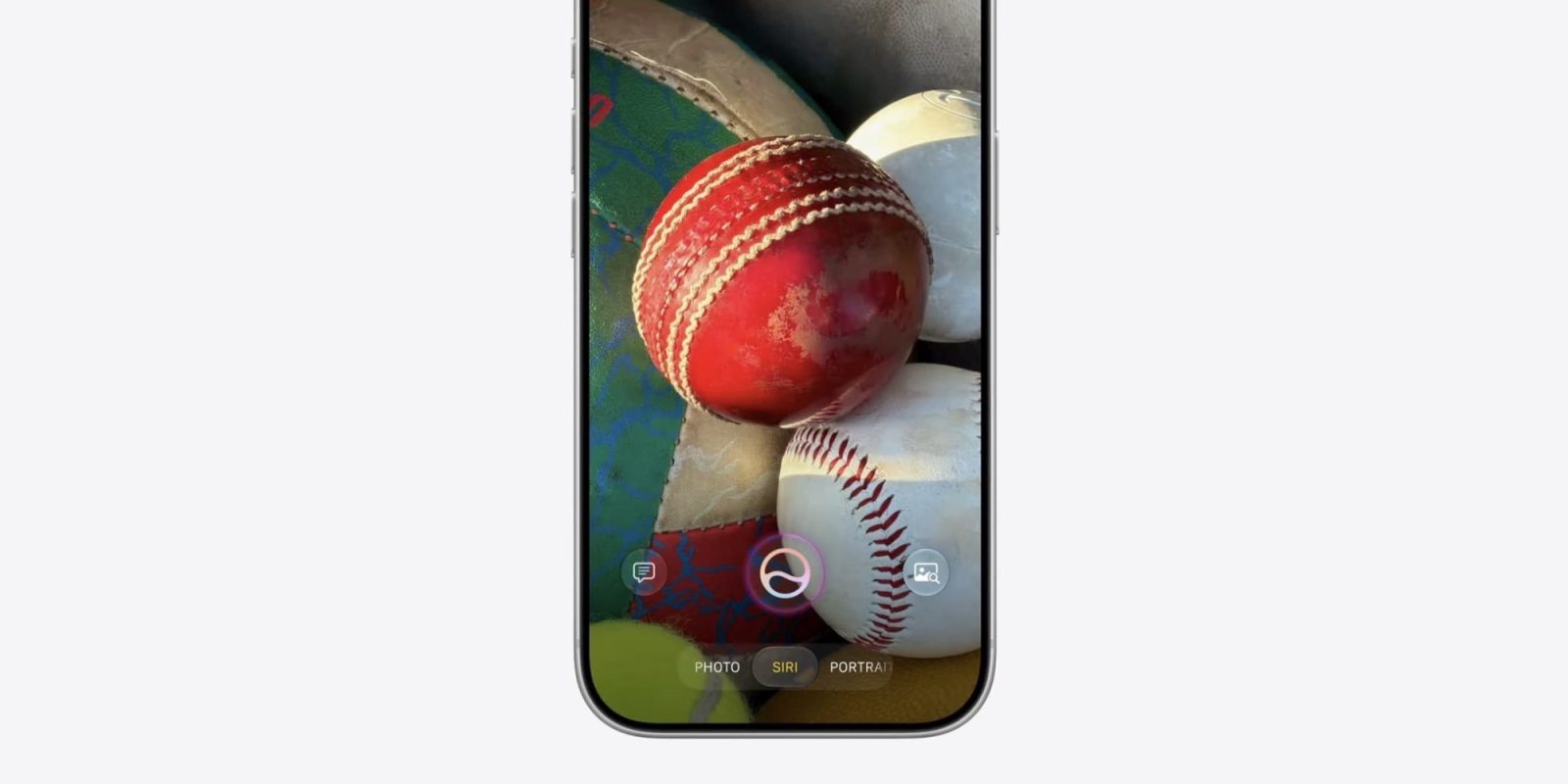
iOS 27 gives the Camera app a brand new ‘Siri’ mode that joins defaults like Photo, Video, Portrait, and more. Here’s what Siri mode does.
iOS 27 Camera app offers new ‘Siri’ mode with visual intelligence features
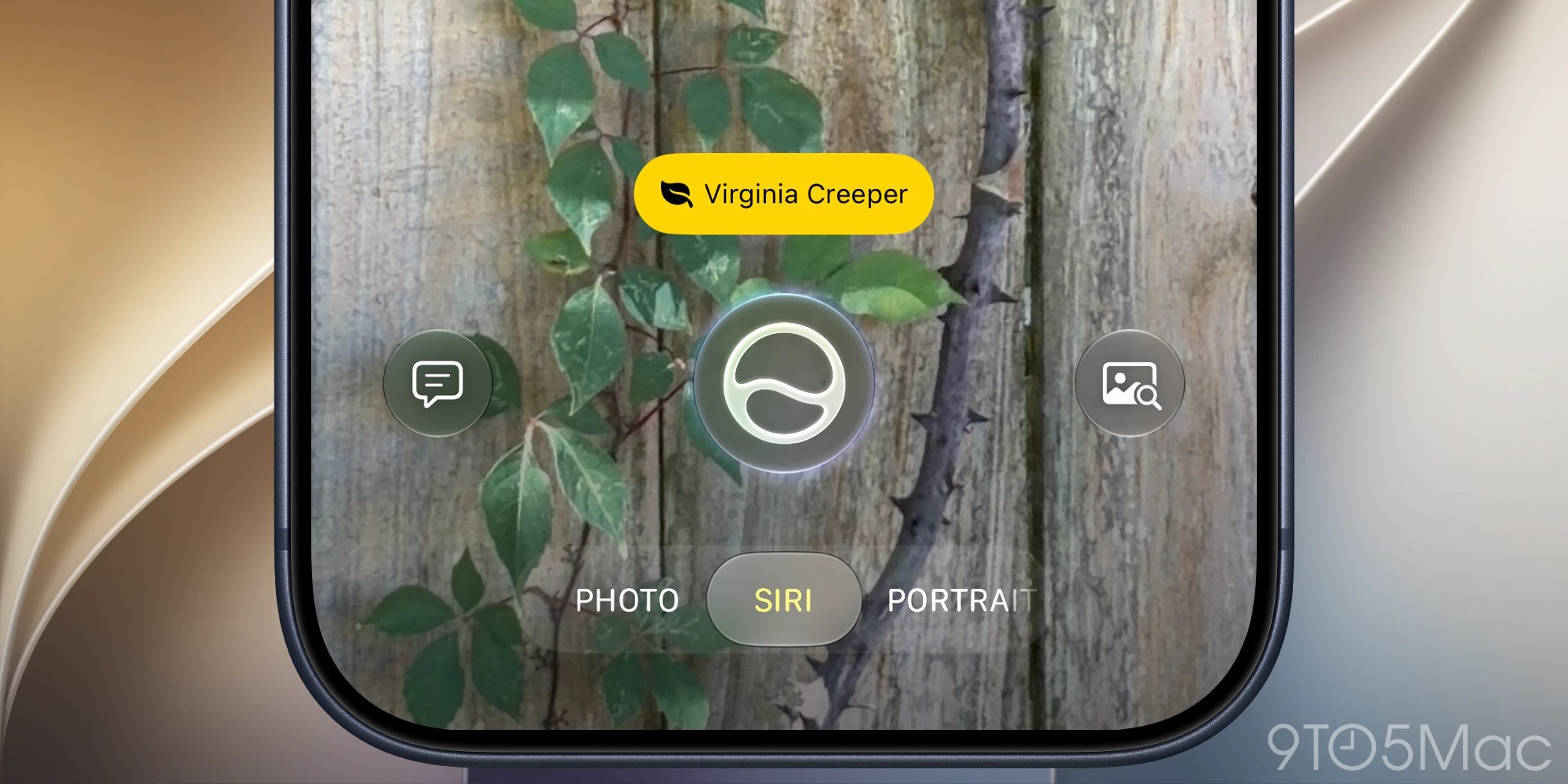
Last year Apple gave the iPhone’s Camera app a new design. And this year in iOS 27, there’s a new camera mode coming.
Joining existing options like Photo and Video, there’s now a dedicated ‘Siri’ mode inside Camera.
Siri mode takes the visual intelligence features formerly tied to the iPhone’s Camera Control button and bakes them directly into the Camera app.
When in Siri mode, your iPhone’s camera can be used to provide information and take action on whatever you’re looking at.
For example, you can point your iPhone at a restaurant to pull up the Maps listing for it, find reviews, hours of operation, and more.
You can also:
- ask about a plant to get watering and care info
- capture an event flyer to add the event to your Calendar app
- view nutritional info for the food on your plate
- translate text
- split a bill by scanning the receipt
- image search for related photos
- and more
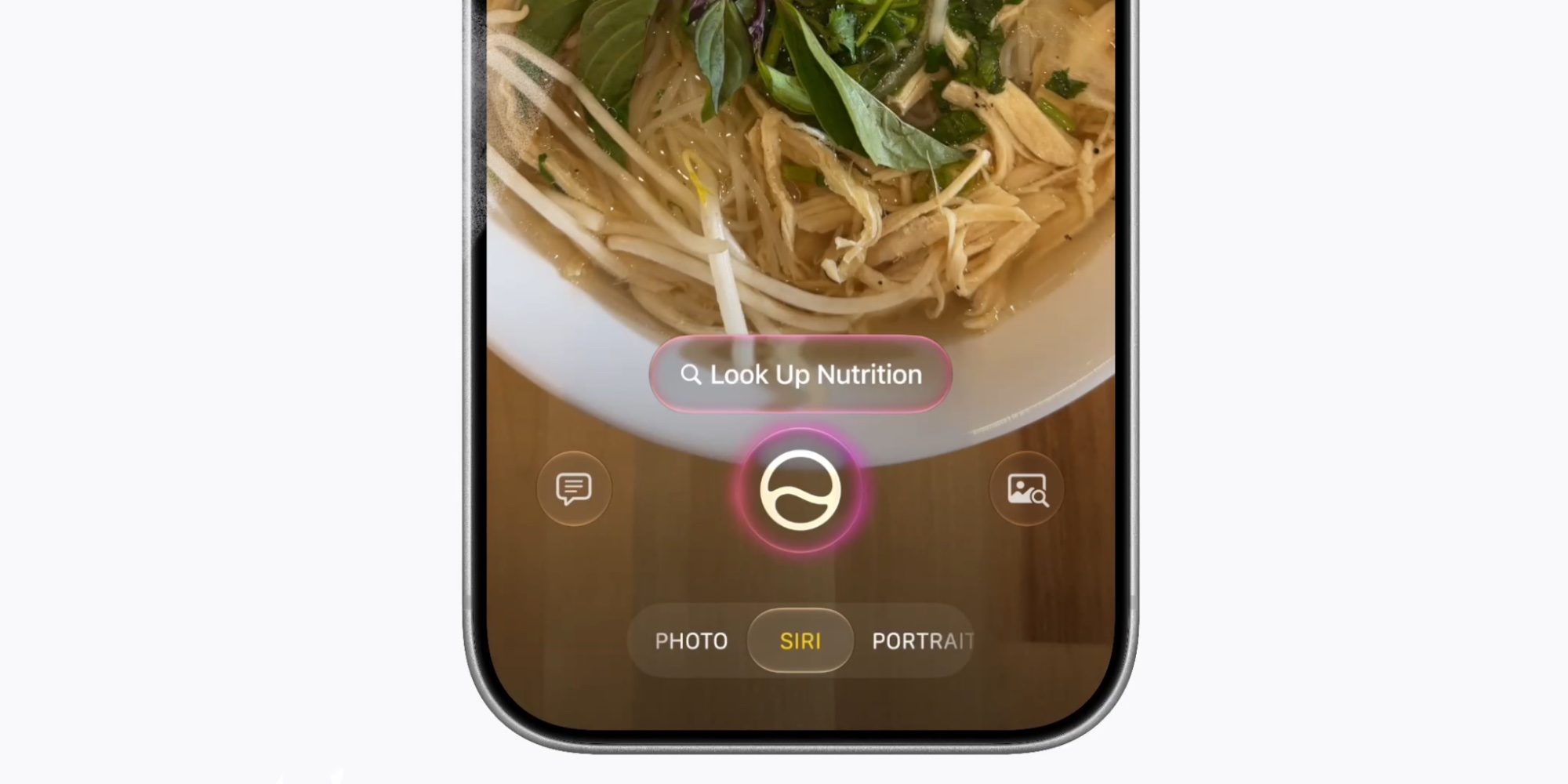
This visual intelligence functionality was previously siloed into a separate mode, entirely outside of the Camera app.
But now with iOS 27, Siri’s new intelligence will be only a mode swipe away inside the default Camera app.
Have you been using the Camera app’s new Siri mode in iOS 27? How’s it working for you? Let us know in the comments.
Best iPhone accessories


FTC: We use income earning auto affiliate links. More.