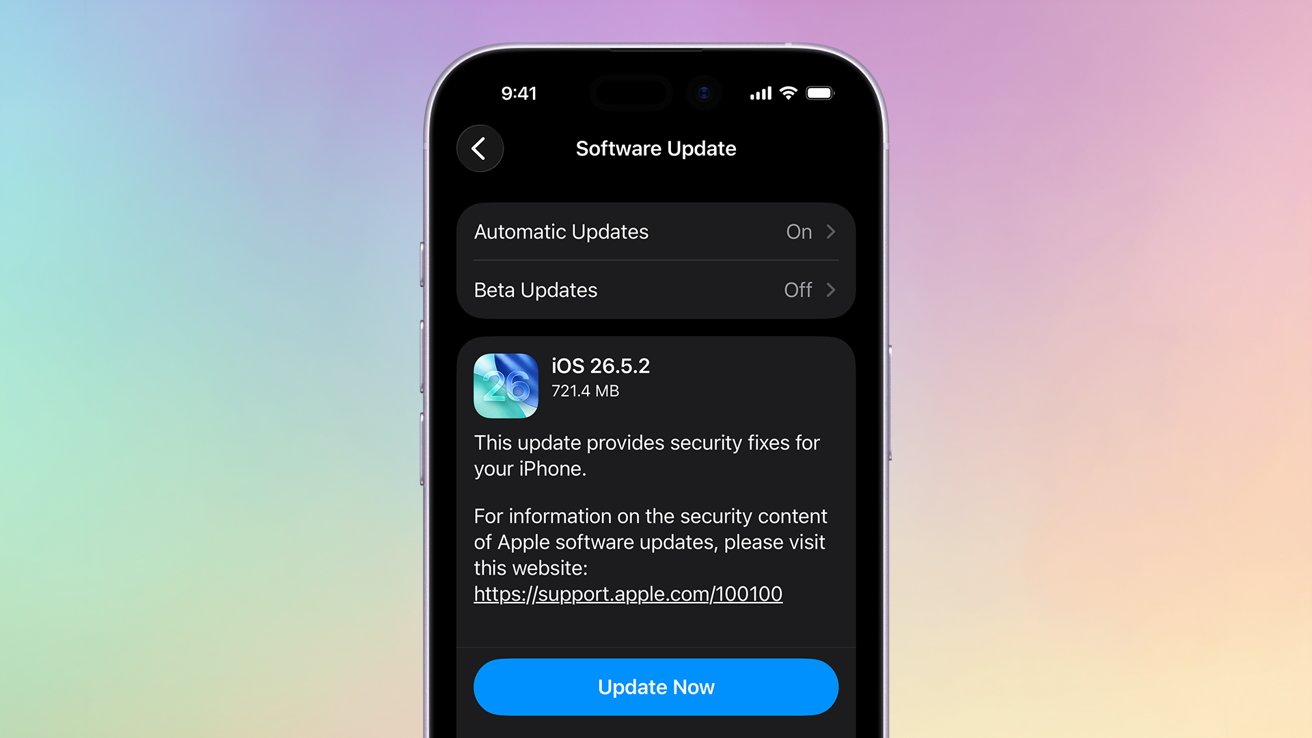
It’s time to update your Mac, iPhone, and iPad, as Apple has released a new trio of security patches for its operating systems.
Apple pushed out three new updates on Monday in an effort to patch an apparent security flaw. As of publication, Apple has not specified what issue the patch is meant to fix.
Because Apple has not announced what is in the update, it is also possible that it contains bug fixes as well.
To update, you can follow the steps below.
How to update to 26.5.2 on iPhone and iPad
- On your iPhone or iPad, open the Settings app
- Tap General
- Tap Software Update
- Tap Update Now
How to update to macOS 26.5.2
- On your Mac, click the Apple Menu
- Click System Settings
- Click Software Update
- If available, click Update Now or schedule an update with Update Tonight
AppleInsider and Apple suggest installing these kinds of minor patches. Security patches are essential for keeping your device safe and operational.


