Background
I want to move all of my images and videos on the iPhone 7 to a disk, remove them from the iPhone and then make a therefore much smaller backup in order to switch to another iPhone since on my iPhone, microphone and cable headset do not work in any app even though the micro is allowed under "Privacy" –> "Microphone". And even though I can still take and make calls with bluetooth headsets, I still need to switch to another iPhone since I need a working NFC scan for a card reader and NFC payments, and this does not work either. The iPhone seems to have a hardware problem: iPhone 7 NFC Reader not working.
Taking Windows 10, I can see the folders with all of the images and videos of the iPhone, thus, it seems that I do not need a program to do this. But for the roughly 50 Gigabytes that have built up through the years, I run into so many errors that I doubt this is the best way to go. I have already spent too many hours with this, and this makes me write this long question.
Checked
- Issues copying files from iPhone 7 to PC: This was not answered.
- The Microsoft guide Import photos and videos from an iPhone to PC (Windows 10) says that I should take the Windows Photos app to import images from an iPhone. Yet, I cannot choose the iPhone as the the source:
Workaround up to now
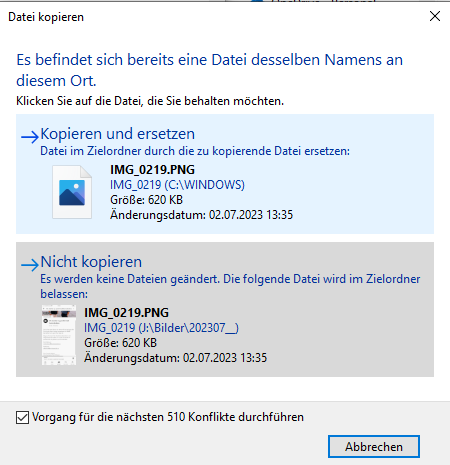
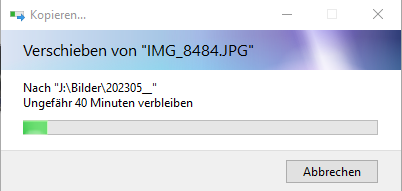
My workaround up to now: copy again and again (yes, this can mean to retry >100 times), and mark the checkbox at the bottom to apply this to any further question of this kind, and then click on "do not copy" ("nicht kopieren"):
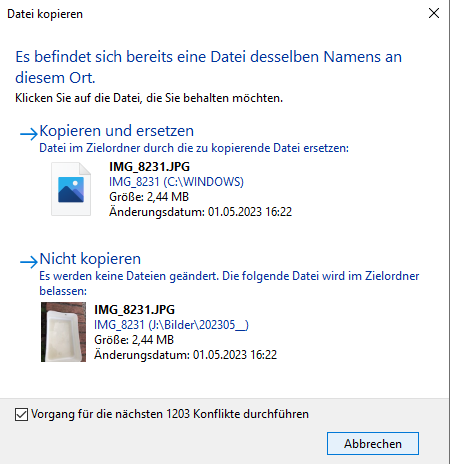
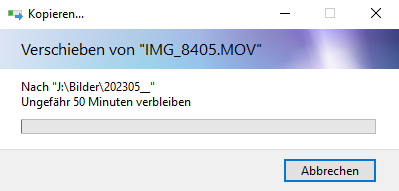
A working retry looks like this:
0 Bytes images stop copy
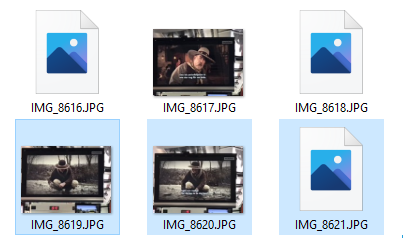
If it stops, you might find a 0 Bytes image as the last copied. Or it seems to stop as soon as there is an image with a mistake as such, but I see mainly 0 Bytes then. Below screenshot shows 3 mistaken JPGs, and I had to retry after every copy of these three, while the three other JPGs do not lead to a stop.
It will then also ask you for replacement in the message box if a file has 0 Bytes:
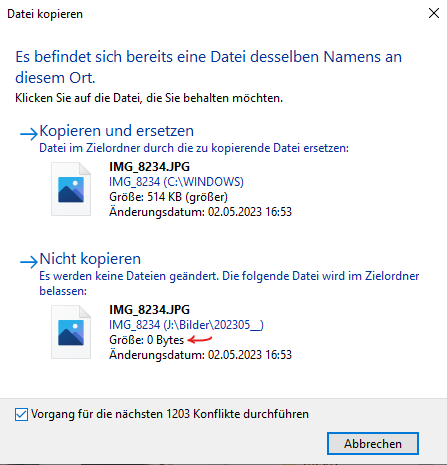
It does not pay off to check the 0 Bytes again and again in the question messagebox, you should sort the files at the end by size, remove 0 Bytes images, and check on the iPhone why they have 0 Bytes on the PC. Try copying with retries until you do not have 0 Bytes images or until you can be sure these images are corrupt on the iPhone. The aim is to have the same number of images in both PC folder and iPhone 7 folder – with any image that can be read on the iPhone.
Error: "The system cannot read from the specified device"
If a copy stops at 0 Bytes, you seldomly also see the error message:
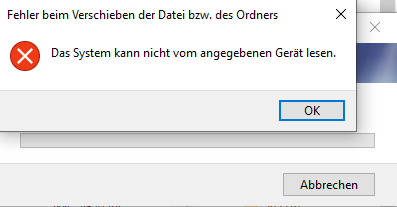
"Fehler beim Verschieben der Datei bzw. des Ordners: Das System kann nicht vom angegebenen Gerät lesen."
Makes: "Error when moving the file or folder: the system cannot read from the specified device"
Error: "The requested value cannot be determined"
You might also run into:

"Fehler beim Verschieben der Datei bzw. des Ordners: Der angeforderte Wert kann nicht ermittelt werden"
Makes: "Error when moving the file or folder: The requested value cannot be determined."
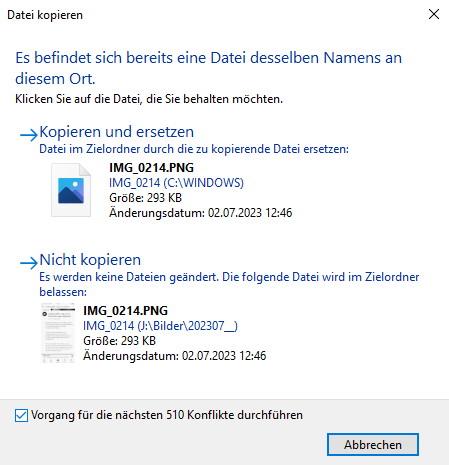
Message box asks to replace images and shows the number of images in the iPhone folder even if there are just few files in the PC folder
It asks me to replace >1000 images (the number that is on the iPhone but not yet on the PC) – even though the destination folder on the PC has just 31 in it, see the second screenshot below.
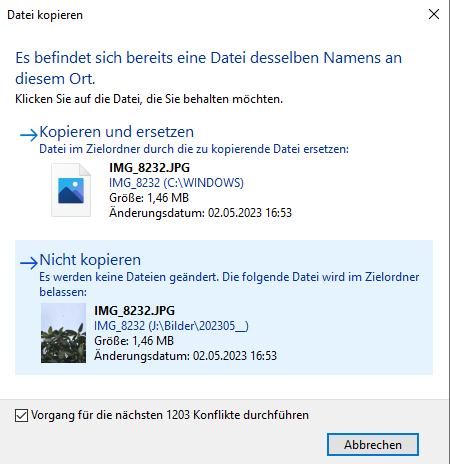
The folder has 32 files (wrong, it has 31 files and 1 folder, but that should not be the issue I guess):
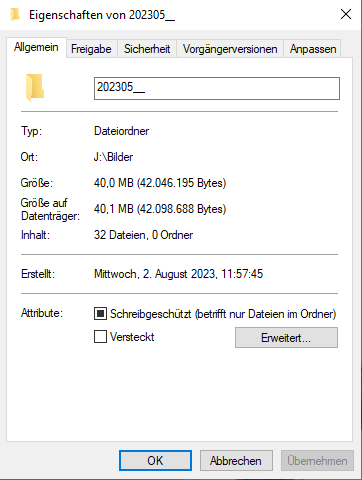
Image folders shown with 0 Bytes on the iPhone
The folders on the iPhone are always shown as empty even though they are not. If you copy these folders and do not select its images instead, only a small share of the images will be copied, if at all.
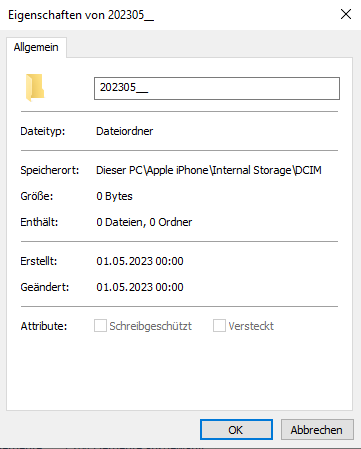
Folder details, PC against iPhone 7
The folders that get filled on the PC side seem to sometimes show the wrong (but at least no 0 Bytes) details: the corrupt files in it seem to blow it up (guessing):
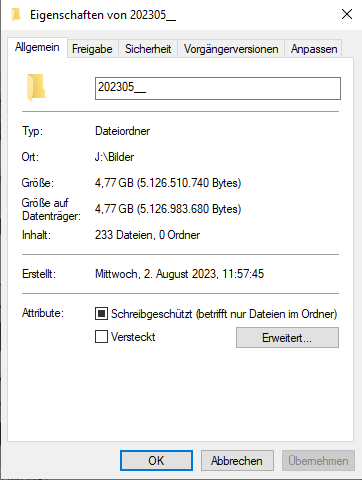
And in a later check, it shows the right details:
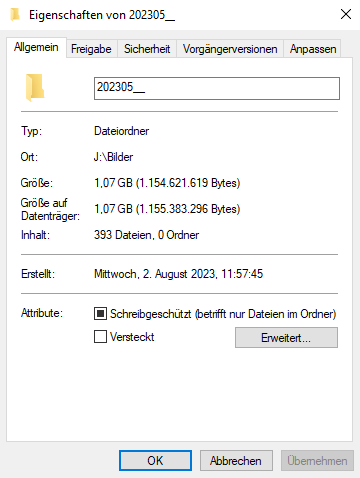
While the details on the iPhone show what should be there in the end, after getting through all of the copy problems:
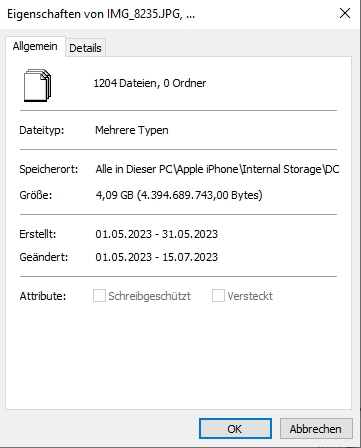
After the first round, meaning: without retries on 0 Bytes, I get 4.05 GB instead of 4.09 GB for just one chosen folder.
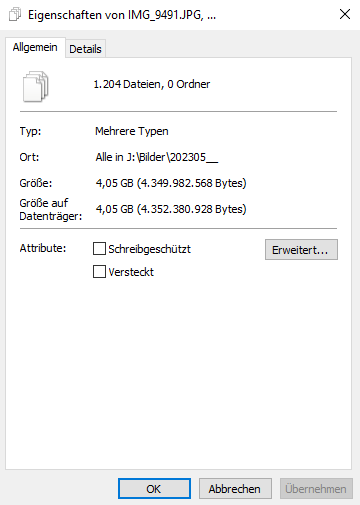
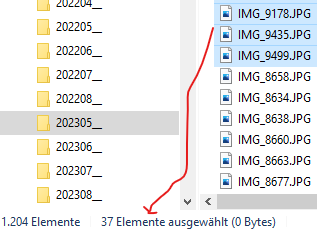
With 37 files that have only 0 Bytes:
Question
Why do I have to retry copying many times and with many errors to move Gigabytes of image and video files from iPhone 7 to Windows PC?
And what follows from an answer to this should likely also help me doing this in less time, but it is not the main question.


