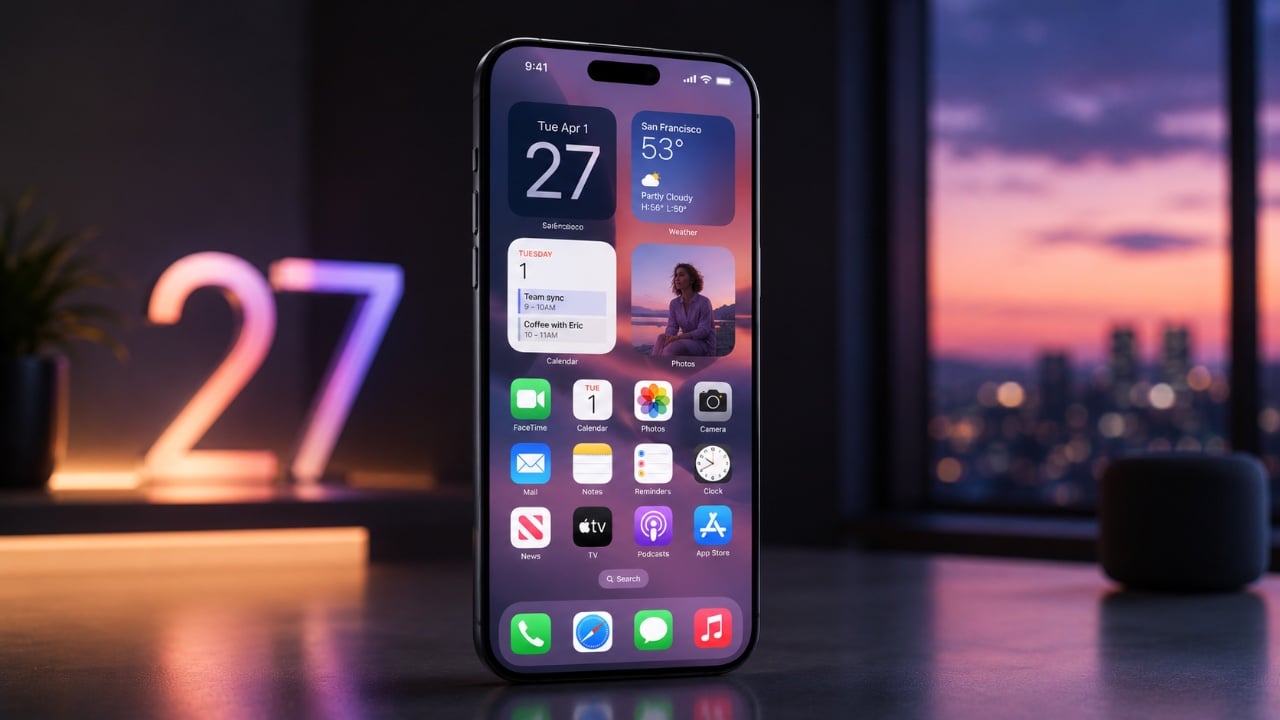
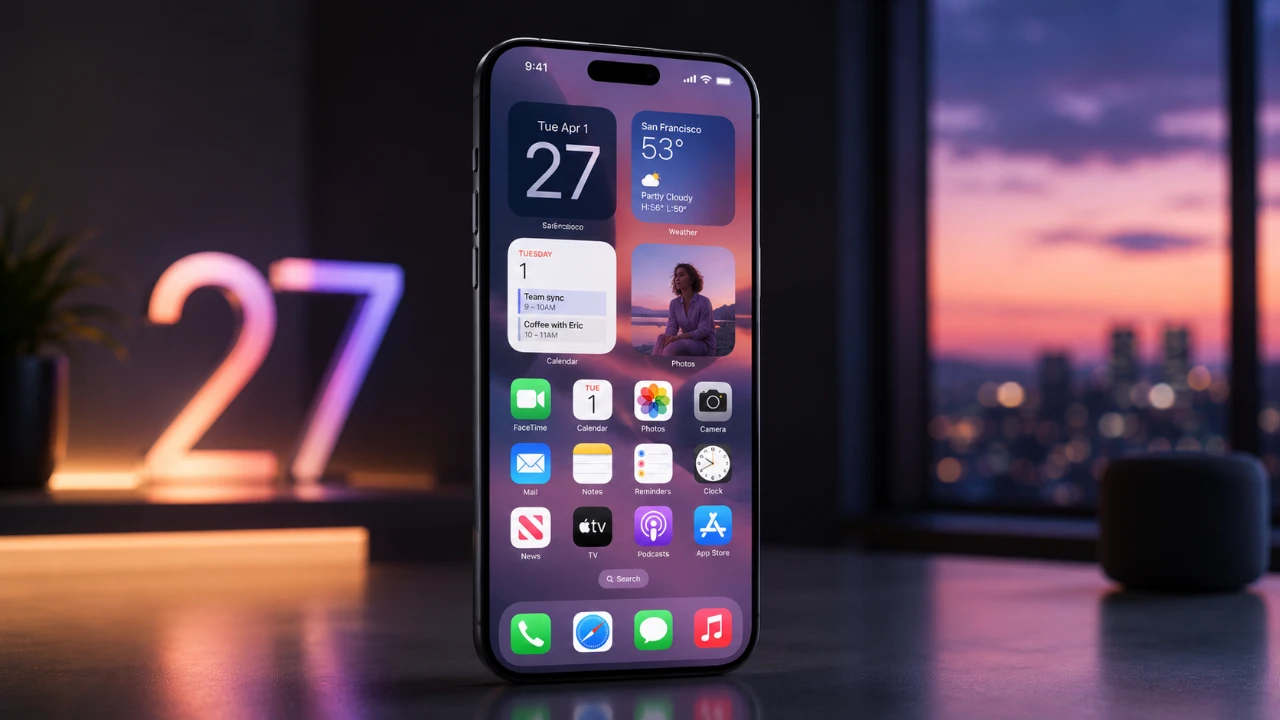
iOS 27 is currently in beta, bringing a host of new features and improvements designed to enhance your device’s functionality, personalization, and overall user experience. With a focus on advanced AI integration, deeper customization options, and smarter app interactions, this update ensures your device adapts to your needs seamlessly. Below, we explore the most significant updates and how they can transform the way you use your iPhone or iPad. The video below from Hayls World gives us more details on the top features coming to the iPhone with iOS 27.

Siri Gets Smarter
Siri in iOS 27 has been significantly upgraded, making it more intelligent and versatile than ever before. With advanced AI capabilities, Siri can now handle complex tasks with ease, including:
- Photo Editing: Perform actions like cropping, adjusting brightness, or removing objects using just voice commands.
- Content Summarization: Quickly summarize on-screen content, such as emails or articles, for faster comprehension.
- Seamless App Management: Interact with apps directly through Siri for tasks like scheduling, messaging, or setting reminders.
A new dedicated Siri app centralizes all your conversations and commands, offering a streamlined way to manage interactions. Additionally, Siri now integrates with advanced AI models like ChatGPT, allowing context-aware responses that feel more natural and intuitive. You can also issue commands directly from the keyboard or through the Dynamic Island, making sure faster and more efficient interactions.
Enhanced Photo and Video Editing
iOS 27 introduces a suite of powerful tools to elevate your photo and video editing capabilities. These new features make it easier to create professional-quality content directly from your device:
- Cleanup: Remove unwanted objects or imperfections from your photos with pinpoint accuracy.
- Extend: Seamlessly expand the edges of your images to improve framing or add context.
- Reframe: Adjust the composition of your photos effortlessly to achieve the perfect shot.
For better organization, you can now rate photos on a scale of 1 to 5, simplifying the process of sorting and filtering your gallery. Video enthusiasts will appreciate the ability to extract high-quality still frames and add customizable captions to their clips. Additionally, the enhanced image search feature can identify objects within photos, allowing actions like adding items to your Wallet or scheduling events in your Calendar.
Customization Takes Center Stage
Personalization is a cornerstone of iOS 27, offering users more ways to make their devices uniquely theirs. Key updates include:
- AI-Generated Wallpapers: Create dynamic, visually stunning backgrounds tailored to your preferences.
- Lock Screen Enhancements: Minimize the clock display to highlight your chosen wallpaper or photo.
- Transparency Sliders: Adjust the opacity of app icons and widgets for a cleaner, more modern look.
- Full-Screen Widgets: Stackable widgets now provide a refreshed and interactive home screen experience.
These features ensure your device reflects your personal style while maintaining functionality and ease of use.
Upgraded Core Apps
Several built-in apps have received meaningful updates to improve their usability and functionality. These enhancements make everyday tasks more efficient and enjoyable:
- Wallet: Design custom passes for membership and loyalty cards, complete with personalized layouts.
- Weather: Access detailed visualizations of weather conditions, including precipitation patterns and wind speeds.
- Camera: A redesigned interface now includes a Siri-powered mode for identifying objects, products and even landmarks in real time.
These updates streamline your interactions with essential apps, making them more intuitive and feature-rich.
Streamlined Shortcuts and Automations
Creating shortcuts and automations in iOS 27 is now more accessible, thanks to natural language processing. You can describe tasks in plain language and the system will automatically generate the corresponding shortcut. Automations can handle a variety of routine activities, such as:
- Freeing Up Space: Automatically delete old screenshots or unused files.
- Scheduled Messaging: Send personalized messages at specific times or events.
- Daily Summaries: Receive concise updates on your schedule, weather and notifications.
These tools are designed to save time and simplify your workflow, making sure your device works smarter for you.
Redesigned Control Center and Settings
The Control Center in iOS 27 has been reimagined to offer greater usability and customization. Key improvements include:
- Enhanced Timer Control: A new visualizer with haptic feedback allows for precise adjustments.
- Connectivity Assist: Seamlessly switch between Wi-Fi and cellular networks for uninterrupted connectivity.
- Independent Volume Controls: Adjust alarms, system sounds and ringtones separately for better sound management.
These updates make managing your device’s settings more intuitive, giving you greater control over its functionality.
AirPods: A Better Listening Experience
AirPods users will notice significant improvements in audio quality and usability with iOS 27. The updated equalizer allows for fine-tuning of lows, mids and highs, allowing a personalized listening experience. Additionally, the redesigned settings interface organizes options into categorized sections, making it easier to navigate and adjust your preferences.
Hidden Gems in iOS 27
Beyond the headline features, iOS 27 includes several subtle yet impactful updates that enhance convenience and personalization:
- Identity Documents: Store and organize IDs and cards in the Photos app for quick access when needed.
- Resizable Connectivity Controls: Customize the size and arrangement of Control Center elements for greater flexibility.
- Custom Ringtones: Create and assign personalized ringtones for free, adding a unique touch to your device.
These hidden features may not grab headlines but can significantly improve your day-to-day interactions with your device.
Why iOS 27 Stands Out
iOS 27 is a comprehensive update that prioritizes user-centric enhancements, from AI-driven tools to deeper customization options. Whether you’re managing apps, editing photos, or personalizing your home screen, this release offers practical tools to make your device more efficient and enjoyable. With thoughtful updates across core apps, settings and hidden features, iOS 27 ensures your device adapts to your lifestyle, making everyday tasks simpler and more intuitive.
Explore further guides and articles from our vast library that you may find relevant to your interests in iOS 27.
Source: Hayls World
Filed Under: Apple, Apple iPhone, Mobile Phone News, Top News
Disclosure: Some of our articles include affiliate links. If you buy something through one of these links, Geeky Gadgets may earn an affiliate commission. Learn about our Disclosure Policy.


