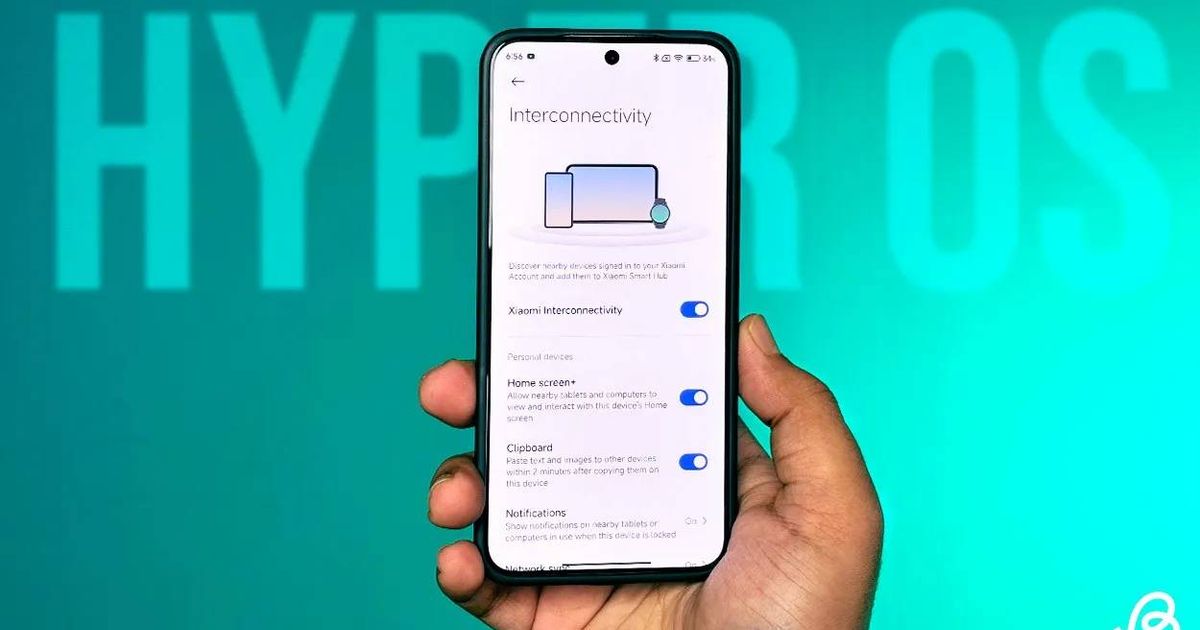
This one matters. Google’s July patch fixes over 40 vulnerabilities in the previous firmware, including 5 rated critical. That makes it worth installing promptly rather than dismissing as a routine update.
Summary
- 58 devices updated so far: Spanning flagship, mid-range, and budget phones plus several tablets across all three brands.
- 5 critical vulnerabilities patched: Google confirmed over 40 total fixes in the July 2026 bulletin — some of the most serious security issues of the month.
- Multi-region rollout underway: Global, EEA, India, Turkey, Taiwan, Indonesia, Russia, and China are all live. Other regions follow soon.
- How to check: Settings → About Phone → tap the HyperOS logo.
- Bigger updates coming: Android 17 stable and HyperOS 4 are both on the way — this patch is the groundwork.
The Full List of Updated Devices
- Xiaomi brand: Xiaomi 17T, 17T Pro, 14 Ultra, 14 Civi, 13 Lite, 13 Pro, 13T, Civi 4 Pro, Civi 2, Pad 7, Pad 7 Pro, Pad 6S Pro 12.4.
- Poco: X8 Pro, X8 Pro Iron Man Edition, X7, M8 Pro 5G, M8s, M7 4G, M7 Plus, M6, M6 Pro 4G, C Pad, C85 4G, C85x, C81, C75, Pad, Pad M1, Pad X1.
- Redmi: Note 15 Pro, Note 15 Pro+, Note 14 4G, Note 14 Pro, Note 14 Pro 4G, Note 14 Pro+, Note 13 Pro 4G, 17 5G, 15, 15 4G, 15A 5G, 15C 4G, 14C, 13, 13C 5G, 13R, 13X, A7 Pro, A7 Pro 5G India, A3 Pro, Turbo 5, Pad 2 4G, Pad 2 9.7, Pad 2 Pro, Pad Pro, Pad Pro 5G, Pad SE 2, Pad SE 4G, Pad SE 8.7 Wi-Fi.
Why This Update Matters More Than Usual
Most monthly security patches are genuinely minor. The July 2026 bulletin is different. Five critical vulnerabilities — the highest severity rating Google assigns — were resolved in this update. Critical-rated flaws can allow remote code execution or privilege escalation without any user interaction in the worst cases. Not all critical vulnerabilities are actively exploited, but the presence of five in a single month is reason enough to update promptly rather than waiting.
Xiaomi’s rollout is batch-based. If your device is on the list above but the update hasn’t arrived yet, wait a few days and check again. The HyperOS update path is Settings → About Phone → HyperOS logo — the same path used for all previous updates.


