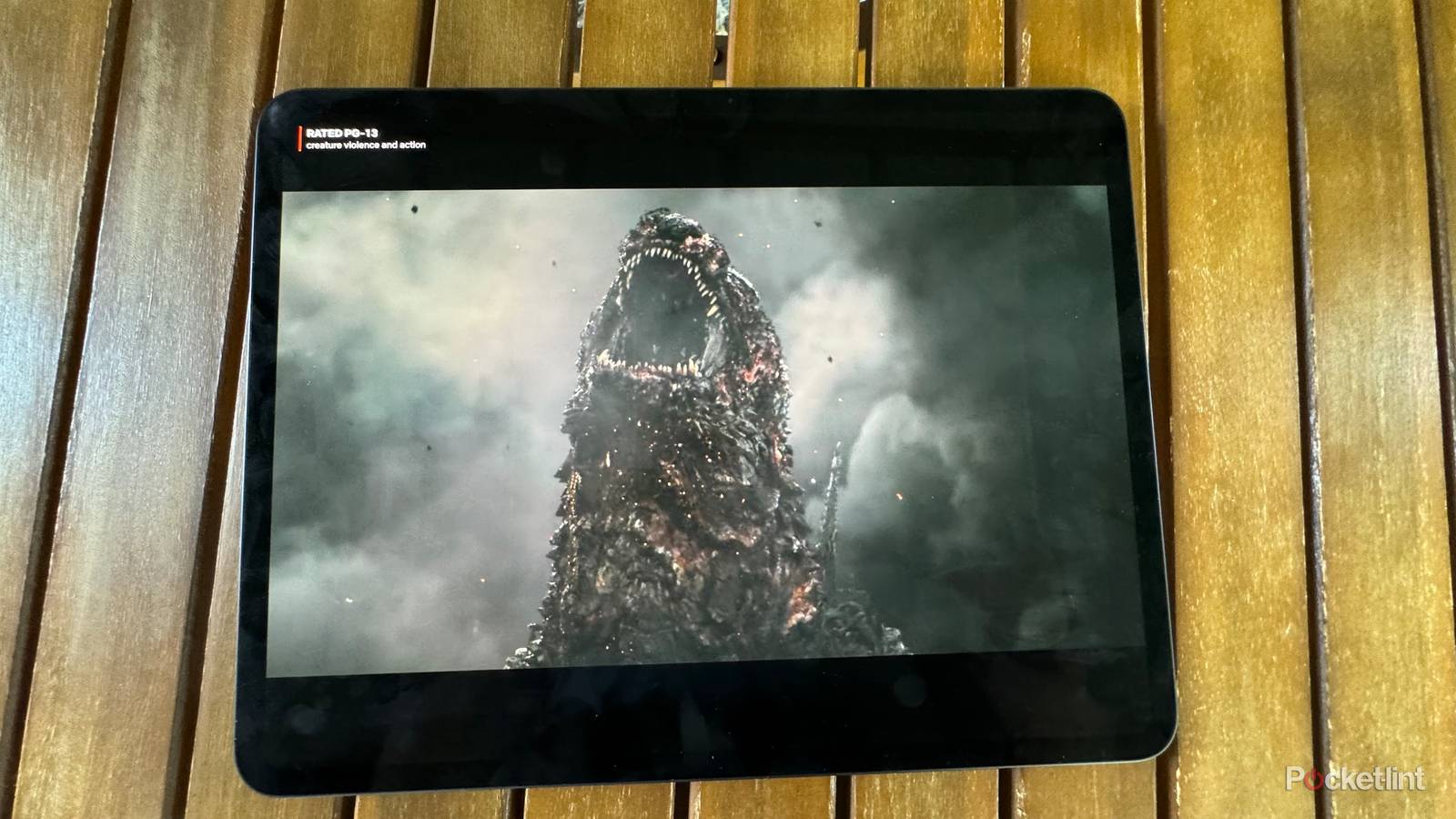
Watching movies on the iPad Pro is an awesome experience. The way the four speakers are positioned enhances the sense of immersion, while the audio reproduction is among the best on a tablet. If you own a newer iPad Pro, there’s the gorgeous Ultra Retina XDR OLED display that delivers sharp, vibrant images and makes movies, anime, and TV shows a joy to watch. As good as those speakers sound, the best way to get the most consistent cinematic sound from an iPad or most mobile devices is with quality headphones and a DAC (digital-to-analog converter).
Not to mention, if you need to use headphones during summer travel, on your daily commute, or while lying in bed next to a sleeping loved one, quality headphones can be a godsend! Ever since Apple got rid of the 3.5mm port on my beloved 2nd generation iPad Pro, I’ve been left with the USB-C ports on newer iPads and the need for a dongle to connect wired headphones. If you have a newer iPad of any model, you’re likely in the same boat.
While the USB-C-to-3.5 mm dongle that Apple sells is among the best value among USB-C dongles and is respected by audiophiles for its cost-to-quality ratio, it isn’t the most illuminating dongle you can buy. Let’s talk about why you need a DAC to get the best cinematic sound from your iPad, and which one you should use.
“There’s a bug in the electrical system”
Watching with a dongle drains your battery faster

Ok, I really just wanted to use that line from Men In Black. Technically, there isn’t a bug; it’s just the system working as it should, to get you to buy Bluetooth headsets and make phones thinner, allegedly. With no 3.5mm jack, the Apple dongle does a respectable job of delivering good audio from your iPads to your headphones or earbuds, but the more power-hungry those earbuds are, the louder you’ll need to set your iPad’s volume and the faster the battery will drain.
Look at it this way: you’re moving data and electricity through that USB-C port, and the dongle converts them into an analog signal that your wired headphones can use. It takes energy, or electricity, to do that, and the more data and volume, the greater the electrical demand. More power used, more battery burned.
Incompatibilities. AirPods Max.
Your setup may not pass spatial audio, or Dolby Atmos

Wired analog connections support content with Dolby Atmos encoding, period. You don’t need to rely on whether your wired headphones or earbuds support Apple’s spatial audio to get that immersive, cinematic sound. Watching one of my favorite anime, Blue Eye Samurai, is a wonderful experience on an iPhone with AirPods Pro, but Apple’s spatial audio is proprietary and only works with Apple products.
Bluetooth audio quality has improved significantly thanks to HiRes codecs like aptX Lossless and LDAC, but Apple still supports only the lower-resolution SBC and AAC codecs. You could go with a USB-C wired connection to your iPad via a pair of AirPods Max 2 for $550, but there are a lot of solid quality wired earbuds and headphones that will get you great cinematic sound for a lot less money, and they’ll work well with any product you use them with, not just Apple’s.
When you use non-Apple headphones and the 3.5mm or 4.4mm ports on a DAC, Dolby Atmos mixes are active, and the only thing holding back your experience at that point is the quality of your DAC, and your headphones.
Ok, so…
Why use a DAC?

Let’s say we take all of the items mentioned above off the table and pretend they don’t exist. As good as Apple’s 3.5mm port used to be on their iPad Pro models, a dedicated DAC should be better. You can buy a dedicated DAC with better components than Apple’s built-in one, and choose one that runs on its own battery or can be powered externally, sparing your iPad’s battery.
Of course, the most important aspect of using an external mobile DAC with your iPad is the improved sound quality. What you’ll experience with a good dedicated DAC is greater clarity in sound reproduction. You’ll find that when you’re listening to music, the instruments come through with better separation, where you can even identify which side of the room the instrument was on, and get a sense of how close to the front, or how far back in the room that instrument was. That also means that dialog in movies will be clearer. If you ever find dialog getting “buried” under gunfire, explosions, or the film’s score, you’ll hear it more clearly and more “forward” in the mix.
It doesn’t stop there, though! A good DAC will also expand your audio, making it more immersive. That DAC will make it so that, even with headphones and not a surround sound system, the music and movies you listen to will sound more like they’re happening all around you, in 360 degrees. The best DACs will make music and movies sound like they’re happening “in your head,” placing you in the middle of the action, rather than feeling like the action is just happening in front of you.
Last but not least, detail retrieval. That means a great DAC will reveal elements in a piece of music or a movie you had not heard before. Things like a bullet ricochet during a tense scene. Or, a whisper that was previously buried in the sound mix. Off-screen action and other subtle sounds can be more prominent. Take a scene like Peter Parker holding the ferry together in Spider-Man: Homecoming. This scene has so many nuanced sounds. The ship’s steel bending and “groaning.” The “Thwip” of Spider-Man’s web shooters as he tries to keep the ship from falling apart down its centerline. A helicopter flying in from one side of the screen, crossing to the other. So many interesting things to hear and enjoy, and a DAC makes them all more audible and immersive.
Sounds good?
Here’s how to get started?

The first place to go is to your headphone or earbud collection. A great DAC won’t make up for crappy earbuds or headphones. If you already have your headphone/earbud situation worked out, it’s a matter of budget and whether you want a self-powered DAC or one that draws power from your iPad.
iFi Audio has one of my favorite pocketable, low-cost mobile DACs, the iFi GO link 2 Max. It supports both 3.5mm and 4.4mm outputs and can drive a wide range of low- and high-power headphones, earbuds/IEMs. Best of all, the power and clarity it provides is wallet-friendly at $85. This one will drain your iPad faster, though, as it draws power from that USB-C port. Shanling H2 is two years old now, but it’s a technically excellent DAC. At $170, it’s still accessible and will drive power-hungry headphones and IEMs, giving you years of use. Only downside is that, again, this one draws power from your iPad.
Next we’re going to jump up a bit in price and look at the Questyle M18i Max. At $300, this DAC is a self-powered monster! I reviewed the previous version, and its only drawback was the anemic battery life. This time around, Questyle has replaced the 500mAh battery with an 1800mAh battery, which gives you around 12 hours of playback compared to 3 hours. That’s a huge leap and enough for many long-haul flights! If you have the budget for top-tier audio gear, then the last recommendation is the Chord Mojo 2 at $650. This is the flagship endgame portable DAC for many audio enthusiasts. It’s larger than the others here and has a button system that’s a bit less refined, but it makes up for that with power that should drive any headphones or earbuds in your collection and stunning sound.

Some of these DACs do support Bluetooth connectivity, and there are some Bluetooth DACs that are excellent but not listed here, and that’s because Apple products don’t support any hi-res wireless codecs, so a Bluetooth DAC would be a waste of time and money. You definitely want a wired connection for your iPad!


