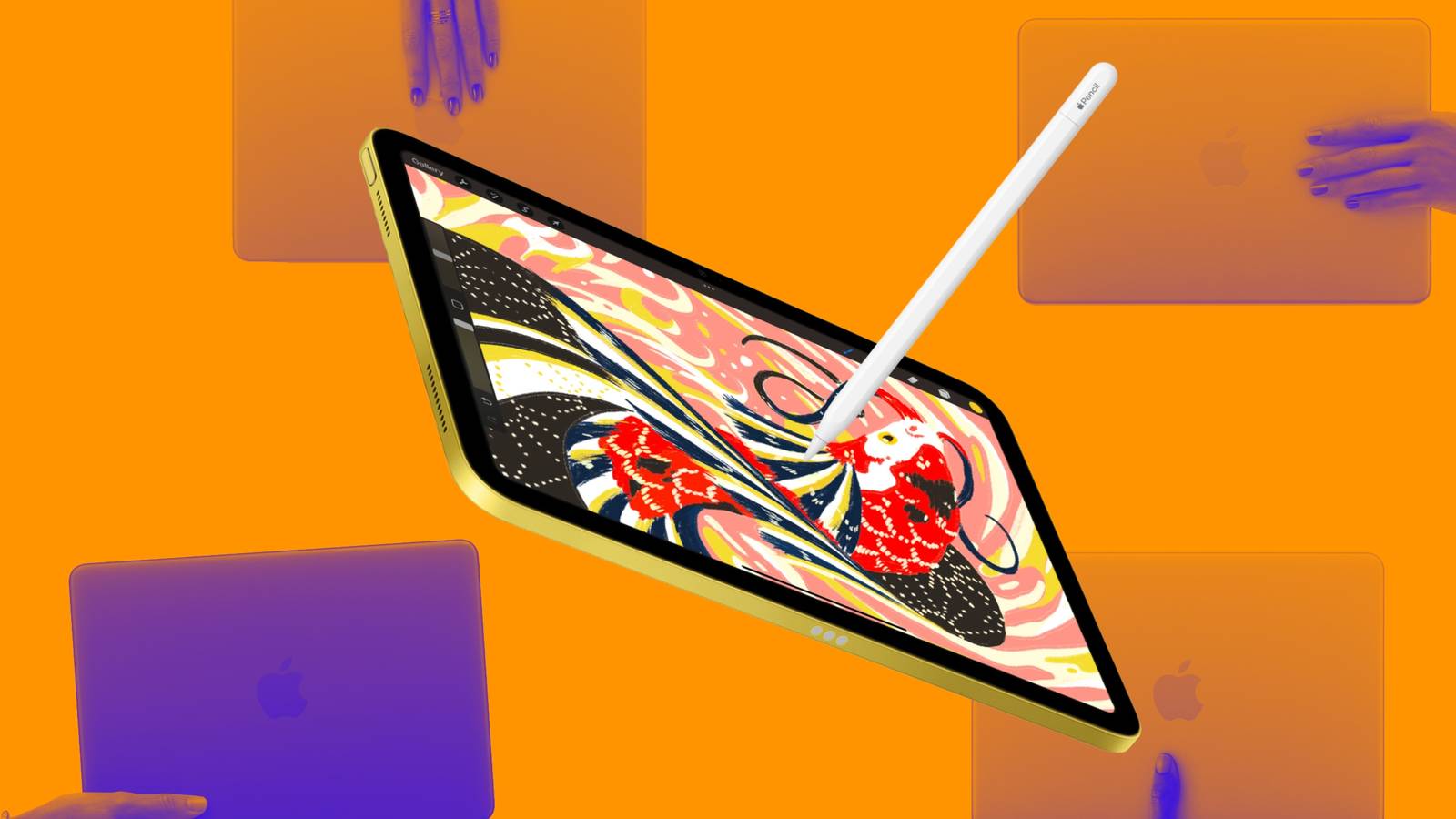

Ah, the age-old question at this point. Can you actually do all your schoolwork on an iPad or any other tablet? As a PhD student, I get asked this question at least three times a semester, either by incoming students, students looking to upgrade their tech, or even by parents sending their kids off to college for the first time. But now, it even extends into high schools, with many school systems rapidly adopting hybrid learning technologies and learning management services like Canvas.
So, can you actually do all of your schoolwork on a tablet? Well, that’s a complicated answer, and a lot of it depends on what you’re actually doing. An engineering student is going to have a different work path than an advertising or design student, and just about every major or high school class is going to have its own software to run, with some being more load-bearing than others. The answer, then, is that it depends, but depends on what?
The App Store isn’t always enough
Not every software is compatible with iPadOS

Most schools at this point have specific software requirements regarding what you’ll need to complete any given program. From statistical software like SPSS to the latest CAD programs, coding IDEs, and certain Adobe app functionality that simply doesn’t make its way to iPad or any tablet for that matter, the list is endless regarding what you’ll actually need to complete your studies.
Compared to typical desktop content, most of those apps run watered-down versions of their software that can work for most tasks, but don’t provide the user experience that desktops do and simply can’t handle the workload of some students. Then comes the angle of instruction. I would say that 99% of the time, I’m giving instructions to students based off the desktop version of whatever software we’re using, and if they only have an iPad, that makes it challenging for instructions to translate directly more times than not. That’s a friction point in the learning experience we always try to avoid.
You’ll have to pay the tab-switching tax
iPad workflows have gotten better, but still aren’t perfect.

This just in: you’re more than likely going to have to work in split windows multiple times as a student. You might be following instructions in one and enacting them in the other or simply have to draw information from one source while writing a paper in the other tab. But one thing is for certain, you will need more than one tab open more times than not. I’ll be the first to admit that the iPadOS tab system is much-improved, but it still isn’t up to snuff.
You may have to take a Zoom call while you work on another project or simply manage an entire bank of citations, a citation generator, and your paper all at once. The tab workflow for a desktop computer is simply better than the tablet offerings on all of these marks.
Death by a thousand uploads
File management is the most underrated benefit of desktops

One thing about LMS apps and most necessary software is that they take up a lot of storage space, which leaves far less room for actual files — the most important part of any student’s tech setup. iPadOS’s Files app is just a simplified version of what you get on a Mac or Windows setup. There’s no easy drag-and-drop features, and to boot, the cloud storage offerings don’t have the most reliable reputation. OneDrive, Google Drive and others have been known to duplicate or lose files entirely, especially on tablets.
Even simple document software can run the risk of a bad handoff between iPad systems and desktop presentations. For instance, margins can appear shifted, and the entire document can look wonky under the wrong circumstances. It’s simply much easier to just handle things on a desktop and not risk bad formatting handoffs and the like.
The cost of “saving money”
Today, buying an iPad isn’t that much cheaper

Today, a competitive iPad that can run all it needs to and hold the right amount of files, paired with a new Apple Pencil, is going to run you around $1,100 USD. For that kind of money, you can just get a used or new mid-range Windows or Mac laptop, ditch the unnecessary complications an iPad can bring to your workflow, and go about your studies without having to stress about whether your tech is going to be able to handle the next assignment.
More than likely, your finals or some of your assignments are going to require you to use a laptop anyway, so you’ll more than likely have to rent one from the school library, and at that point, your $1,100 iPad setup might be more portable, but if it stays in your backpack the entire time, it’s not actually going to do you any good.
So, no, you cannot do all your school work on a tablet, and for the money they go for today, you’d be better served just buying one good laptop to get you through high school, university, and beyond – written from my Apple MacBook Air M1 from 2020.


