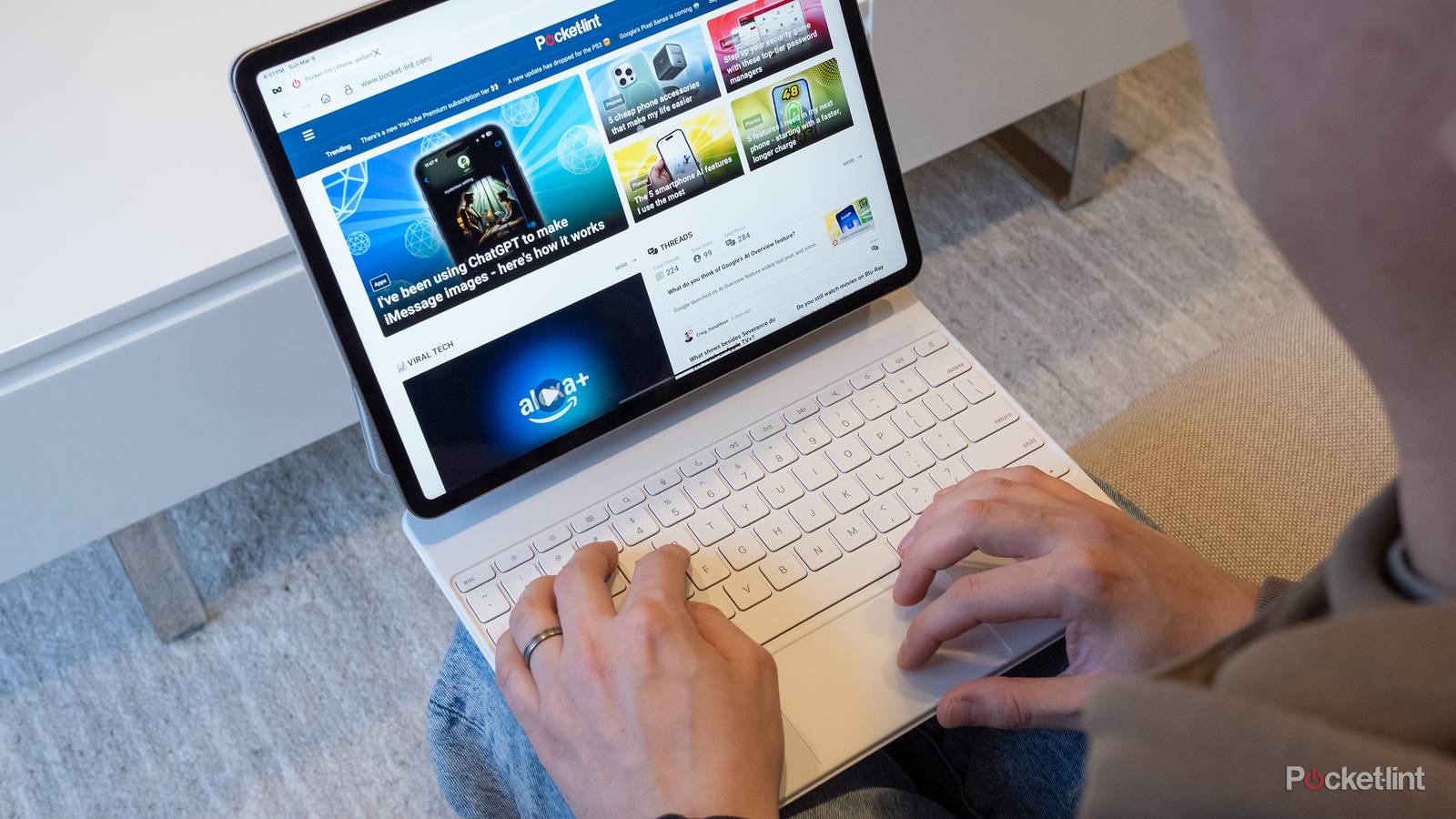

In the tech sphere, one of the perennial questions is whether someone should get an iPad, a MacBook, or a Windows laptop when they’re headed off to college or high school. Some sort of computer is mandatory these days, even just for taking notes. I remember that when I was still taking handwritten notes in university — keeping up with lectures was a challenge. The moment I switched to a hand-me-down laptop, I actually became impatient waiting for profs to say something worth typing.
An iPad can be a viable learning machine. The more serious question is which model you actually need, and what the essential specs and accessories are. The odds are that you don’t need top-of-the-line hardware, although you can’t just buy the bare minimum and call it day. You’ll see why.
Which iPad should you buy for school?
The best answer for most people: the entry-level iPad

This might disappoint some teens hoping their parents will splurge on them, but honestly, the base iPad is a pretty amazing device. Its processor is borrowed from iPhones, but it’s nevertheless capable of running the vast majority of apps without a fuss. My own iPad is a 2020 Pro, and I sometimes consider swapping it for the newest base option, since I’d get a huge speed boost for relatively little money. The only features I’d miss are Face ID and a 120Hz display for smoother motion. Apple might even fix the refresh rate issue for cheaper iPads in 2027.
You can ignore the cellular version, since you’ll almost always be within Wi-Fi range, or able to tether to a smartphone. If this is going to be a primary computing device, however, you should upgrade storage to 256 or 512GB. iPadOS alone takes a sizable chunk out of a 128GB model, creating a tight squeeze for apps, photos, and video. 256GB is probably the sweet spot.

- Brand
-
Apple
- Storage
-
128 GB
For particular needs: the iPad Air

There are only a few reasons to upgrade from the base iPad to the Air. For students, the main one is the option of a 13-inch display. You might not think the leap from 11 inches would be a big deal, but that allows you to position two full-sized apps side-by-side. It’s so much easier to work on a project when all your research materials are available at a glance. On an 11-inch iPad, you have to cope with smaller views, or else constantly cycling between apps.
A smaller number of students may need the Air’s M-series processor. It’s the same tech you’ll find in a Mac, and opens up features in the most demanding iPad apps, such as DaVinci Resolve. Even when an M-series chip isn’t necessary, it can provide a massive boost to apps that demand intense rendering, emulation, or simulation. For that reason, it’s also what you should get if you’d rather play Resident Evil than Stardew Valley in your downtime.
Artists and designers may want an Air for Apple Pencil Pro compatibility. That stylus’ pressure sensitivity and roll angle features can bring you closer to the analog drawing experience.

- Brand
-
Apple
- Storage
-
128GB, 256GB, 512GB, 1TB
When money is no object: the iPad Pro

Let me be blunt: the Pro doesn’t offer any meaningful advantages from an education perspective. It’s always the fastest iPad, and it does get you Face ID and a 120Hz OLED display. But the Air is plenty fast already, and those other additions are luxuries.
There are only two ways I can imagine justifying a Pro, starting with its USB 4 port. That enables faster file transfers, as well as support for Thunderbolt accessories like docks and monitors. Those are a handy way of building out a complete workstation — assuming you’ve got another $1,000 or so in your budget.
The Pro is also the only iPad with a 2TB storage option, as the Air tops out at 1TB. But it’s probably far more cost-effective to buy an external SSD, unless the apps you own force you to save to internal storage.

- Brand
-
Apple
- Storage
-
256GB, 512GB, 1TB, 2TB
What accessories do you need for school?
One and done

There’s only one accessory students need without a doubt, and that’s a keyboard case. That gives you the flexibility to type out notes and assignments anywhere, not just in spaces with enough room for a separate keyboard. Choose one with an integrated trackpad, since touch gestures aren’t always precise enough for selecting images and text. Don’t think you need to buy Apple’s Magic Keyboard, incidentally — clones from companies like ESR are close enough for a fraction of the price.
Buy a stylus only if you need one for tasks like design, illustration, or handwritten notes and diagrams. It won’t make basic iPadOS functions any simpler. In fact unless you’re into art or design, you can probably get away with a cheaper third-party stylus instead of an Apple Pencil, since you have to step to the Apple Pencil Pro to see a huge difference in functionality.
After that, I’d focus on apps and subscriptions over hardware. There are other accessories that can help, but in a school context, the right productivity software (such as an advanced notetaking app) will probably have a larger impact.


