
9to5Mac is brought to you by Memoket: The Memoket Gem is an 11g AI wearable that slots beside your Apple Watch in a co-wear band. Press once to capture a conversation, and Gem connects it to what you discussed weeks ago — surfacing the earlier thread with a source link. From $179, shipping August 2026.
Nearly four years into the latest AI boom sparked by ChatGPT, here are the tools that have actually stuck and make my life, work, and personal projects much easier on my Mac.
Fair warning: you have probably read or heard about most, if not all, of the tools I’m about to describe. But that is partly the point of this article. While it is always great to learn of a highly obscure, hidden gem just waiting to be found, it has been my experience that sometimes mainstream products are mainstream for a reason.
That is particularly true for AI-powered tools, which tend to rely on models that are just too expensive to train, or even run, outside of the confines of very few frontier labs. What does make a difference, however, is how much you manage to get out of these tools.
And here is the thing: not all tools are meant for everyone, AI-powered or not. Below, you’ll find some examples of how I have been using these tools to streamline and improve my work, which will hopefully spark a few ideas for your own workflow.
If that’s not you, that’s perfectly ok. Better yet, if you have a favorite tool or use case that has been helping out in your own workflow, I’d love to read about it in the comments.
That said, here are the tools that have been making a big difference in my day-to-day.
MacWhisper
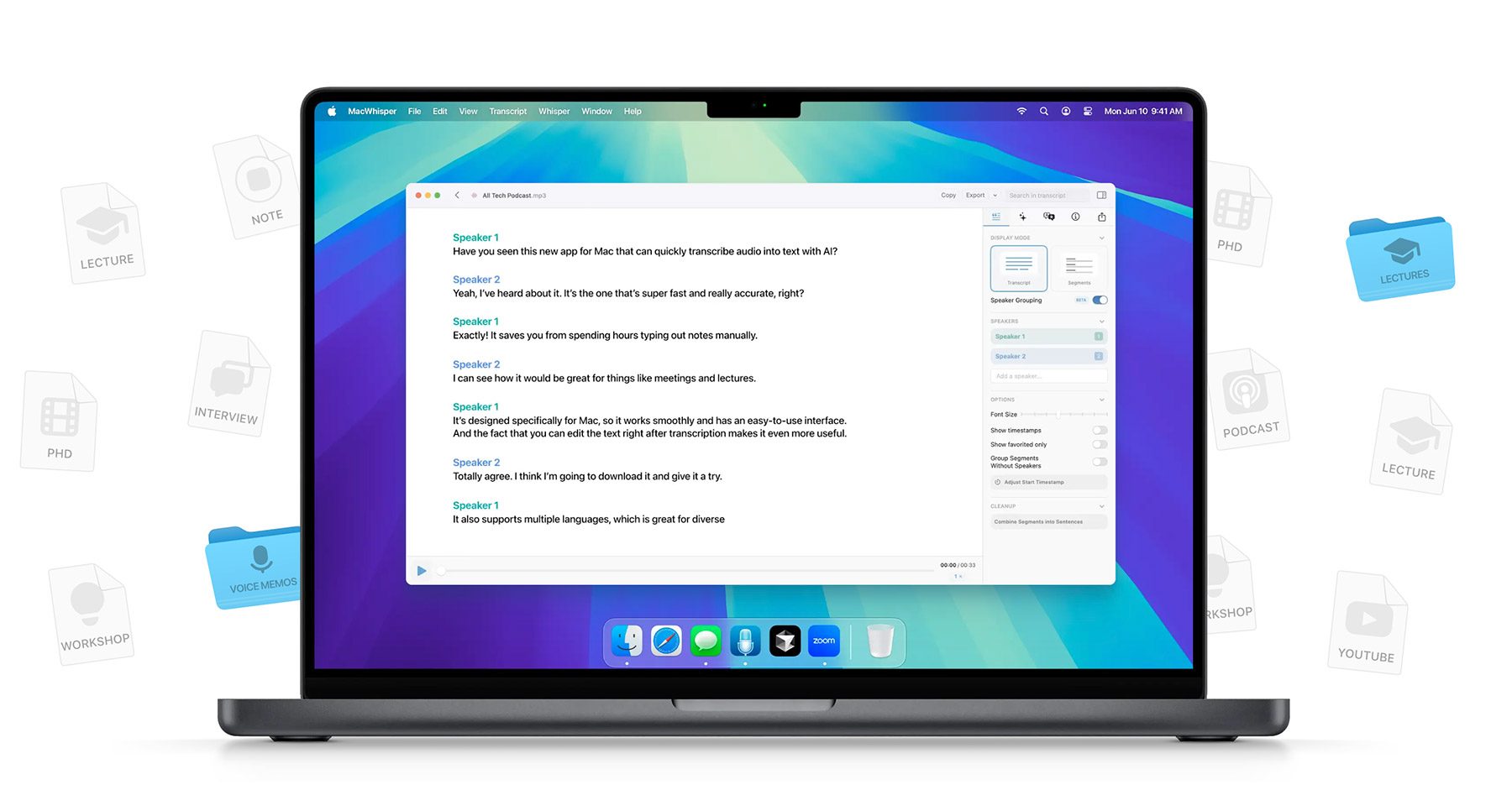
I currently record five podcasts a week and edit seven shows. For most of them, I also handle publishing, including episode descriptions, show notes, and other supporting material such as social media posts for plain-text quotes or short reels and clips. One of the shows also has a weekly newsletter based on the episode’s content.
Once I finish editing, I listen to the entire episode from beginning to end, while I write down links for the show notes, mark the timestamps for each chapter, and flag sentences or moments that might work well as social media posts. As soon as the listen-through is over, I write the episode description and social media copy while everything is still fresh in my mind.
This has been my workflow for roughly a decade, and it has always worked well. Over the past couple of years, however, I’ve also added MacWhisper to the process.
Whenever I export an episode for the final listen-through, I run it through MacWhisper using Nvidia’s Parakeet v3 model, which is accurate enough to serve as a useful safety net. After I finish reviewing the episode, I feed ChatGPT the full transcript along with the copy I’ve written so it can help me check that I haven’t missed any links or other important details, such as better spots for the social media posts.
While my use of MacWhisper is rather basic, this is one of the most impressive AI-powered tools currently available for the Mac. The amount of effort developer Jordi Bruin puts into customization, flexibility, and complementary features (including very specific edge cases) is staggering. That includes watched folders for auto-transcription, meeting recordings, keyboard shortcuts, live captions, support for cloud and local models, custom dictionaries, batch export, third-party integrations… the list goes on.
MacWhisper helps me work better and faster, and I cannot recommend it enough for anything transcription-related on the Mac.
Codex
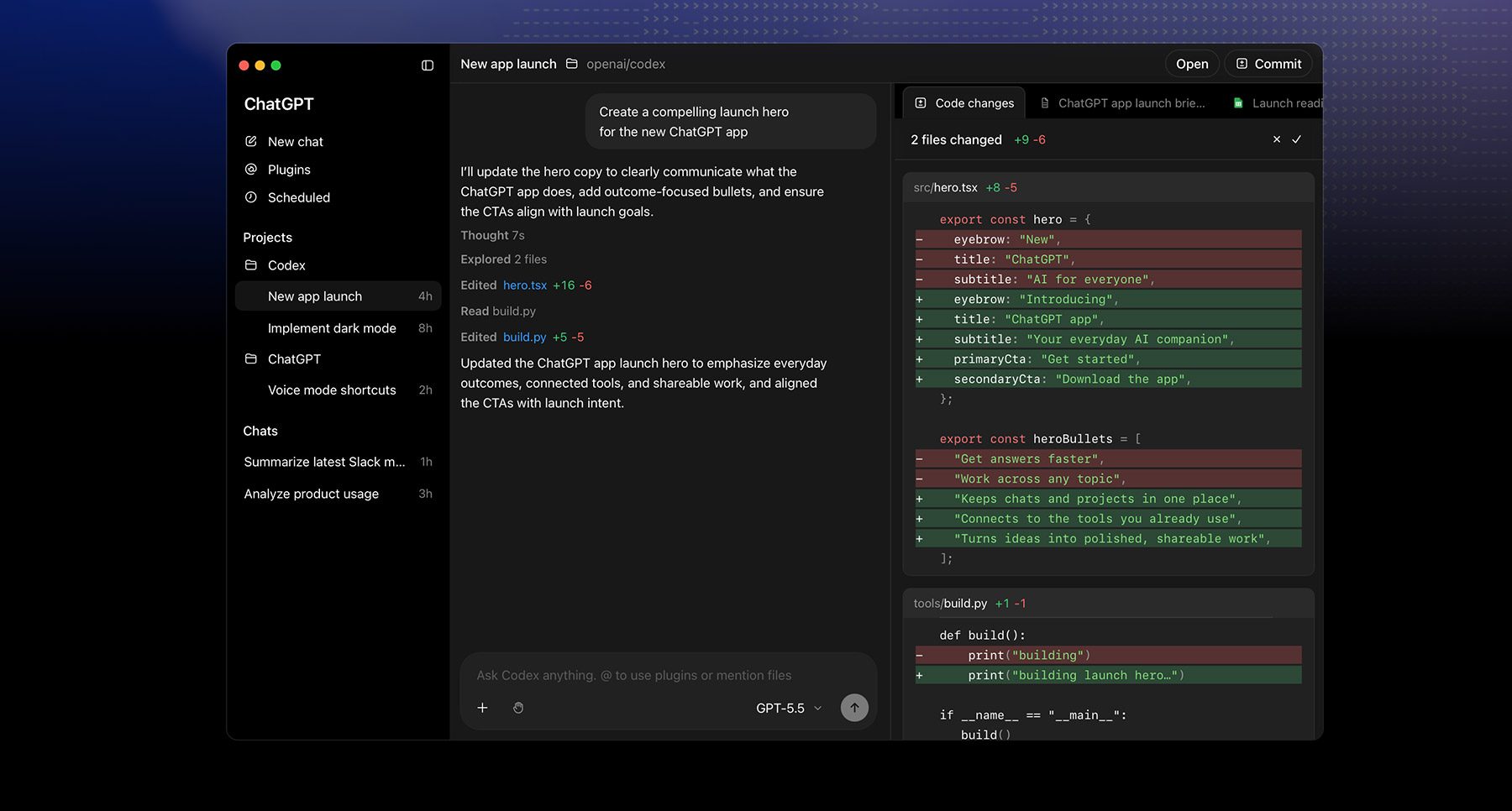
Despite multiple attempts over the past few years, I’ve had to come to terms with the fact that I don’t have a programmer’s mind. I’m extremely interested and as knowledgeable about the subject matter as I can be, but actual coding has never been quite my thing. However, like any user, I do have specific needs that existing apps don’t always fully meet. Which is why late last year, I decided to give tools such as OpenAI’s Codex and Anthropic’s Claude Code a try.
For my first project, I had both coding platforms write me the exact same app: a utility to keep an eye on websites that don’t offer RSS feeds, in case something newsworthy comes up. And although Claude did a better job overall, I couldn’t quite get used to its CLI-based interface (see above).
I kept on using Codex until I was satisfied with my app, and that was that. I never touched Codex again until about two months ago, when I had an idea for another app I wanted to make. The difference from late last year’s models was as night and day as any actual developer will probably tell you. Since then, I have started working on two other utilities, which I might share more details about later.
Recently, OpenAI made quite a big mess by merging the main ChatGPT app with Codex. But that does not change the fact that this is one of the most impressive tools I get to use at least a few times a day, whenever I run into a bug or think about an improvement I can make to these projects. Once you have that little process running in the back of your head, it’s hard to turn it off. And as terrible as this might sound for some, this feels great.
Perplexity Computer

Let me get one thing out of the way right from the top: Perplexity Computer is not cheap. Currently, Perplexity Pro users who pay $20 per month must purchase credits to use this feature, whereas Perplexity Max users who pay $200 per month receive 10,000 credits per month and can also buy extra credits.
I have been meaning to write about Perplexity Computer for a while, and I will still do so. But the gist of it is that as soon as I used it for the first time, it became clear that every single OS will soon have its own version of this agentic tool that, like Claude Cowork and ChatGPT Work, can run long-horizon tasks involving document creation, computer use, agentic tools, and third-party integrations to get things done based on the user’s requests.
Unlike OpenAI’s and Anthropic’s agentic tools, Perplexity Computer chooses from dozens of text, image, video, and audio models that it finds best fit the user’s description and just… goes to work.
It took some adjusting and trial and error, but Perplexity Computer eventually nailed a recurring task I have that involves analyzing about 200 multi-page documents every month, interpreting and disambiguating the data, and then transferring some of it into a multi-tab spreadsheet.
It still requires some manual adjustments and a thorough review to make sure everything is correct. But Perplexity Computer takes over the heavy, tedious work, accomplishing in minutes what used to take almost a full day every few weeks.
LM Studio
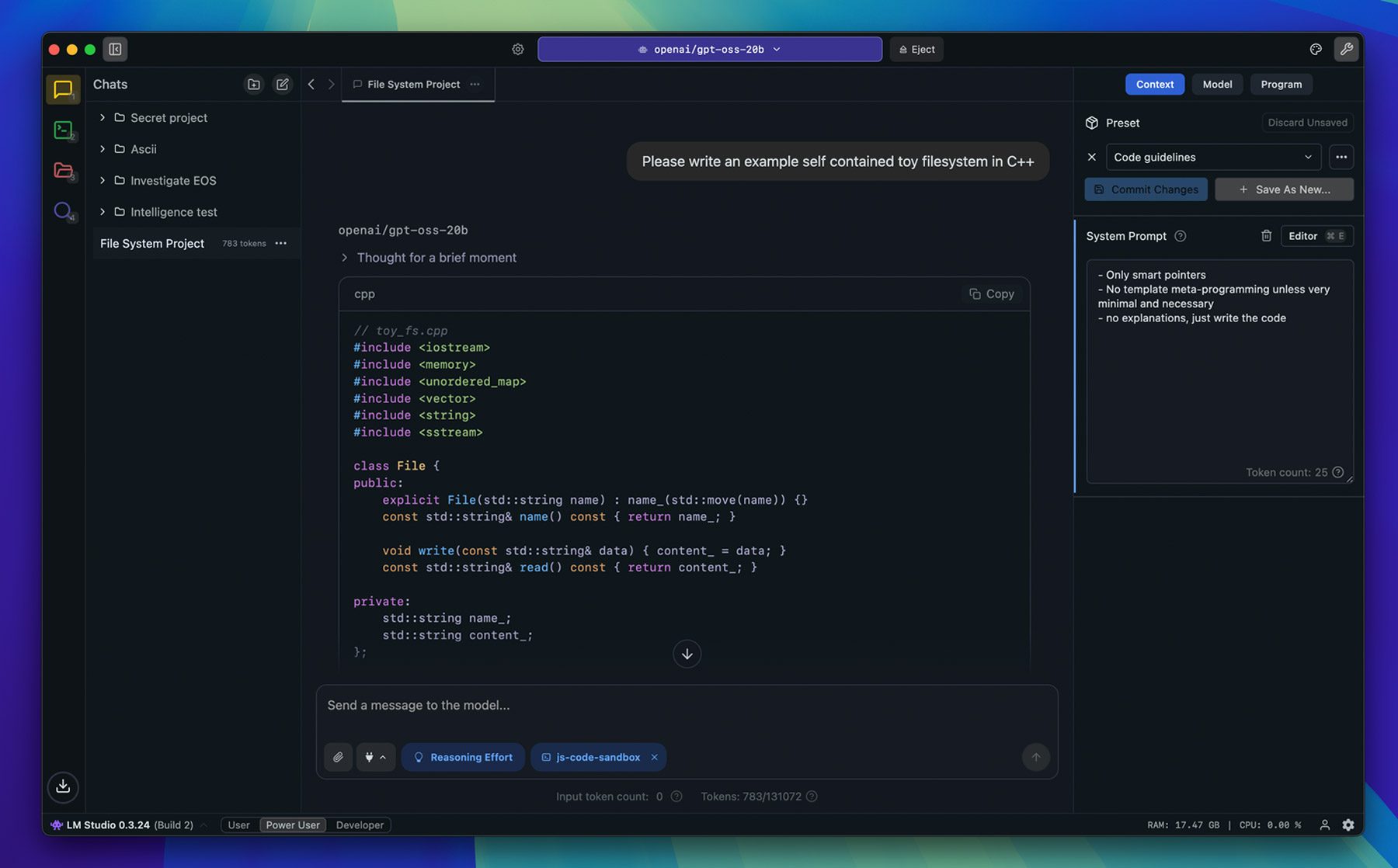
At first glance, the idea of running AI models locally sounds a bit finicky compared with the convenience of just opening Safari or, say, the ChatGPT app and starting to work away.
But local models do have their advantages. First, they don’t require an active internet connection, which can be useful in certain situations. I recently used LM Studio during a flight, running Google’s Gemma 4 model with 12 billion parameters, and it worked just as well as if I had been using ChatGPT’s web-based trillion-parameter models.
Second, local models are also a great alternative for users dealing with information they wouldn’t want (or are not allowed) to send to a third-party server. Even if you opt out of having your data used for training, that information still needs to leave your device and be processed elsewhere, which can already be a deal breaker depending on the nature of the work.
Granted, the number of models you’ll be able to run locally on your Mac depends quite a bit on your tech specs, but LM Studio makes it extremely easy to figure out which models can run comfortably, not as comfortably, or not at all on your machine. The good news is that AI labs and the open-source community are getting increasingly good at producing smaller, more efficient models that can still deliver impressive results.
It is also worth noting that LM Studio recently launched Bionic, the company’s own harness for agentic models. In addition to local models, LM Studio Bionic also offers pay-as-you-go access to cloud-based open models hosted on servers in the US, with a strict zero-data-retention policy. I have only been able to run basic document-creation tests on LM Studio Bionic, but I can already recommend it without reservations.
What are your favorite AI tools? Let us know in the comments.

9to5Mac is brought to you by Memoket:
Every day, important conversations happen in meetings, on calls, over coffee, and on the go. By the time you sit down at your desk, half the details are gone. And AI tools are only as smart as the context you feed them.
Your iPhone stops recording the moment a call comes in. Your Apple Watch can’t capture what’s happening across the table. Neither connects what was said today to a decision made three weeks ago.
Memoket Gem was built for exactly that gap. An 11g AI wearable that captures conversations with one press and connects them across time. When a topic comes up that you discussed weeks ago, Gem surfaces it automatically with a source link. Everything flows directly into ChatGPT, Claude, Slack, and Notion.
For Apple Watch users, Gem slots into a custom co-wear band alongside your Watch on the same wrist. Two devices, completely unobtrusive.
At 0.4 oz with 20 hours of battery and 153 languages supported, Gem disappears into your day while capturing everything that matters.
Early bird pricing from $179 at memoket.ai. Ships August 2026.


FTC: We use income earning auto affiliate links. More.


