

Show Pros & Cons
Pros
- Thunderbolt 5
- Two dedicated HDMI 2.1 ports
- Supports dual 6K/60Hz on Mac
- 2.5Gb Ethernet
- 140W PD 3.1 to laptop
- 2x 30W charging ports
Cons
- Only one downstream Thunderbolt port
Hide Pros & Cons
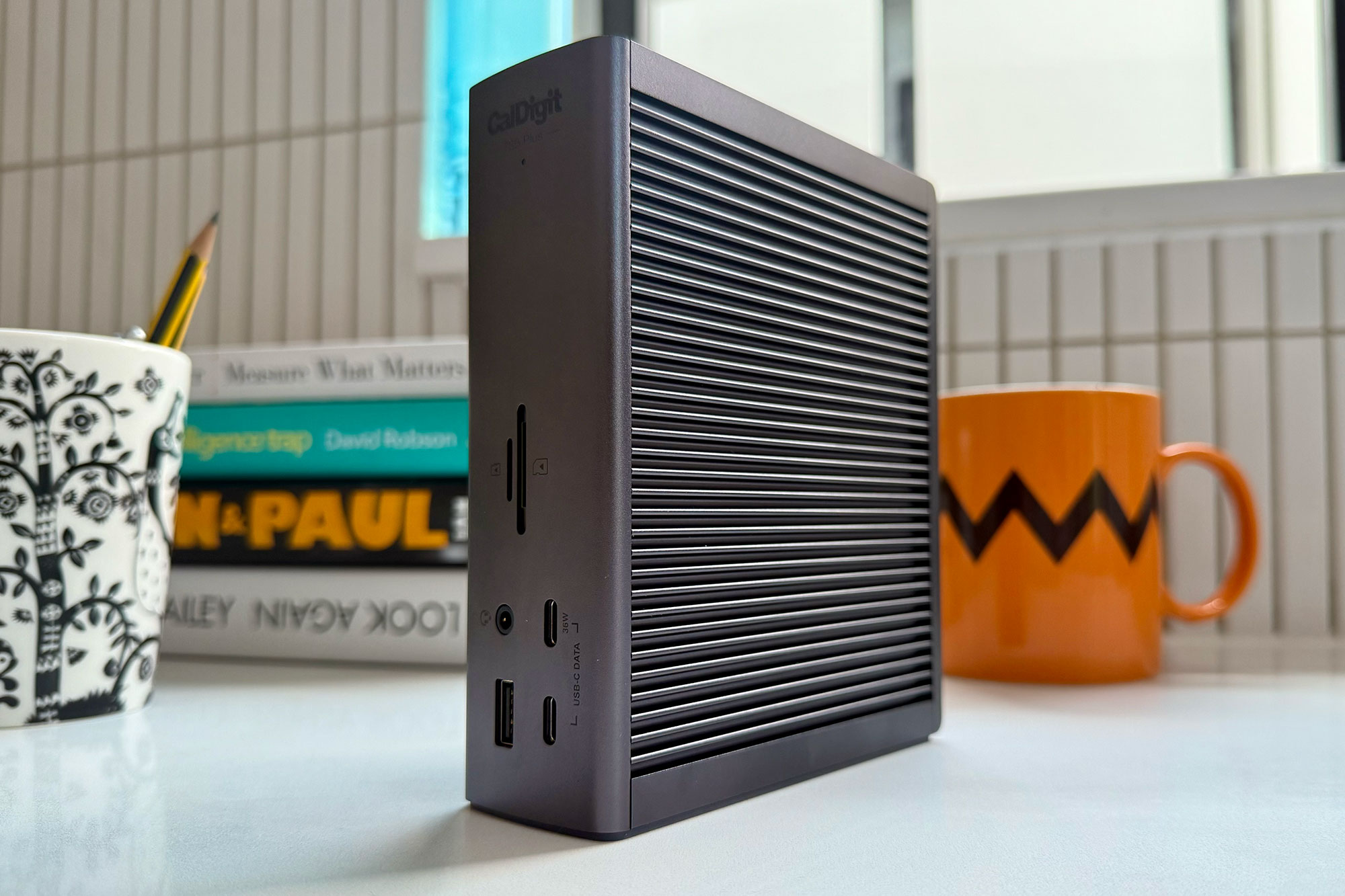
Show Pros & Cons
Pros
- Thunderbolt 5
- 20 top-end ports
- 10Gb Ethernet
- Iconic case
- 330W Power Delivery
- 140W PD 3.1 laptop charging
Hide Pros & Cons
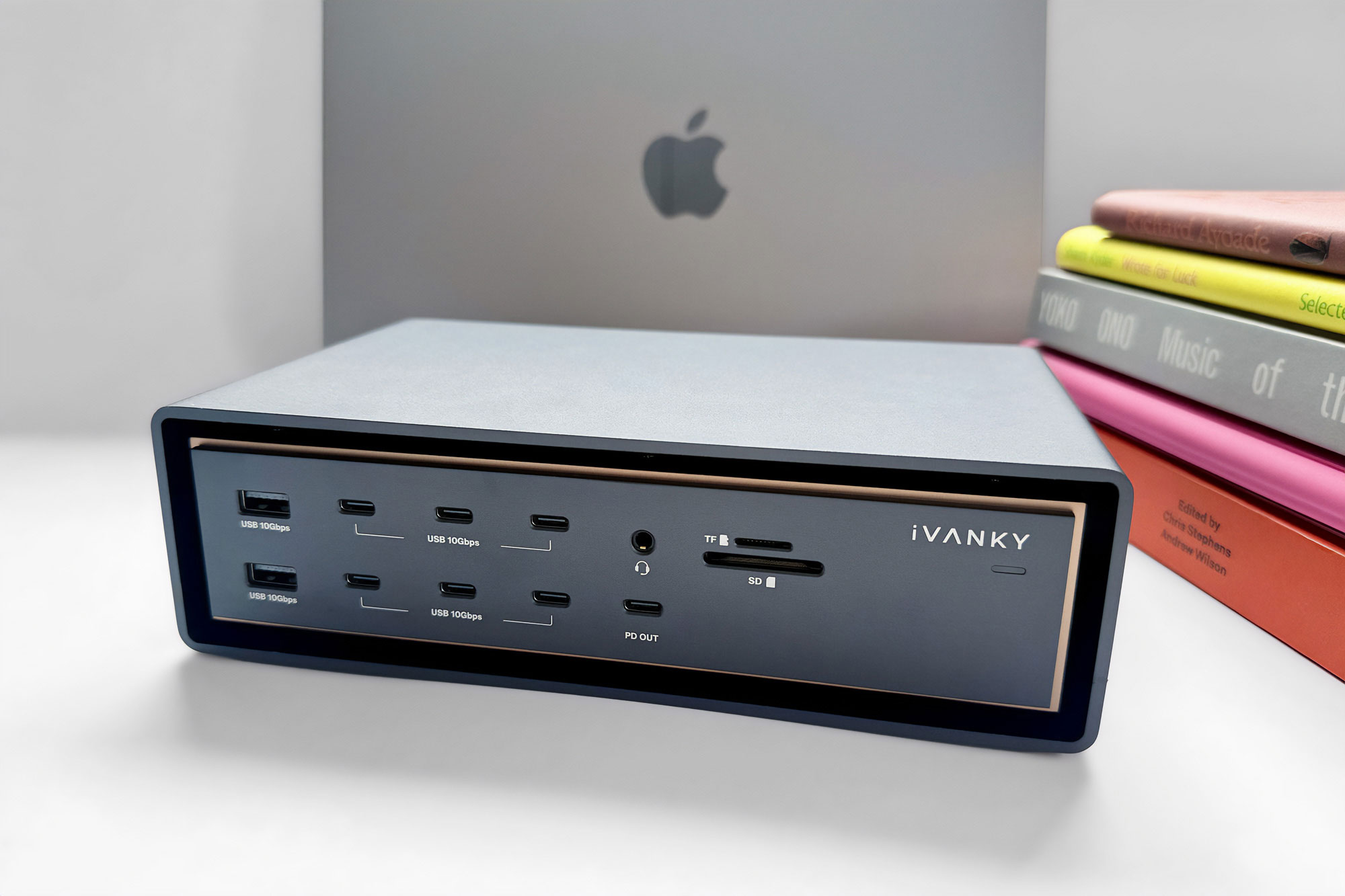
Show Pros & Cons
Pros
- 6x Thunderbolt 5
- 26 top-end ports
- 10Gb Ethernet
- 240W Power Delivery
- 140W PD 3.1 laptop charging
Hide Pros & Cons
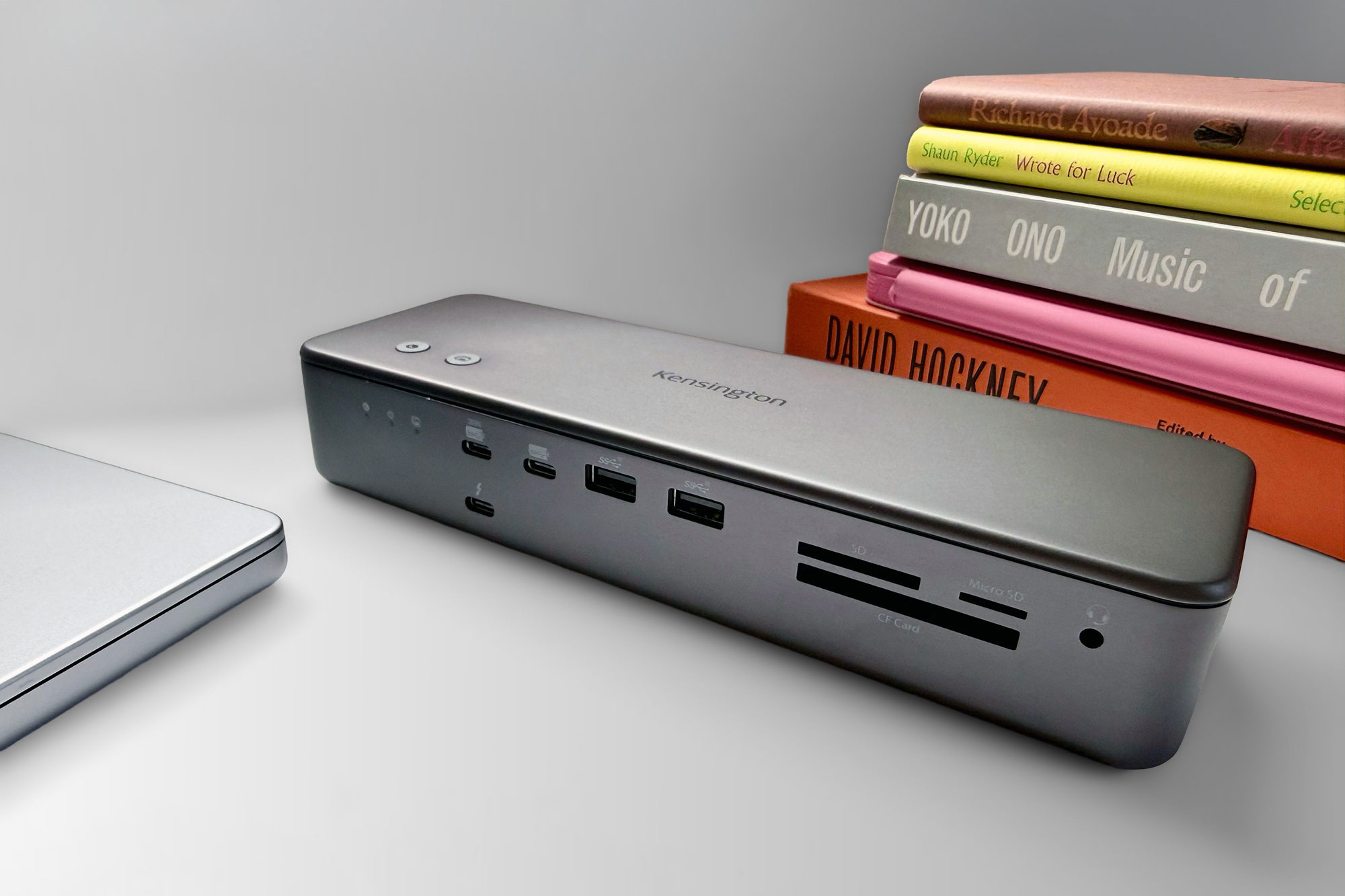
Show Pros & Cons
Pros
- Thunderbolt 5
- 19 ports
- SSD slot
- 2.5Gb Ethernet
- Fast card readers
- Hot keys
- 140W PD 3.1 laptop charging
Cons
- SSD card not included in price
Hide Pros & Cons

Show Pros & Cons
Pros
- 40Gbps USB4
- Driverless dual-display support (M3 and later)
- 2.5Gb Ethernet
- 100W PD 3.0 laptop charging
- More affordable than Thunderbolt
Cons
- No card readers
- Weak power from USB ports
Hide Pros & Cons
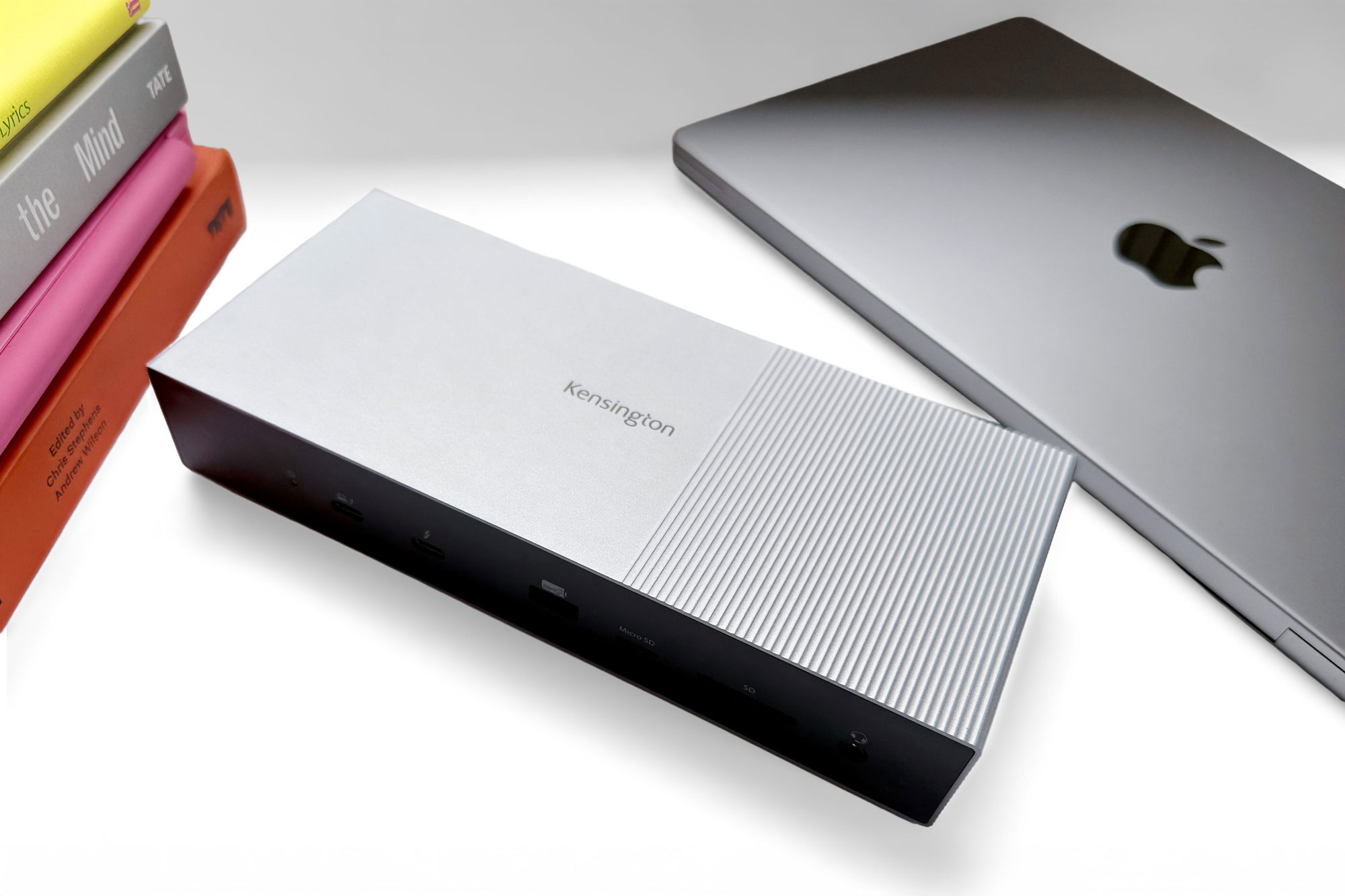
Show Pros & Cons
Pros
- Thunderbolt 5
- 11 ports
- 2.5Gb Ethernet
- Fast card readers
- 140W PD 3.1 laptop charging
Cons
- No extra USB-C ports
- Upstream TB5 port at the front
Hide Pros & Cons
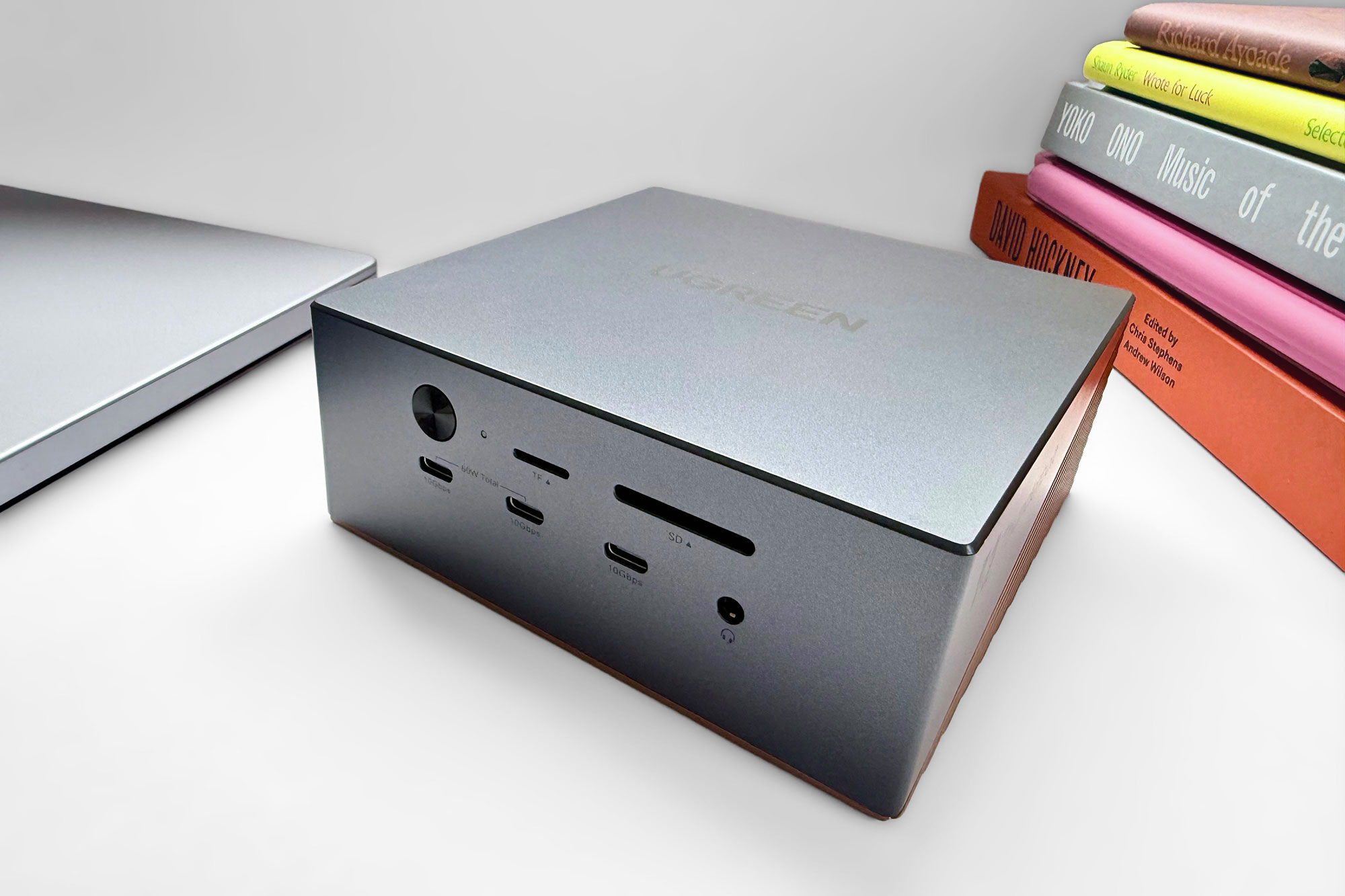
Best compact Thunderbolt 5 dock with SSD slot
Ugreen Maxidok 17-in-1 Thunderbolt 5 Docking Station
Show Pros & Cons
Pros
- Thunderbolt 5
- 17 ports
- SSD slot
- 2.5Gb Ethernet
- Fast card readers
- Compact size
- 140W PD 3.1 laptop charging
Cons
- SSD card not included in price
Hide Pros & Cons
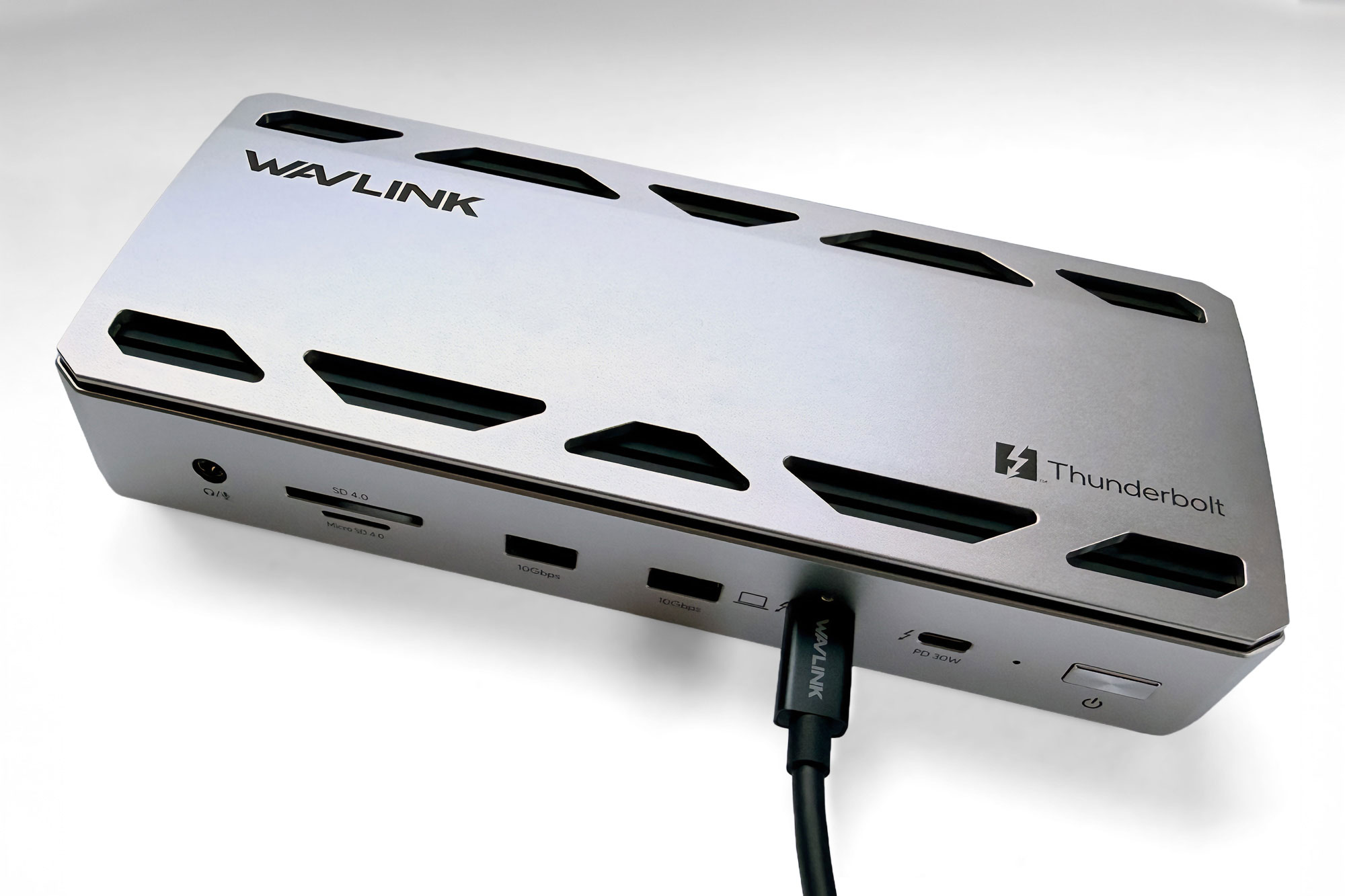
Show Pros & Cons
Pros
- Thunderbolt 5
- 12 ports
- 2.5Gb Ethernet
- Fast card readers
- 140W PD 3.1 laptop charging
- 230W power supply
Cons
- No extra USB-C ports
- Upstream port at the front
Hide Pros & Cons
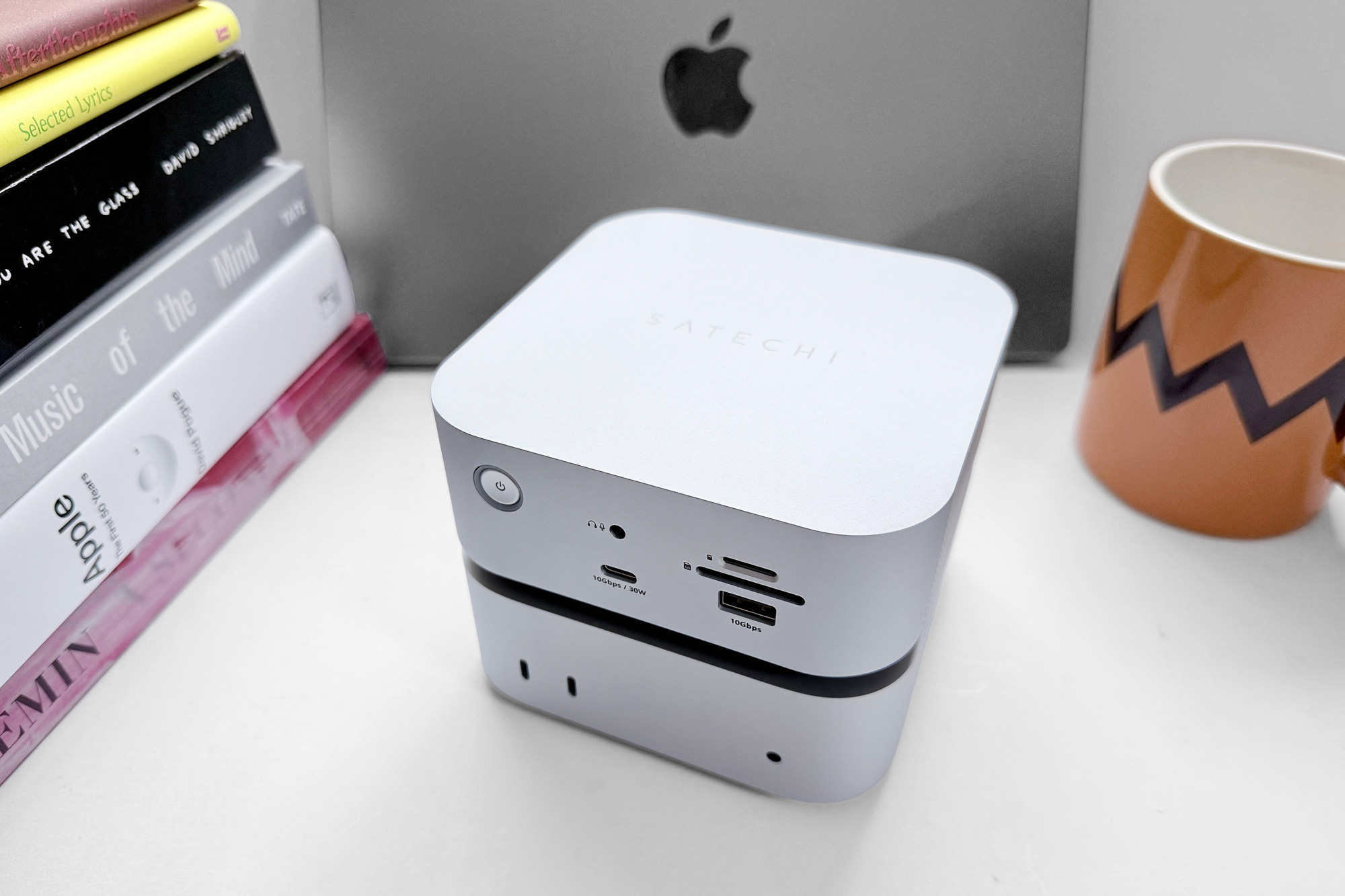
Show Pros & Cons
Pros
- 4x Thunderbolt 5 ports
- Built-in NVMe SSD
- 140W Power Delivery (PD 3.1)
- 30W USB-C up front
- Cute compact size
- Apple-like aesthetic
Cons
- SSD installation a little fiddly
Hide Pros & Cons
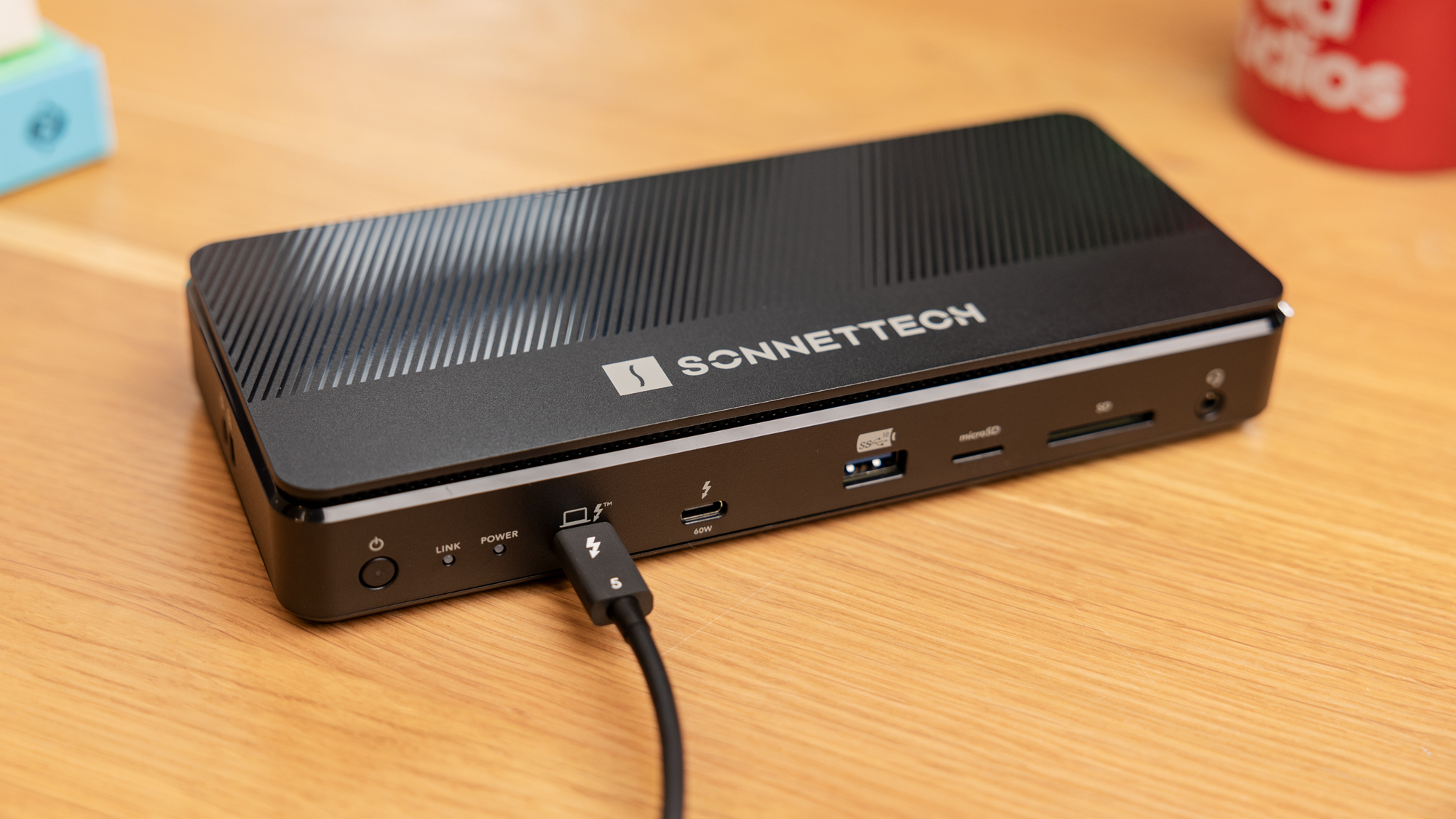
Show Pros & Cons
Pros
- Thunderbolt 5
- 12 ports
- Built-in SSD included in price
- 2.5Gb Ethernet
- Fast card readers
- 140W PD 3.1 laptop charging
Hide Pros & Cons
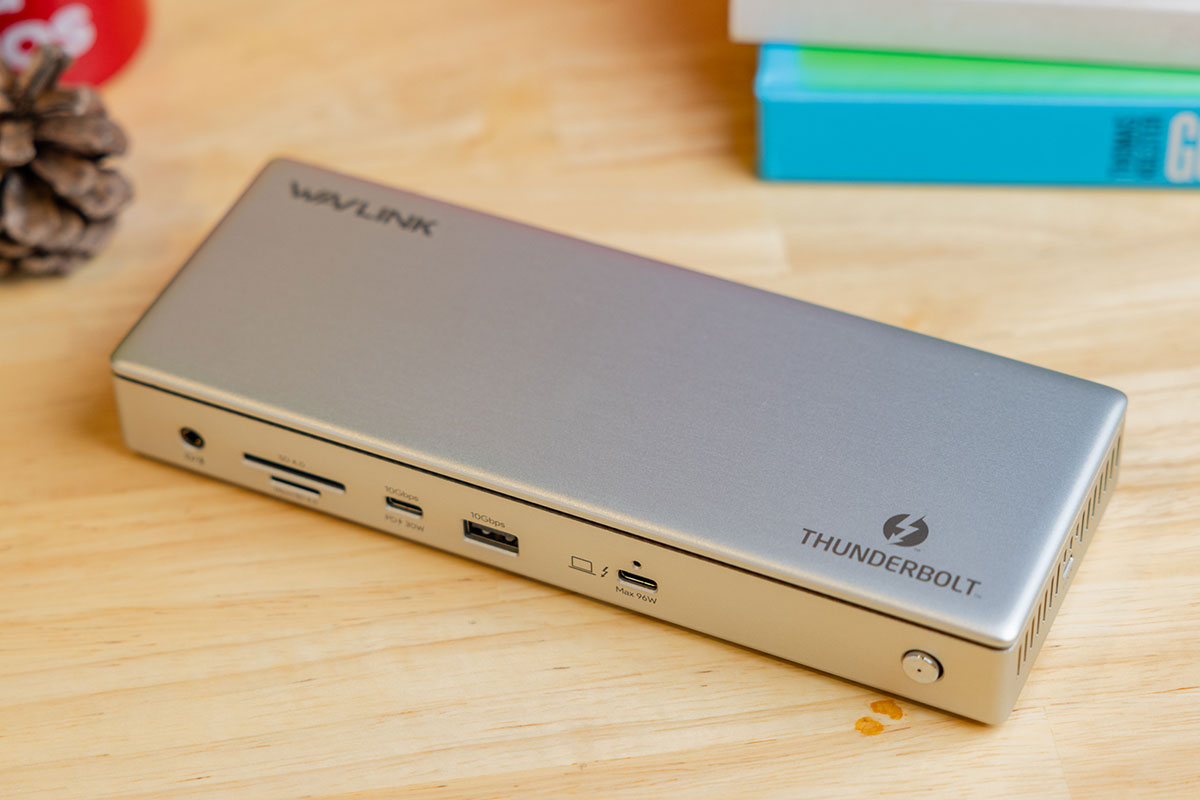
Show Pros & Cons
Pros
- Thunderbolt 4
- 13 fast ports
- 2.5Gb Ethernet
- Two HDMI 2.1
- 30W USB-C port
- Affordable
Cons
- Only two extended displays for Mac
Hide Pros & Cons
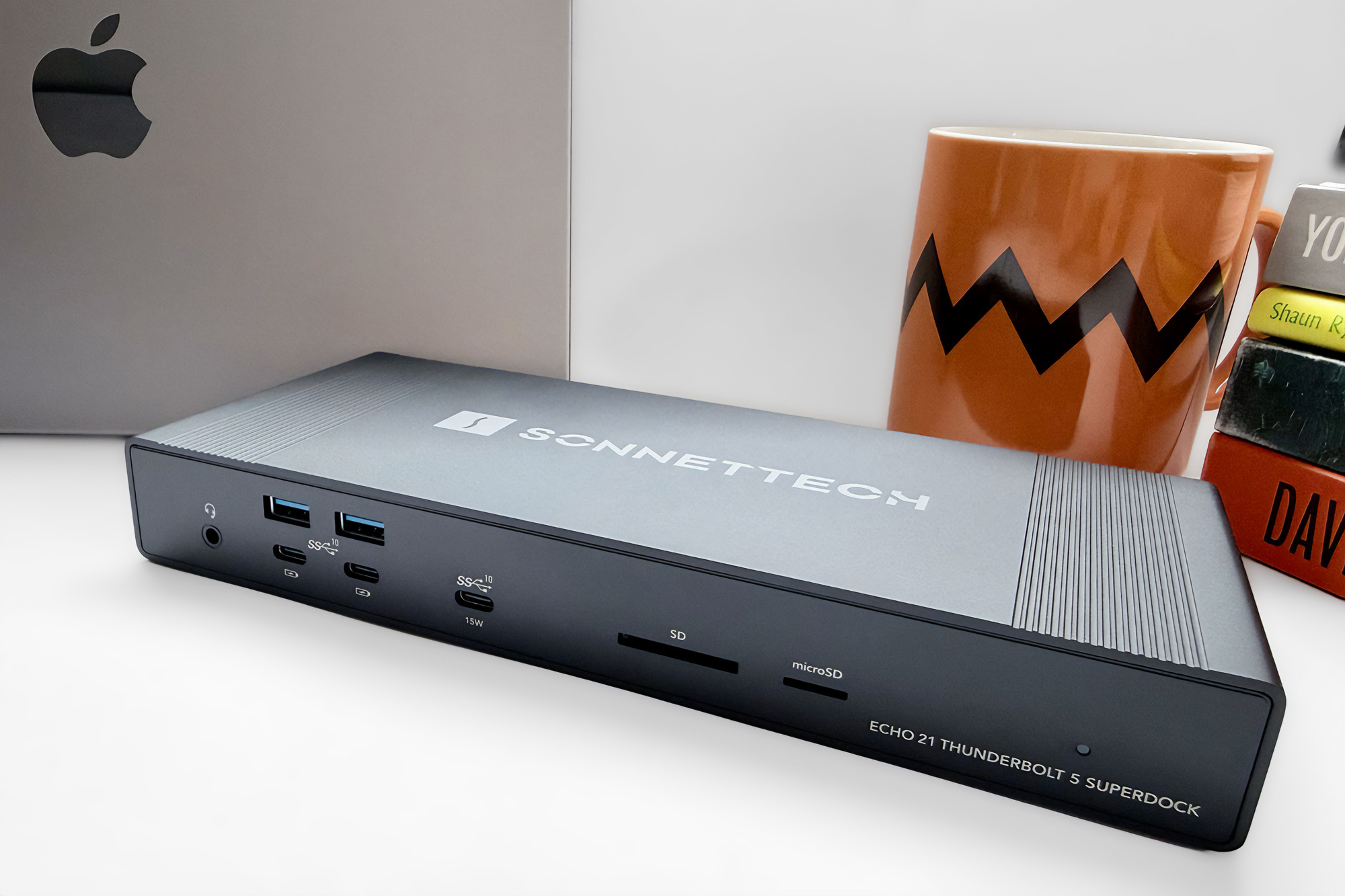
Show Pros & Cons
Pros
- 20 ports, inc 3x Thunderbolt 5
- M.2 NVMe SSD Slot (Echo 21)
- 10Gb Ethernet
- Dedicated video output DisplayPort and HDMI ports
- 140W Power Delivery
- RCA line out jacks
Hide Pros & Cons
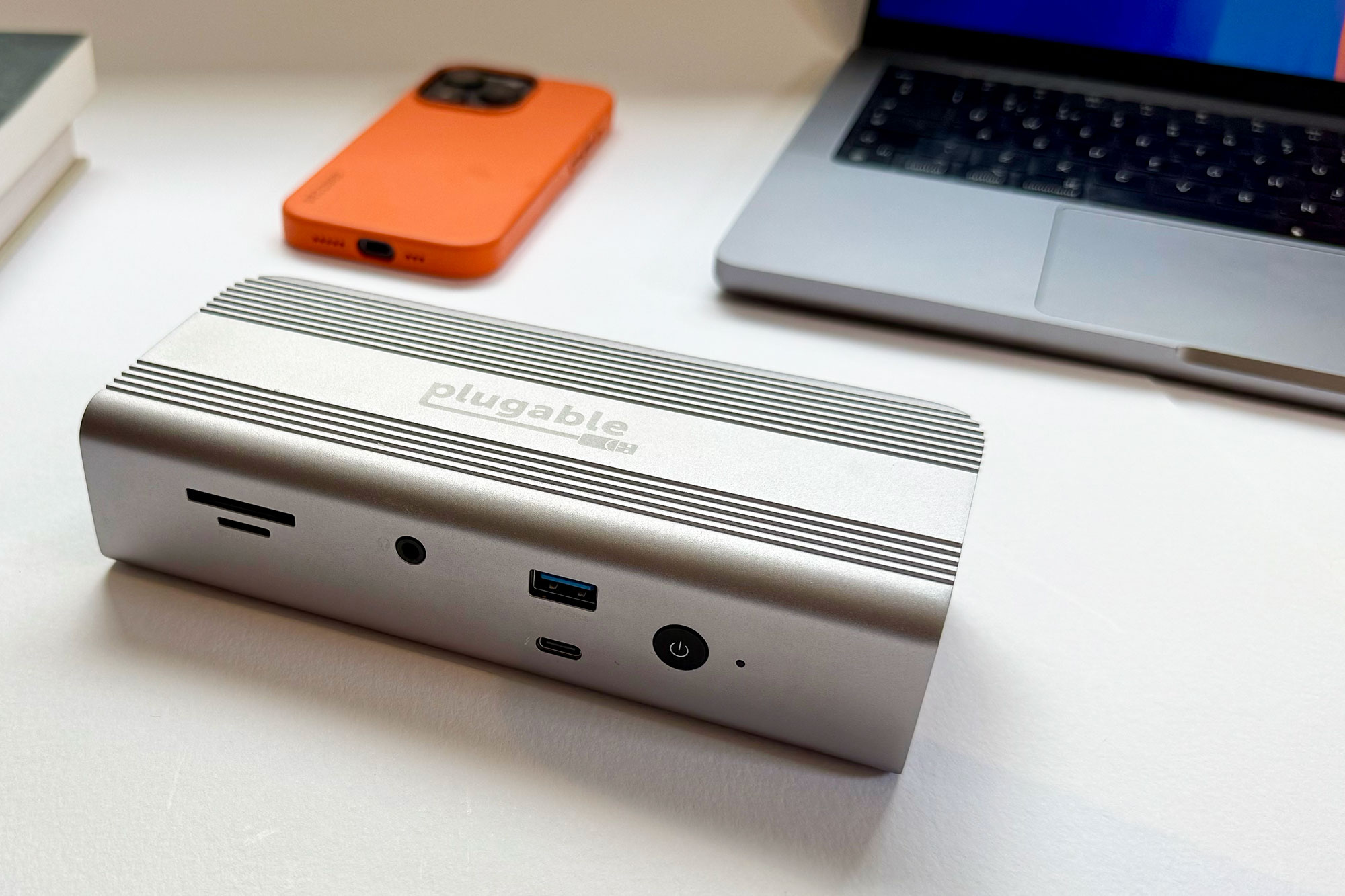
Show Pros & Cons
Pros
- Thunderbolt 5
- 11 ports
- 2.5Gb Ethernet
- Fast card readers
- 140W PD 3.1 laptop charging
Cons
- No extra USB-C ports
- North America only
Hide Pros & Cons
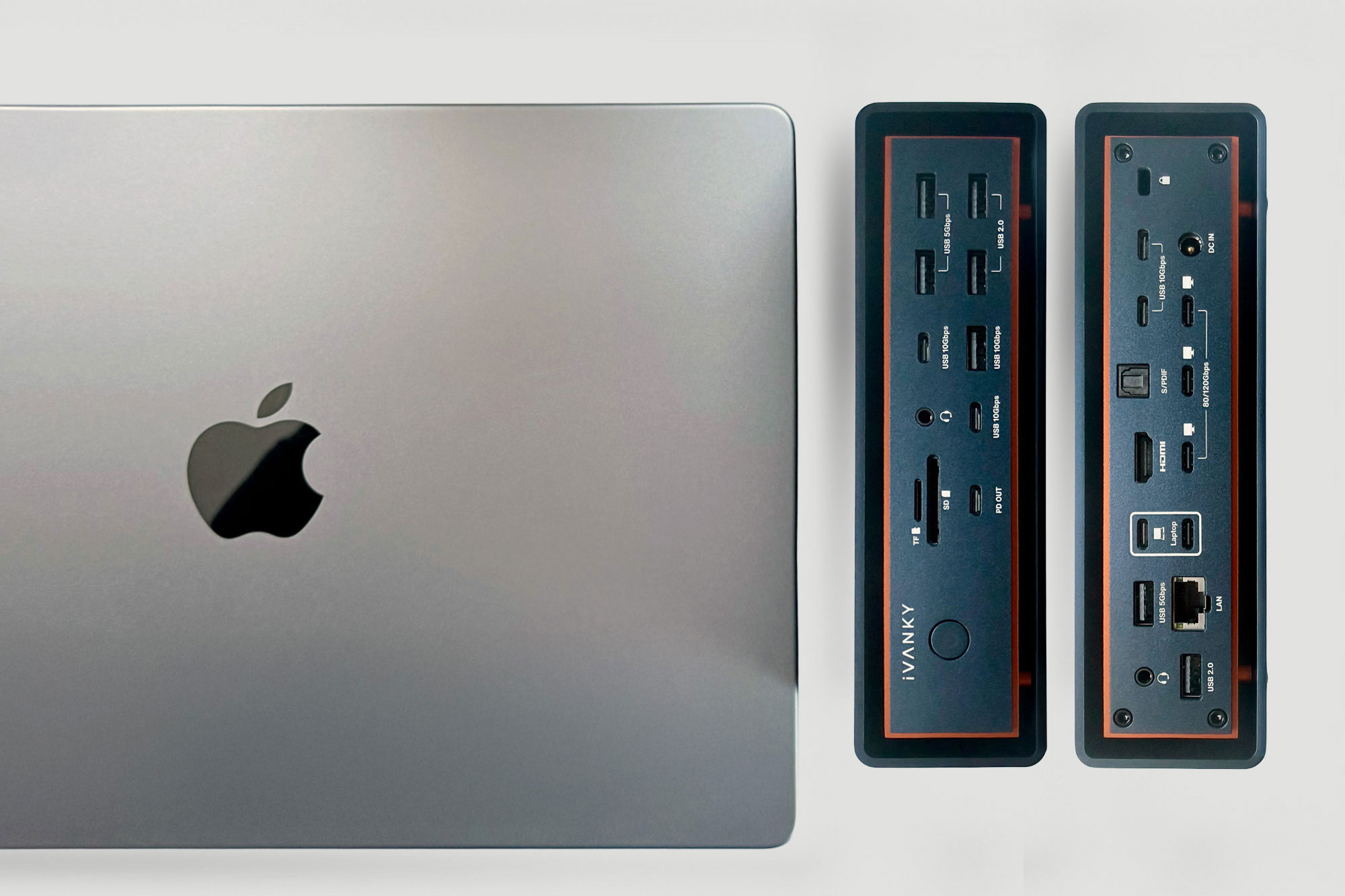
Show Pros & Cons
Pros
- Thunderbolt 5
- 23 top-end ports
- Up to three native displays
- 2.5Gb Ethernet
- 240W Power Delivery
- 140W PD 3.1 laptop charging
Cons
- Premium price
- Uses two Thunderbolt ports
Hide Pros & Cons
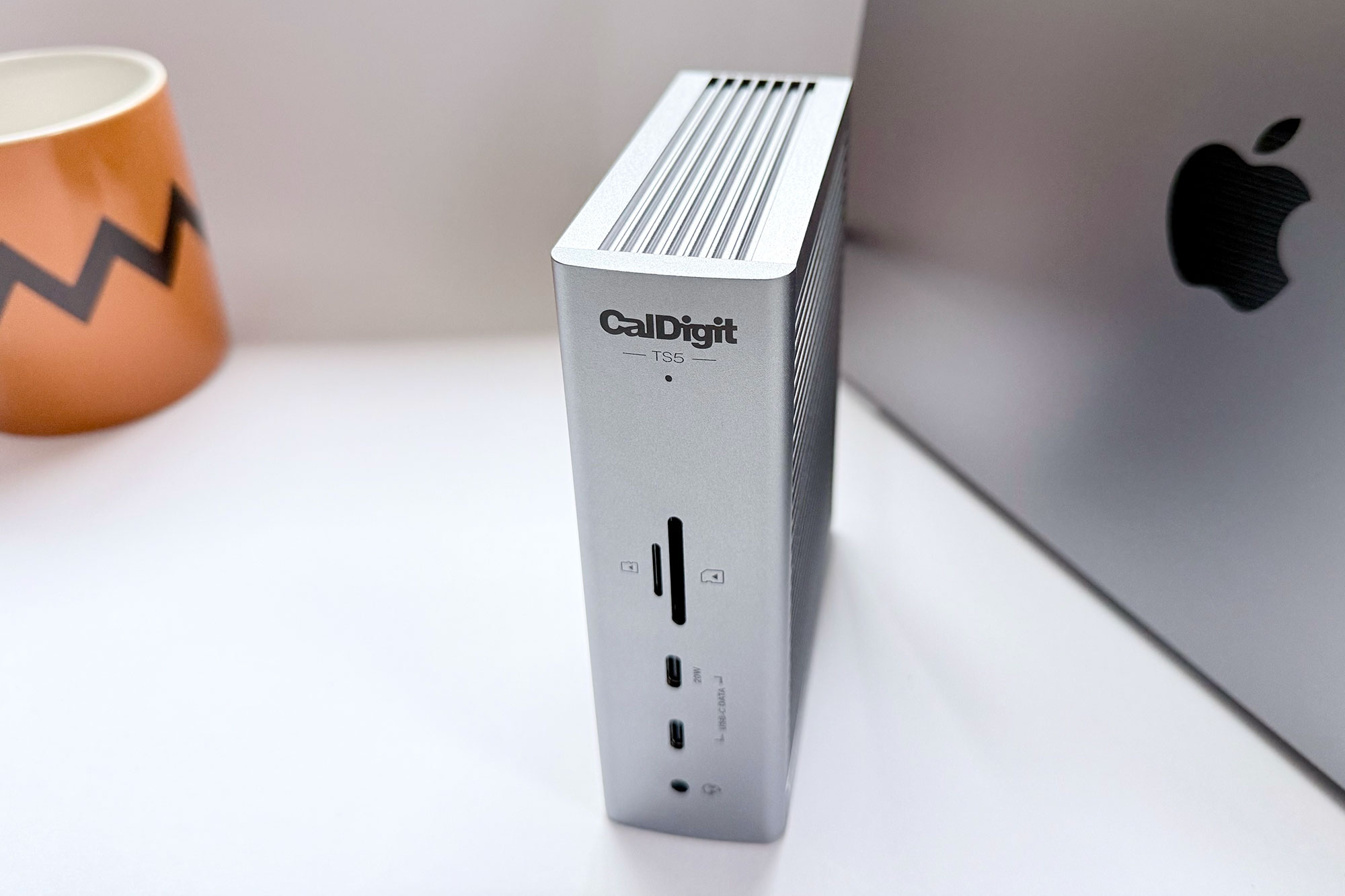
Show Pros & Cons
Pros
- Thunderbolt 5
- 15 ports
- 2.5Gb Ethernet
- Iconic case
- 240W Power Delivery
- 140W PD 3.1 laptop charging
Hide Pros & Cons
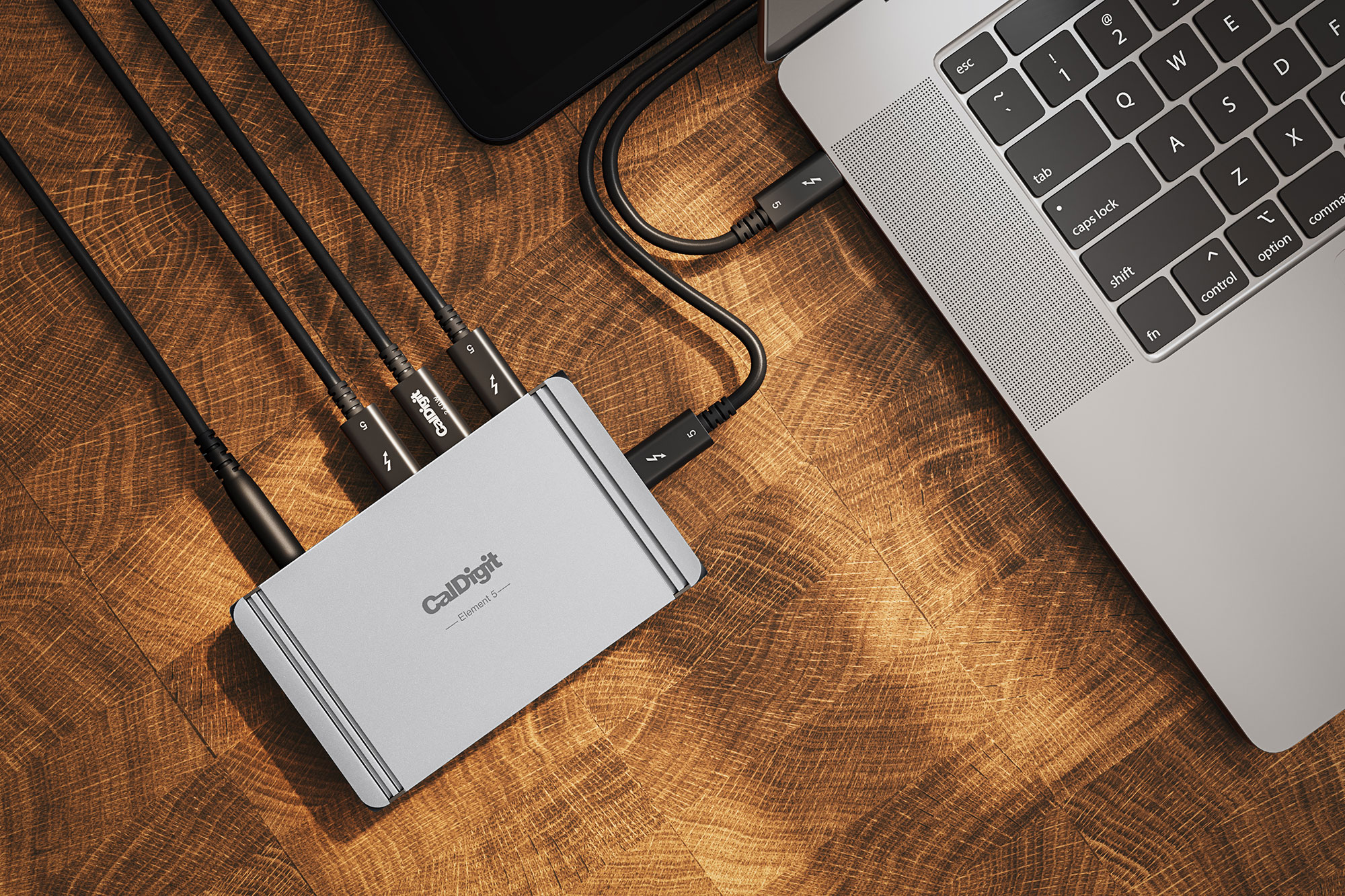
Show Pros & Cons
Pros
- 4x Thunderbolt 5
- 2x 10Gbps USB-C
- 3x 10Gbps USB-A
- 180W total power
- Compact
Cons
- No card readers or Ethernet
Hide Pros & Cons
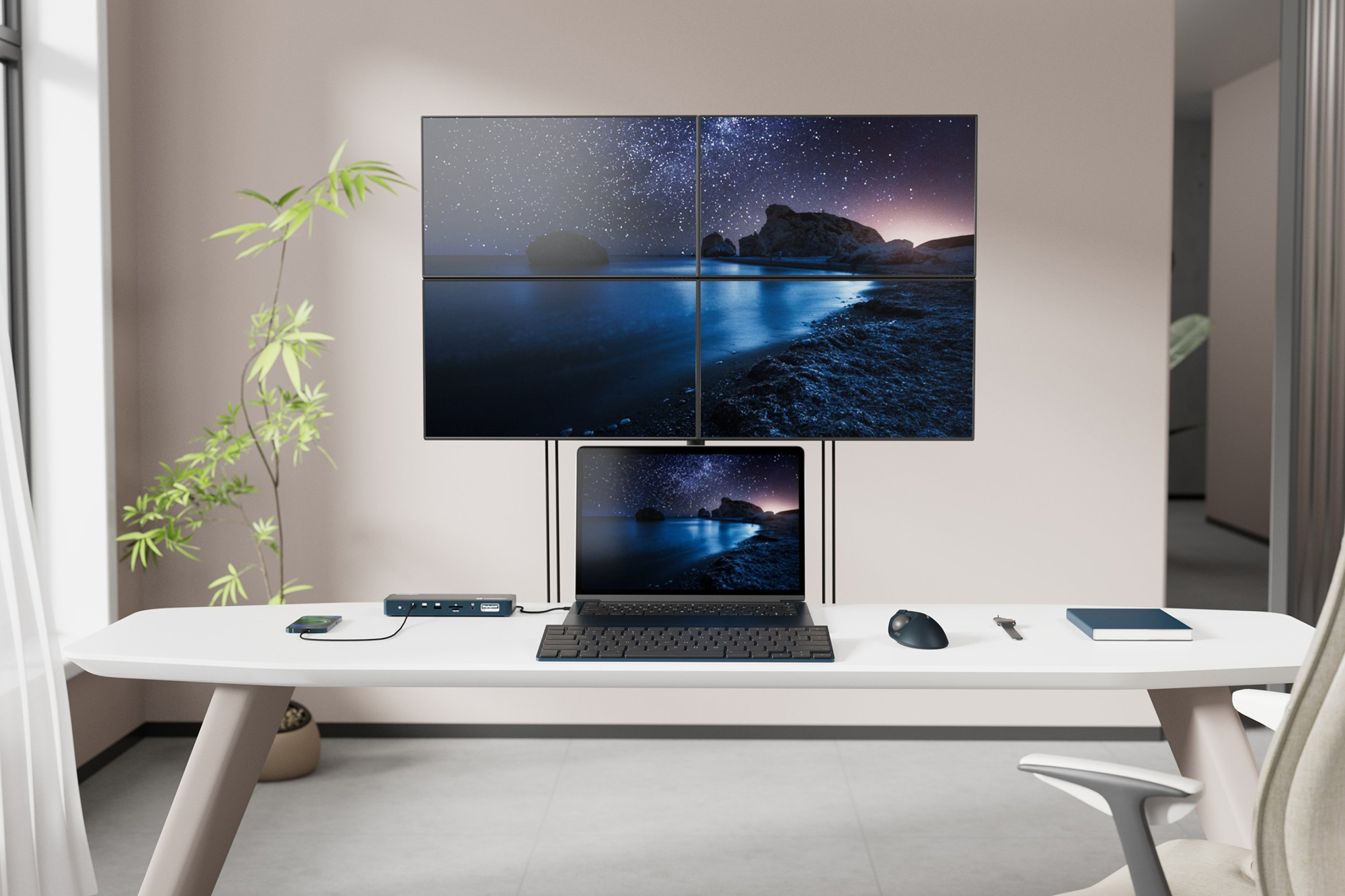
Best Thunderbolt 4 DisplayLink dock for four 4K displays
Kensington EQ Thunderbolt 4 Quad 4K Dock
Show Pros & Cons
Pros
- Thunderbolt 4
- 16 fast ports
- Supports DisplayLink
- Up to four 4K at 60Hz displays
- 6K at 60Hz display
Cons
- Requires software installation
- Weak 149W power supply
Hide Pros & Cons
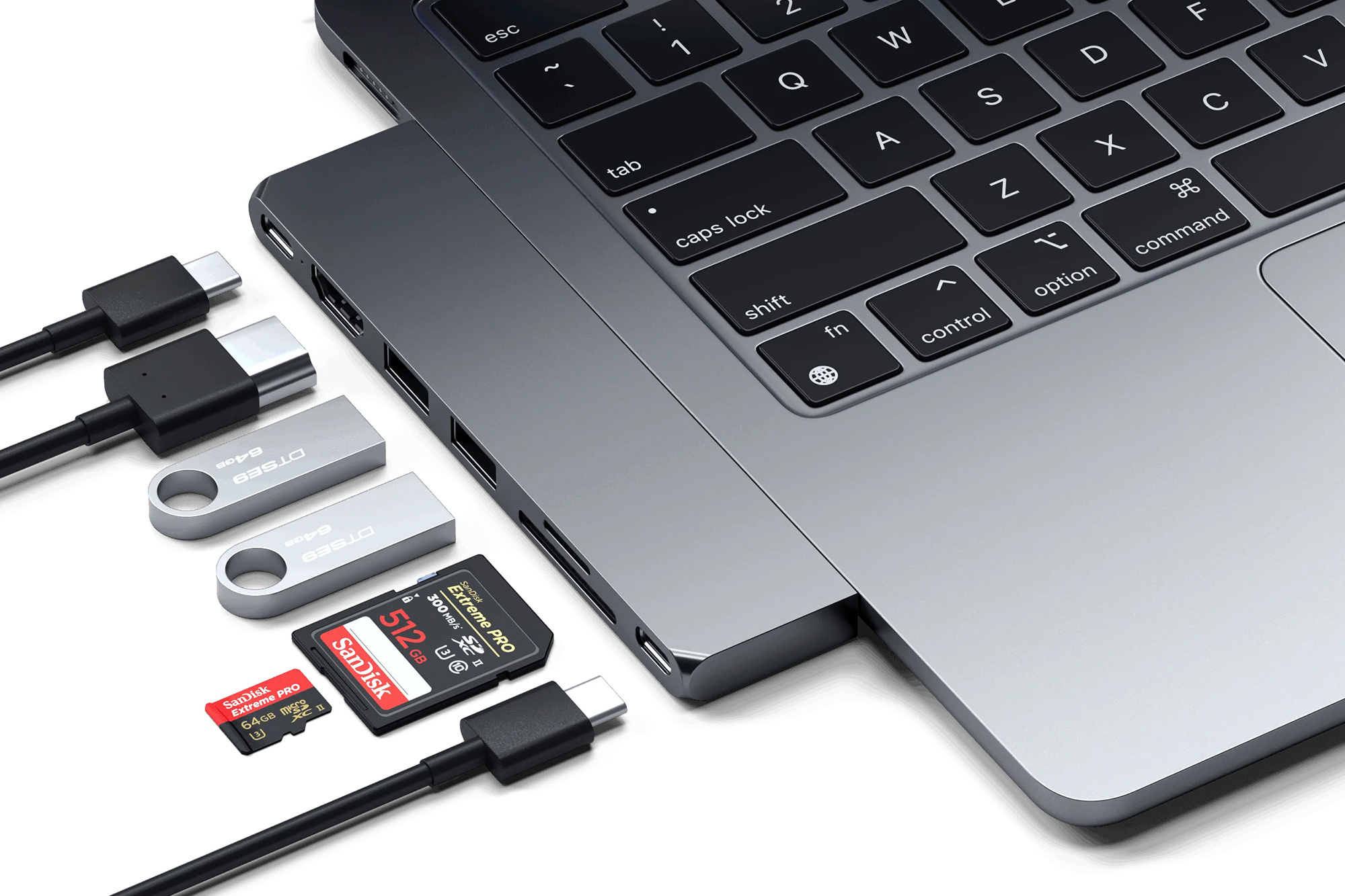
Show Pros & Cons
Pros
- USB4 (40Gbps)
- Portable
- 7 ports inc 4K 60Hz display HDMI
- 100W PD laptop charging
- Affordable
Cons
- No USB device charging
- Requires USB-C charger for PD
- Takes out two MacBook ports
- No Ethernet
Hide Pros & Cons
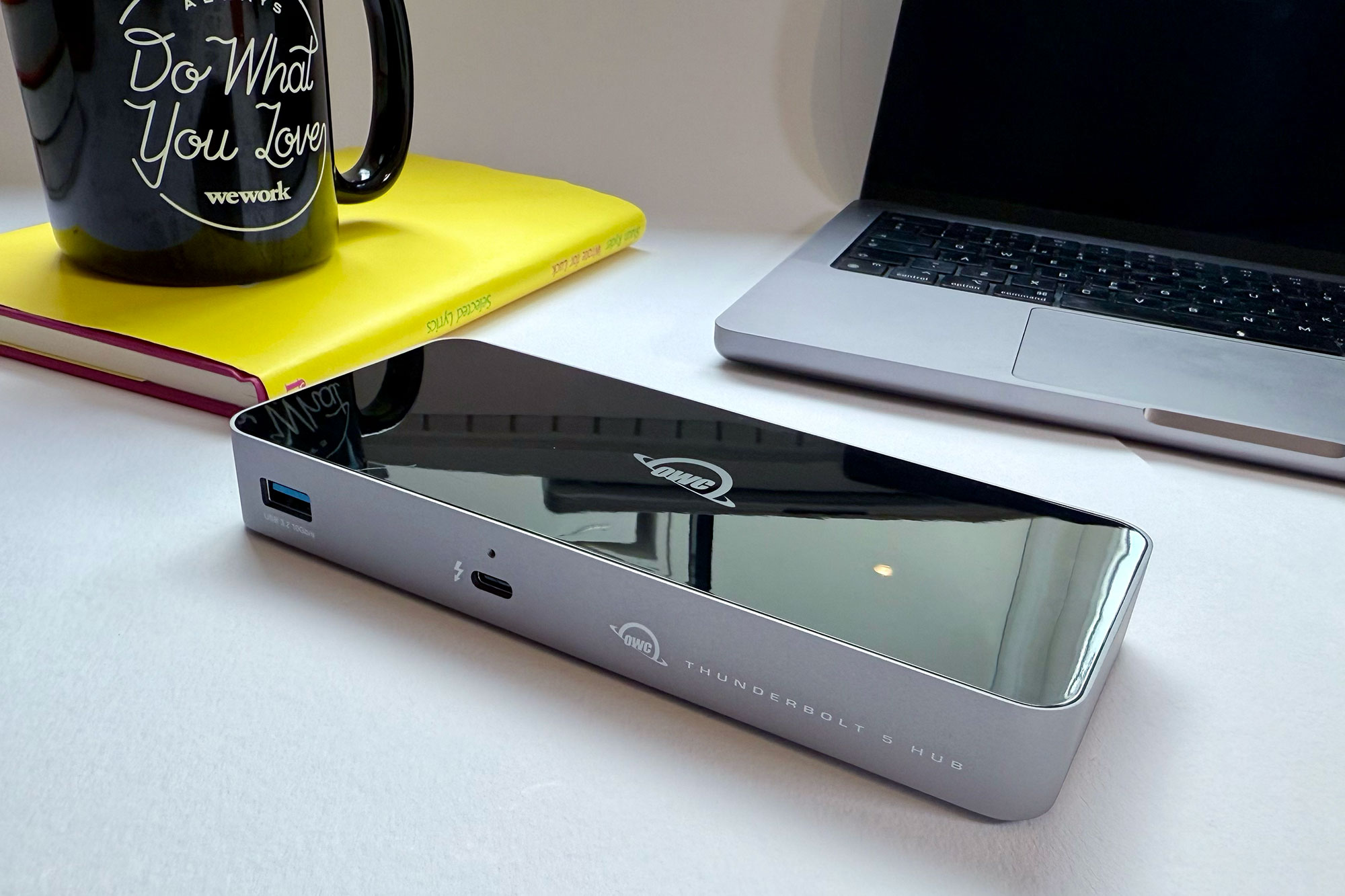
Show Pros & Cons
Pros
- 4x Thunderbolt 5
- 180W total power
- More affordable than full docking station
Cons
- Could be more compact in size
- No card readers or Ethernet
Hide Pros & Cons
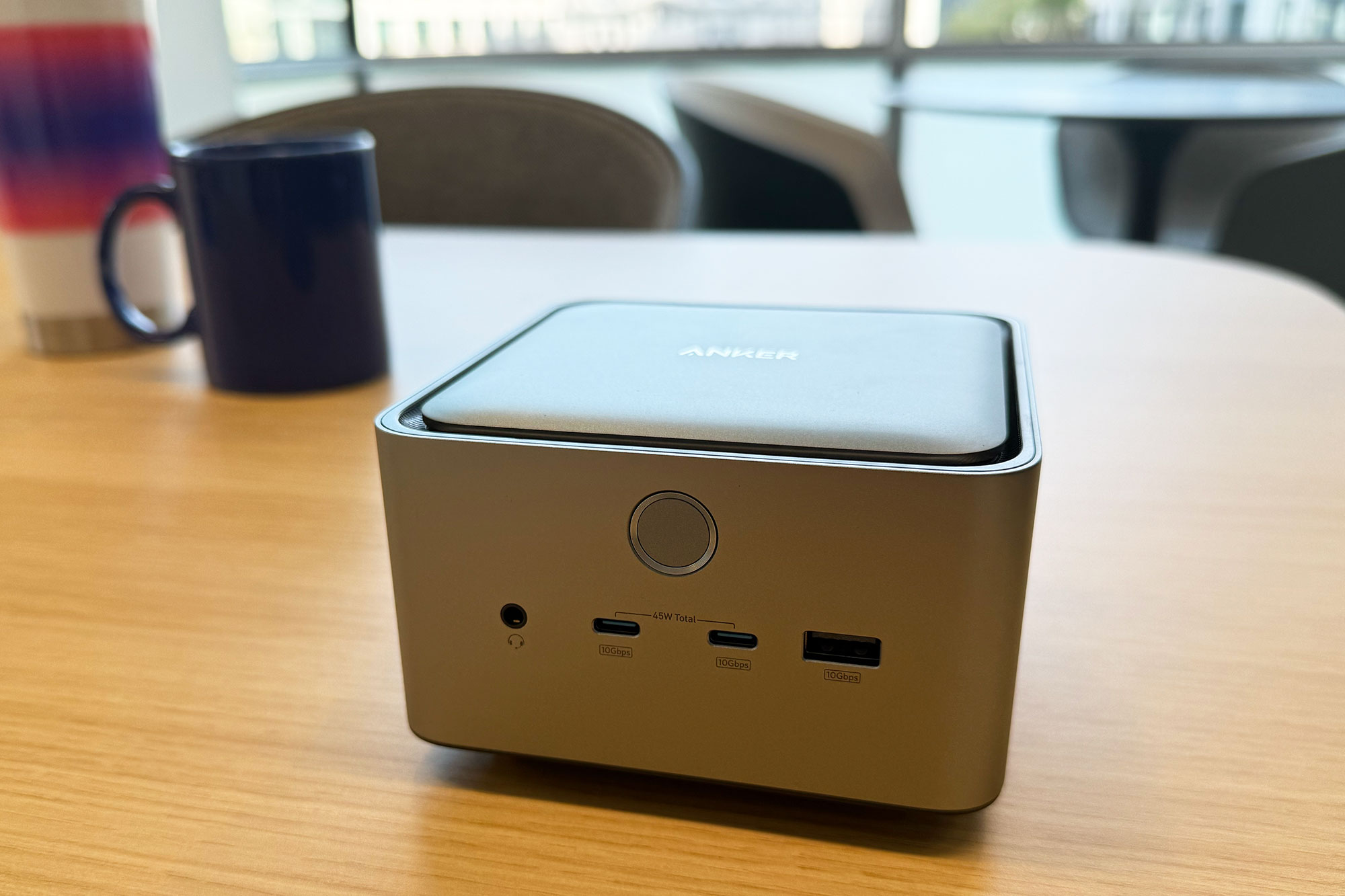
Show Pros & Cons
Pros
- 14 top-end ports, including three Thunderbolt 5
- 2.5Gb Ethernet
- 140W Power Delivery
- Stylish looks complement Mac mini and Studio
Hide Pros & Cons
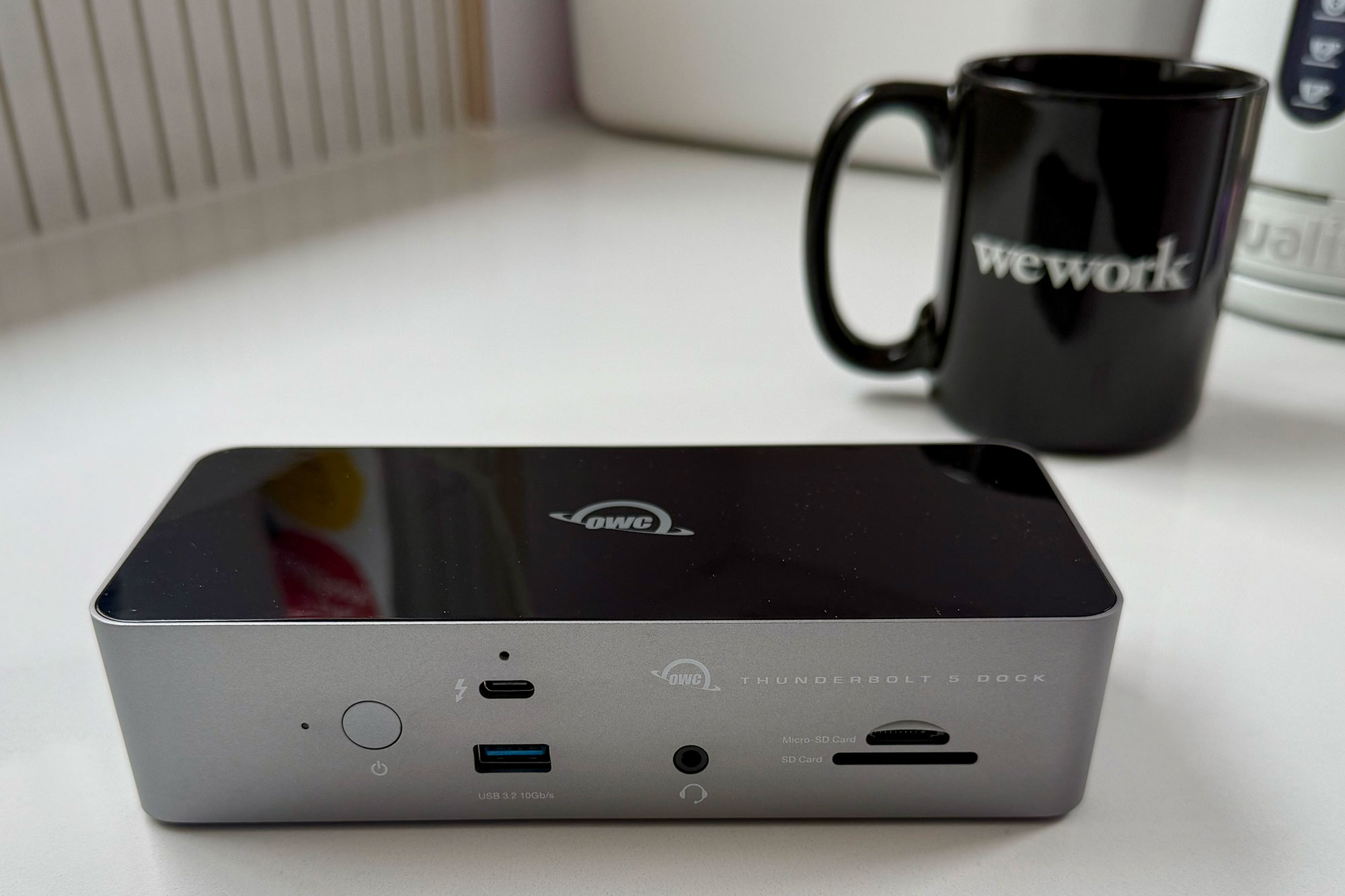
Show Pros & Cons
Pros
- Thunderbolt 5
- 11 ports
- 2.5Gb Ethernet
- Fast card readers
- 140W PD 3.1 laptop charging
Hide Pros & Cons
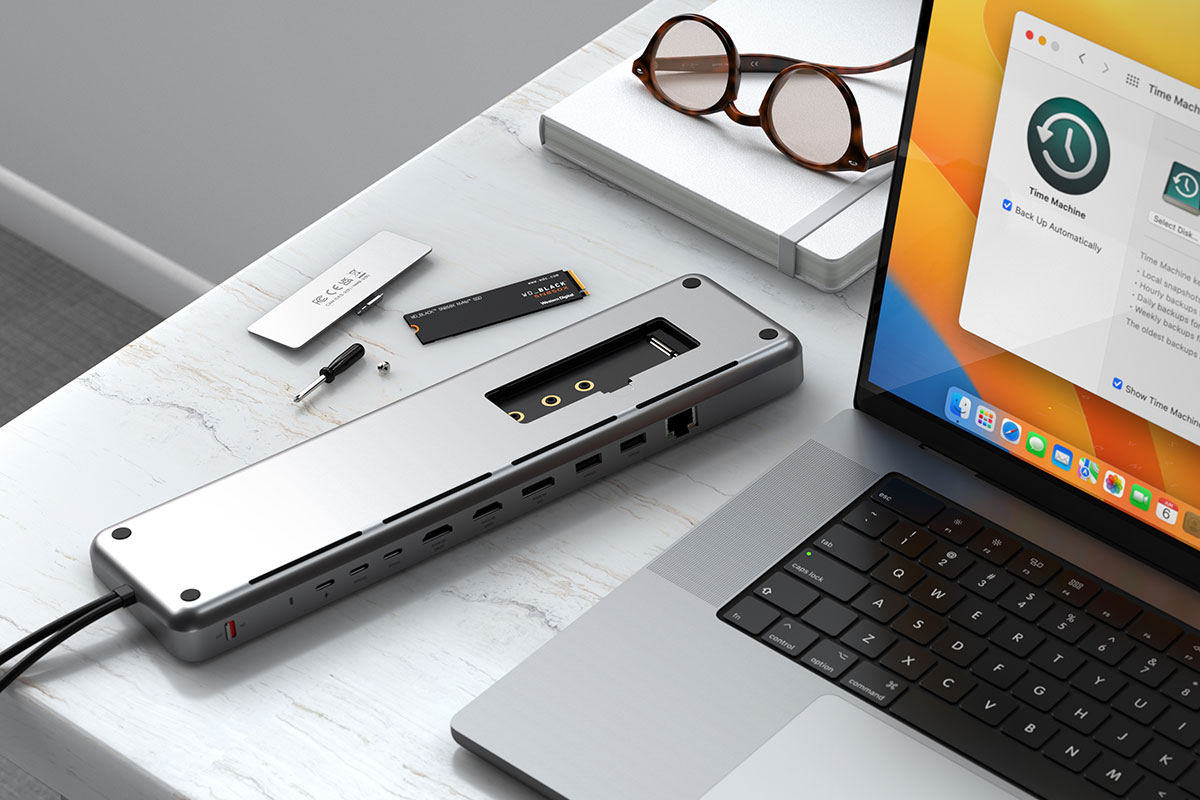
Show Pros & Cons
Pros
- 9 ports
- Built-in SSD enclosure
- 100W PD laptop charging
- Zero-footprint docking station
Cons
- USB-C not Thunderbolt
- USB ports can’t charge devices
- Takes out two MacBook ports
- No card reader
- Requires USB-C charger
Hide Pros & Cons
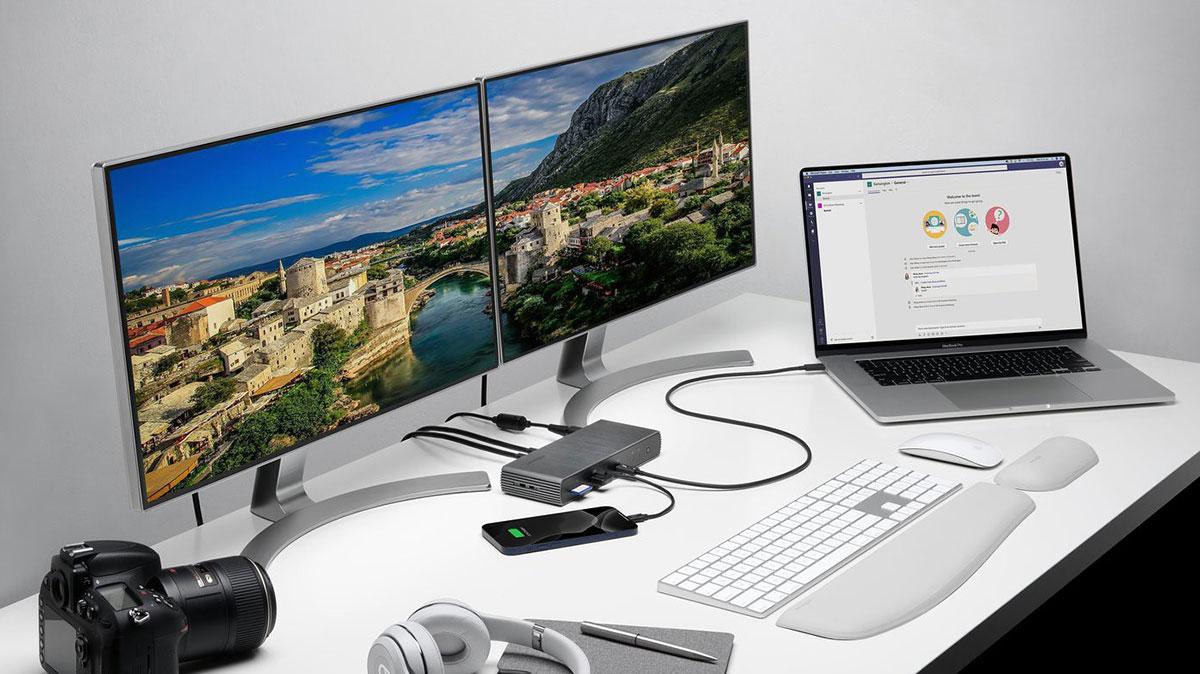
Show Pros & Cons
Pros
- Thunderbolt 4
- 11 fast ports
- 90W PD laptop charging
- 180W power supply
- Power button
Hide Pros & Cons
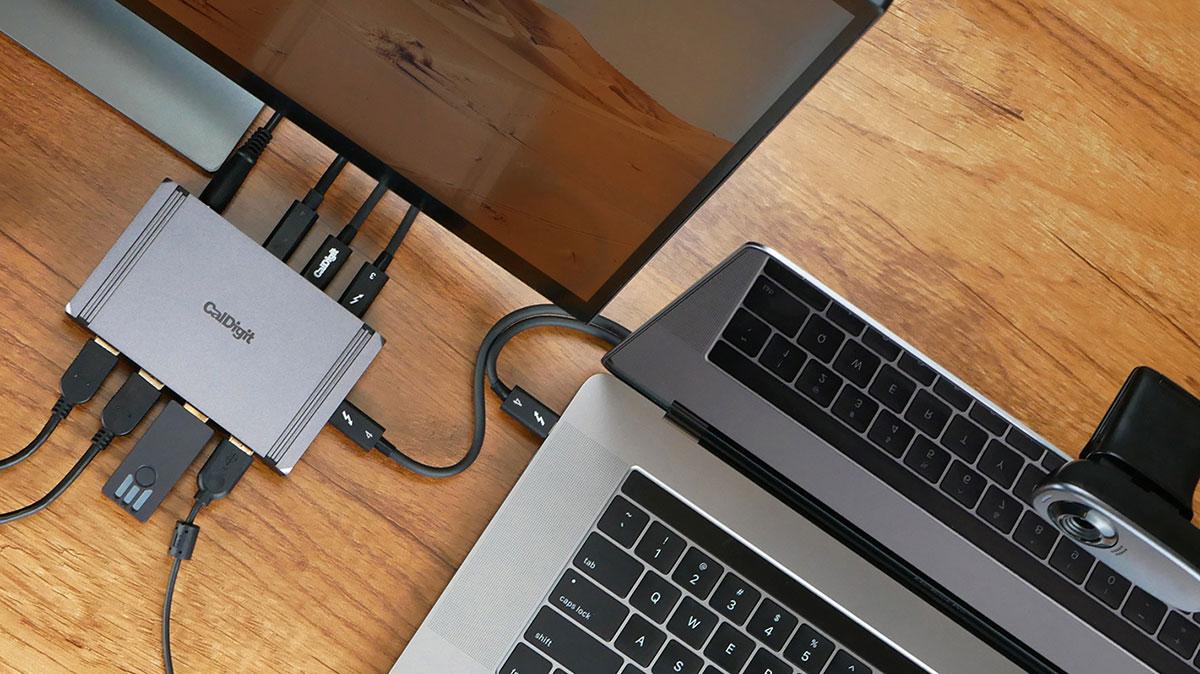
Show Pros & Cons
Pros
- 4x Thunderbolt 4
- 4x 10Gbps USB-A
- 150W total power
- Compact
Cons
- 60W power maybe light for larger laptops
- TB5 option available
Hide Pros & Cons
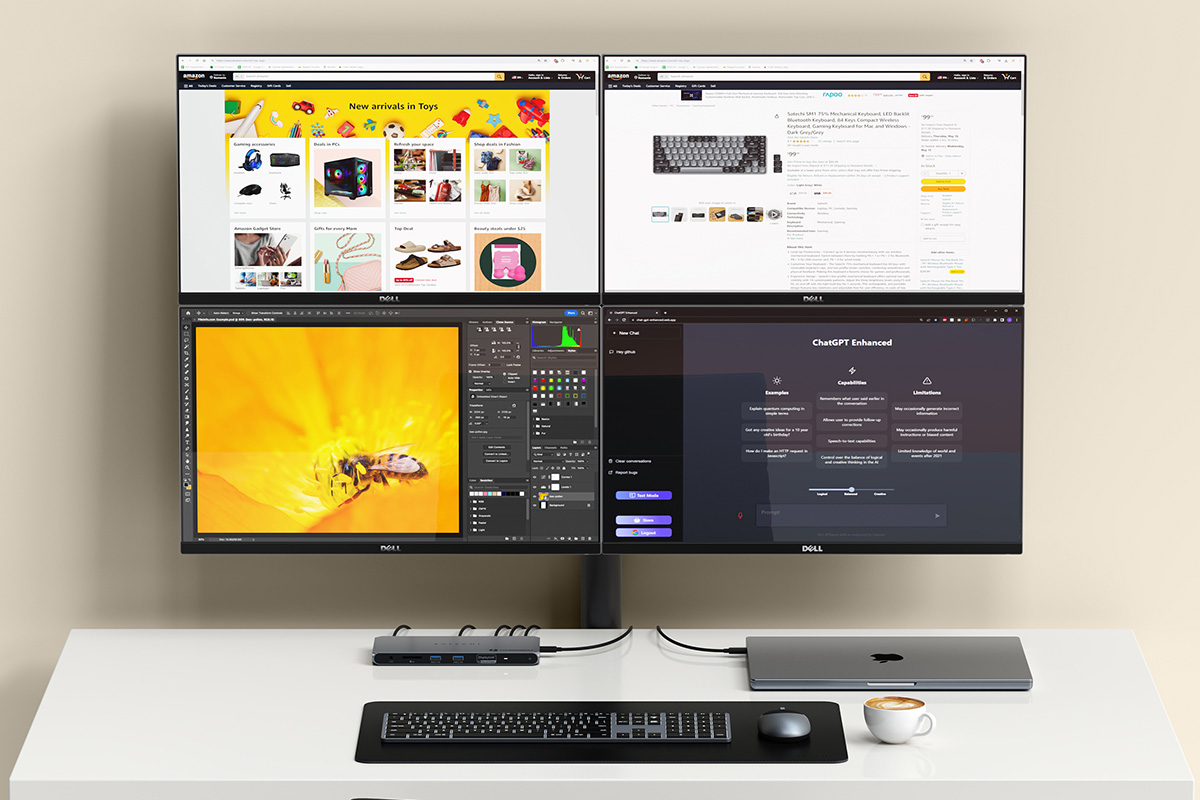
Thunderbolt 4 DisplayLink dock for four 4K displays
Satechi Thunderbolt 4 Multi-Display Docking Station
Show Pros & Cons
Pros
- Thunderbolt 4
- 11 fast ports
- Supports DisplayLink
- Up to four 4K at 60Hz displays
- 6K at 60Hz display
- 180W power supply
Cons
- Requires software installation
Hide Pros & Cons
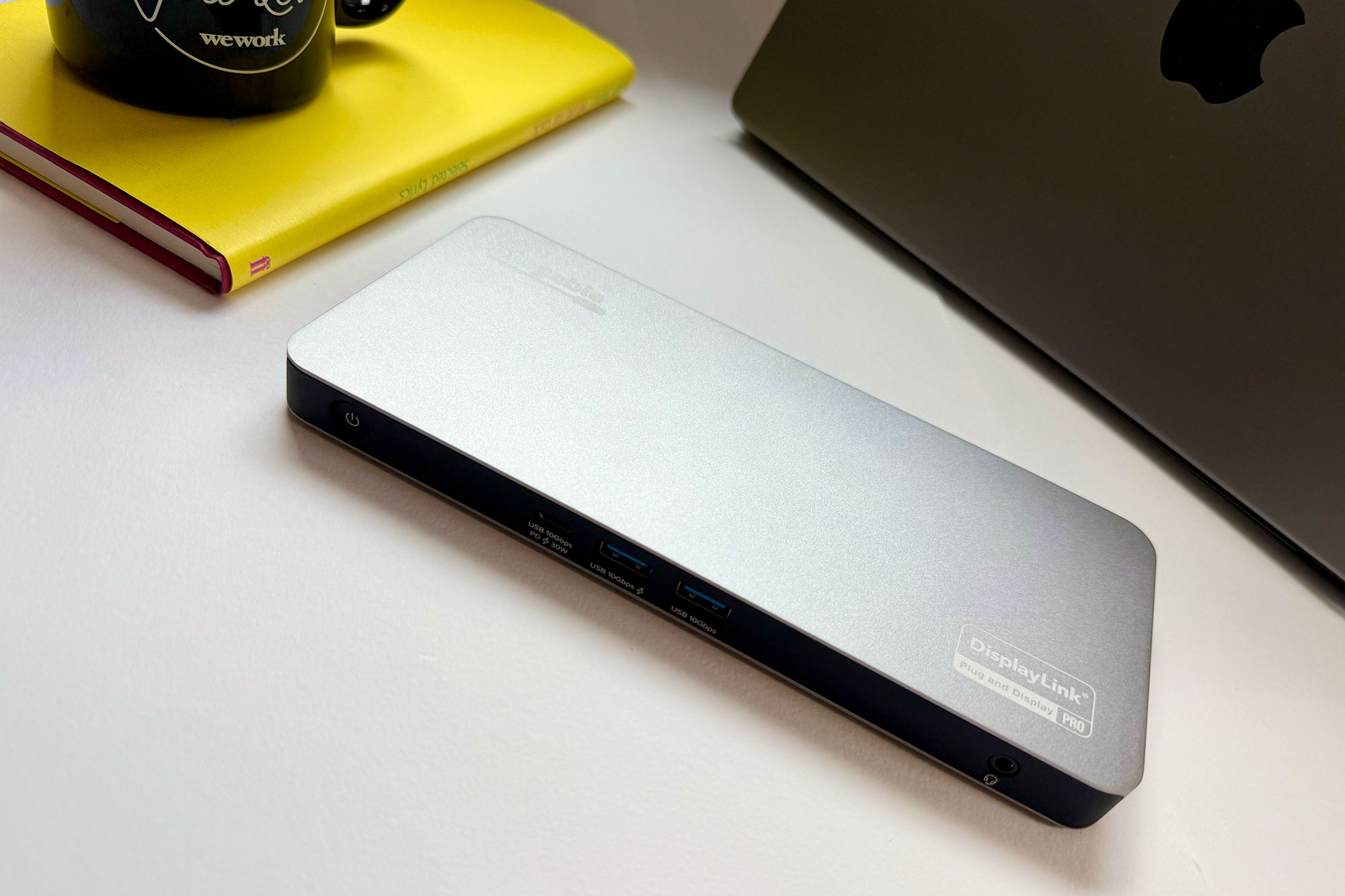
Show Pros & Cons
Pros
- 11 fast ports
- Supports DisplayLink
- Up to five 4K at 60Hz displays
- 3x 8K at 60Hz displays
- 2.5Gb Ethernet
- 140W PD 3.1 laptop charging
- 180W power supply
Cons
- USB-C not Thunderbolt
- Requires software installation
- No card reader
- North America only
Hide Pros & Cons
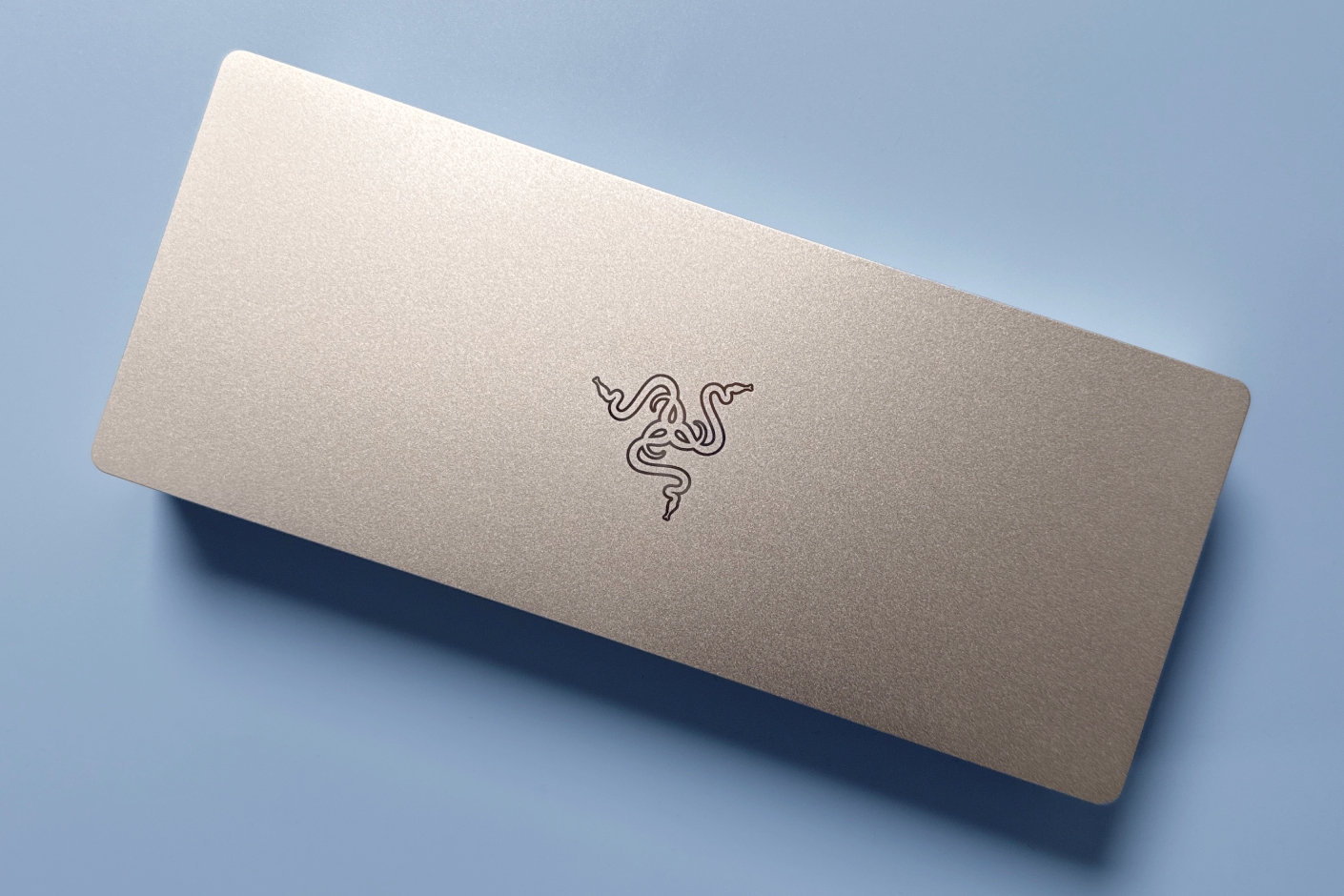
Show Pros & Cons
Pros
- 11 ports, including three Thunderbolt 5
- 140W Power Delivery
- Internal M.2 SSD slot (supports up to 8TB)
- Clean, understated design
- Customizable lighting Chroma model
Cons
- All ports at back
- Gigabit not 2.5Gb Ethernet
Hide Pros & Cons
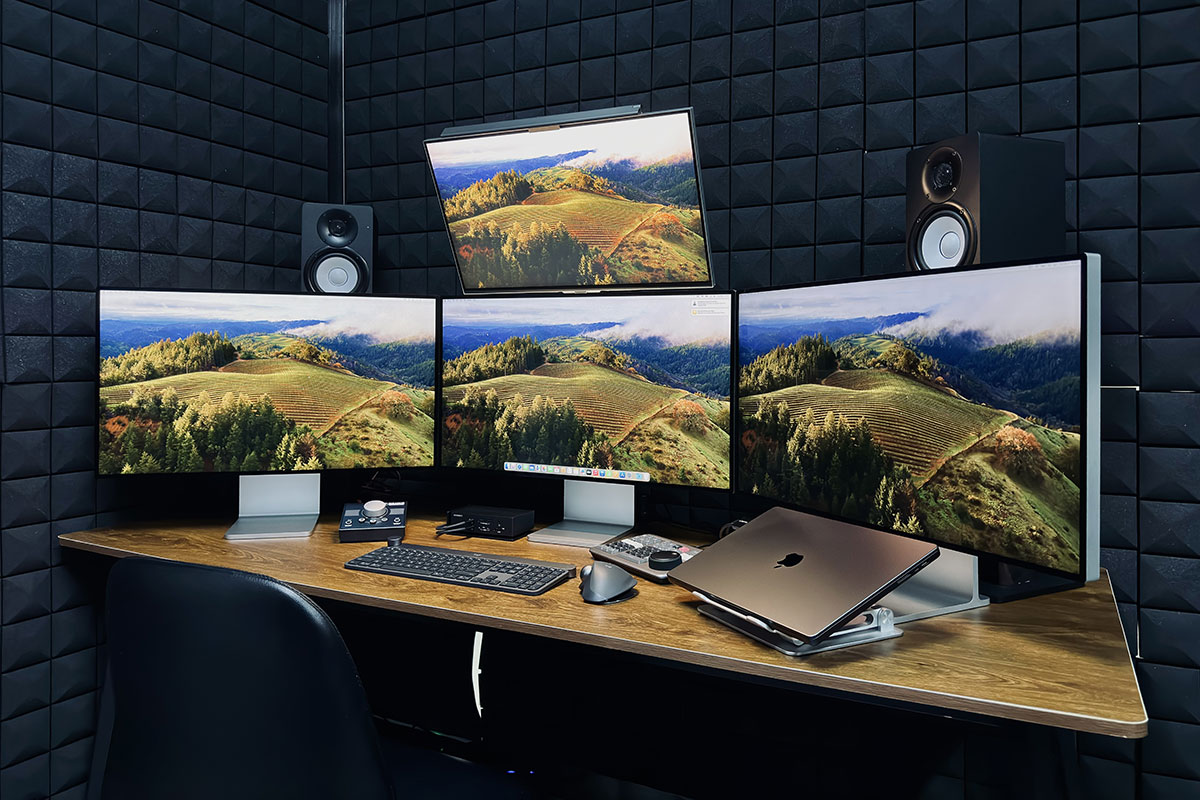
Show Pros & Cons
Pros
- Two Thunderbolt 4 chips
- 21 ports
- Up to four 6K displays at 60Hz
- 2.5 Gigabit Ethernet
Cons
- Premium price
- Requires Max processor for four displays
Hide Pros & Cons
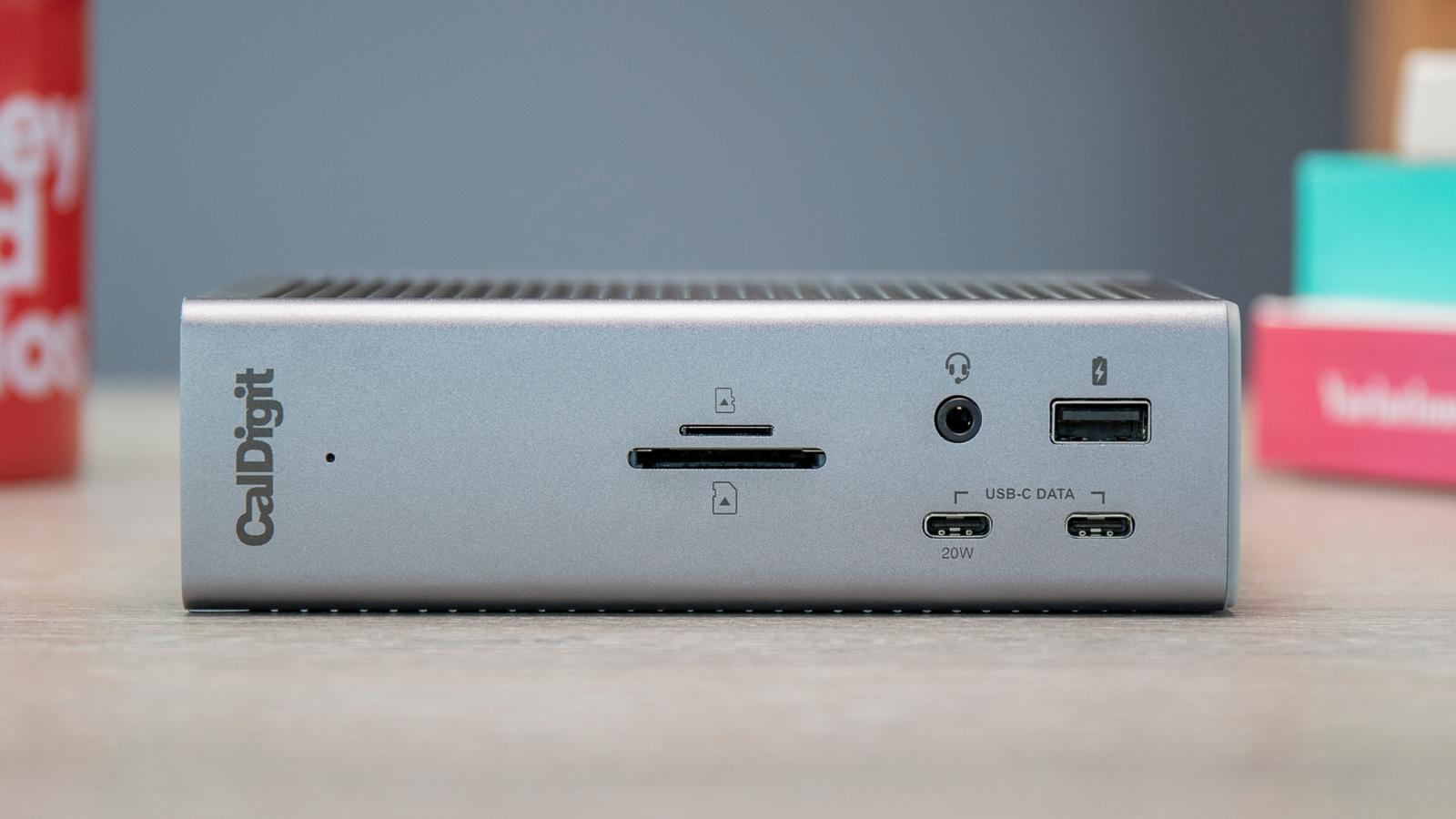
Show Pros & Cons
Pros
- Thunderbolt 4
- 18 ports
- 98W PD laptop charging
- 2.5Gb Ethernet
- 230W power supply
Hide Pros & Cons
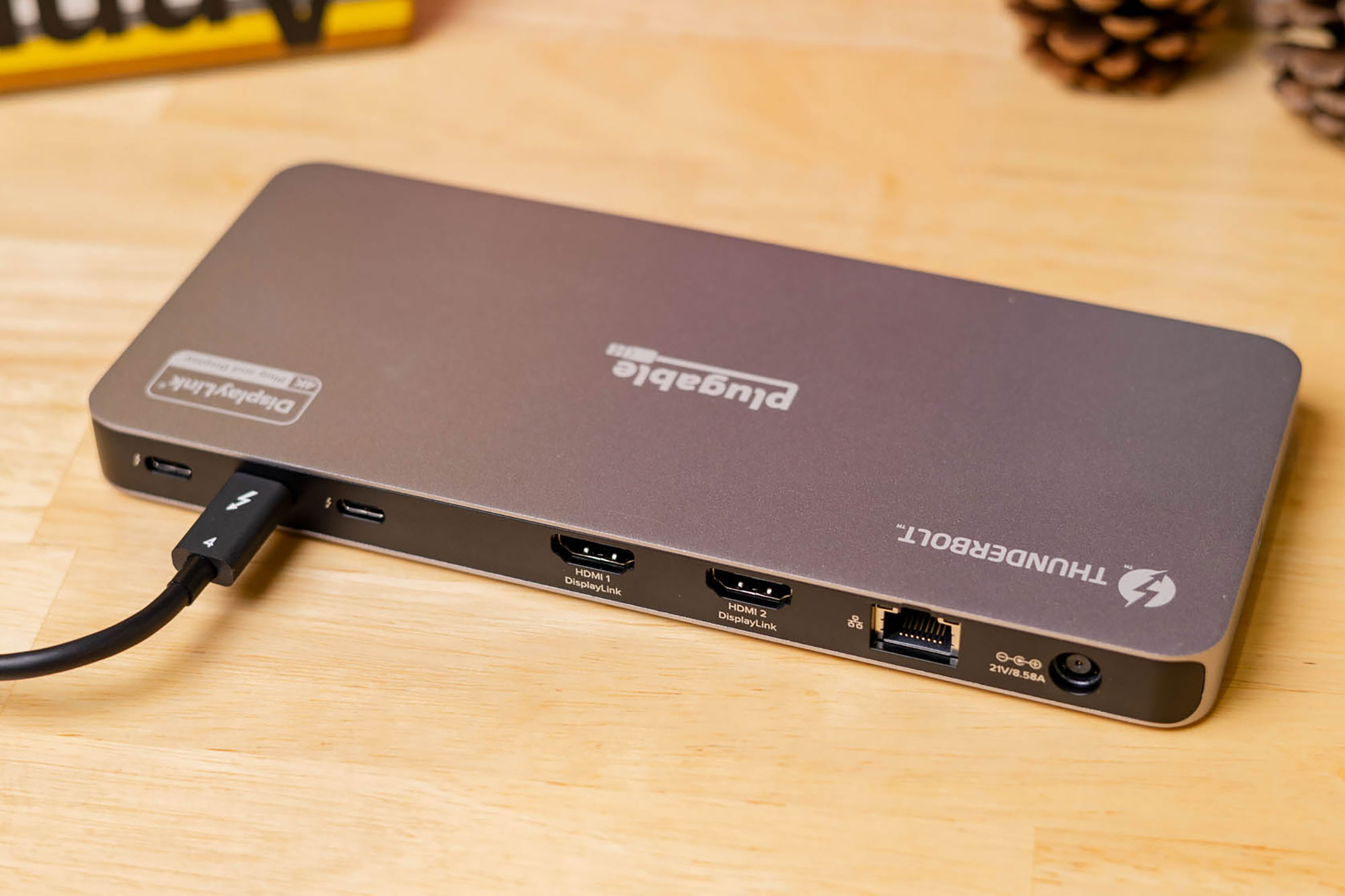
Show Pros & Cons
Pros
- Thunderbolt 4
- 11 fast ports
- Up to four 4K at 60Hz displays
- 6K at 60Hz display
- 180W power supply
Cons
- Requires software installation
- North America only
Hide Pros & Cons
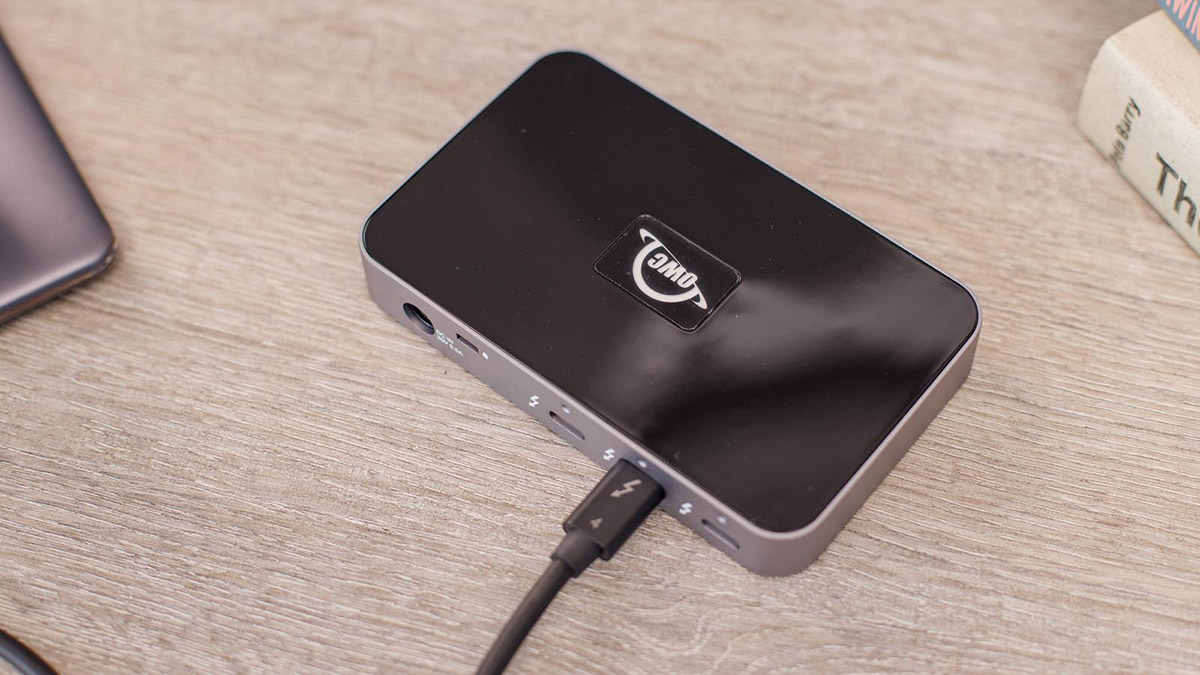
Show Pros & Cons
Pros
- 4x Thunderbolt 4 ports
- One fast USB-A port
Cons
- 60W power maybe light for larger laptops
Hide Pros & Cons
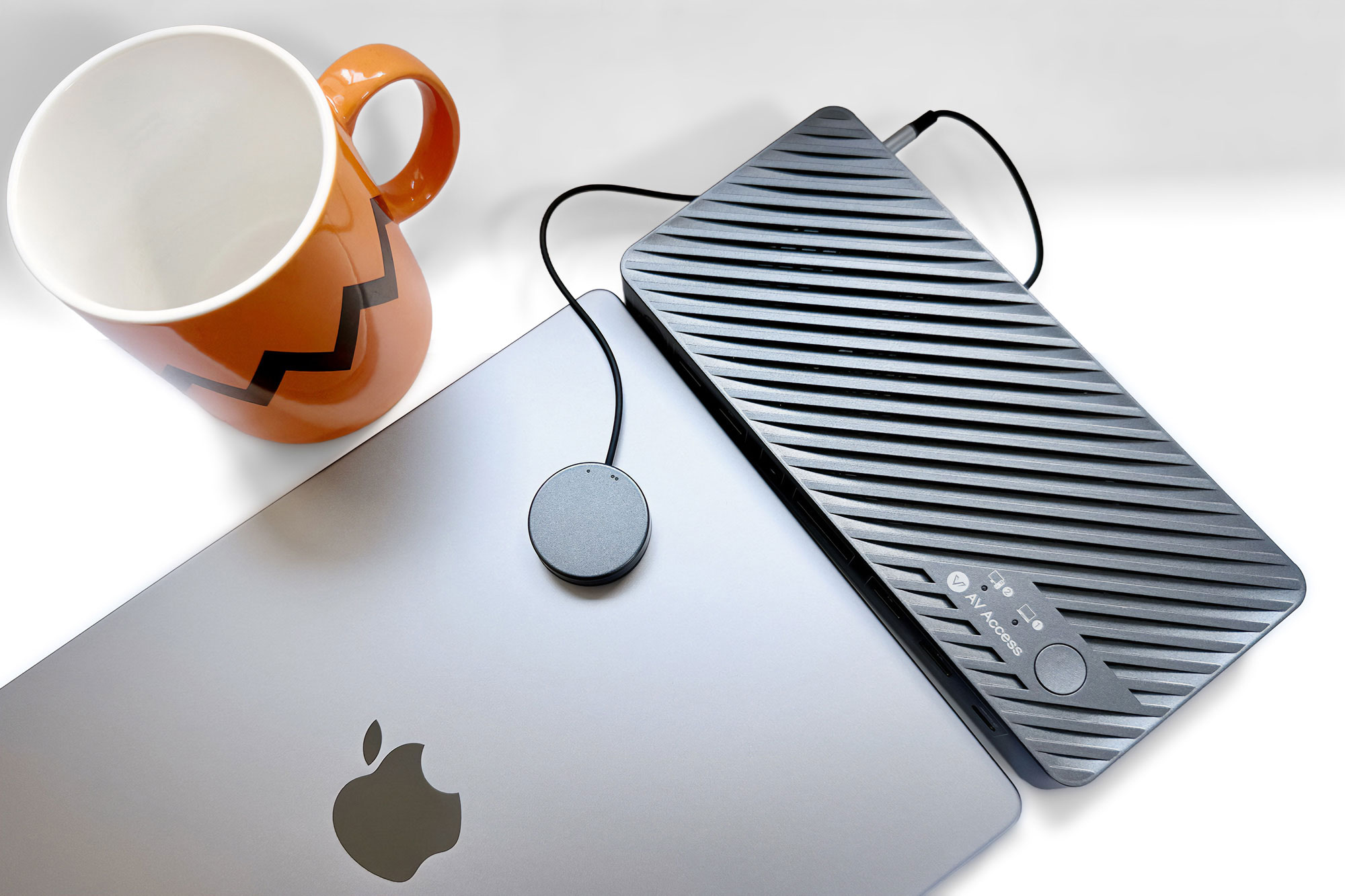
Show Pros & Cons
Pros
- Instant KVM switching
- 2x 4K/60Hz display support
- EDID emulation
Cons
- USB-C not Thunderbolt
- Takes up two MacBook ports
- Weak USB device charging
Hide Pros & Cons
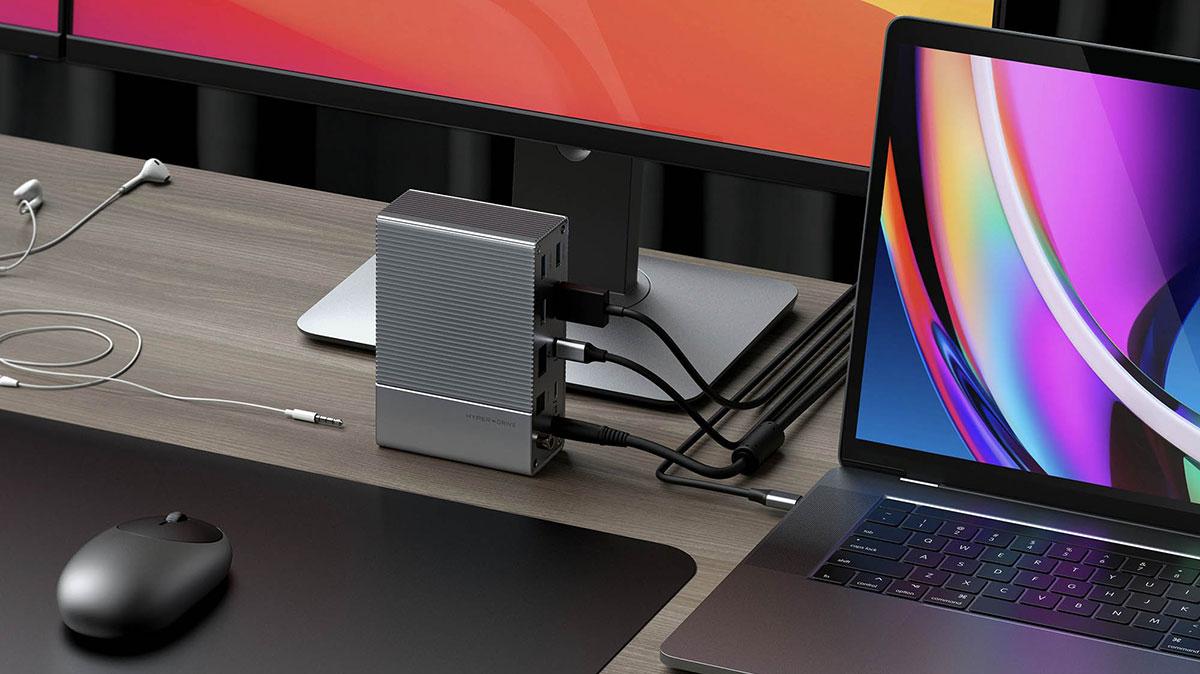
Show Pros & Cons
Pros
- 14 ports
- 85W PD laptop charging
- Digital audio
Hide Pros & Cons


