
Apple has published a new support document explaining how Spotlight indexing works across its devices, including three things it says can help the process finish more quickly. Here are the details.
How to speed up the new Spotlight’s indexing process
As Apple gears up to release iOS 27, iPadOS 27, macOS 27, and other operating systems announced during this year’s WWDC, the company has published a new support document with tips to speed up the indexing process.
Essentially, this new indexing process creates and continuously maintains a searchable catalog of the information stored on the device, allowing Spotlight and the new Siri AI to quickly surface apps, files, messages, photos, contacts, settings, and other content when the user performs a search.
The index is stored locally on each device, which means that the process must be completed separately on every Apple device the user owns.
Interestingly, Apple had already started laying the groundwork for this change with iOS 26.6. As we reported last month, Apple said that the update would “optimize the Spotlight index to prepare for iOS 27,” effectively moving some of the indexing work ahead of the major software release.
Now, the company has published a support article with useful tips to speed up indexing, particularly the initial process, which can take time for users with large amounts of data.
Here’s Apple:
Depending on the amount of data on your device, Spotlight indexing can take hours or even days. Incremental updates after that are much faster. Indexing completes more quickly when:
- Your device is not in use.
- Your device is connected to power.
- Your device is connected to the internet via Wi-Fi or Ethernet, in case email or other data needs to be downloaded for indexing.
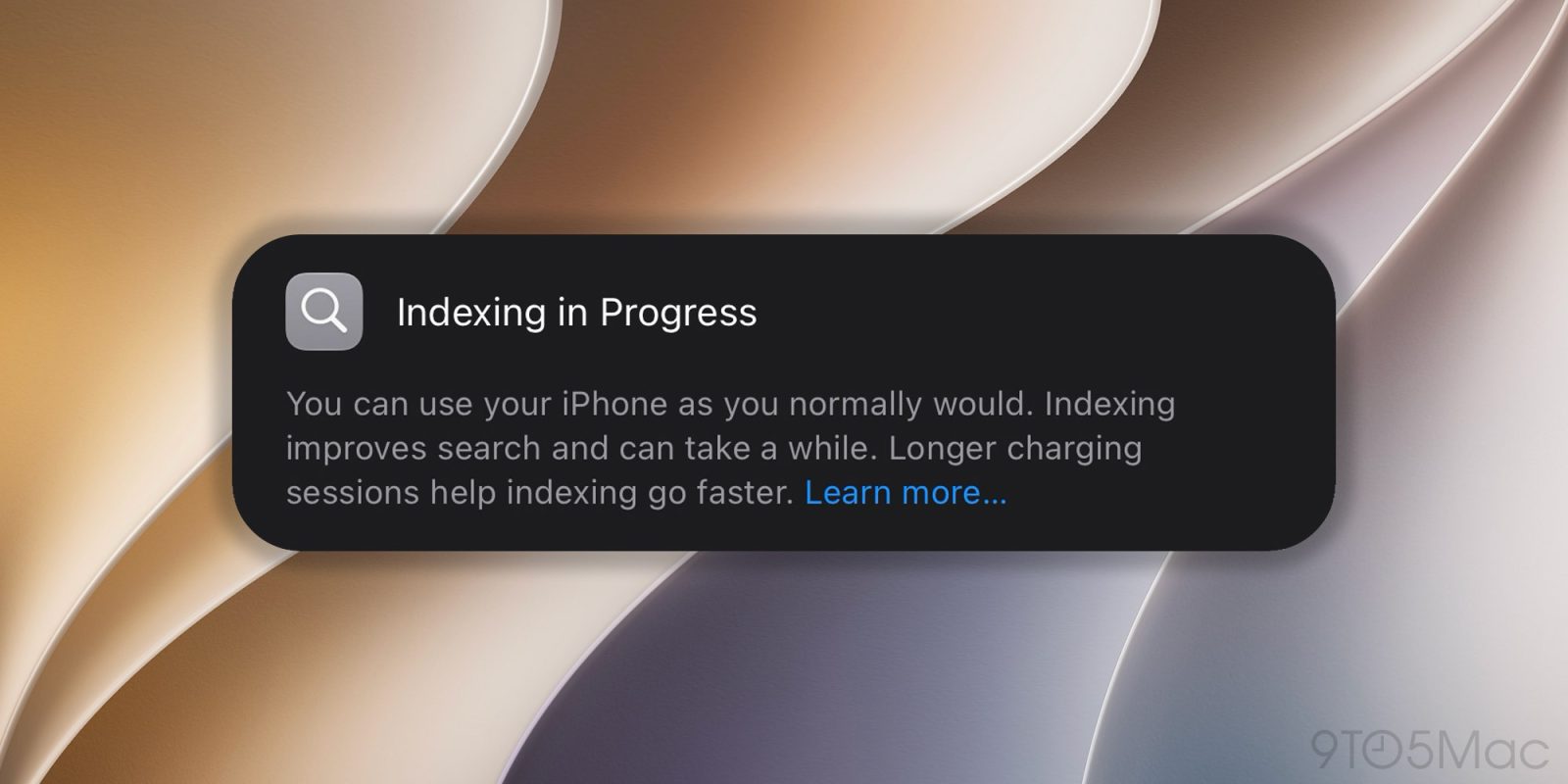
Apple adds that Mac users can check indexing progress through an indicator at the top of the Spotlight or Siri window after pressing Command-Space. On the iPhone, iPad, and other devices, users may instead see a notification in the Settings app indicating that Search and Siri are still optimizing.
Apple also notes that Mail can display a separate notification when email indexing has not yet finished.
To read Apple’s full support document, which also includes what to do if Spotlight gives unexpected search results, follow this link.
Worth checking out on Amazon


FTC: We use income earning auto affiliate links. More.


