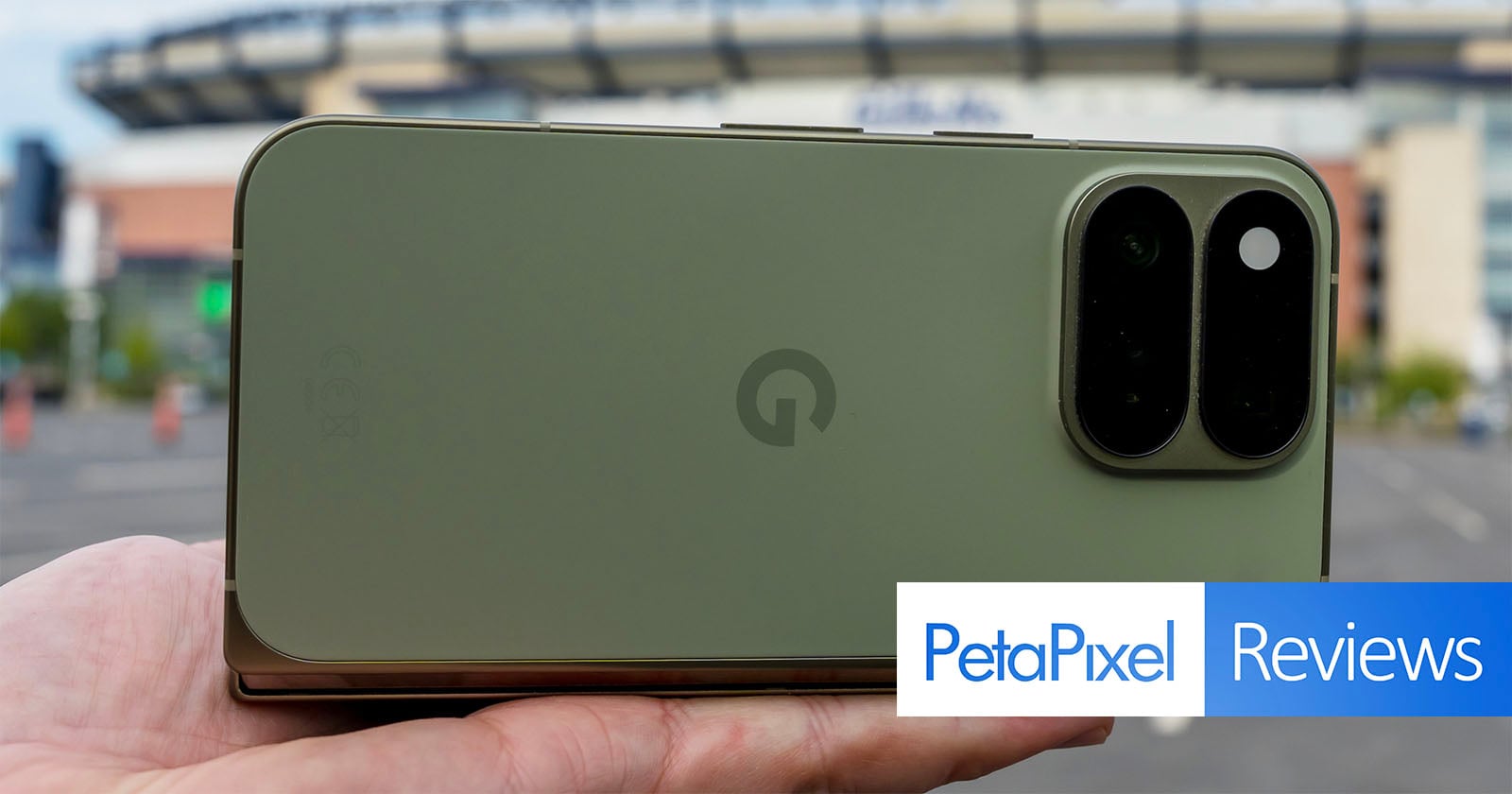
Google uses the word “Pixel” for its smartphone lineup, but what was once a camera-centric drive to stand out from the pack has become more of a stay-at-home, iterative lateral crawl. Granted, foldable phones aren’t mobile camera trend-setters, but their price tags suggest mid-range or mediocre shouldn’t be on the menu.
I can’t shake the feeling that I’m writing about a foldable that would have felt contemporary in 2024 instead of 2026.
Pros
- Better, bigger main camera
- I like Camera Looks
- Mostly good software
- Nice design
Cons
- Telephoto and ultrawide cameras remain lacking
- Doesn’t always take full advantage of the folding form factor
- Not enough improvement compared to its predecessor
- Expensive
The $1,899 Pixel 11 Pro Fold is in a holding pattern of sorts. The camera system doesn’t drive the device’s appeal, though one could argue there isn’t anything else that really sets the tone, either — unless you count Gemini and everything associated with it as the spearhead, which it kind of is. Google flashes brilliance here, but strange, recurring omissions still frustrate the experience.
Google Pixel 11 Pro Fold Review: Familiar Pixel Language
Putting the Pixel 11 Pro Fold next to its predecessor makes it seem like the company essentially used the same body to build this one. There are slight differences in thickness and weight, but the form factor otherwise carries over from last year’s model. Radical redesigns aren’t always necessary, but when competitors keep finding ways to get thinner and lighter without performance shortfalls, it’s easy to wonder what Google really thinks matters most in a foldable.
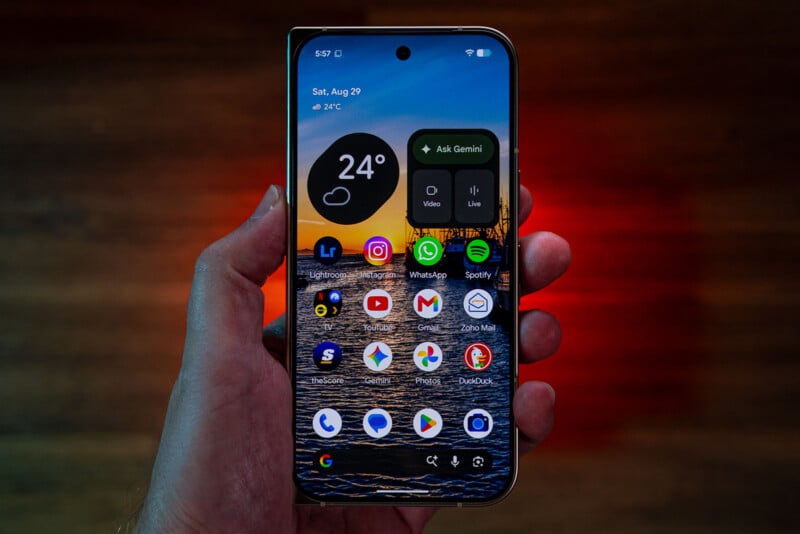
On the one hand, you get more durability to go with the size. IP68 dust and water resistance is far and away better than what competitors in North America — chiefly Samsung and Motorola — currently offer. Chinese brands, however, have been doing this already, like the Honor Magic V6 that is both IP68 and IP69 in a body that’s noticeably thinner and lighter with a bigger battery and bigger image sensors to boot.
Google’s design is also unmistakably thicker when folded than what the others are doing. Samsung’s newer Galaxy Z Fold 8 is sized like a passport, but it also has pedestrian cameras, so clearly not aimed at those who care about image quality. The Fold 8 Ultra is a more serious imaging take from Samsung than in past years, as is the Motorola Razr Fold (2026), though both use a longer frame. The Pixel 11 Pro Fold lies somewhere in the middle.
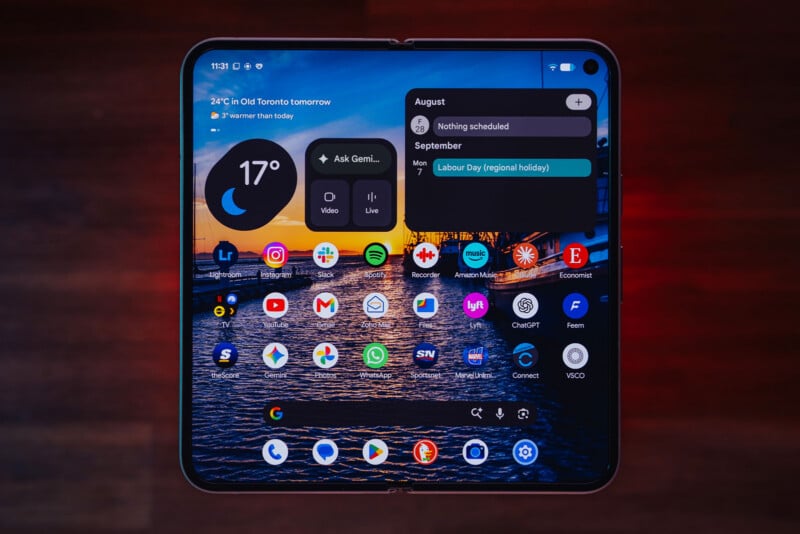
Unfolded, the 8-inch OLED inner display (2152 x 2076) is basically the same panel as before, as is the 6.5-inch OLED (2342 x 1080) folded cover screen. Where the Galaxy Fold 8 Ultra and Razr Fold have 21:9 aspect ratios on their respective cover screens, it’s 19:5:9 on Google’s foldable. That makes the inner screen closer to 1:1 in comparison to the other two, which appear wider as a result.
Google also remains the only non-Apple brand to integrate Qi2 magnetic coils, which most circles know as MagSafe. Google introduced it as Pixelsnap last year with the Pixel 10 series, but it’s basically the exact same thing, so it’s much easier to slap on accessories that can help with anything from charging to composing photos or video. Other Android phone brands that support MagSafe do it via cases rather than built-in. That it’s available on a foldable is almost a double whammy, since you don’t see that from other brands at all.
Google Pixel 11 Pro Fold Review: Camera Features
Unsurprisingly, Google rests on existing hardware for the camera array, save for one swap: the 48-megapixel main wide lens (24mm equivalent) now uses a larger Type 1/1.3 image sensor and an f/1.7 aperture with OIS. Google touts this as delivering better low-light output. That now makes it the second iteration in a row that Google’s chosen to increase the size of the main camera after having done it in the previous Pixel 10 Pro Fold.
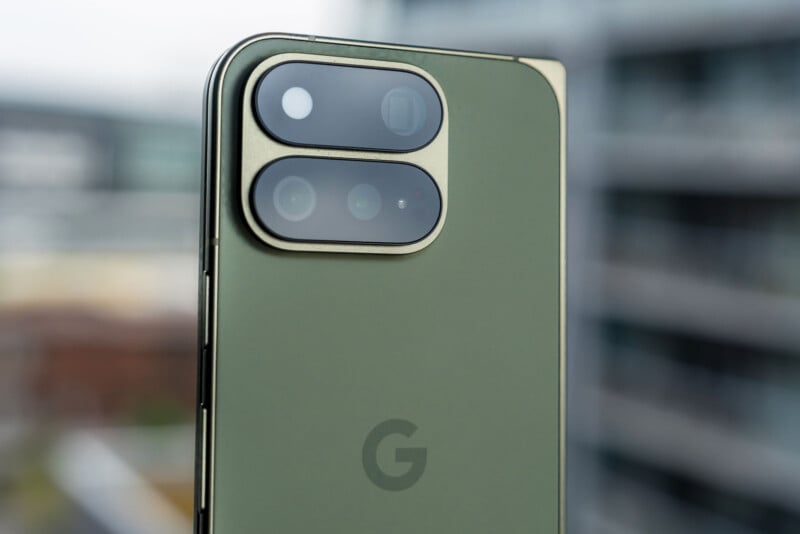
The company just didn’t do that for the rest of the rear and front cameras. The 10.8-megapixel telephoto with 5x optical zoom (112mm equivalent) sticks with a Type 1/3.2 sensor at f/3.1 with OIS, while the 10.5-megapixel ultra-wide (13mm equivalent) does the same with a Type 1/3.4 at f/2.2 with autofocus. The two front-facing cameras are also the same 10-megapixel sensors.
Google also moves the LED flash to the other side of the module and imbues it with the ability to light up in different colors — not for photos or video, but for calls and Gemini. It’s called HiLight and is available across the Pixel 11 line, except it only works when the phone is face down, and its basic purpose is to light up for an incoming call or when summoning Gemini. In vintage BlackBerry style, you can assign a custom glow color for a key contact when they call.
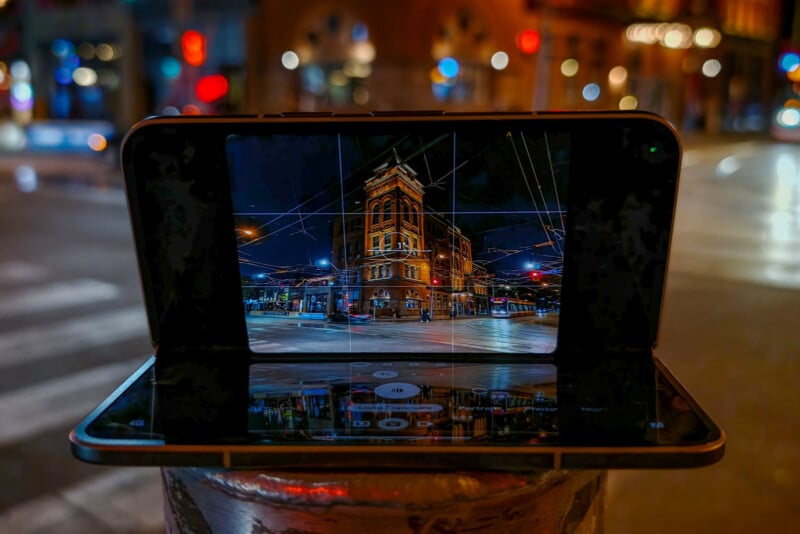
Google is also yet to fix a vexing issue dating back to the first Pixel Fold. When unfolding the 11 Pro Fold and tilting it any which way with the camera app open, the live preview only appears on the top half. There’s still no way to switch it to the lower half, making framing and composition far more difficult than it needs to be when capturing anything from a lower angle. Over time, it becomes a real nuisance anytime you want to get creative with the device’s placement.
Google Pixel 11 Pro Fold Review: AI Extends a Hand
The Pixel 11 series marks some of the bigger changes I’ve seen on the camera software side, mainly because there’s now a way to manipulate Google’s image processing. A new setting in the camera app called Camera Looks lets you choose from seven distinct filters or styles, then tweak and customize them as you see fit through a variety of sliders. From the default look, you also get Editorial, Velvet, Classic, Digi, Black Tie (the only monochrome one), and Minimal.
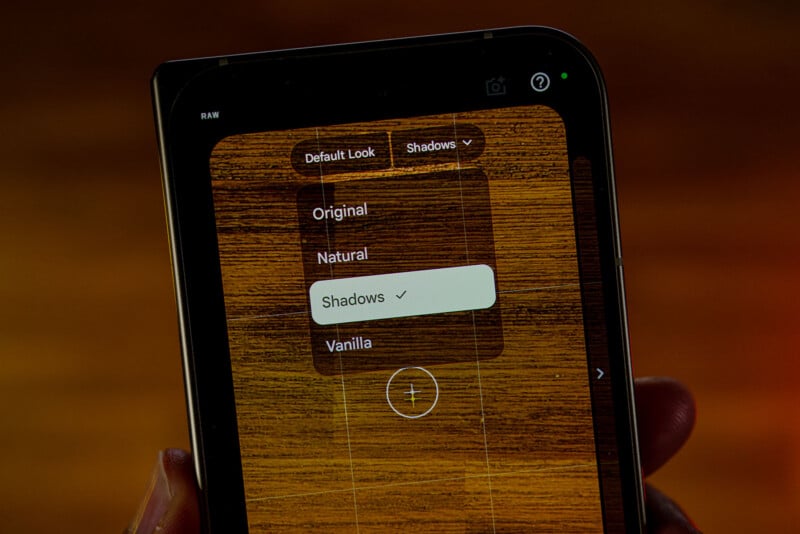
What’s equally interesting is the drop-down menu next to the default look that can change how Google processes the image: Original, Natural, Shadows, or Vanilla. In basic terms, Original leaves Google’s processing pipeline untouched. Natural reduces the computation involved to approach a more authentic set of tones and colors. Shadows adds extra contrast, especially for darker areas, to create a more dramatic tone. Vanilla adds a warmer color temperature in an attempt to get a little more film-like.
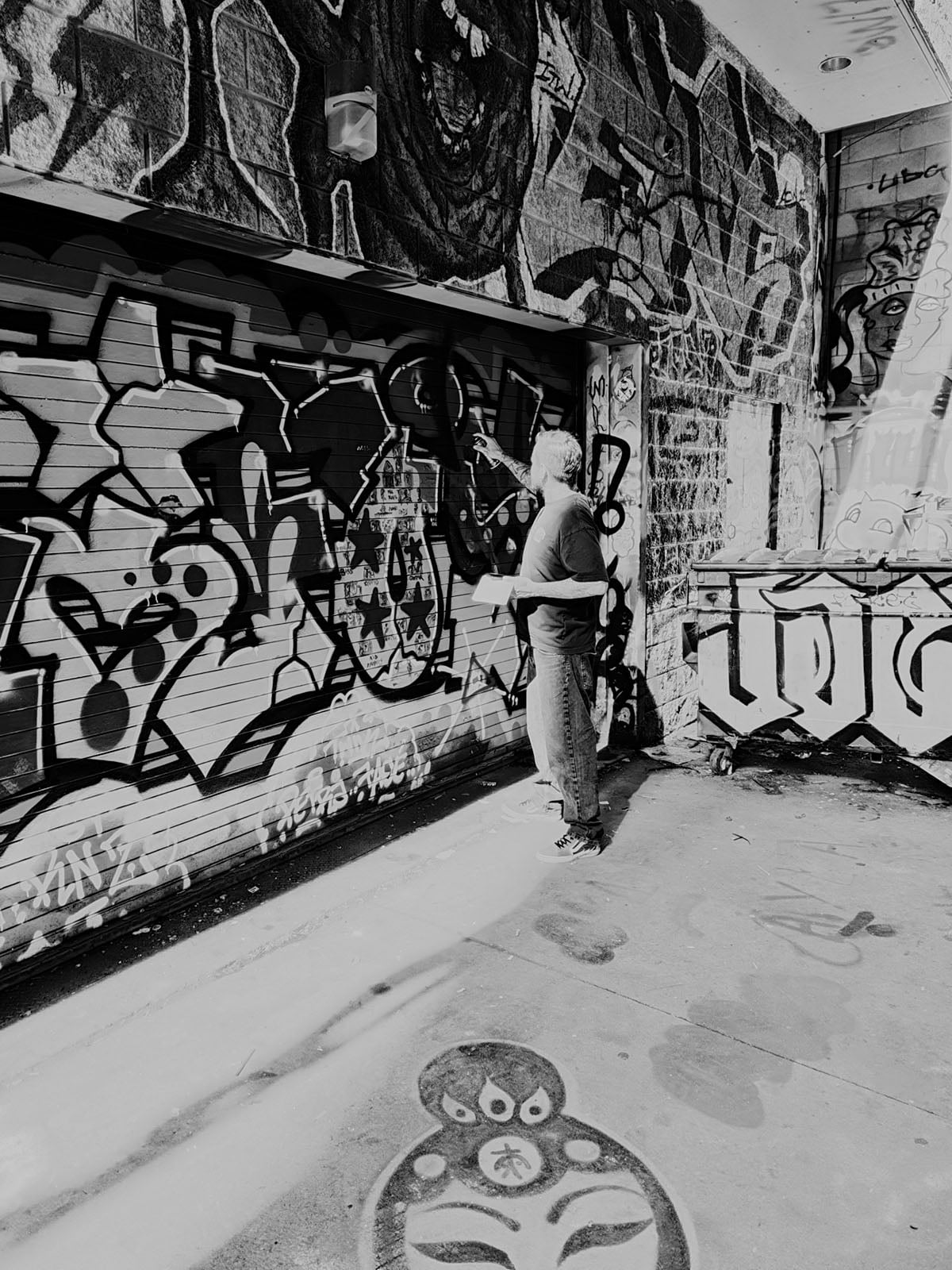
Combining any of the filters/styles with the processing settings can lead to interesting results, though the adjustment sliders sometimes feel restrained or unconvincing insofar as the effect they have on the image in real time. For example, Black Tie is high-key from the start, so dialing back the highlights slider all the way seems to have a negligible effect on what the monochrome photo could look like. It doesn’t really matter which processing selection is involved, either, making me feel like Google could have added a more subdued black-and-white filter or style to work from on top of Black Tie.
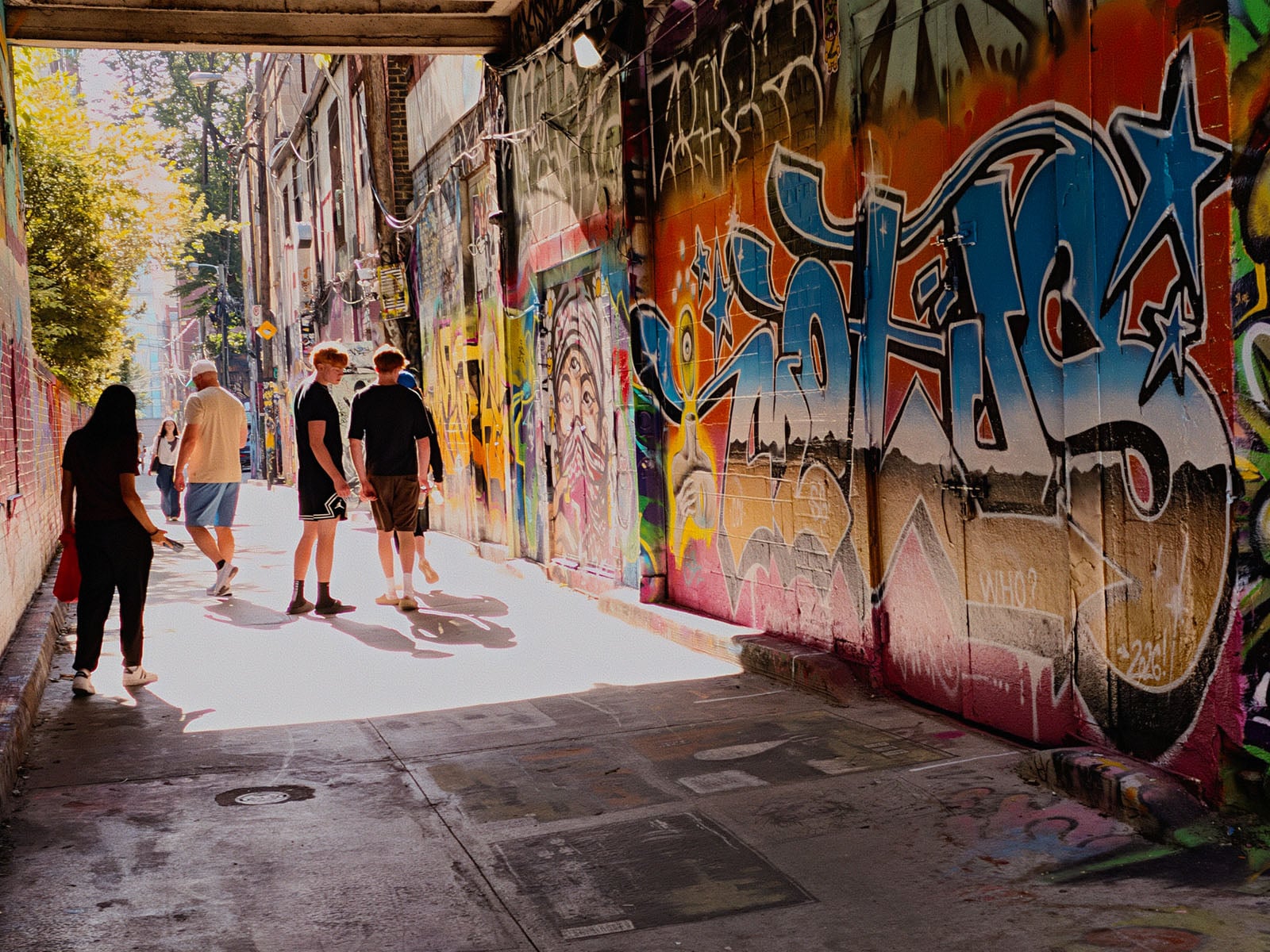
Still, there’s plenty of good coming out of this move to bring a semblance of control to what photos can look like. I’m a fan of Editorial because it adds some dynamism and drama to even mundane subjects, much like a mix of Minimum and Natural can feel like a throwback to a pre-computation era in smartphone photography. Google is on to something with these features, and here’s hoping that it chooses to refine them further with subsequent updates.
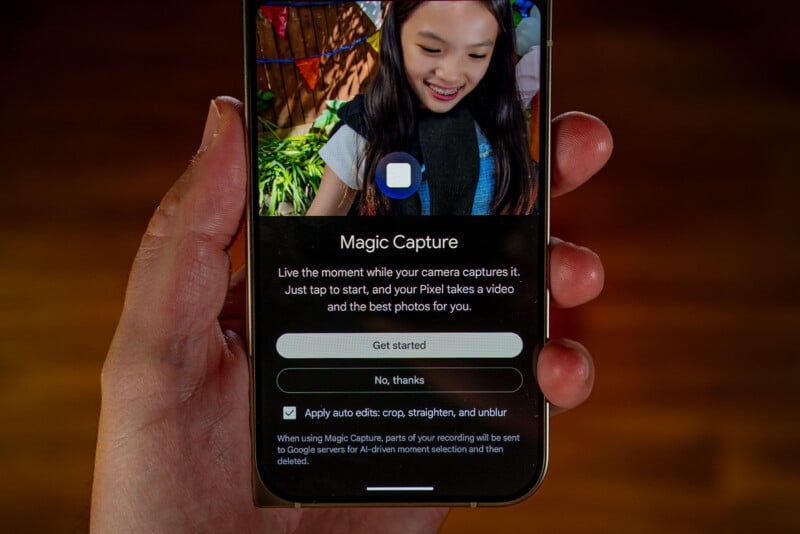
Another new one is Magic Capture, a separate mode that uses AI to help freeze action through selective frame capture from a short video clip. This works a little differently from a motion photo for a few reasons. First, you can use Magic Capture when capturing 50-megapixel JPEG or RAW images. Second, while Motion Photo will respect whatever manual adjustments are made to the composition, Magic Capture doesn’t, so once you switch back, it goes with the phone’s automated exposure triangle.
Other caveats are that Magic Capture won’t work with the ultra-wide camera, and images max out at 10.8 megapixels, so there’s no way to use it as a workaround to get higher-res images of any action. You’d need to shoot in RAW or JPEG at full-res for that. Since no Pixel phone supports burst shooting — even when using manual settings — Magic Capture ends up being the closest you can get. And since it negates any manual exposure settings, you can’t use it to your advantage that way. But even then, the AI is choosing what it thinks are the best moments from the clip, leaving you with no real recourse to make the call yourself.
Google Pixel 11 Pro Fold Review: Image Quality
A larger sensor always helps, but Google doesn’t move the needle enough to suggest image quality takes any serious leap forward. Even low-light gathering, while better, doesn’t always make a massive difference. In addition, the same software computation and processing Google always relies on can only go so far on aging hardware. That’s why there’s a noticeable gap in quality between the main camera and the telephoto and ultra-wide in more demanding conditions.
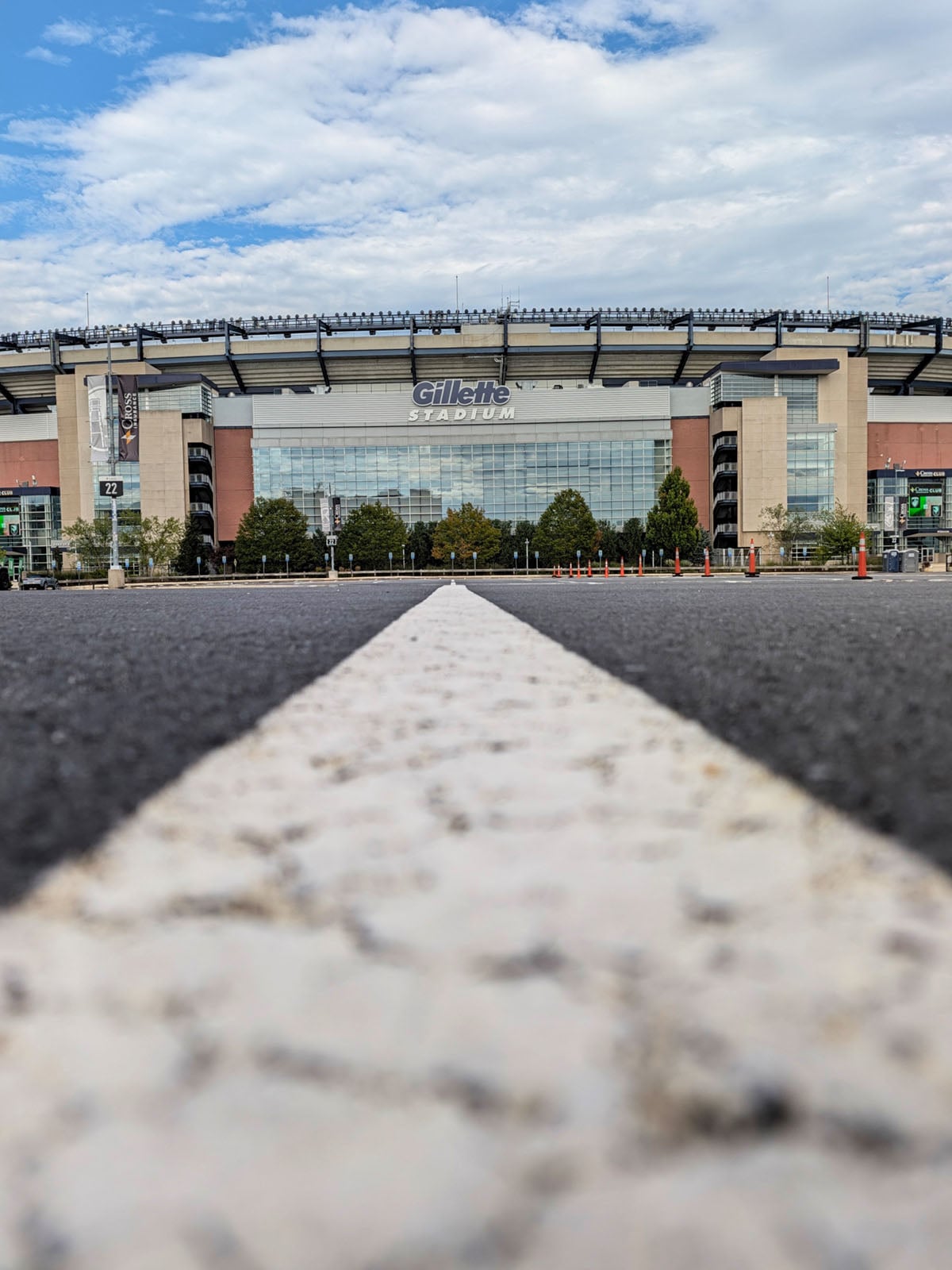

On the bright side, the main camera produces better color accuracy and dynamic range than previous models. Night shots can sometimes go too far in both, pulling out too much detail in darker portions and adding saturation when it’s not necessary. These aren’t hard and fast rules that apply with every single shot, but they’re present enough not to notice.
The bigger difference comes from the Camera Looks because they’re the most visually striking change. While far from perfect, each one offers something unique that we haven’t seen before on a Pixel phone. The Looks apply to the whole Pixel 11 Pro line, and there are currently no indications Google will roll them out on the 10 series or earlier, though I see no technical reason why it couldn’t. For now, there’s exclusivity to them here in the Pixel 11 Pro Fold.

The other side of that is the way processing changes based on what you choose. I will update this review when I get clearer confirmation from Google on exactly how each setting affects its own processing, but suffice it to say, there are differences you can catch with your own eyes.
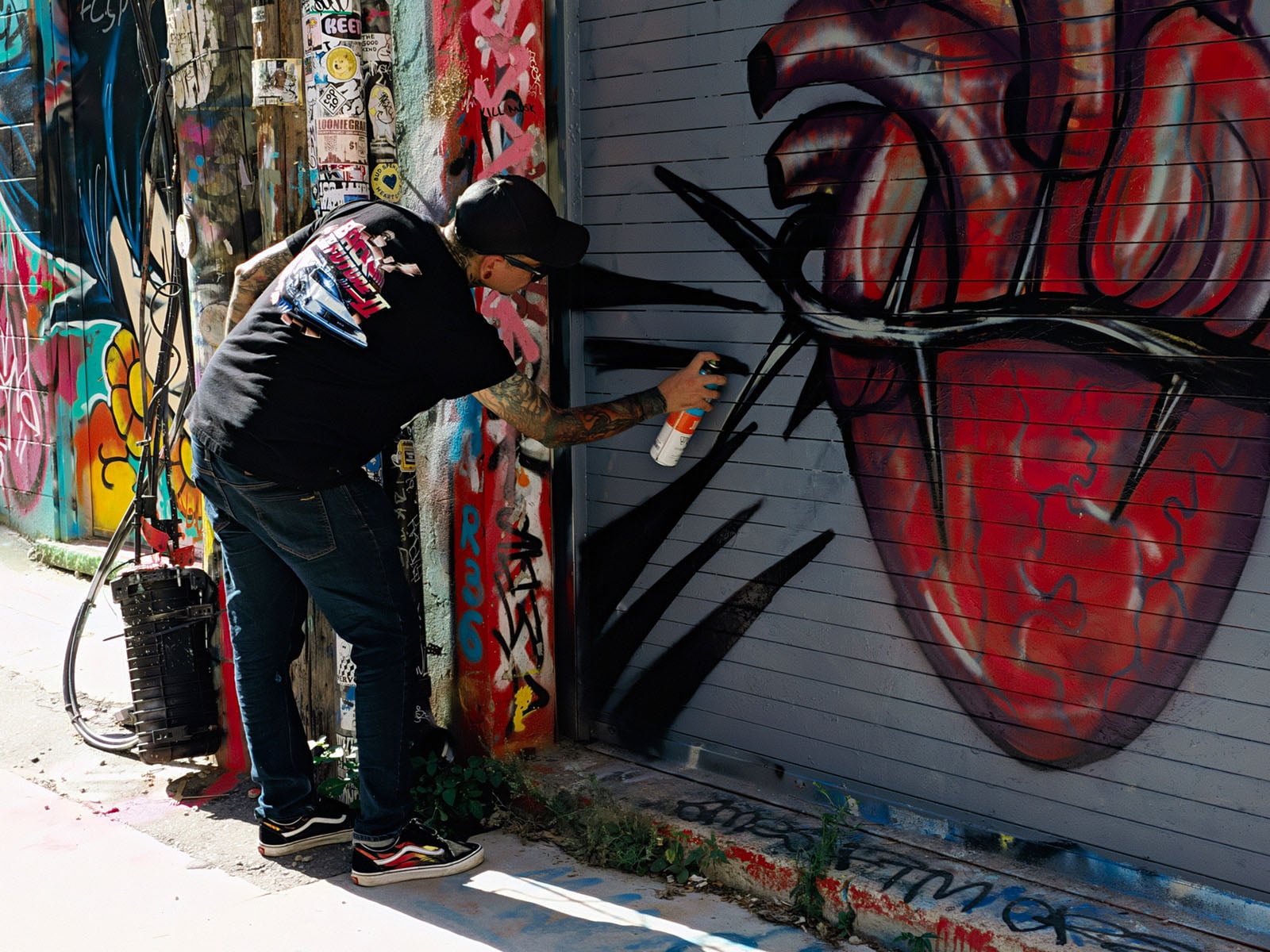

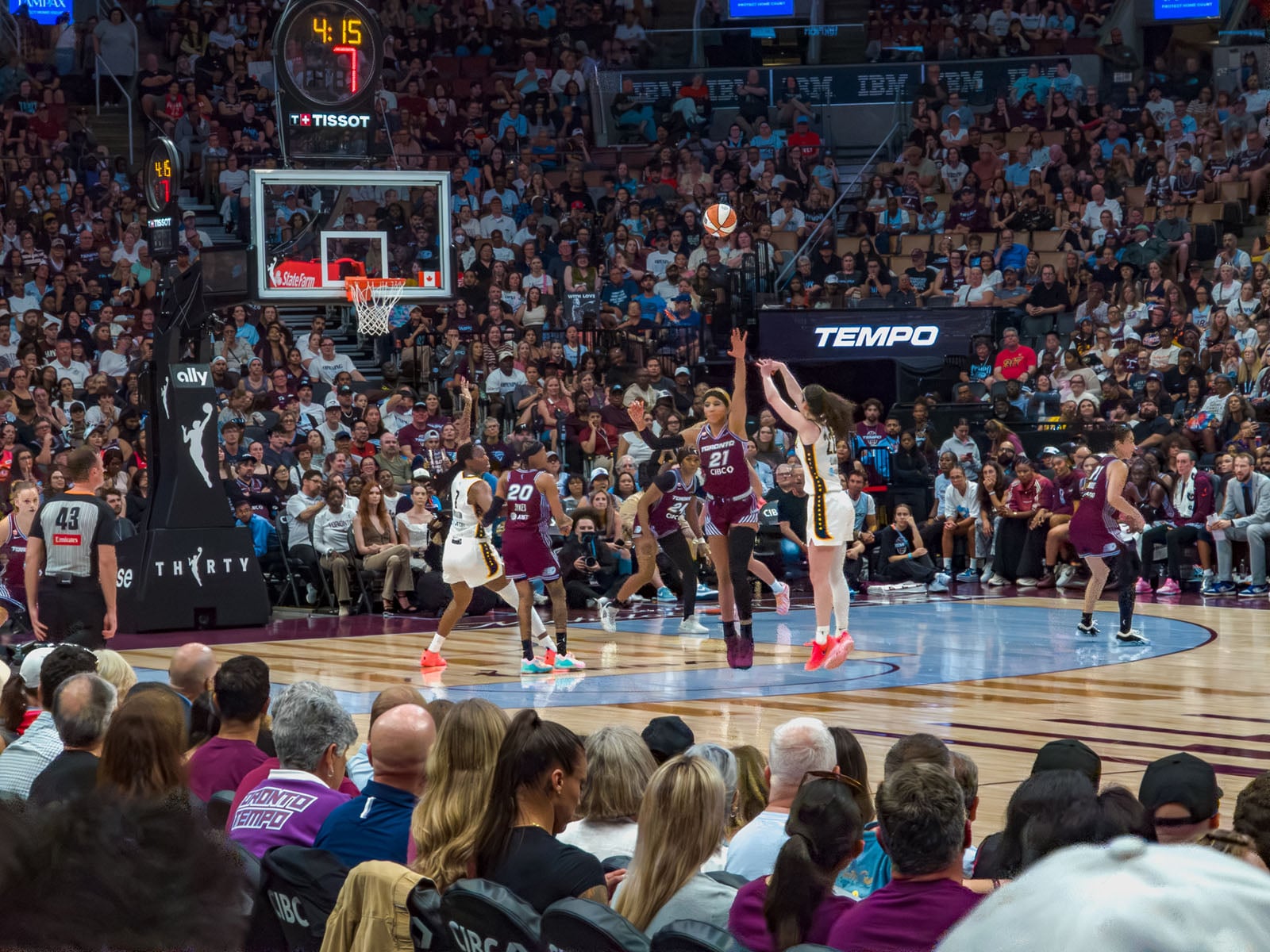
Magic Capture, on the other hand, feels like it’s in beta because the feature implies dynamism that simply doesn’t occur in most instances. What trips it up most is the speed at which a subject is moving and how close said subject is to the camera. The latter is a standard factor in freezing any action, but the former is left purely to the devices of Google’s own AI. As far as I can tell, it looks to pluck out the “best” frames from a short video full of them. This is different from action modes on other phones, especially Chinese ones, which use clever bracketing and software optimization to freeze action in place.
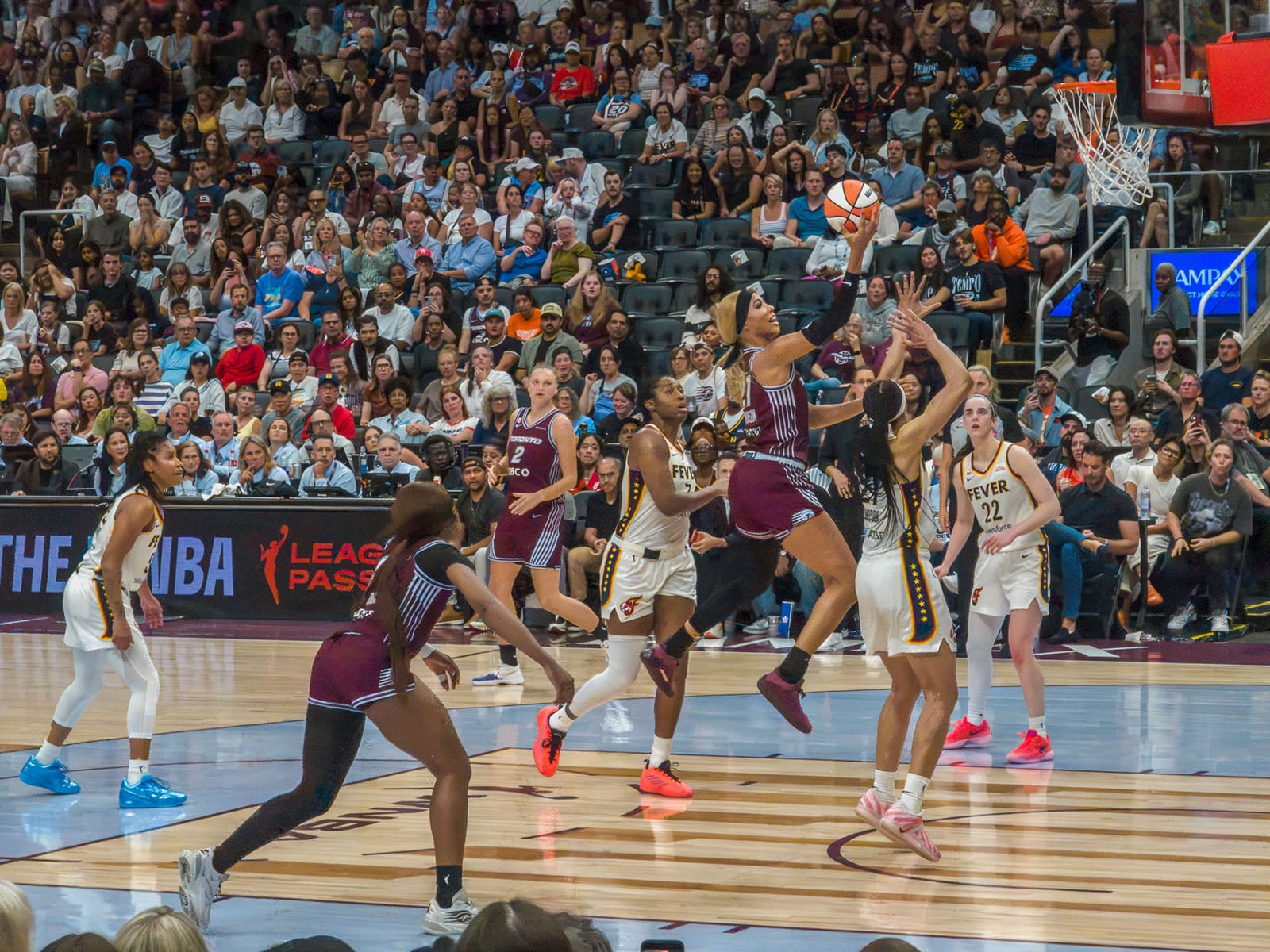
One of my issues with Google’s approach is that it doesn’t feel particularly optimized for certain actions other than when people are in the frame. More effective face or subject detection would probably help a great deal but that would also require faster processing than Google’s Tensor G6 chipset may or may not be able to handle. So, we have a great idea that doesn’t quite deliver the goods consistently — at least not yet.
Google Pixel 11 Pro Fold Review: Telephoto, Ultra-Wide, and RAW
Dated image sensors that are also small work against the Pixel 11 Pro Fold, which is no surprise to me, personally. Having tested the previous Folds, I made the same argument then, noting the positive elements just don’t feel like total positives given what other foldables are doing in 2026. The telephoto has its moments under good conditions, only to start falling flat as light dims or something starts moving in frame. I love using ultra-wide cameras with foldables because of the perspectives they enable but quality isn’t getting better year over year.

Google has long tried to let its own computation make up the difference, but I’d say it’s running out of runway fast. For example, capturing a concert from distance with 10x, 20x, or 30x hybrid zoom — including with Magic Capture — just couldn’t match what an Oppo Find N6 or Honor Magic V6 could do.
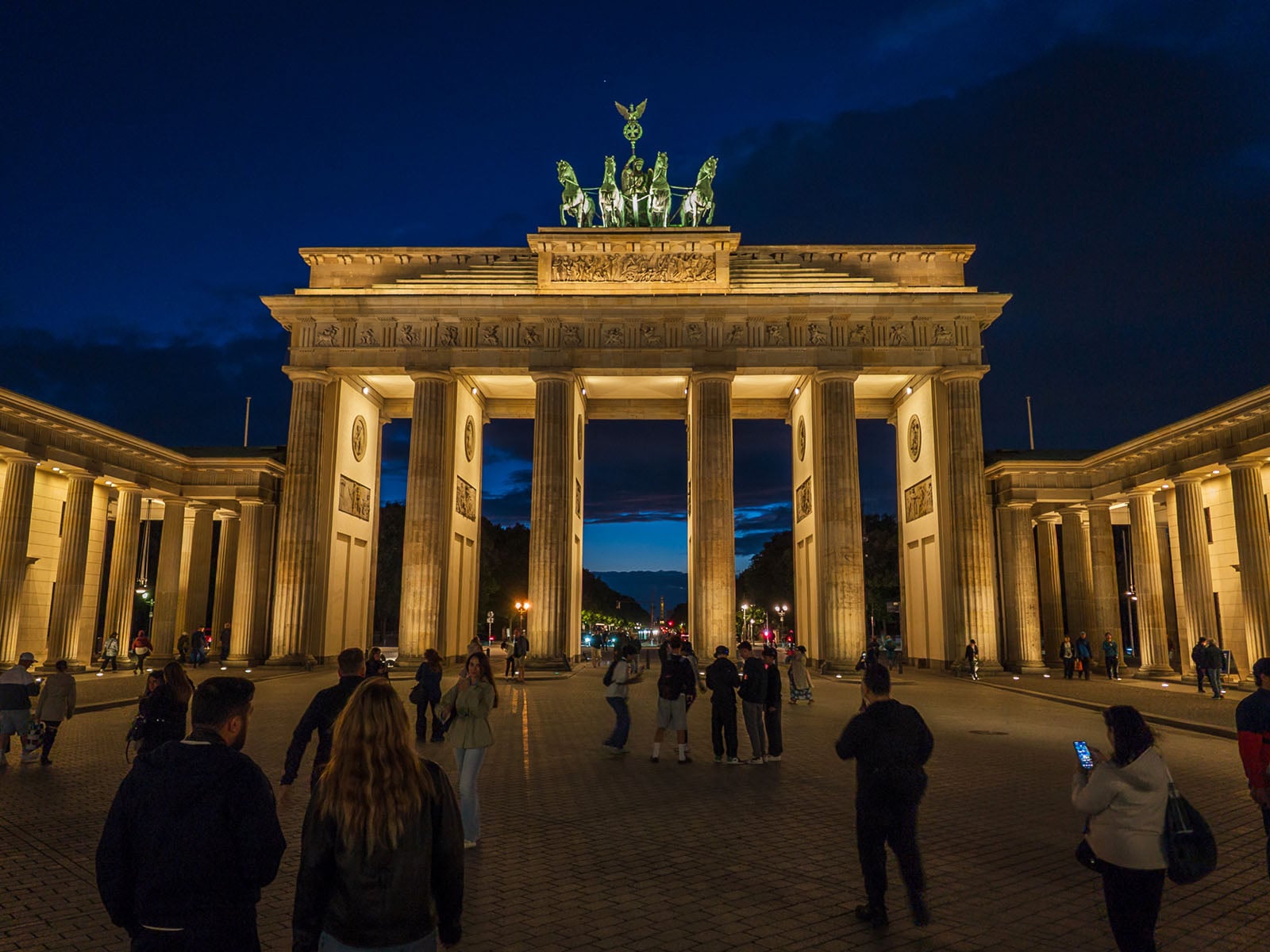
It’s great to be able to shoot in RAW at full resolution — something previous Folds couldn’t do — but you can only take advantage when conditions are most optimal or else noise becomes a potential pitfall. Shooting with the manual controls can help offset some of that by giving you more control over exactly what to capture and how to do it. The foldable form factor opens up a whole lot of creativity as well, except for the inability to switch the live view from top to bottom. The only workaround I know is to launch the camera app first, then launch a second app for split-screen, and bend the phone so the software positions the camera on the bottom half. Not ideal, but it’s something.
Here, too, the Camera Looks play a defining role in adding something new to the mix, though since you can’t save your own presets, expect some experimentation before getting it right.
Google Pixel 11 Pro Fold Review: Video Features
On paper, video doesn’t change much, but it does more so on practical terms. I focused more on stills, yet could see improvement when capturing footage. The Pixel 11 Pro Fold can record in 4K at 24, 30 or 60fps with any of the rear cameras, offering better low-light quality and stabilization all around. Video Boost is there if you want to take that up a notch but it’s also not something you can really control; you might have to edit in post afterward.
Much of the video situation with this phone isn’t really “Pro” at all. You’re not shooting in Log, or with manual control, or in 4K at 120fps. The latest additions seem catered to the TikTok/Instagram crowd under a Creator mode that includes a social media grid, speech enhancement, and a teleprompter. The teleprompter can also work with both the cover and main screens so that a live view of both the rear camera and creator settings appears on the front display. Since the Fold has Pixelsnap (MagSafe), you can also try a magnetic mount to prop up the phone and do the job that way.
Google Pixel 11 Pro Fold Review: Lagging or Languishing?
I can’t shake the feeling that I’m writing about a foldable that would have felt contemporary in 2024 instead of 2026. In a North American market that’s been crawling forward on the foldable side, we’re only now starting to see the variance that’s been routine in Asia — just not from Google.

Where other brands regularly try to carry things forward, be it getting thinner, lasting longer, capturing better images, or finding new ways to multitask, the Pixel 11 Pro Fold feels like it’s barely stretching in comparison. Google may have the edge on software and AI but it sometimes comes off like it treats its foldable as ancillary to its broader product lineup.
Stock Android and Gemini make it a nice device to use day-to-day, only the same inertia could be applied to that side as well. Much of the same experience remains intact in the Pixel 10 Pro Fold, too. Upcoming updates may make this particular model do more to set it apart, but as is, it’s a highly iterative update from its predecessor.
Are There Alternatives?
Samsung’s Galaxy Z Fold 8 is shaped like a passport but has basic cameras that can’t do a whole lot. The better camera system comes in the Galaxy Z Fold 8 Ultra.
The Motorola Razr Fold comes off as a more interesting alternative to Google’s own foldable, not just because of the camera performance, but also the design and battery life. Chinese brands have long driven real innovation in this space, which is why the Oppo Find N6 and Honor Magic V6 stand out as better choices from an imaging perspective.
Should You Buy It?
Maybe. If you have a Pixel 10 Pro Fold, you’d have to decide if a newer main sensor and Camera Looks are worth the upgrade because that’s pretty much where the changes begin and end on the imaging side. That’s a lot to ask for $1,899 to start (and going up from there based on storage), though seven years of Android and security updates make it hard to predict what this device will inherit in that time. If you have a much older Pixel phone, though, this will likely feel like a big upgrade.


