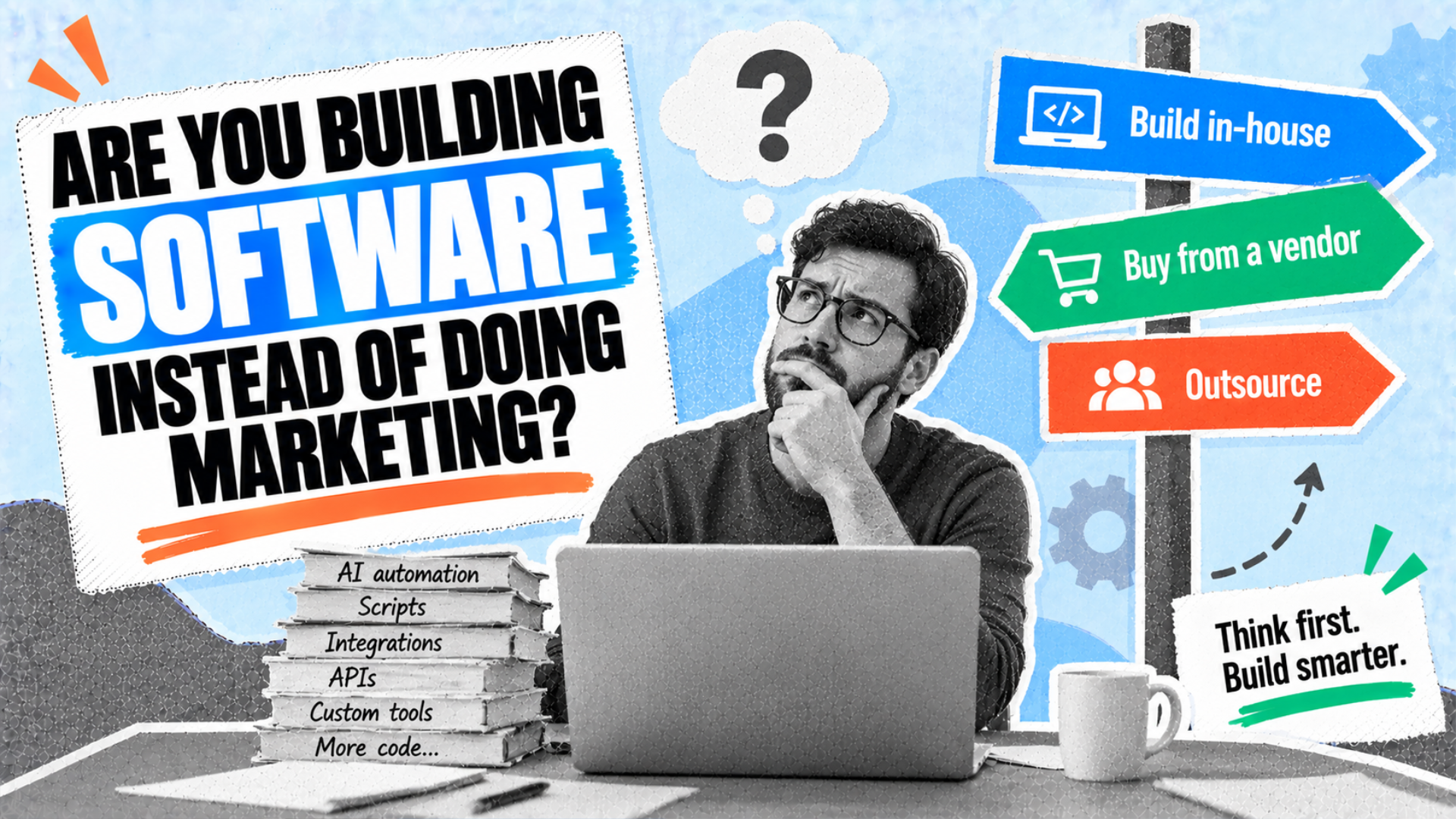
The most valuable 30 minutes in marketing right now are the 30 minutes you spend thinking before you start building any AI automation.
Last week, I made the case that AI does not delete marketing work, it moves it, and that the bill often gets paid out of the least attributable work your team does. Prompting, checking, editing, fixing, and maintaining are all real work hours, and they come from somewhere.
The question now is what to do about it.
All of the work your marketing team does with AI comes from three places:
- AI-powered software/tooling from a vendor.
- Expert customization and implementation from a consultant who has already built it.
- Time from your team to build it in-house.
Amanda and I work separate client rosters, but the same pattern is showing up in both: Teams aren’t sorting their AI work hours in a targeted manner. Instead, they’re going straight to automating as much as they can in-house.
Automating in-house is smart. But skipping the sorting step (which takes 30 minutes or less), is an expensive mistake. Thankfully, it’s an easy fix.

1. Buy the tool when the problem isn’t just yours
Rank tracking, citation monitoring, brand mention tracking, crawl diagnostics, and content scoring are not unique to you.
Despite $30-40 billion in enterprise investment into genAI, MIT’s review of enterprise AI projects reveals that 95% of organizations are getting zero return. From the report:
- “Strategic partnerships achieved a significantly higher share of successful deployments than internal development efforts. While we observed far more BUILD initiatives than BUY initiatives in our sample, with many more organizations exploring internal development… success rates favored external partnerships. Though we lack precise data on total initiative volumes, the pattern suggests that internal development efforts have substantially lower success rates despite being more commonly attempted.”

The missing 1% from the chart above is MIT’s third structure, hybrid build-buy, where an internal team co-develops with a vendor; the report had too little data to quantify it.
The report found that the main reason the projects fail is that the tools do not learn or integrate with how people already work. Making a tool fit is one of the most expensive parts, and a software vendor who’s already done that for 4,000 customers has done work you really don’t need to repeat.
When you’re deciding whether to build versus buy, you’re evaluating the software platform fee versus what an hour of your team’s time really costs, multiplied by the hours it takes to build and maintain the internal version. (Plus the hidden hours nobody is counting: brainstorming, meeting, testing, reiterating, retesting.)
Buy the tool when the problem is common. When you do, your team also gets two things you can’t build for yourself: the vendor maintains the software, and somebody on the other end fixes it when it breaks.
2. Buy the know-how when the workflow is yours alone
Some workflows really are yours, like who signs off on the work before it’s shipped, how your data is structured, when reporting goes out, how you gather SME input for content, or adding branded CTAs from a pre-approved copy bank.
This is where your team can accidentally burn the most hours, because “nobody else can build this” gets heard as “we have to build this ourselves.”
The workflow is yours, yes, but someone who has built 65 of these for 20 different teams already knows which steps usually break, which ones need input from your individual contributors, which ones are worth automating, and which ones look automatable but aren’t.
Your team is finding all of that out for the first time, on the clock.
Here’s the test: If the hours you are about to spend produce knowledge you will not need weekly, contract out the knowledge instead.
We both sell consulting individually, so you can read that with the appropriate squint. The point stands true without hiring either of us: Buying the know-how looks like a template someone already validated, a contractor for 4 weeks, a consulting hour with a peer who has shipped the same thing, or a resource library built by people who made the mistakes first.
What it avoids: Your team discovering the failure modes one at a time.
An AI tool you don’t have the experience to check will hand you wrong answers confidently
Only 13% of marketers fully trust AI output without a human reading it. While that often gets treated as a model maturity problem or AI adoption hurdle, it’s actually a staffing requirement.
I (Kevin) ran into a situation where I was trusting my own AI workflow output slightly too much. When I paused and looked at it through a refreshed critical lens, I found a pile of things to correct and reoriented the workflow accordingly.
And I (Amanda) had a case where my client generated a report from GSC data and sent it to me for feedback before bringing it into their weekly meeting. The model read a spike in a specific set of queries as proof of rising AI visibility and was glaringly wrong; the report was nearly on its way to the head of marketing to inform crucial decisions. We caught it. Now every report gets a human read before it leaves.
The State of CRM Data Report 2026 found the following:
- “Nearly 78% of C-suite and 92% of SVP/VPs respondents say they have acted on an AI recommendation they later suspected was wrong because of bad underlying data, compared with 41% of individual contributors.”
So if the majority of inputs and outputs need review (and perhaps, even an intervention before an output lands in the CMO’s inbox), someone who knows the subject has to do the reviewing, which means the tool did not remove the skill required to do the work. Judging the work is the harder, less-replicable of the tasks.
The rule that comes out of both experiences: Never buy or build a tool for a job nobody on your team can verify accuracy for by hand. You won’t be able to tell when it breaks (and it will break confidently).
Swap out one step, not one job
With that in mind, this section is the actual method to use when making the build vs. buy decision, and it’s the part teams can get wrong even if they sort the work correctly.
Where failure can creep in at the start: A team names a slow process, decides AI should run the whole thing, and starts building something that does 15 steps. Six weeks later they have in-house software with no real tests, no documentation, and one person who understands how to maintain it, with maybe 2-3 people who know how to run it.
A job is a bundle of steps with judgment distributed across all of them.
A step has one input, one output, and a check that takes seconds.
Part 1 made the point that every workflow you build becomes a small permanent job to maintain. That’s true. And it’s an argument for making the job small, not for skipping it.
A one-step swap has one input to validate, one output to eyeball, and one thing to fix when the model version changes, while your 15-step workflow has 15 places to break and no fast way to find out which one did.

How to find the step worth automating
Take the process your team wants to automate and write out what actually happens, in order. Then mark each step with three things:
- The input: What arrives, and where does it come from? A step whose input is “context from the last meeting” is not a step yet.
- The output: What leaves, in what format? If the answer is a paragraph of judgment, keep looking.
- The check: How does a person confirm the output is right, and how long does that take? The verification check is real work and takes real time; plan for it.
The step you want to automate is the one that is slow, repetitive, tightly defined, and checkable at a glance.
Here’s an example: I built the new premium members’ area to include any of the new tools and skills we’re building, but I automated it to go back into the archives to locate each prior premium asset and build an easy-to-find page for it.
- The input: Historical Growth Memo posts, specifically gated sections.
- The output: A simple, easily searchable page with a link to the asset and notes on how to use it, along with an area for members to leave feedback/comments for admin.
- The check: A 5-minute review before setting the page live.
Usually, an automatable step looks like a “small transformation,” raw data into a formatted table, a transcript into tagged quotes or a first draft, internal linking across content clusters, a spreadsheet into a brief skeleton, a GSC export into a list of pages to refresh.
What disqualifies a step from being automated
I (Kevin) would say there are three types of jobs that people do that people try to automate:
- Reporting (easy to automate).
- Synthesizing (hard to automate).
- Deciding (semi-hard to automate).
Anything requiring experienced taste, or any automated task where being wrong could go unnoticed for three months (like automating regular updates to meta titles and descriptions, checked quarterly), is usually an indicator that careful consideration is needed.
Use these guidelines to disqualify an in-house build:
- Nobody on the team can do it “by hand,” so nobody can grade or verify the output.
- The check takes longer than doing the work (unless you’re producing long-form drafts, which naturally take time for review).
- The input changes often, which means you can’t easily maintain the workflow.
- It touches a system you do not control, where an update on a Tuesday could break the workflow on a Wednesday.
Experimenting earns its keep. But your common problems should go to a vendor; there’s a reason why they exist. Problems that are yours and that your team deeply understands can go to someone who has built something similar before.
And the stuff that’s left… that’s the actual in-house AI workflow experimentation. Give it an owner, a kill date, and a sentence describing what winning looks like.
Everything else is software development, and, well, you didn’t hire your marketing team to write software.
This post first appeared on the author’s website and is republished here with permission.


