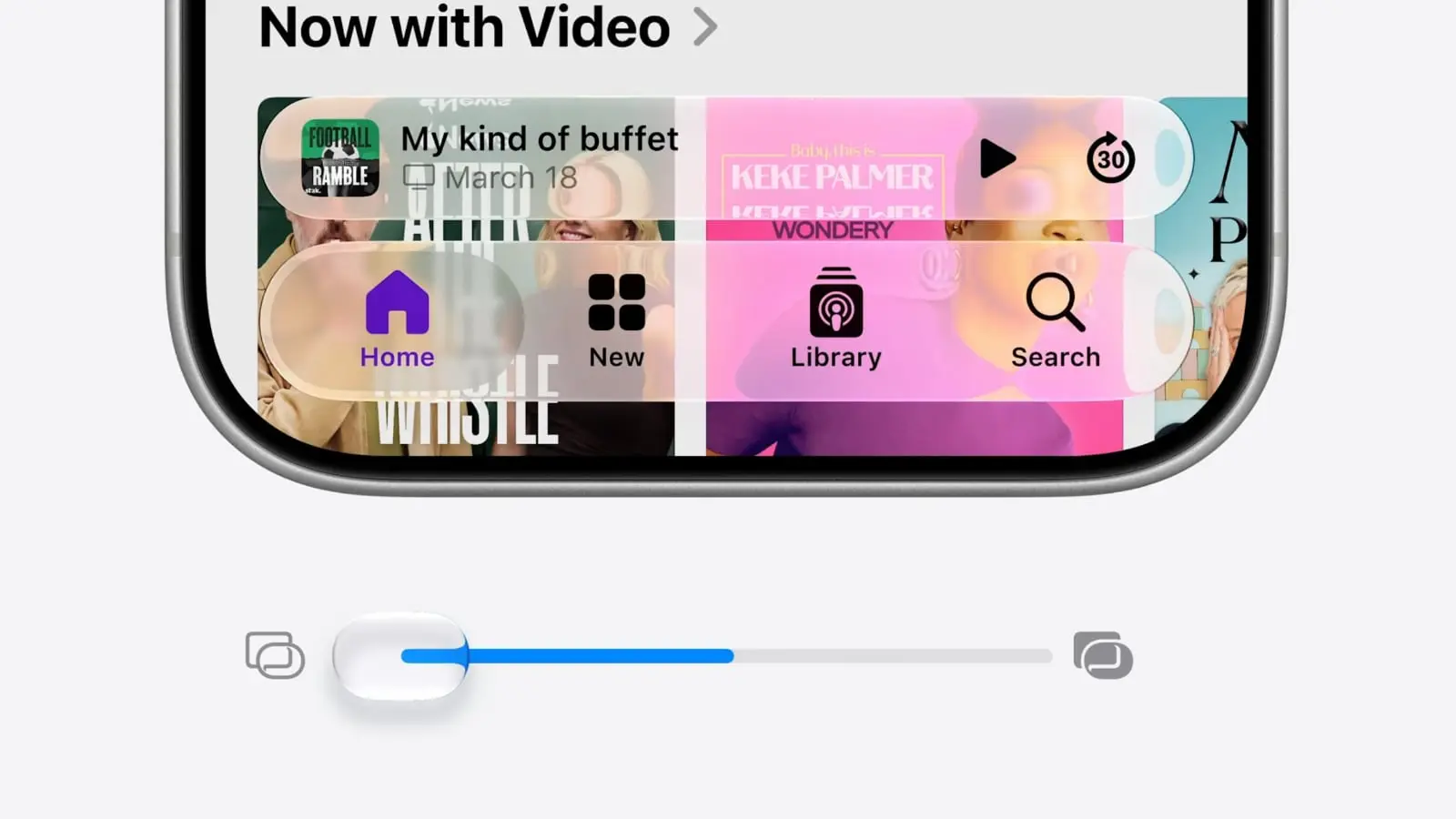
 Refinements to Apple’s divisive Liquid Glass user interface in iOS 27, iPadOS 27 and macOS 27 address many of the quirks that made some people despise the glossy new UI over the past year.
Apple straightforwardly addressed users’ concerns during Monday’s WWDC26 keynote. And Shubham Kedia, Apple’s human interface design director, said Apple updated “the foundations of how Liquid Glass is built” for this year’s new operating systems.
“Last year, we introduced our most ambitious cross-platform design update ever with Liquid Glass, which made apps and experiences even more expressive and delightful,” said Kedia. “Like with all major design updates, there’s a natural process where we take a bold leap forward and then we continue to iterate.”
Will the changes to Liquid Glass satisfy users who dislike the current state of affairs? The first developer betas are out, and early reactions seem mostly positive. Here are the biggest changes coming to Apple’s design language this year.
5 biggest Liquid Glass changes in iOS 27, macOS 27 and iPadOS 27
Apple introduced its unified Liquid Glass design language at last year’s WWDC, bringing a fresh look to iOS 26, iPadOS 26 and macOS 26 — and generating instant rebukes.
While visually striking, the UI’s heavy use of transparency and glass-like effects drew criticism from users over readability and accessibility. Plus, several design oddities seemed to indicate a rush job on Apple’s part.
Over the past year, Apple took its time fixing the problems, making minor tweaks to Liquid Glass. And now it’s addressing user complaints with even bigger changes.
5 biggest Liquid Glass changes in iOS 27, macOS 27 and iPadOS 27
- Consistent corner radius
- Sidebar
- Customization slider to adjust Liquid Glass
- Tweaked app icons with more Liquid Glass
- Uniform toolbar in macOS 27
1. Consistent corner radius
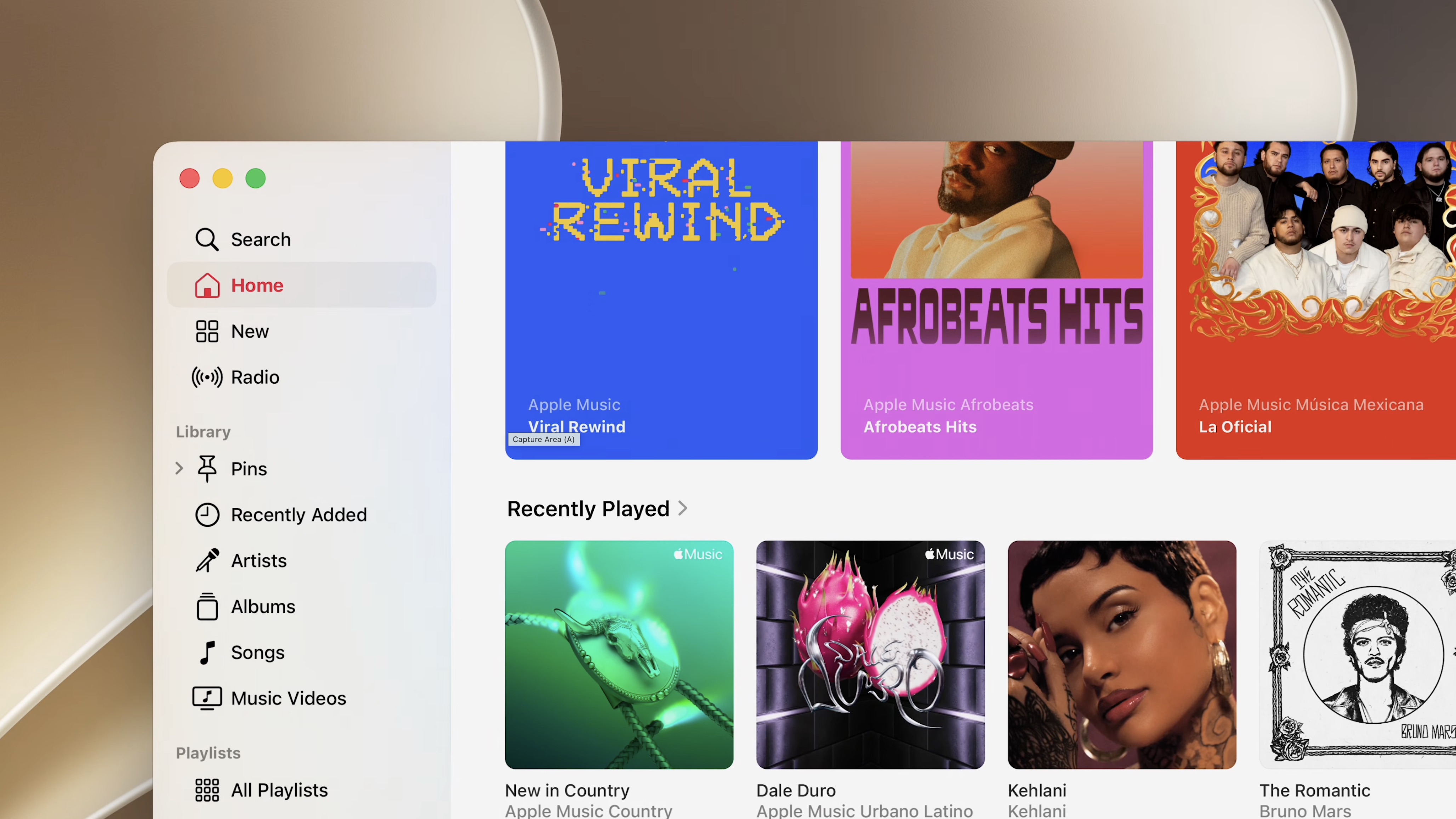
Photo: Apple
Since the release of macOS 26 last year, Mac users have complained about the inconsistent corner radius across apps. Such design inconsistency was very unusual for Apple.
The company addressed this design problem for good in macOS 27. All apps in macOS 27 will feature a consistent corner radius. The best part? The changes will be automatic and won’t require any developer work. Plus, they will even apply to third-party apps.
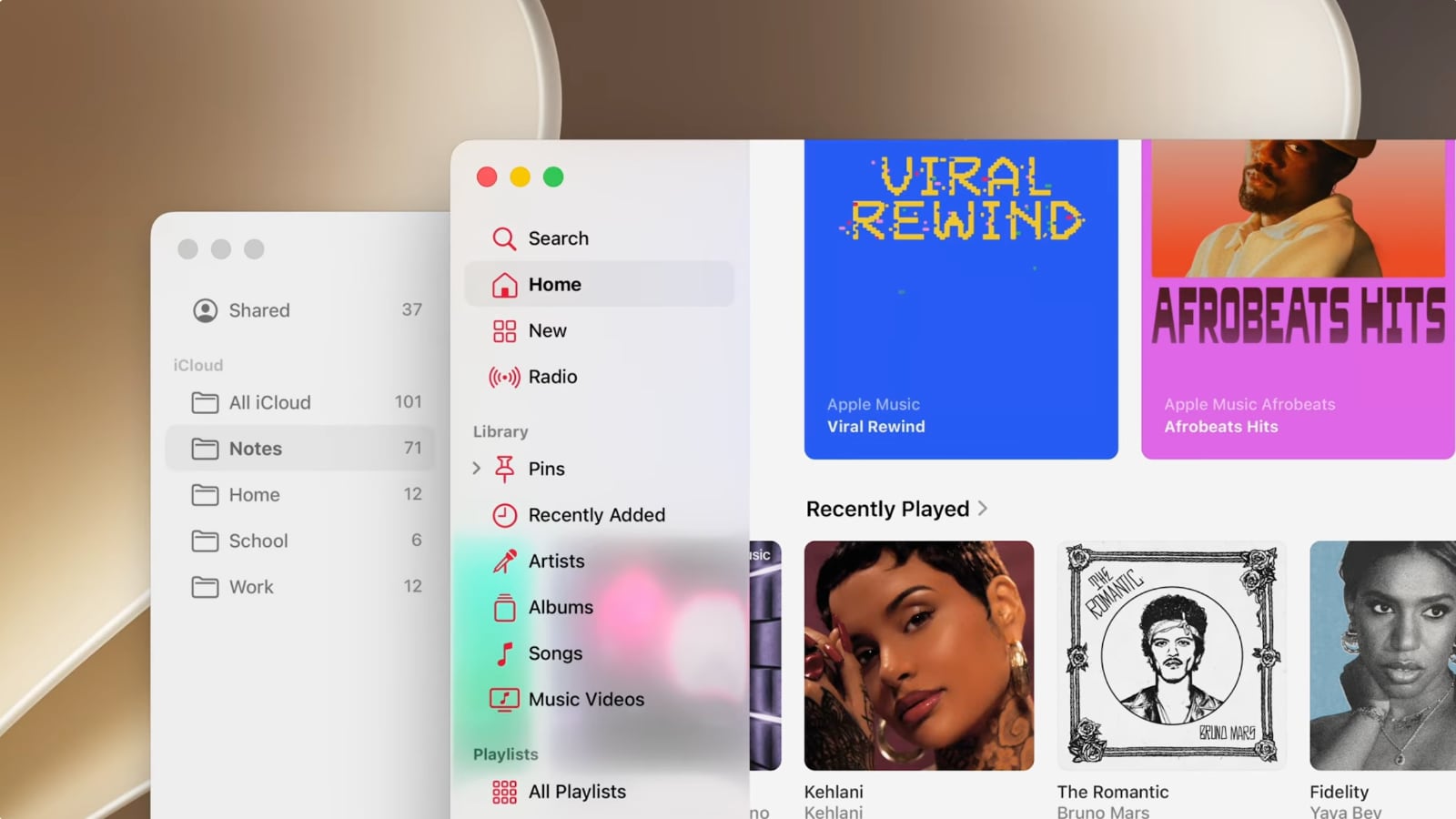
Image: Apple
Sidebars across all three operating systems will extend to the edge of the window in this year’s releases, giving apps a cleaner and more modern appearance.
Apple is also bringing back colored sidebar icons — but only for the active app. This makes it easier to distinguish at a glance which app is in focus, while reducing visual clutter.
3. Customization slider to adjust Liquid Glass
Screenshot: Rajesh Pandey/Cult of Mac
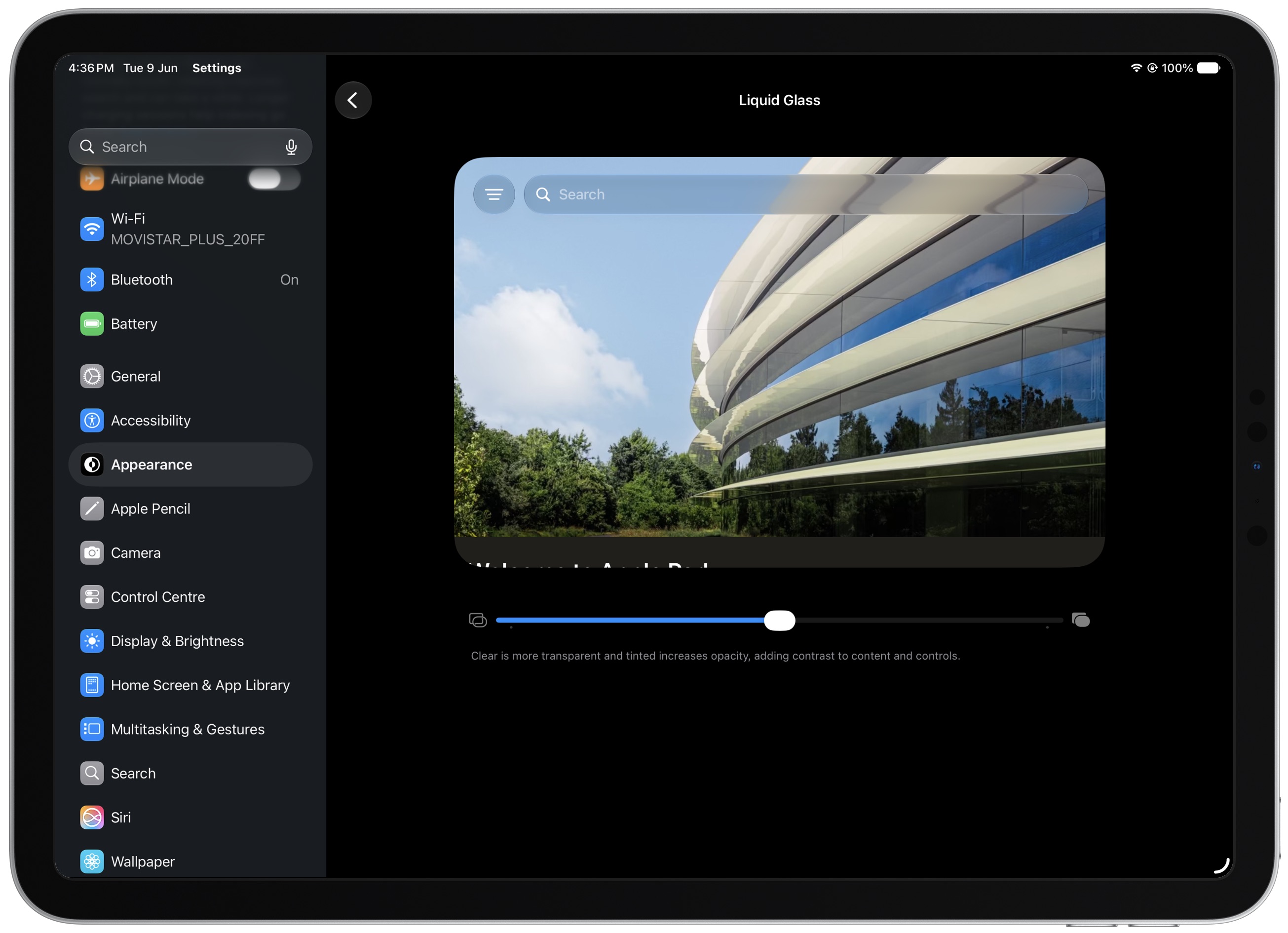
As rumored multiple times, iOS 27, iPadOS 27 and macOS 27 gain a new Liquid Glass customization slider.
“Since everyone’s preference varies, we’re adding a new slider in Settings to adjust Liquid Glass, so you can set it anywhere from ultra clear to fully tinted,” Kedia said during the keynote. “It’s a whole new way to personalize your experience across apps.”
If you like the Liquid Glass effect, you can move the slider all the way to Clear for a more transparent look. Moving the slider all the way to the right adds more tint, increasing contrast and improving readability.
4. Apple tweaks its app icons in iOS 27, iPadOS 27 and macOS 27
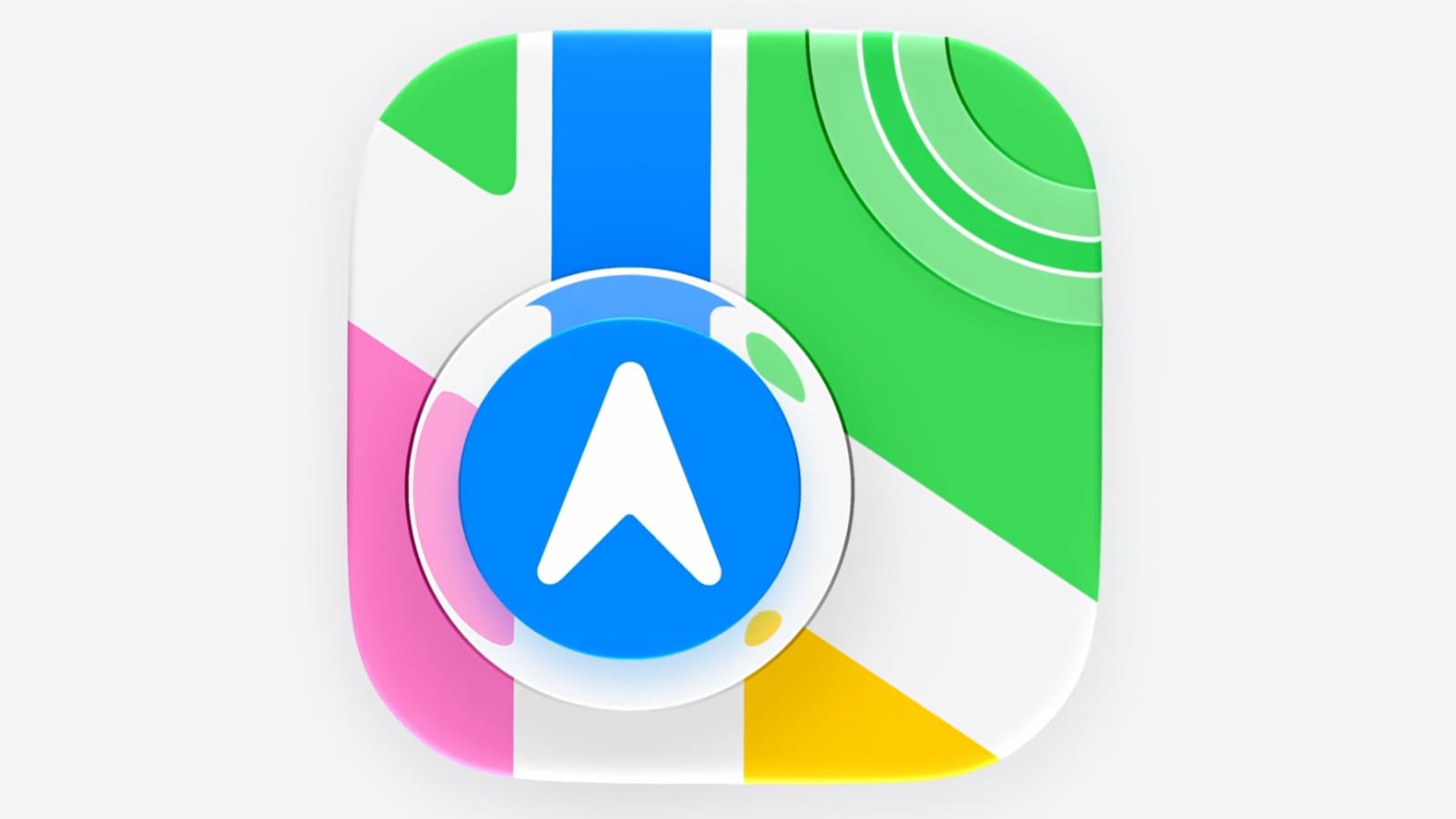
Image: Apple
Apple jazzed up its app icons in iOS 27, iPadOS 27 and macOS 27 to give them a fresh look.
“Last year, we redesigned all of our app icons to establish a more harmonious look across apps and platforms,” said Kedia. “This year, we’re taking this new design even further by integrating additional layers of Liquid Glass directly into the icon artwork itself. Not only does the refraction between these layers add character to each icon, but this new approach also makes icons appear sharper and more defined.”
5. Uniform toolbar in macOS 27
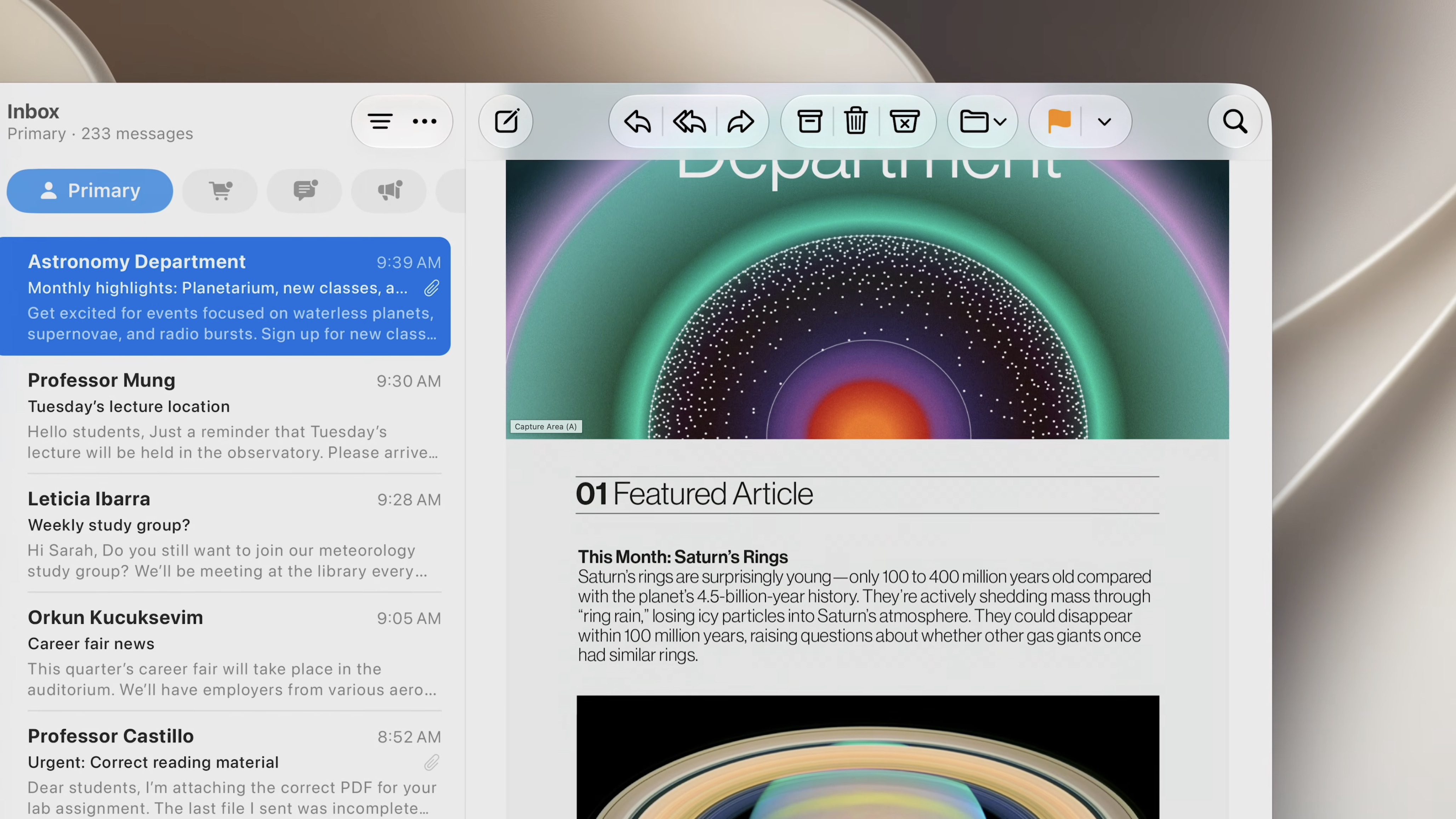
Photo: Apple
With the latest round of Liquid Glass changes, Apple is bringing back one core macOS element: a uniform toolbar.
It will now appear across the top of apps with a frosted look for improved legibility. This will also help the buttons on the toolbar stand out from the content below them.
Apple says most of these design improvements will automatically apply to apps that already use the Liquid Glass framework. This should significantly reduce the work required by developers and improve the pace of adoption.

Rajesh has been writing about consumer technology for over a decade, with a strong focus on iPhones, Macs and Apple’s ecosystem. He enjoys digging into Apple software updates, hardware changes, and discovering new Mac apps that make work faster and more enjoyable.


