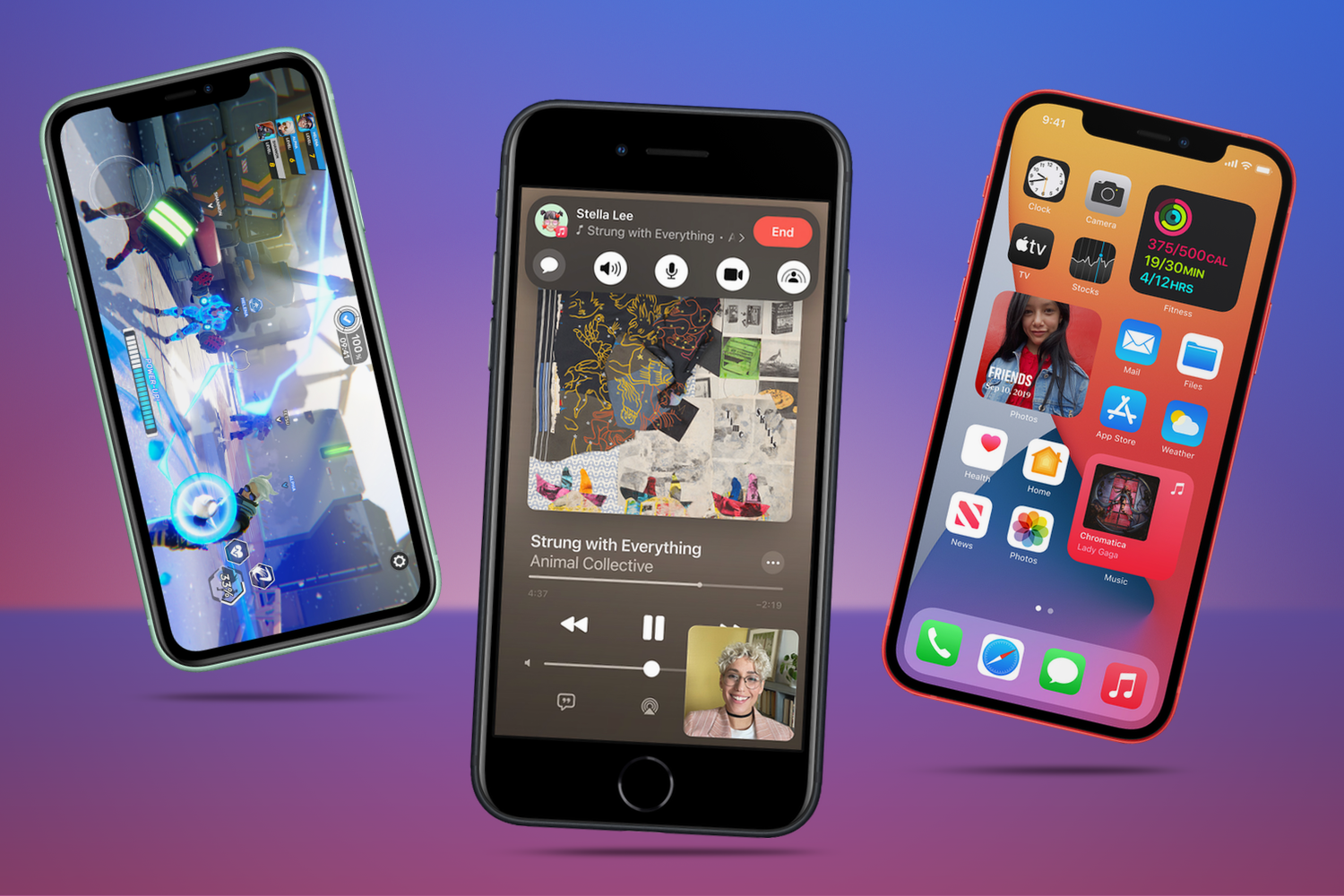
Increased durability, improved water resistance and greater repairability means more Apple iPhone smartphones are surviving into old age; replaced only through desire or contract status rather than need.
Yet, iPhone trade-in values are pretty good these days, and there’s always the hand-me-down option. If you’re feeling charitable, causes supporting sufferers of domestic violence, for example, will welcome your old relic. Unfortunately, lots of these phones just end up in a drawer as a back-up handset that’s (hopefully) never required.
Although retired from active duty, there are countless ways you can keep your old iPhone in the rotation as a valuable part of your tech arsenal, replacing the need to buy another dedicated additional device. Here are some of our favourite use-cases…
Be first to test the next-generation iPhone features
Each summer, months before its release to consumers, Apple invites the public to beta test the latest version of iOS. We don’t recommend using your primary device as the software isn’t ready for prime time and things break all the time. This makes an old iPhone perfect for trying out the latest Apple has to offer.
It’s free to sign up for the beta program and easy to create a profile on your old device to enable the software to be downloaded and installed. This year, for example, you can test iOS 27’s new Siri AI advancements. As long as the phone is compatible with the next version of the operating system, you’ll be able to download the beta version on it.

Recreate an iPod classic
Vintage iPod sales are soaring. There’s always a flair for retro tech and the iPod has entered that age bracket. However, it’s more than just nostalgia and retro cool. People are gravitating towards distraction-free music and an old iPhone can help accomplish that desire.
Just reset the iPhone entirely, ditch the SIM-card and clear out any unwanted stock apps. Multiple apps, like My Classic, will mimic the iPod classic click wheel design and Cover Flow UI, as well as connecting with an Apple Music library of downloaded tracks (meaning there’s no need for constant connectivity), or your favourite playlists. You’ll be partying like it’s 2005 again in no time without Instagram mithering you for attention.

Your weekend dumbphone
Purposely ‘dumb’ phones minus the usual distractions of our pocket marvels are booming in popularity. However, if you’re heading out on a camping trip, or a long walk and you’re seeking a digital detox, an old iPhone can easily be dumbed down.
Again, strip everything down to bare bones with a factory reset and you’ll have a very capable camera for capturing memories. With a cheap eSIM designed for use when you need it, you’ll have access to the Phone app. Maps and messaging apps for emergencies and essential communications with fellow travellers will also be available. It works even better with the iPhone’s Focus modes that can block out any of the remaining distractions that come through.
It’s a great way to leave your primary iPhone and its social media trappings at home and, if it happens to take a tumble down a rock face there’s far less to worry about.
Baby/pet monitor or home security camera
When you retire an iPhone, you’re also retiring a very capable array of cameras that could be repurposed as a baby monitor or pet monitor/security camera. Apps like Annie Baby Monitor offer live video streams, motion detection, and audio so you can hear your baby stir and it works just as well for pets. The Alfred app is a great home security option. Simply use your new iPhone to check all’s well at home via your old iPhone!

Dashboard camera
Free apps like DashCam recorder offer recording in HD and a focus mode where the camera records while the screen is off. The app captures GPS metadata, tracks speeds, and automatically loop records by overwriting old footage when the allotted storage is full. Why spend money on a dedicated dashcam when you have one sitting in your office drawer?
Digital photo frame
This might be better for an old iPad, but certainly works for iPhone too. Digital Photo Frame With Music (obviously skipping the last part if it’s going to be on a side table, for instance) offers slide shows of favourite albums from Camera Roll, Albums, Smart Albums and Moments. It also works with Flickr and Google Photos. Sync your accounts, plug the phone in, place it on a stand and your golden.
Smart home controller
If your smart home runs on the Apple HomeKit platform, an old iPhone or iPad can be mounted on the wall as a dashboard to control your lights, smart locks, thermostat and more in one fell swoop. One touch access to your ‘arrive home’ Scene is a nice option to have by the front door.

Retro gaming machine
This is nothing your new iPhone can’t handle, but if you’re looking for a distraction-free gaming experience an old iPod, plus a Bluetooth games controller / controller case is a great option.
The App Store is the obvious starting point for gaming. However, emulator apps like Delta (Nintendo) Provenance (Sega) enable easy imports of classic game game ROMs, plus support for save states, cheat codes, external controllers and loads more. No jailbreak. No side-loading. Apple now allows emulation apps and we’re all happier for it.




