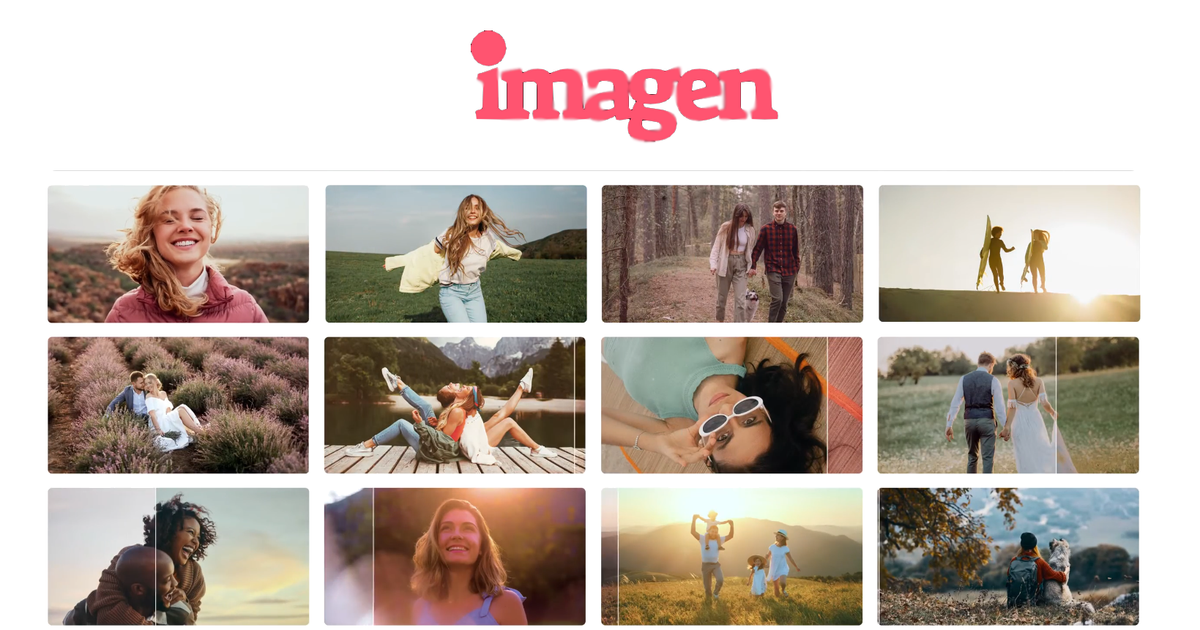
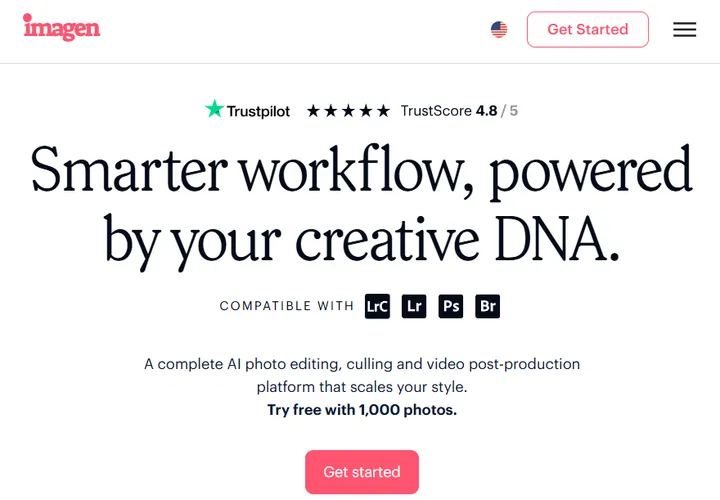
After examining its features, workflow, and real-world performance, Imagen AI emerges as one of the more focused and useful AI-powered editing solutions currently available.
Imagen AI: A Different Approach to AI Editing
Many AI editing platforms rely on presets or automated enhancement systems that apply a generalized look to images. While these approaches can save time, they often struggle to maintain a photographer’s unique visual identity. Interestingly, Imagen AI takes a different path.

Instead of applying a generic preset, Imagen AI learns how a photographer edits photos. It studies past edits and looks at things like exposure, white balance, colors, contrast, and cropping.
After training, the software uses what it has learned on new photos. The goal is to create edits that match the photographer’s usual style.
This is important for professional photographers because clients often expect a consistent look across every gallery. Imagen AI helps maintain that style while reducing the time spent on editing.
Training the AI Profile
Obviously, the effectiveness of Imagen AI depends heavily on its training process. The software requires access to a large collection of previously edited images, ideally representing different subjects, lighting conditions, locations, and shooting scenarios. This allows the AI to understand how editing decisions change depending on the circumstances.
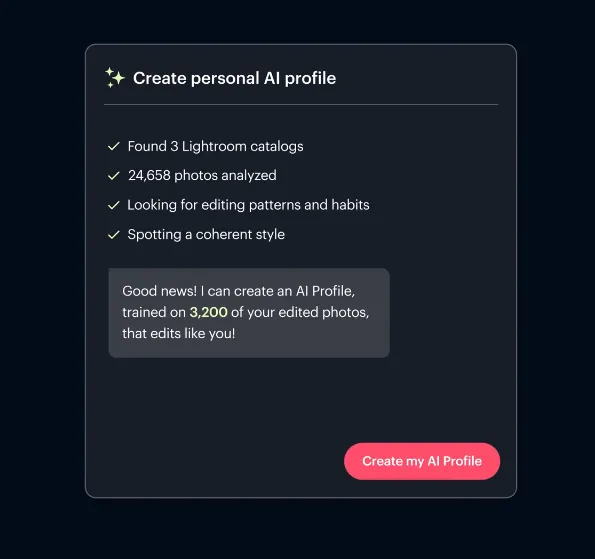
Surely, for Photographers that deal with well-organized Lightroom catalogs, that’s an easy task. They will likely find the setup process relatively straightforward. Those who have removed original files or only retained exported JPEGs may encounter challenges, as the AI needs access to editing data to learn effectively.
This requirement can make the initial onboarding process more demanding than some competing tools. However, it also explains why Imagen often produces more personalized results than software that relies solely on presets.
Editing Performance in Real-World Use
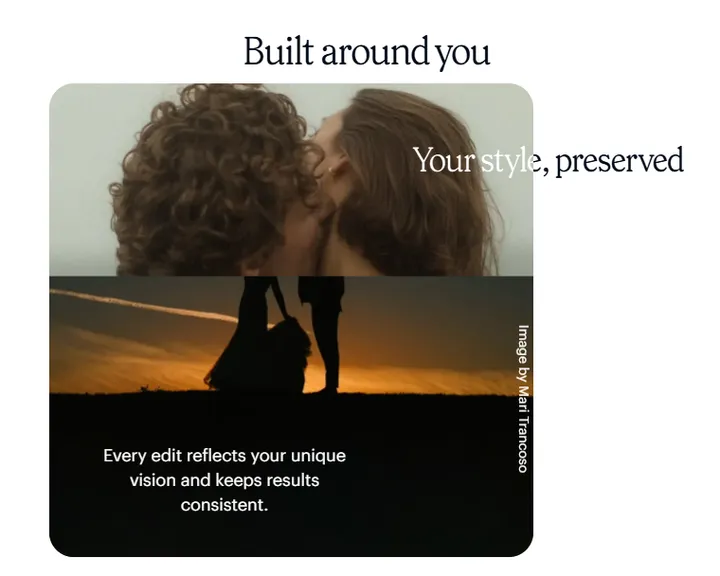
The quality of the final edit is what matters most, and this is where Imagen AI performs well. Instead of applying the same edits to every photo, the software looks at each image individually. It takes factors such as lighting, skin tones, and exposure into account before making adjustments.
This helps Imagen AI produce more consistent results than traditional presets, which often apply the same settings to every image.
This is especially useful for wedding, portrait, event, and commercial photographers. Large photo galleries often contain many different lighting conditions and shooting environments. A single preset may not work well for every image, but Imagen AI can adapt its edits from photo to photo.
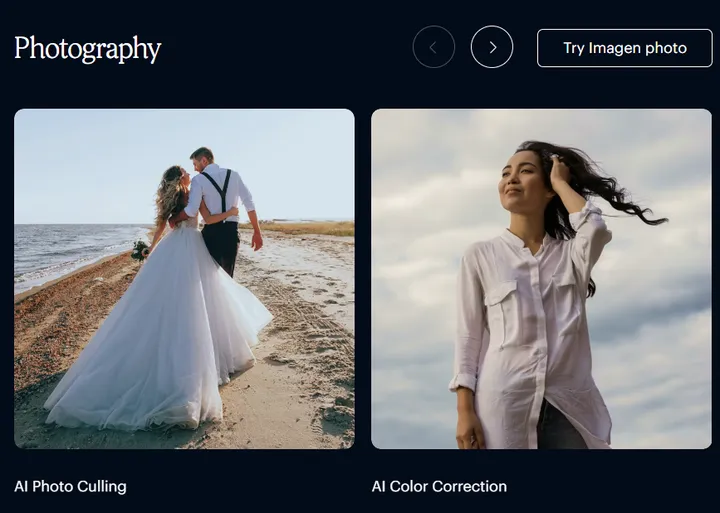
One of the most notable strengths of Imagen is its ability to maintain a consistent look across hundreds of images. While some minor adjustments may still be necessary, the platform often delivers results that require far less refinement than many photographers expect from an automated system.
The overall editing quality is impressive, not because every image is perfect, but because the software consistently produces edits that closely resemble the photographer’s established style.
AI-Assisted Culling
Choosing the best photos can take a lot of time, especially after large shoots with hundreds or thousands of images. Imagen AI helps speed up this process with AI-powered culling tools.
The software reviews photos, finds duplicates, spots weaker shots, and highlights stronger images. This can greatly reduce the number of photos that need to be checked by hand.
In testing, Imagen AI performed well at finding blurry photos, duplicate shots, and other images that were unlikely to be used. This can save photographers a significant amount of time during post-production.
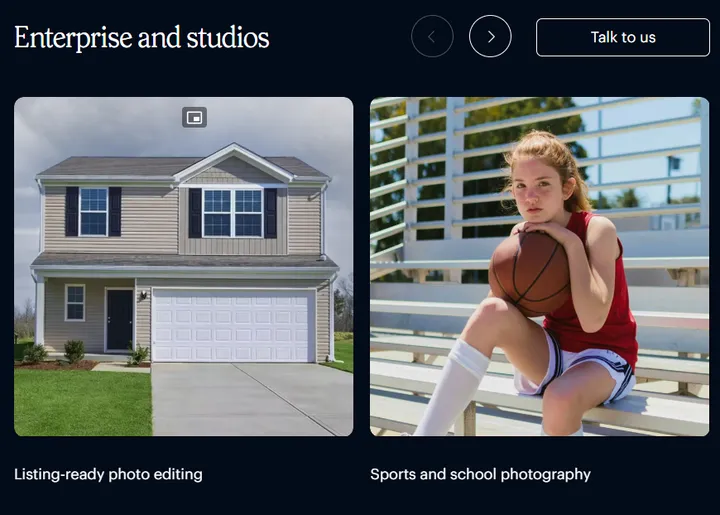
A photograph that lacks perfect sharpness may still capture an important emotion, expression, or moment. These are decisions that often depend on artistic judgment rather than technical evaluation. Therefore, Imagen AI stands as a solid and valuable platform, but it gives you the needed tools and enhancements, you will still have the final decision on certain aspects.
Highlights
• Learns your editing style
• Applies your look to new photos automatically
• Speeds up editing for large photo galleries
• Keeps results consistent across different shoots
• Adjusts edits based on lighting and scene conditions
• Includes AI-powered photo culling tools
• Helps remove duplicate and weaker images
• Works directly with Lightroom Classic
• Can save hours of post-production work
• Best for wedding, portrait, and event photographers
• Requires a large library of edited photos for training
• Some manual review is still needed
• Not designed to replace creative decisions
• Less useful for photographers who are still learning to edit
• Best suited for professionals and high-volume creators
User Experience and Workflow
Another highlight is the ease of use that comes with the complexity of the technology behind it. In this regard, Imagen AI presents a relatively simple and approachable user experience.
The interface focuses on projects, profiles, and workflow management rather than overwhelming users with technical controls. This simplicity helps photographers begin using the software quickly, even if they have little experience with AI-powered tools.
The Lightroom Classic integration is one of the platform’s strongest advantages. Instead of forcing photographers to adopt an entirely new editing environment, Imagen works alongside software that many professionals already use daily.
Who Should Use Imagen AI?
Imagen AI is built for photographers who edit a large number of photos. Those who work with hundreds or even thousands of images each month will see the biggest benefits. This includes wedding, portrait, and event photographers.
The software can cut editing time while helping photographers keep a consistent look across their work. For busy professionals, this can save hours every week.
New photographers may not benefit as much. Learning how to edit photos is an important skill. Understanding exposure, color, contrast, and other editing basics can help build a stronger foundation before relying on AI tools.
Imagen AI is also not designed for people looking for creative AI effects or dramatic image changes. Its main goal is simple: help photographers edit faster while keeping their own style. In summary, who should use Imagen AI? Check below.
• Wedding photographers who edit large galleries
• Event photographers working with hundreds of photos per shoot
• Portrait photographers who want a consistent editing style
• Commercial photographers handling large workloads
• Professionals looking to reduce editing time
• High-volume photographers editing thousands of images each month
• Lightroom Classic users who want a faster workflow
• Photographers with a well-established editing style
• Businesses and studios that need consistent results across projects
Who May Want to Look Elsewhere?
• Beginners who are still learning how to edit photos
• Photographers who want to develop their own editing skills first
• Users looking for AI-generated art or creative image effects
• Photographers who prefer to edit every image manually
• Users who do not work with Lightroom Classic
• Casual photographers with small photo libraries
Final Verdict
Imagen AI focuses on a simple goal: helping photographers spend less time editing photos. Instead of changing how photographers work, it learns their editing style and applies it to new images automatically.
The software is not perfect. It needs a large collection of edited photos for training, works best with Lightroom Classic, and still requires some human review.
Even with these limits, Imagen AI offers clear value. Professional photographers can save hours of editing time while keeping a consistent look across their photos. Creative decisions still belong to the photographer, but the software can handle much of the repetitive work.


