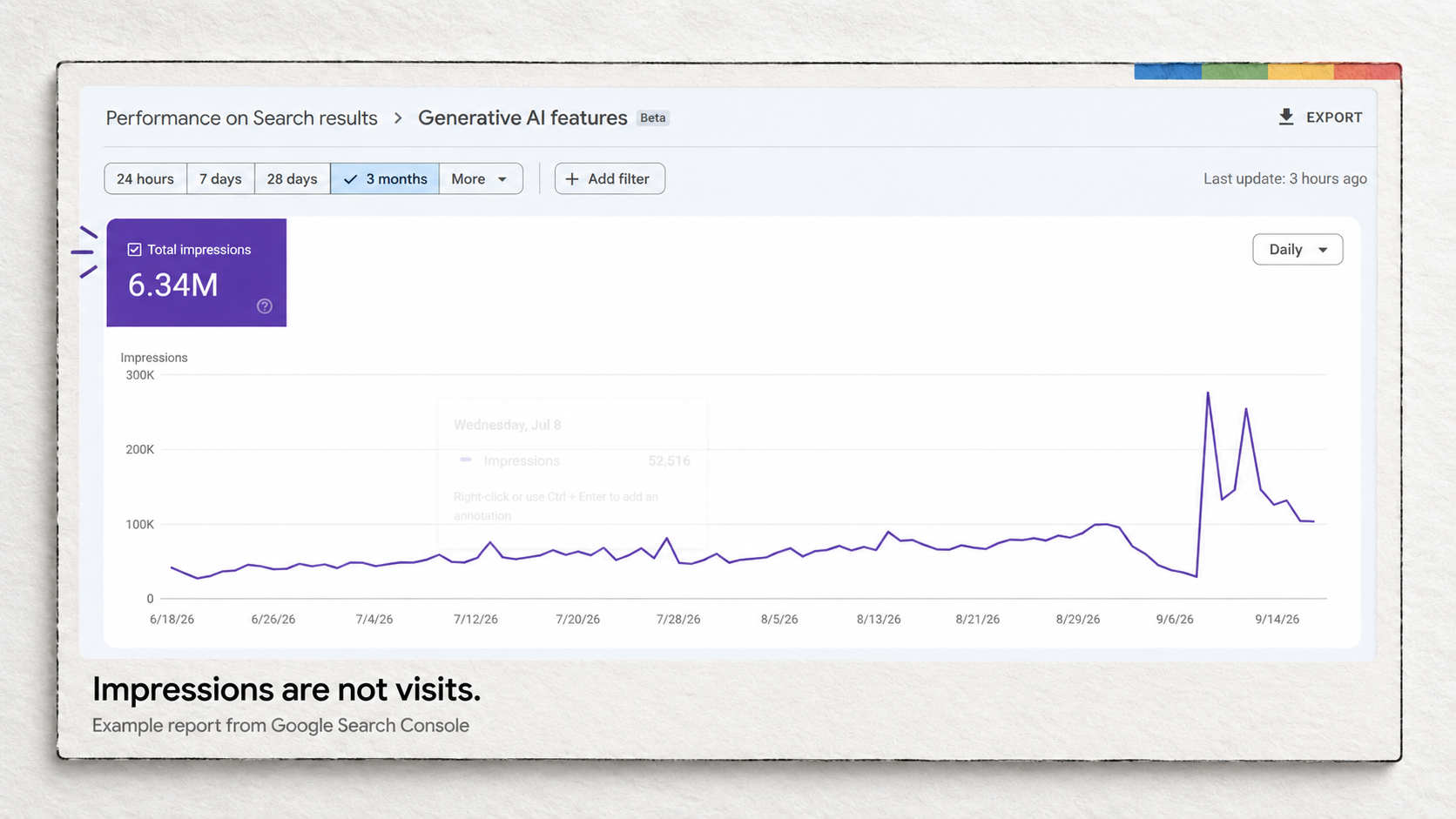
Bing Webmaster Tools earns the third place through its built-in Copilot assistant and free search diagnostics. These tools help you investigate specific problems before committing to another SEO subscription.
| Tool | What I’d use it for | Actual AI feature | Cost and access |
|---|---|---|---|
| Google Search Console | Investigating changes in Google search performance | Natural-language configuration of report filters, comparisons and metrics | Free. AI feature remains experimental and limited to a small percentage of users; 20 requests per user per day. |
| Microsoft Clarity | Finding problems visitors encounter on important pages | Copilot summaries of recordings and heatmaps; chat about dashboard data | Free. Tracking code required for these features; Copilot access may require onboarding. |
| Bing Webmaster Tools | Understanding Bing performance and investigating site issues | Copilot answers questions about your site and the tools | Free. Microsoft announced Copilot availability for all users; its launch documentation specifies English. |
This is a documentation-based selection, checked against the providers’ current public pages. We have not run a comparative account test or measured traffic gains. The examples below are illustrative workflows, not reported customer results.
I’ve spent 20 years building publishing websites and have advised small businesses on SEO. For this shortlist, I’m interested in what an owner can learn about an existing site: which page deserves work, what a visitor struggles with, and what a search engine can see. A long list of article generators would leave those questions unanswered.
1. Google Search Console: find the pages that deserve attention
Search Console gives you Google’s own reporting on your website. You can see the searches associated with your pages, how often results appeared, and how many clicks followed. That makes it my first choice when an owner asks why a service page has become quieter or which existing page to improve. The Performance report lets you examine those changes by page, query, device and date.
The AI feature is narrower than the phrase “AI SEO” might suggest. Google’s AI-powered configuration turns a written request into report settings. It can prepare a comparison or apply filters, reducing the work needed to get the right view. You still interpret the evidence and make the website changes.
For an illustrative plumbing business, a useful request would be:
Compare clicks and impressions for pages containing “boiler-repair” in the URL during the last 28 days with the previous 28 days. Show mobile traffic only.
The result gives the owner a focused question to investigate. If fewer people are seeing the page, check the queries and search positions involved. If visibility is similar but clicks have fallen, inspect how the page appears for the affected searches and whether its title accurately describes the service. Neither pattern, on its own, proves the cause.
There is a material access limit: Google’s current help page still describes a small test group and a daily allowance of 20 requests per user. The assistant cannot sort tables or export data. Review its proposed settings before applying them.
If the AI control is missing, use the report’s page filter for the relevant URL, select mobile, and compare the two date ranges manually. You can answer the same business question without buying another tool. Search Console’s value here comes from the data; the AI feature saves some setup work.
More involved analysis is a separate task. SEW’s example of analysing a Search Console export with AI treats its query classifications as tentative. A plausible AI explanation should lead you back to the underlying rows before it becomes a decision.
2. Microsoft Clarity: investigate what happens after the click
Clarity deserves a place when a website gets visitors but too few useful enquiries or sales. Its recordings and heatmaps help you examine how people use a page. Microsoft describes the service as free, with no traffic limits or required paid upgrade.
This is behavior analysis that can support your SEO work. Finding a problem on a landing page may help you get more from the traffic you already attract. It does not establish why the page ranks where it does.
The practical AI feature is Grouped Session Insights. Copilot can summarize multiple recordings, and you can open the recordings referenced in its findings. That gives a busy owner a way to choose which sessions deserve closer inspection.
Return to the plumbing example. Suppose the boiler-repair page is still receiving clicks, but enquiries have dropped. In Clarity, narrow the view to that page, mobile devices and the relevant traffic filters. Summarize a group of recordings, then watch the sessions behind any reported problems.
If the recordings show repeated attempts to use a phone number that is not clickable, test that element on your own phone. If the enquiry form fails, reproduce the failure before changing the page. The owner now has a specific repair to make. A summary of ten recordings is still a small sample, so it should not become a claim about every visitor.
Clarity also offers Copilot chat, but its documented scope is dashboard data. It does not understand your website’s design well enough to offer design-specific recommendations, and chat is separate from the recording and heatmap summaries.
You need the Clarity tracking code installed. Microsoft’s Copilot setup guidance also describes an onboarding checklist and a notification when access becomes available. Until the site has collected relevant sessions, there is little for an AI summary to explain. Its usage restrictions also exclude sites and apps targeting under-18s.
3. Bing Webmaster Tools: get AI help with search diagnostics
Bing Webmaster Tools is worth opening before paying for a separate tool to explain basic Bing performance or crawl problems. Its free features include search reporting, URL inspection and a site scan that checks issues such as broken links and missing metadata. If you already have a verified Search Console property, Microsoft provides an option to import verified sites.
Microsoft made Copilot in Bing Webmaster Tools available to all users in March 2025. The assistant answers site-related questions and helps users understand performance and navigate the tools. The announcement specifies English; check availability if you need another language.
For our example business, I’d use Copilot to help understand Bing’s report for the boiler-repair page, then verify any explanation in Search Performance or URL Inspection. A question such as “How do I check whether this URL is indexed?” is a reasonable way to find the relevant tool. The owner still needs to inspect the result and make any necessary fix in the website.
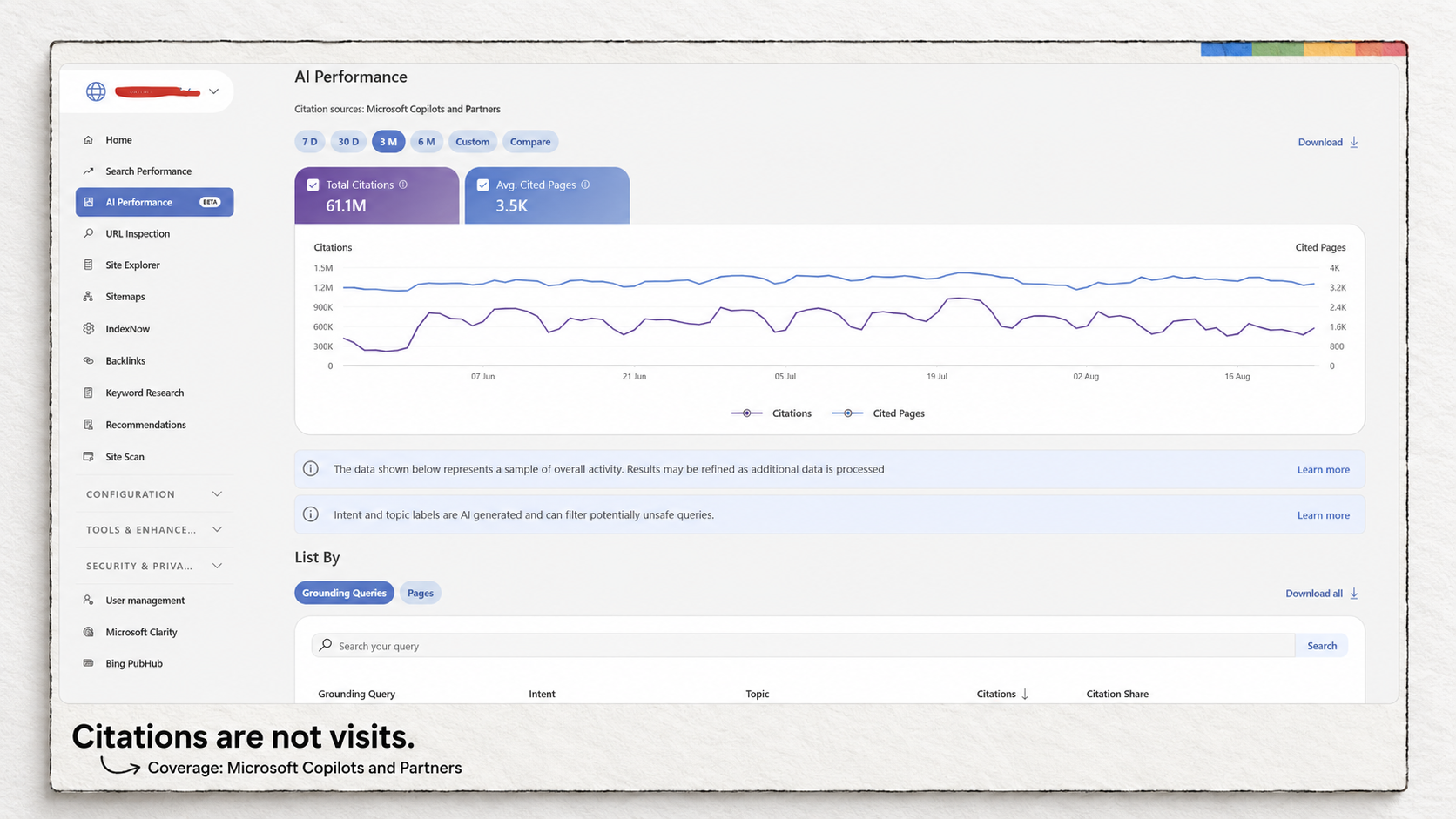
Bing also has an AI Performance report, introduced in public preview. It records citations across Microsoft Copilot, AI-generated Bing summaries and selected partner integrations. This is reporting about AI visibility, separate from Copilot’s assistance inside the product.
If an advice page appears in that report, check that its service details and supporting information are accurate. The report can identify cited pages and show citation trends. It does not tell you that those citations produced customers, and it is not comprehensive monitoring of every AI service. Microsoft also says the grounding-query data is a sample.
Bing’s data describes its own search environment and supported AI experiences. Use Search Console for questions about Google performance. A page appearing in one system does not establish its status in the other.
What would make a paid tool worth adding?
For a local business, begin by separating website analysis from profile management. Google Business Profile already lets eligible businesses manage information, publish updates and respond to reviews for free. Search Console does a different job. You do not need Localo merely to change opening hours or reply to a Google review.
A different requirement could justify looking at paid software. Localo’s local rank tracker, for example, documents recurring checks from multiple locations and a map of the results. That could matter to a business investigating whether it appears near its premises but disappears in other neighborhoods. A Search Console performance report does not reproduce that task. The additional measurement is the reason to evaluate the product; an AI label adds nothing to that argument.
The same distinction applies to content software. None of the three recommended workflows supplies a complete article-production process with briefs, review assignments and publishing. A business regularly commissioning articles may need that coordination. An owner improving one service page can first use the search queries, service knowledge and visitor evidence already available to decide what is missing.
For the plumbing example, I would start with the boiler-repair page: check its Google performance, investigate any mobile enquiry problem, and verify its status in Bing. After making a change, record the date and compare the relevant search data and actual enquiries over a comparable period. Account for seasonal demand and other changes before attributing the result to the edit.
The post AI SEO tools for small business: 3 free options I’d start with appeared first on Search Engine Watch.


