
The new Apple Upgrade program makes a compelling first impression, enabling you to lease a new iPhone, Mac, Apple Watch or iPad at low monthly rates. You can lease a new iPhone for $17.99 per month or a Mac for as low as $24.99 per month.
However, the enticingly low lease price only tells part of the story. Before signing up for the Apple Upgrade program, you should examine the terms, restrictions and other factors in the fine print to see if leasing makes sense for you.
Apple Upgrade program explained
With hardware prices on the rise, and expensive new models like a folding iPhone and a touchscreen MacBook reportedly on the way, Apple wants buying a new device to feel more like subscribing to Netflix than making a big purchase.
The just-launched Apple Upgrade program offers potential buyers a low monthly payment and painless upgrades — with no big upfront bill. But beneath the attractive starting price, the new Apple Upgrade program shifts the economics from ownership to leasing, introducing trade-offs you should consider before signing up.
For people who chase Apple’s newest hardware every year, the Apple Upgrade program could be a smart move. For everyone else, the cheapest monthly payment could end up being a more expensive way to buy an Apple device.
How does the Apple Upgrade program differ from iPhone Upgrade Program?
First, a bit of background: The Apple Upgrade program replaces the company’s old iPhone Upgrade Program, which was run through Citizens Bank and only applied to iPhones. Unlike the iPhone Upgrade Program, you lease the device from Apple under the Upgrade program (and don’t get AppleCare+ included in the agreement).
The crucial word here is “lease.” This is not a conventional installment plan, and your monthly payments do not automatically make the device yours.
Available exclusively in the United States, you can use the Apple Upgrade program to lease a new iPhone, iPad Air, iPad Pro, Apple Watch or Mac. Klarna provides the leases, although that’s in the background. You can enroll in the Upgrade program through Apple’s website, retail stores or the Apple Store app.
Affordable pricing … and some inevitable trade-offs
And the prices seem quite affordable at first glance. Leasing an iPhone 17 starts at $22.99 per month, while an iPhone 17 Pro bumps that price up to at least $31.99 per month. iPad Air starts at $15.99 per month and iPad Pro begins at $24.99 per month.
Unsurprisingly, Macs cost even more per month. Leasing a 14-inch MacBook Pro starts at $38.99 per month, while a 16-inch MacBook Pro will set you back at least $57.99 per month. Mac Studio lease prices start at $48.99 per month.
Apple currently does not offer its budget devices under the Apple Upgrade program. So, the Apple Watch SE, MacBook Neo and entry-level iPad are not available for leasing.
At the end of the lease, you must return the hardware to Apple, upgrade to a newer model or make an additional one-time payment to buy it outright. Think of leasing a car or a house. The Apple Upgrade program works the same way.
None of this makes Apple Upgrade a bad deal. If you frequently update to the latest Apple devices, it may be a better option. But even beyond the lease, there are a few details in the Apple Upgrade program’s fine print that you should know.
1. Multiple lease terms are available
As mentioned above, you lease the iPhone, iPad, Apple Watch or Mac from Apple through the Apple Upgrade program. For iPhones and Apple Watch, Apple offers 12-month and 24-month leases. For Macs and iPads, you can choose between a 24-month or a 36-month lease.
At the end of the lease, you must either return the device to Apple or upgrade to a newer model. To keep the existing device, you must clear the remaining balance to buy it outright, just as you would at the end of an automobile lease.
Apple calculates that final payment by subtracting your lease payments and any remaining discounts or trade-in credit from the device’s original list price.
This is where the Apple Upgrade program shines. You never pay more than the device’s original list price, excluding taxes. So, if you get a $1,099 iPhone, at the end of the two-year lease, you will pay Apple exactly that much after clearing the outstanding amount owed.
You can also end a lease early by paying a termination fee equal to the total unpaid monthly lease payments including taxes. You will have 14 days to return the device to Apple after that.
If you don’t do anything at the end of an Apple Upgrade lease, it will continue for another six months. At the end of this six-month grace period, Klarna will automatically deduct the purchase option fee under the lease agreement. That will make you the owner of the device.
2. No bundled AppleCare coverage
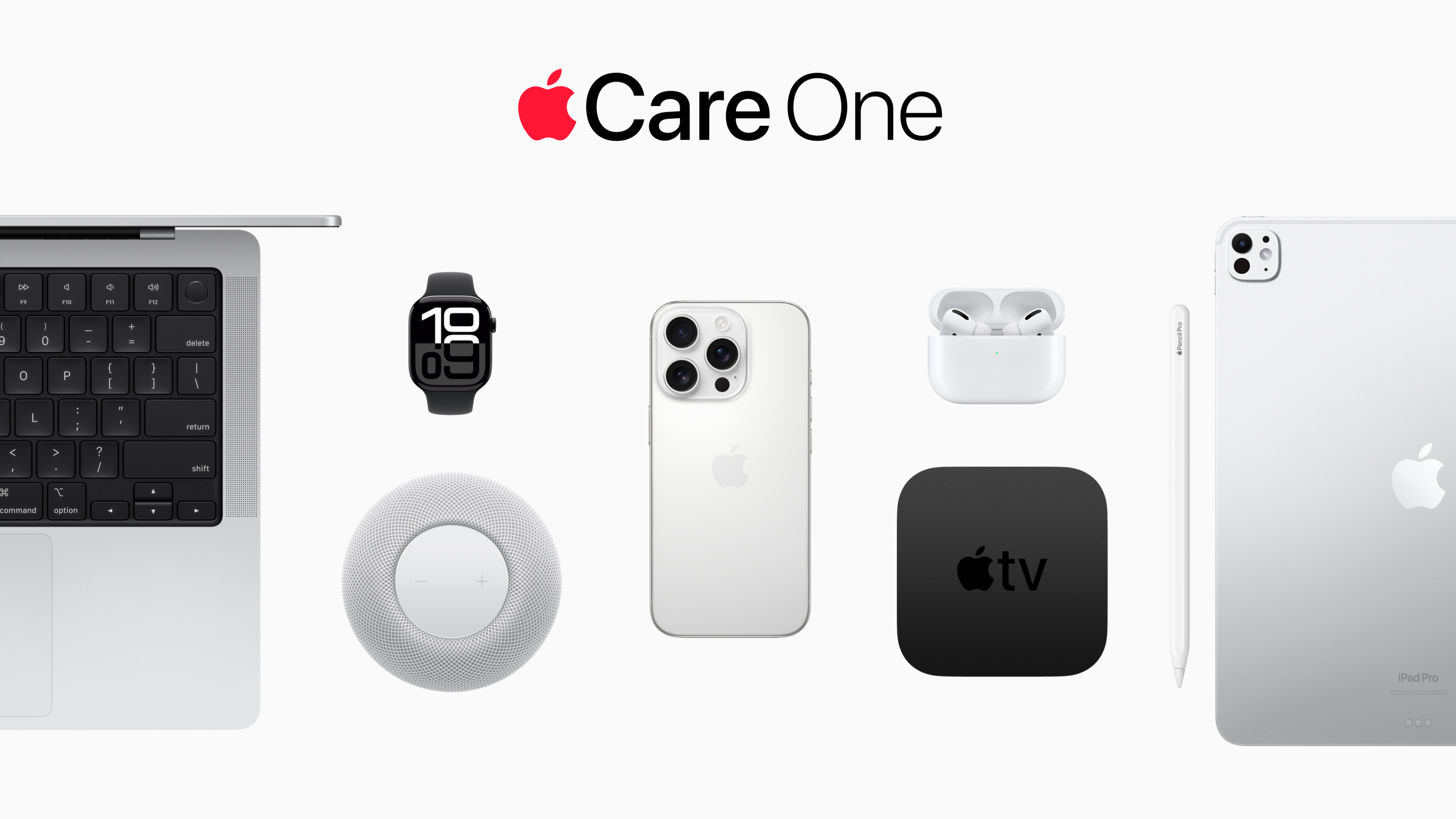
Photo: Apple
As mentioned, the iPhone Upgrade Program included AppleCare+ with Theft and Loss coverage. That’s not the case with the Apple Upgrade program. You are only leasing the device; AppleCare+ costs extra.
That means that if you damage the device during the lease period, you must pay for repairs out of pocket. If you return a damaged device to Apple, Klarna could charge a one-time damage fee.
Apple allows up to 60 days to add a device to AppleCare+ after purchase. You can also add AppleCare+ protection when leasing a device.
This increases the true monthly cost of using your leased hardware. Even if you add AppleCare One, your monthly cost rises by another $10 to $20.
3. You only have 14 days to return your old device
When upgrading normally, Apple lets you keep the current device until the new one arrives. This way, you have plenty of time to transfer your data before mailing the device back to Apple or returning it to an Apple Store.
In the Apple Upgrade program, you have 14 days from the day you receive the new device to return the old one. If Apple does not receive your device within that period, Klarna will continue collecting payments for the original lease while also starting lease payments for the new device.
So, a delay could see you making lease payments for two devices. If a payment is deducted while the device is in transit, Apple will refund the amount.
4. Limited carrier choices
Apple Upgrade does not require a carrier connection for an iPad, Mac or Apple Watch. But for an iPhone, you must activate the device on AT&T, Verizon or T-Mobile when signing up for the program. Prepaid carriers and mobile virtual network operators, aka MVNOs, are not eligible. (An MVNO is a wireless service provider like Mint Mobile that does not operate its own cell towers or license its own spectrum. Instead, MVNOs piggyback off a major carrier, using its infrastructure while typically providing discounted service.)
The leased iPhone remains unlocked, so you can switch carriers later depending on their terms. However, if you currently use an unsupported carrier, you will first have to consider changing your network operator before you can lease an iPhone from Apple.
Likewise, Klarna offers limited payment options for the Apple Upgrade program. It does not accept Apple Pay or PayPal. Even major cards and issuers like American Express, Chase and Capital One are not accepted.
5. Trade-in discount only applies on the first lease
When you enroll in the Apple Upgrade program for the first time, you can trade in an eligible device to receive a discount on the lease. This will reduce your monthly lease payments.
Like wireless carriers, Klarna spreads that trade-in discount over the entire lease period instead of applying it upfront as a credit.
The problem comes when you upgrade to a new device at the end of the Apple Upgrade lease. Apple says you cannot trade in another device as part of that upgrade. This means the monthly payment for the second lease will be higher than the first.
If you own the device outright, you can leverage boosted trade-in offers from carriers and retailers to upgrade to a new iPhone at an affordable price. With the Apple Upgrade program, this won’t be possible.
6. Apple won’t lock your iPhone if you miss a payment
As long as your Apple Upgrade lease remains active, you technically don’t own the device. However, if you miss a payment, Apple will not lock down your device. Instead, Apple will roll the missed payment into the next monthly lease payment without any penalty or late fee.
However, if you miss three consecutive payments, Klarna will end your lease. Then you must clear the remaining balance to own the iPhone or return the device.
Who is Apple Upgrade program for?
Apple Upgrade makes the most sense for customers who replace their devices regularly. It’s also a great way to get a high-end Mac from Apple and then upgrade to a new one after three years.
However, if you typically stick with the same device for more than three years, Apple Upgrade might not be the best option.
That’s why the $17.99 starting price for leasing an iPhone is the wrong number to use when judging the deal. You should compare the total lease payments, AppleCare costs, return requirements and eventual purchase fee before deciding whether leasing really costs less than buying.

Rajesh has been writing about consumer technology for over a decade, with a strong focus on iPhones, Macs and Apple’s ecosystem. He enjoys digging into Apple software updates, hardware changes, and discovering new Mac apps that make work faster and more enjoyable.
You can reach out to him at mail[at]rajeshpandey.me.


