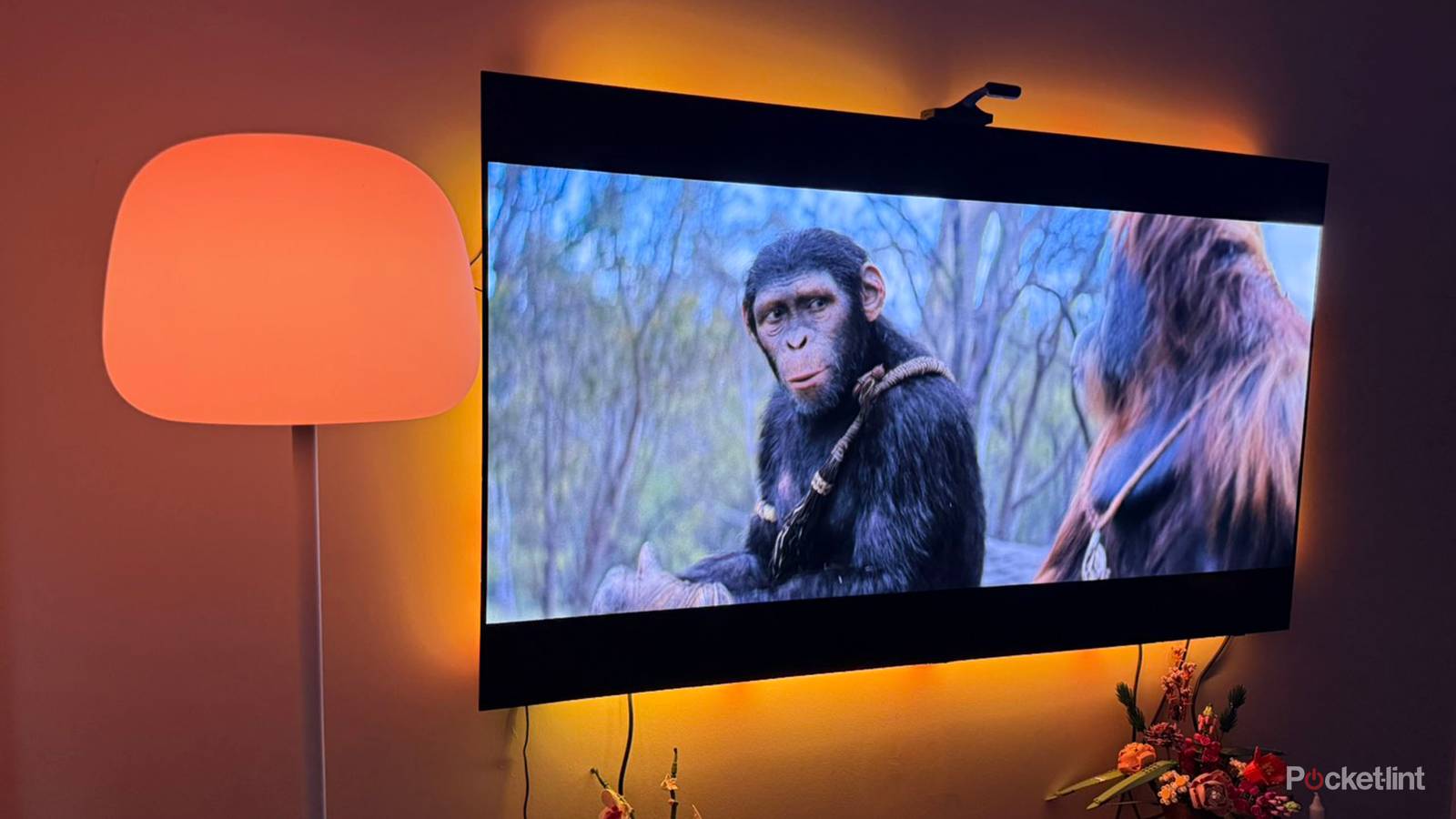
When it comes to setting up a home theater, it’s easy to obsess over many details, particularly if you’re an enthusiast with a big budget. You might spend weeks or even months going over TV and speaker specs, or plotting out smart lighting for maximum immersion. At the extreme, people will take the “theater” concept literally, installing stadium seating, drink holders, and framed posters of their favorite movies.
There’s an aspect that’s all too easy to neglect however, and that’s your Wi-Fi network. I’m going to explain some of the biggest problems that might manifest, as well as what you can do to prevent them from happening. I’m going to avoid getting too technical here — it’s not hard to find instructions when it’s time to drill down on your router’s menu options instead of speaker mounts.
 Quiz
QuizWi-Fi technology
Trivia challenge
From routers to radio waves — find out how much you really know about the wireless tech powering your life.
StandardsHistorySecurityHardwareSpeed
In what year was the first commercial Wi-Fi standard (802.11b) released for public use?
Correct! The 802.11b standard launched in 1999, offering speeds of up to 11 Mbps and quickly became the foundation of home and office wireless networking. It was a landmark moment that made Wi-Fi accessible to everyday consumers.
Not quite — the answer is 1999. The 802.11b standard was ratified and released that year, delivering up to 11 Mbps over the 2.4 GHz band. It set the stage for the wireless revolution we still benefit from today.
What is the marketing name for the Wi-Fi standard based on IEEE 802.11ax?
Correct! Wi-Fi 6 is the consumer-friendly name for the 802.11ax standard, introduced to make it easier to identify generations of Wi-Fi technology. It brought significant improvements in speed, efficiency, and performance in congested environments.
Not quite — the answer is Wi-Fi 6. The Wi-Fi Alliance introduced numbered branding starting with Wi-Fi 4 to simplify things for consumers. Wi-Fi 6E is actually an extension of 802.11ax that adds support for the 6 GHz band.
Which Wi-Fi security protocol, widely used in the early 2000s, was found to be critically flawed and is now considered completely obsolete?
Correct! WEP (Wired Equivalent Privacy) was cracked wide open by security researchers and is now considered dangerously insecure. Its flaws stem from weak initialization vectors in its RC4 encryption, meaning a determined attacker can break it in minutes.
Not quite — the answer is WEP (Wired Equivalent Privacy). Despite sounding robust, WEP’s encryption was fundamentally broken due to poor key management. It was officially retired by the Wi-Fi Alliance in 2004 and should never be used on modern networks.
What is the maximum theoretical throughput of the Wi-Fi 7 (802.11be) standard?
Correct! Wi-Fi 7 boasts a staggering theoretical maximum speed of 46 Gbps, more than four times faster than Wi-Fi 6. It achieves this through wider 320 MHz channels, 4096-QAM modulation, and Multi-Link Operation (MLO) technology.
Not quite — the answer is 46 Gbps. Wi-Fi 7 (802.11be) dramatically raises the bar over Wi-Fi 6’s 9.6 Gbps ceiling. Key innovations like Multi-Link Operation and 320 MHz channel support are what make those extraordinary speeds theoretically possible.
Which frequency band was introduced with the Wi-Fi 6E standard that was not available in standard Wi-Fi 6?
Correct! Wi-Fi 6E added support for the 6 GHz band, opening up a huge swath of new spectrum. This dramatically reduces congestion and interference, especially in dense urban environments where 2.4 GHz and 5 GHz channels are often overcrowded.
Not quite — the answer is 6 GHz. Wi-Fi 6E is essentially Wi-Fi 6 extended into the newly opened 6 GHz spectrum. This extra bandwidth means less interference and more available channels, delivering faster and more consistent real-world performance.
Which Australian organisation and its researchers are widely credited with developing core Wi-Fi technology in the late 1980s and early 1990s?
Correct! Australia’s CSIRO (Commonwealth Scientific and Industrial Research Organisation) developed patented radio technology that became fundamental to modern Wi-Fi. After years of legal battles, major tech companies paid over $430 million in licensing fees to acknowledge CSIRO’s contribution.
Not quite — the answer is CSIRO. The Australian government’s research agency developed key techniques for reducing multipath interference in wireless signals, which underpins modern Wi-Fi. Their legal fight to be recognised for this innovation became one of the most successful patent cases in tech history.
What does the acronym SSID stand for in the context of Wi-Fi networking?
Correct! SSID stands for Service Set Identifier — essentially the name that identifies a specific wireless network. When you browse available networks on your phone, every name you see is an SSID being broadcast by a nearby router or access point.
Not quite — SSID stands for Service Set Identifier. It is the human-readable name assigned to a wireless network. Routers broadcast their SSID so that nearby devices can detect and connect to them, though you can also hide your SSID for a small added layer of obscurity.
Which Wi-Fi security standard, introduced in 2018, replaced WPA2 as the most advanced widely available wireless security protocol?
Correct! WPA3 was announced by the Wi-Fi Alliance in 2018 and brought significant security upgrades over WPA2. Key improvements include Simultaneous Authentication of Equals (SAE) to defend against brute-force attacks and stronger encryption for open public networks via Opportunistic Wireless Encryption.
Not quite — the answer is WPA3. Ratified in 2018, WPA3 addressed serious vulnerabilities found in WPA2, including susceptibility to KRACK attacks. Its Simultaneous Authentication of Equals handshake makes password-guessing attacks far more difficult, even if someone captures your network traffic.
Your Score
/ 8
Thanks for playing!
How does bad Wi-Fi bottleneck a home theater system?
More than meets the eye

The most obvious way is by limiting the bandwidth available for streaming. While you can technically load a 4K HDR stream with as little as 25Mbps (megabits per second), 50Mbps or higher is preferable if you want the best possible quality and minimal buffering. You probably have way more than 50Mbps coming from your internet service provider, but congestion, interference, or range issues with your router could render that moot. Think of it like the 5G radio on your phone. Sure, it might be capable of blistering downloads when you’re in downtown Chicago, but data is going to slow to a crawl when you’re miles away from the closest tower. High data transmission rates require a steady, high-power signal.
Your gear and streaming apps can adapt to a degree, but even if buffering isn’t an issue, you may find a service automatically scaling back bitrates, reducing picture and sound quality. In the toughest situations, you might not get the resolution and format support you’re paying for — a 4K HDR stream with Dolby Atmos could hypothetically be kicked down to 1080p SDR and Dolby 5.1. That’s okay in isolated scenarios, yet if it keeps happening, you might as well ditch the expensive premium plan.
Congestion, interference, and range problems can also make it difficult to add smart tech to your system in the first place, or prevent it from being reliable. Wi-Fi 5 routers, for instance, often lack the capacity to handle the number of devices in a modern smart home, and will start kicking older connections to make room for new ones. Accessories like lights and sensors are especially vulnerable to this, likely because they don’t check in as frequently as your phone, computer, or TV.
A few issues are more esoteric, such as the way routers handle the 2.4, 5, and/or 6GHz bands. Using separate SSIDs for each band may sometimes prevent one device from talking to another, including even the smartphone you’re using to configure and control everything. On the flipside, a few products don’t play well with unified SSIDs, which are de facto on mesh routers. They may freak out when an unsupported band is put in front of them. Mostly this seems to happen with the cheapest smart home accessories, which is one reason you should read reviews, and avoid buying anything strictly based on price. That said, even Sonos speakers will probably function best if they’re all sharing the same band.
It’s also worth remembering that newer Wi-Fi standards aren’t just improved in terms of raw speed. Wi-Fi 6 is inherently more efficient than Wi-Fi 5, and Wi-Fi 7 is better still, so keeping your router current can pay dividends when it comes to smoothness and reliability. The catch is that to get the most out of a state-of-the-art router, connecting products have to rise to the same level. A Wi-Fi 7 router has to scale its performance back when it talks to anything using an earlier standard, and this can have a cumulative effect. Putting it simply, your network won’t be firing on all cylinders if it’s only the router and a couple of other products on Wi-Fi 7.
Speaking of smart home tech, relying too heavily on Wi-Fi-based accessories can contribute to congestion. A single smart bulb or smart plug won’t matter on its own, but if you’ve got a dozen or more products all trying to talk at the same time, you can see how that might create havoc. As if that weren’t bad enough, ecosystems like Amazon Alexa and Google Home hinge their automations and remote control on a steady network. Your “movie night” routine might fail to go off dependably if some components are slow to respond or hard to reach.
What should you do to prevent Wi-Fi bottlenecks?
Don’t think you need to spend a fortune

It’s important to get range and interference issues sorted first, as nothing else will matter if you don’t. Your router should be out in the open, never stuffed in a cabinet, closet, or drawer. It should also be off the floor, and as far away as you can manage from any signal obstacles like bookshelves or concrete. This is actually a very important concern in the home theater space, since it might be tempting to stick your router where no one can see it if you can’t fit it directly on top of an entertainment center. Aesthetics shouldn’t trump practicality.
On the subject of range, better router positioning will naturally help. If that’s not enough, you’ve got two main options. The cheapest may be wiring devices up via Ethernet. Though the layout of your home could make that impractical, Ethernet is largely immune to signal issues. And as a bonus, every device you put on Ethernet frees up some wireless bandwidth.
Another range fix may be upgrading to a new mesh system or expanding an existing one. Just don’t be too hasty. As I mentioned, some devices play better with unified SSIDs than others, and this can potentially be the most expensive path. An Eero Pro 7 three-pack will set you back about $700, while some of the best mesh kits are over $1,000. You might be able to create a mesh by duplicating your existing router, yet even that’s not going to be cheap, assuming the option is supported.
I’d recommend against using Wi-Fi extenders. Often these are slower than the router they’re connected to, and they’re not meant to carry the same load, regardless. Dumping the burden of your home theater on an extender can be like trying to move apartments using a hatchback instead of a van or truck. It’s possible, but don’t be surprised if things take a while, or if some burdens are just too much.
You should automatically be upgrading your router if you’re on Wi-Fi 5. If the jump is from Wi-Fi 6/6E to Wi-Fi 7, take stock of what the rest of your devices can manage. A lot of hardware is still stuck on 6 or 6E, particularly in the TV world, where manufacturers are notoriously stingy with anything that isn’t display tech. If you don’t have many Wi-Fi 7 gadgets, even jumping from Wi-Fi 6 won’t accomplish much.
Check into whether some devices are best forced onto a particular frequency band, whether for speed or reliability, but make sure they won’t be blocked from talking to critical items, such as a smart home hub. On that note, you might also consider (gradually) migrating away from Wi-Fi accessories when options like Thread and Zigbee are available. This is a key factor in the popularity of Philips Hue lights — while you need to connect a Hue Bridge to your router, that hub is based on Zigbee, and allows up to 50 Hue lights all on its own. Dealing with 50 Wi-Fi bulbs would be a nightmare.


3.5/5
- Coverage
-
2500 sq ft
- Number of Devices Supported
-
200+
- Speed
-
9.4 Gbps (wired), 4.3 Gbps (wireless)
- Wi-Fi Protocols
-
Wi-Fi 7


