
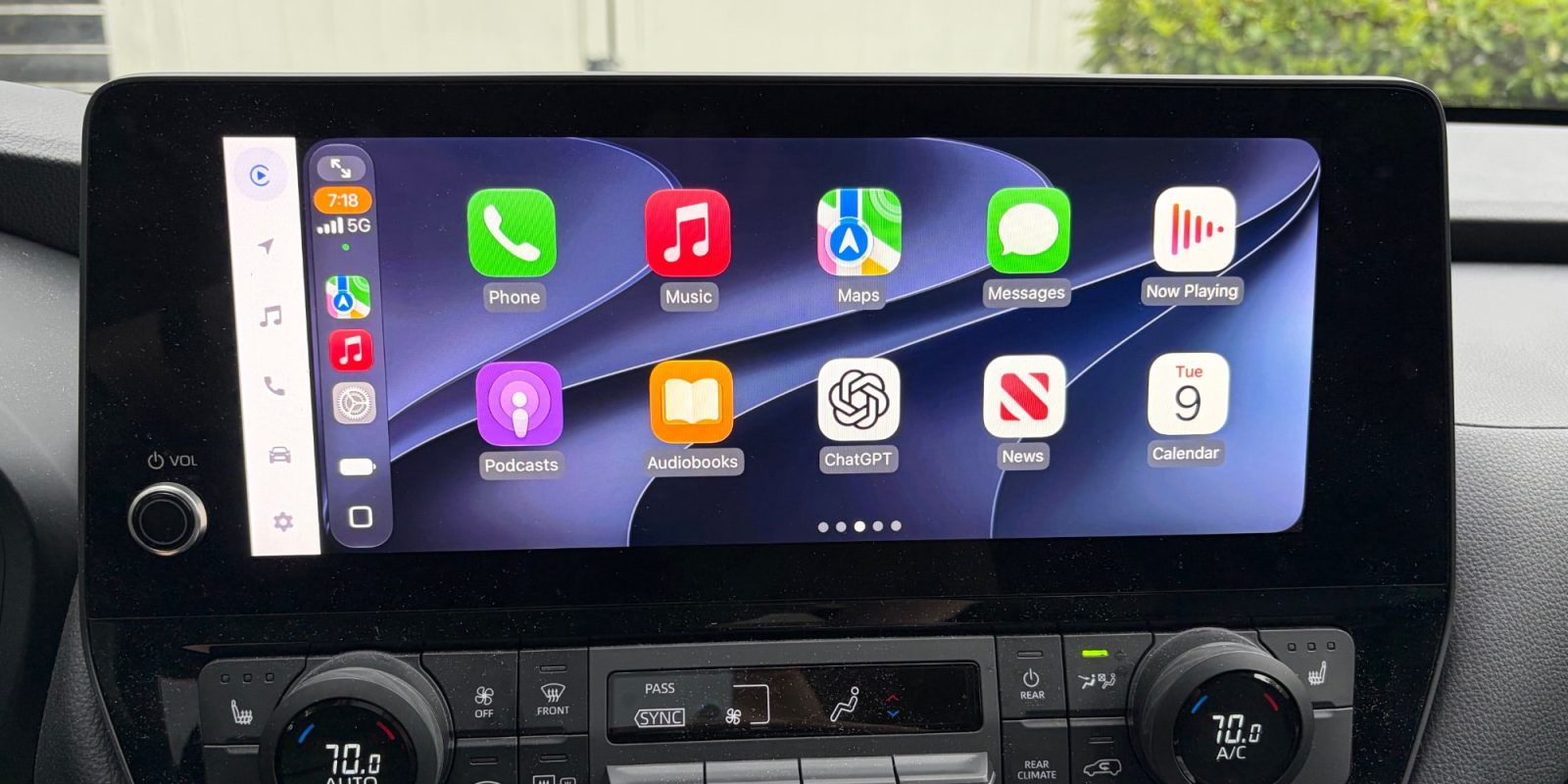
iOS 27 is officially here, available now in beta, and it brings a handful of improvements for CarPlay. Here’s everything new for CarPlay in iOS 27.
New Siri AI
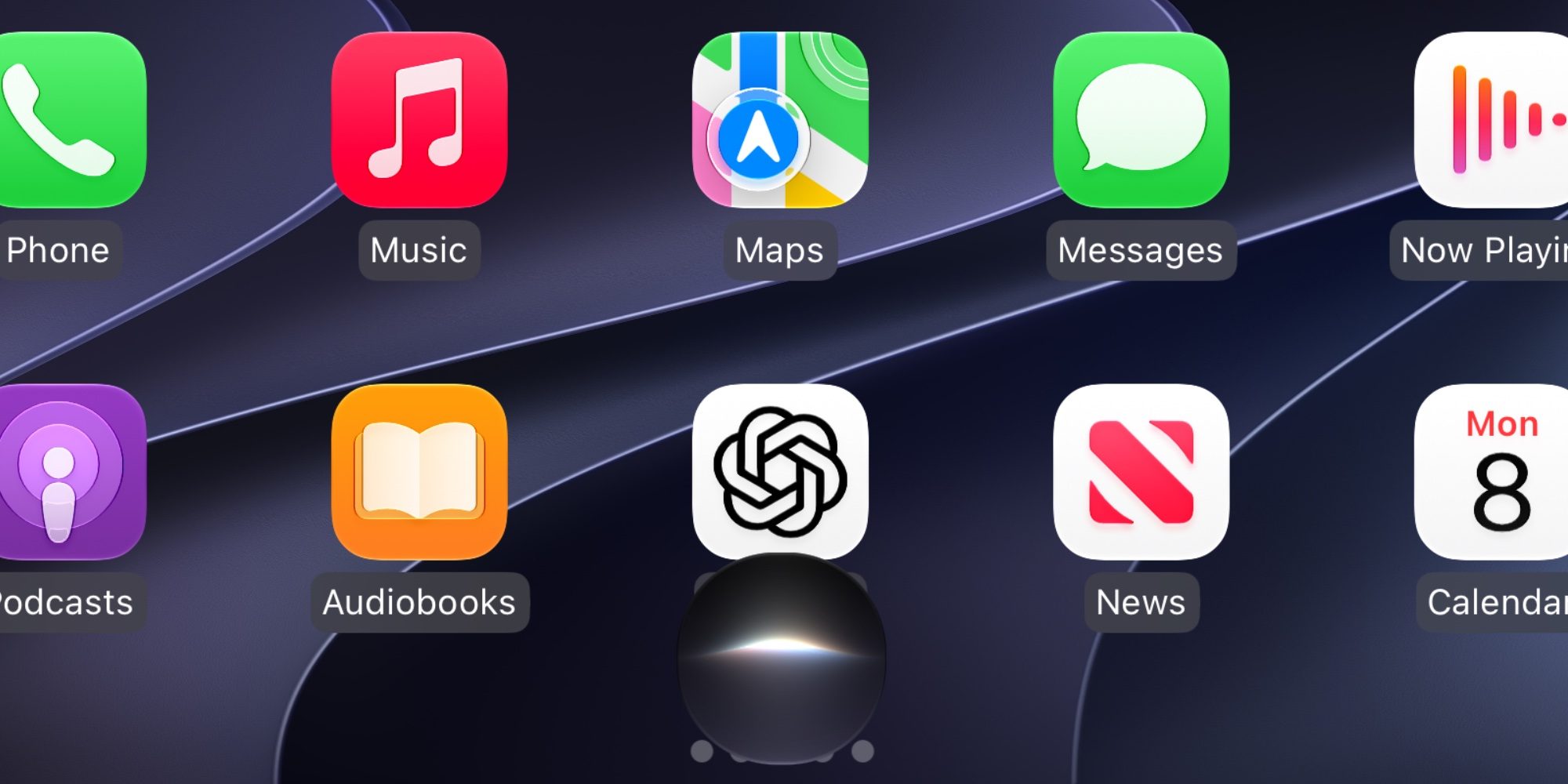
Apple’s Siri overhaul is the tentpole addition to iOS 27, and the new ‘Siri AI’ capabilities on the iPhone are available in CarPlay too.
Siri has a new UI that’s more like the pre-iOS 18 design, but with less color. It appears as a glowing orb at the bottom-center of the screen.
Siri in CarPlay is now much better at answering questions of any kind, similar to ChatGPT and Google Gemini. In my testing, it’s also able to retain the context of your current conversation better than ever before.
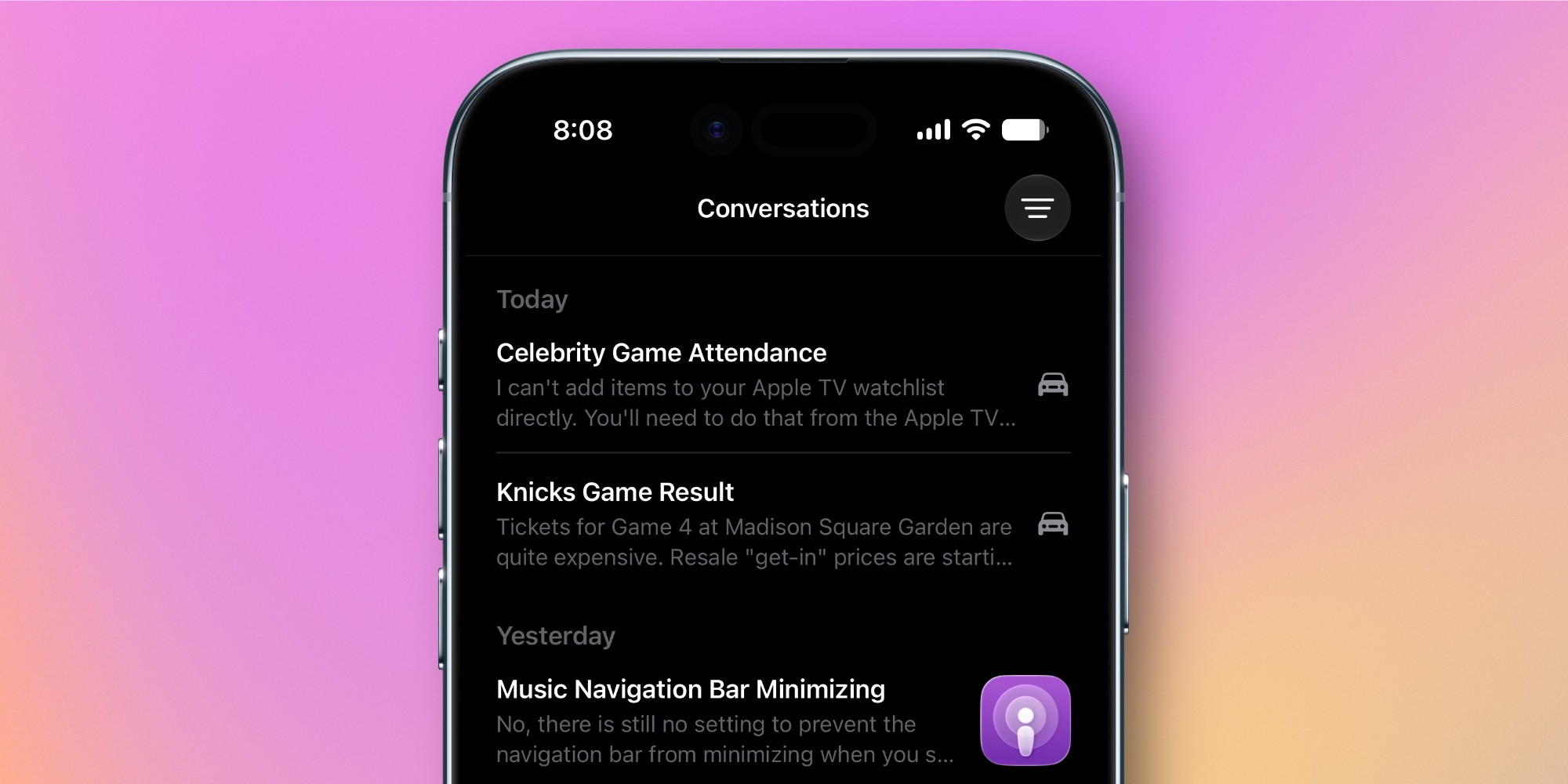
In a nice touch, conversations you have in CarPlay are automatically synced to the Siri app on iPhone. You can browse the full Siri history in the app, and there’s a car icon marking conversations you had via CarPlay.
Video app support
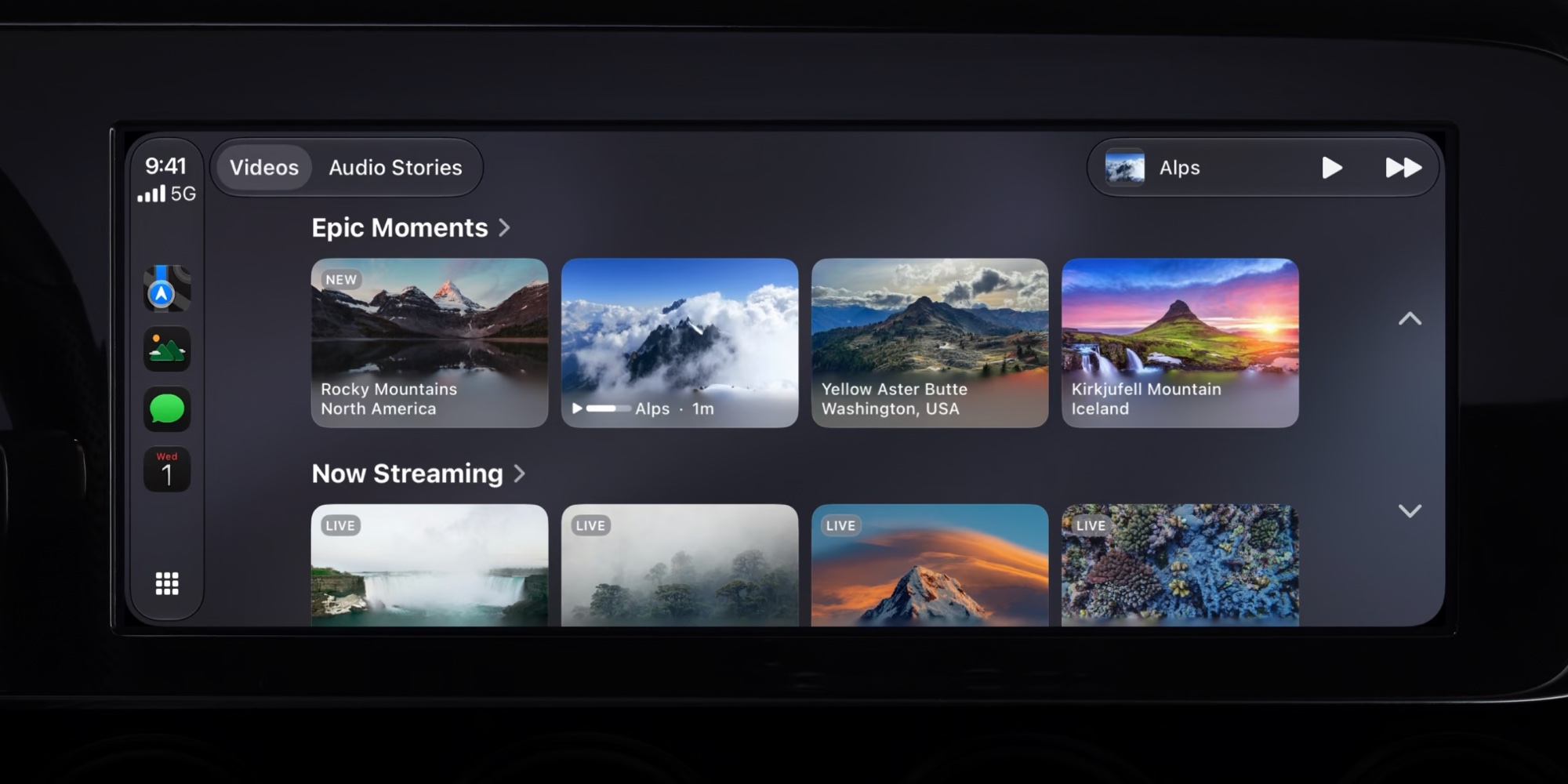
Apple added video in the car with iOS 26, but it was limited to AirPlay streaming. But per a WWDC video, with iOS 27 developers can now make dedicated video apps for CarPlay, so that users can browse videos right on their CarPlay display.
From the video transcript, which is targeted toward developers:
With iOS 27 you can create apps to browse and play videos in new cars that support the video in car feature. If your app supports AirPlay video streaming, no changes are needed. People can already watch videos from your app on their CarPlay display when they aren’t driving. To do so, they simply select the car’s display when playing the video on iPhone. Now you can take it to the next level and let people browse their favorite videos from iPhone right on their CarPlay display.
Automakers need to sign on to support the feature, so unfortunately it won’t be available automatically in every car.
New wallpapers and design updates
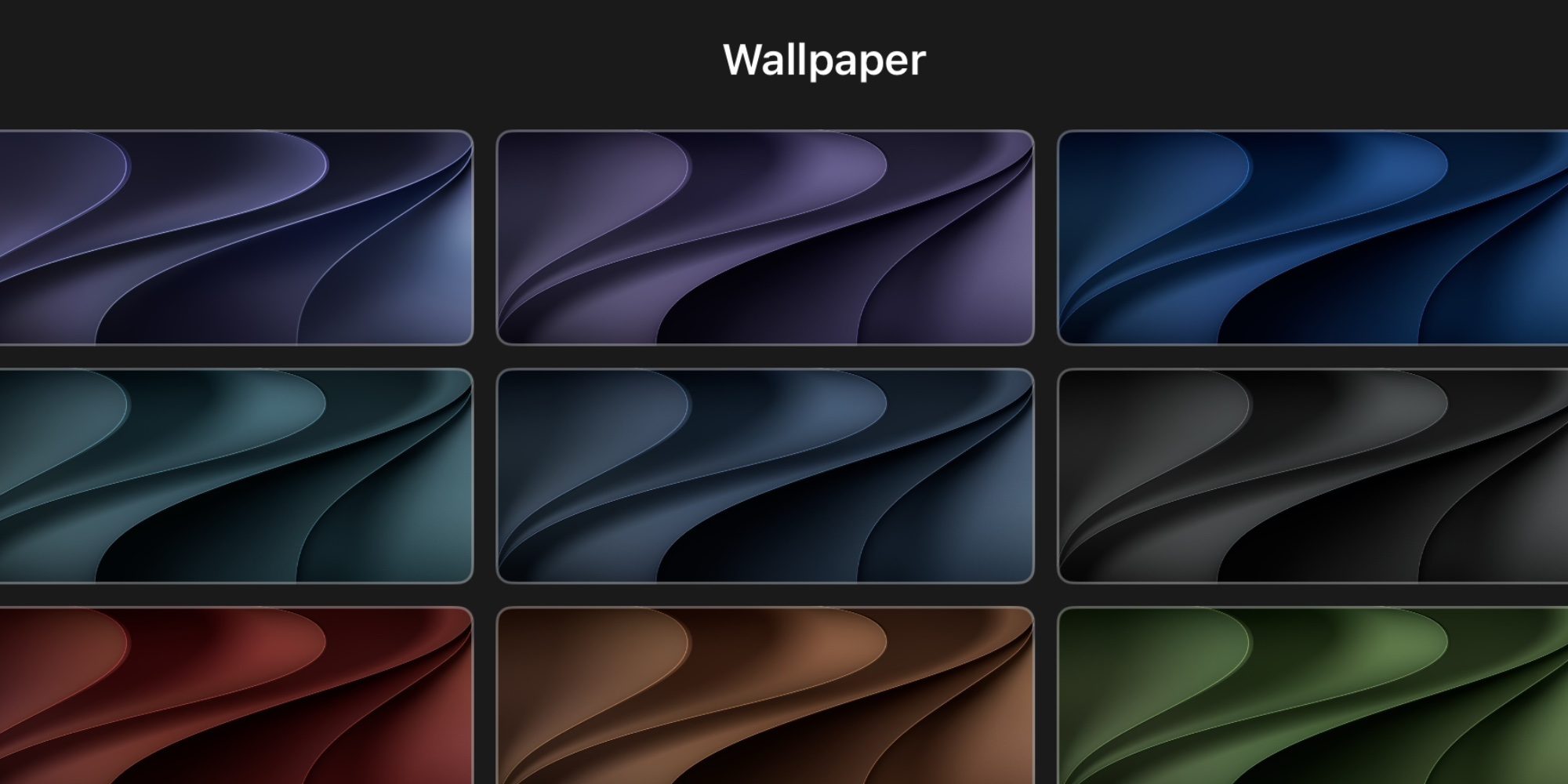
iOS 27 brings new CarPlay wallpapers and design updates in several ways. The set of wallpapers, as seen above, resembles what’s available across iOS 27 and macOS Golden Gate.
App icons have been refreshed with updated Liquid Glass designs in iOS 27, and those new icons extend to CarPlay.
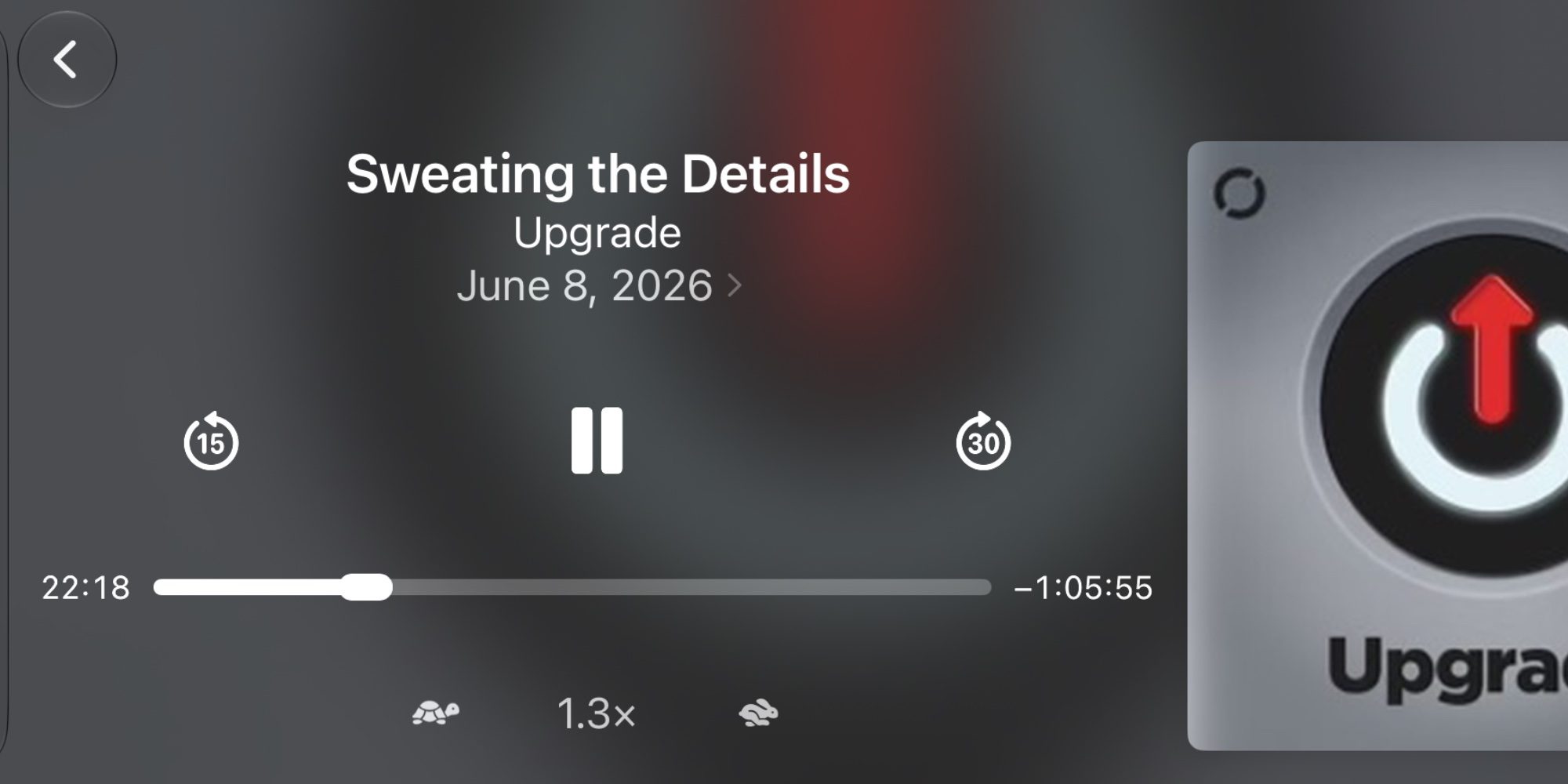
Media apps feature a new MiniPlayer in CarPlay now too. Available in the top-right corner of the app, the MiniPlayer provides artwork and player controls—a nice upgrade from the previous waveform icon.
Finally, you can now do audio scrubbing on the Now Playing screen, using the larger progress indicator seen below.
Which new CarPlay features in iOS 27 are you most excited about? Let us know in the comments.
Best CarPlay accessories


FTC: We use income earning auto affiliate links. More.


