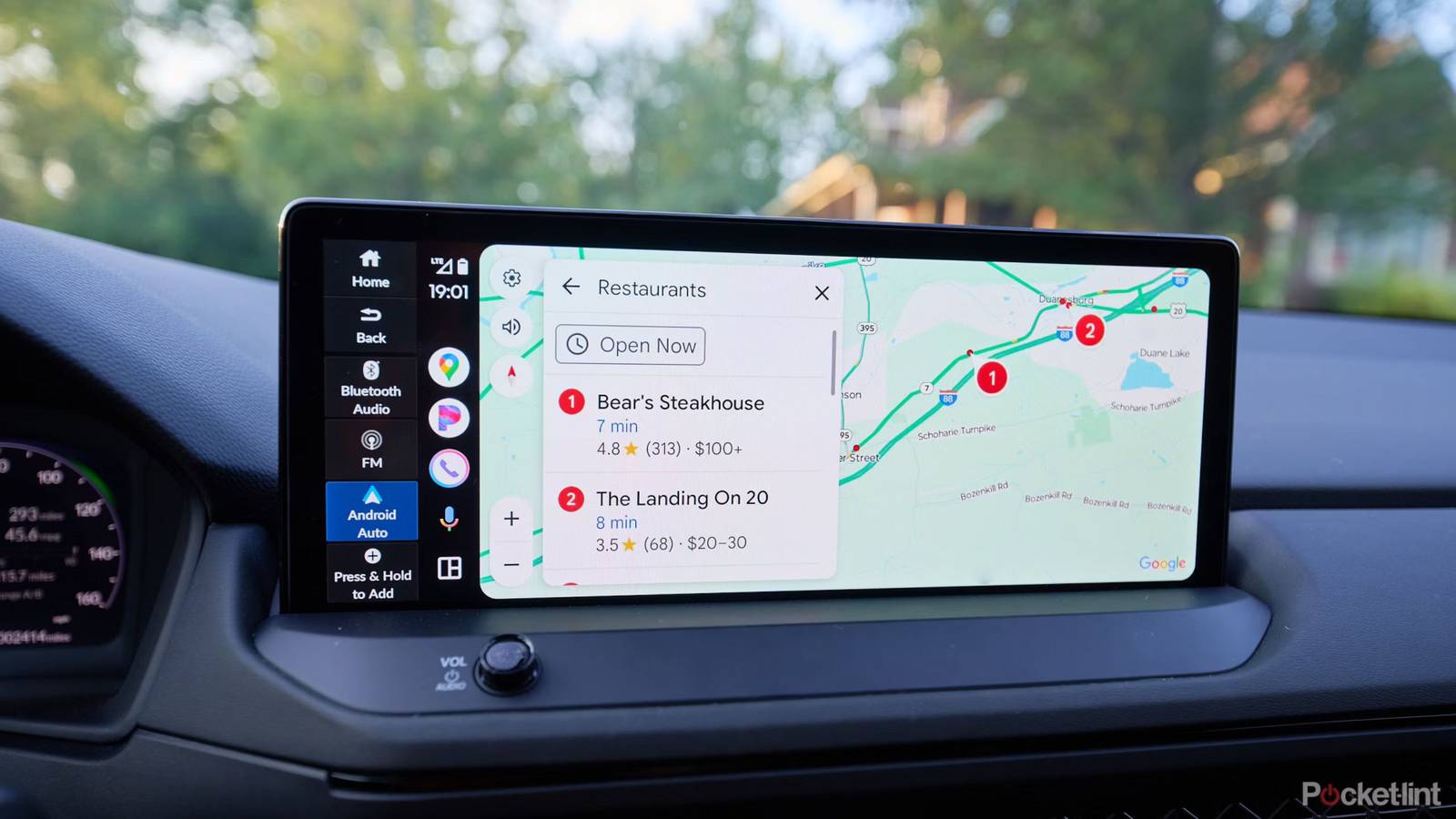
Let’s be clear about something upfront: chances are, your Android phone will probably survive most or all of the roadtrips you take. Your phone can automatically shut down if things become critical, and your AC system will go a long way towards keeping things cool. That said, no one wants Google Maps to die in an unfamiliar area, and excess heat is bad for your phone’s longevity.
There are a variety of tricks you can use to keep temperature in check. Keep in mind that you don’t need to use all of them. Frequently, just one or two will be enough to prevent issues.
Mounting (or stashing) a phone out of the sun
Pick the right mount if you’re going to use one

Part of the point of Android Auto is avoiding the need for mounts, but your phone still has to sit somewhere while it charges. Your priority should be keeping it out of the sun, as direct exposure for hours at a time is virtually guaranteed to create problems unless you’re driving in a cold climate. Windshield mounts are the devil for that reason. A vent mount will actively cool your phone while the AC is flowing, but can become problematic if you need to crank up the heat.
You’re not out of the woods if you rest your phone on a seat or console. The sun might still shine on that spot for long stretches. If there’s a crevice directly under your dash system, that’s probably the safest place to stash your in-use electronics.
Avoid wireless charging when you can
No need to be a purist

I actually love wireless charging in vehicles. It makes getting in and out less of a hassle, and reduces cable clutter. The brute fact, however, is that wireless charging is less efficient than USB, which translates into a lot of waste heat. Combining that with summer sun is a recipe for trouble.
The simplest solution is to keep a USB-C cable handy at all times. If you don’t want to leave a cable in your car or sacrifice convenience, though, just take your phone off the Qi (or MagSafe) pad occasionally once it’s up to 80 to 100% charge. 80% is preferable in fact, since that’s the ideal limit for prolonging battery health. Don’t feel bad about going to 100 occasionally if you’re going to need all that juice once you’re on foot.
Keep background processes to a minimum
Offline caching is your ally

It’s difficult to push a phone too far while Android Auto is active. While you’re parked, you can watch videos and try a handful of casual games, but most apps are blocked in the interface anyway. It’s not like you’ll be playing Cyberpunk 2077 or editing action cam footage.
Just be mindful of what your phone is doing in the background. Driving is one of the worst times to start long downloads, for example, since on top of bandwidth concerns, your phone’s processor is going to spin up for copying, adding to the demands of navigation and music apps. My personal policy is that if I’m on a long trip (like the one I’m on as I write this), it’s best to cache as much data as possible before hitting the road, primarily maps and playlists. You should be caching maps as a safety measure regardless, and taking paper ones with you in case your phone dies.


