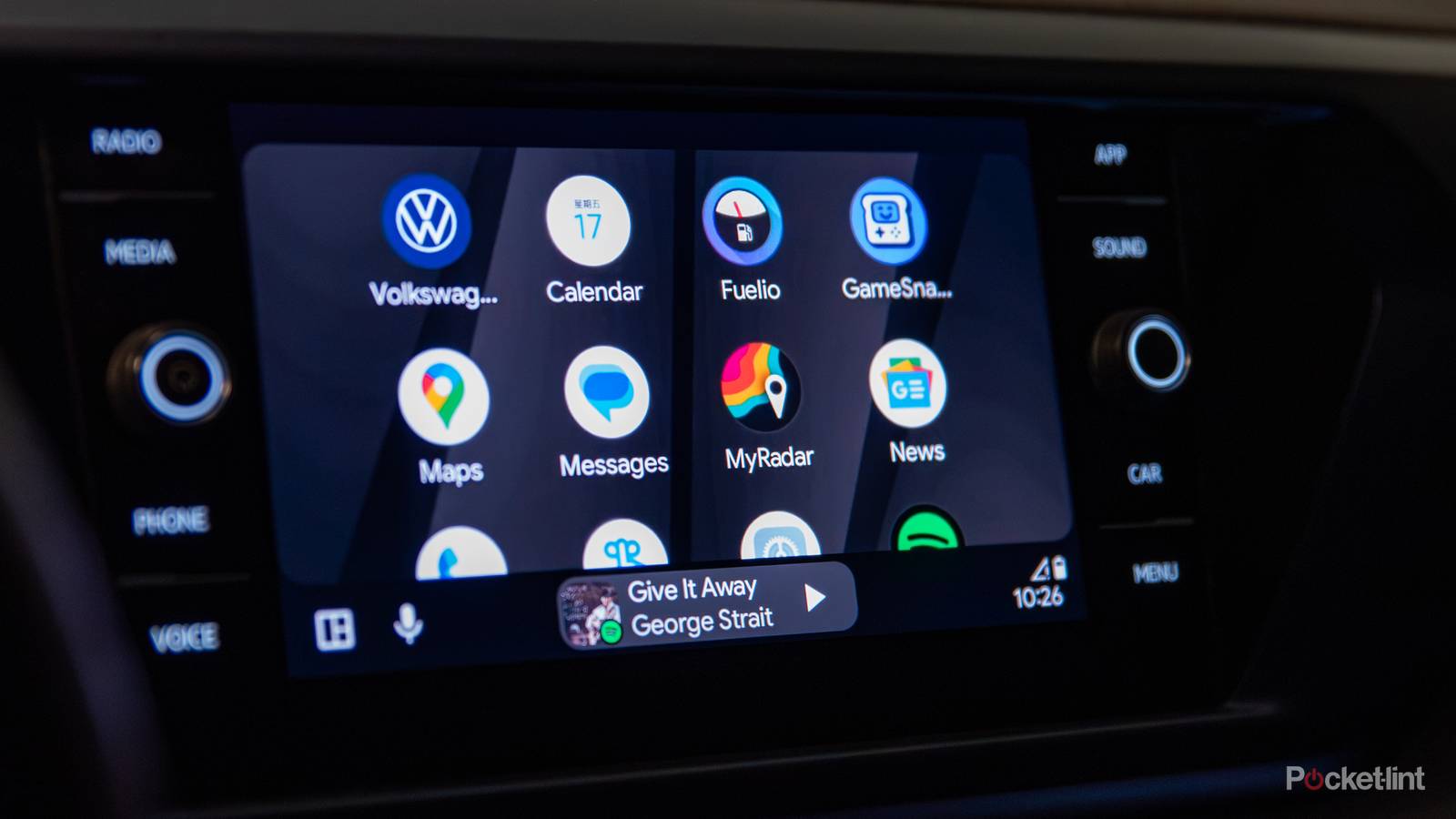
I’ve been a fan of Android Auto for several years now, but there’s always been some room for growth. Thankfully, frequent updates have made it a lot more viable, and now I can’t imagine driving without having my maps and Spotify up on the same screen. One thing that’s been missing is an actual speedometer on Google Maps.
Although my car has a digital speedometer right in front of my face, it’d be nice to have that swapped over to a different screen while still knowing how fast I’m going on my main display. Thanks to a new Android Auto update, that dream is now a reality — at least for some users. My car hasn’t received the update just yet, but users are reporting that a speedometer is rolling out in Google Maps, and you can find out how fast you’re going by looking at the posted speed limit on your maps.
This is a huge update, and I would argue it’s one of the biggest upgrades to come to Android Auto in quite a while. I just have to keep my fingers crossed and hope it arrives in my car sooner rather than later because it’s something I’ve been waiting for for a long time.

- OS
-
iOS, Android
- Brand
-
Google
- Price
-
Free
Android Auto gets an update that Apple CarPlay already has
Closing the gap on the competition
What’s funny about this is that Apple CarPlay already lets you use a speedometer on Google Maps, despite Android being a Google platform. I’m just happy it’s finally becoming a reality, but I do find it surprising that Android’s competitor had access to a feature like this long before Android Auto. I am firmly within the Android ecosystem, so I never considered making a swap to Apple CarPlay, so I just had to be patient.
A workaround before this has been to use Waze, but I’ve been more fond of Google Maps, even if Waze might be the better of the two brands. I’m still wondering why the two apps haven’t merged into each other since they’re both owned by Google. After acquiring Fitbit, it didn’t take long for the Google Health app to absorb the Fitbit app, so I’m wondering what’s taking so long here. Google bought Waze back in 2013, and over a decade later it feels more like a competitor to Google Maps than it does a partner.
Nevertheless, it’s a big upgrade. What I like most is that your speed will show as red or yellow if you’re going over the speed limit with a route set. Red means you’re going at least 10 over the speed limit, so you should avoid that if you can. If you’re not using a route but still have your maps up, you’ll just see how fast you’re going. This is typically how I drive, but it’s still nice to put in my route just to know if I’m going to experience any slowdowns and need to take a different route.
Slowly, but surely, Google Maps has gotten better
Being stubborn paid off

I’m very much a creature of habit, and I’ve been using Google Maps for years. I know there are arguably better alternatives, but I just didn’t want to go through the trouble of switching over. I’ve used Waze in the past, but it never stuck on for whatever reason. My stubbornness has now paid off because Google Maps on Android Auto is finally getting something that was already available.
I don’t know what took Google so long to do this, but I guess I don’t have to question it anymore. With this update, one of my most wish listed features has come true, and I don’t see any reason for me to consider Waze anymore. I know Google Maps works great for what I need it for, so I’m going to keep on using it as long as Google supports it. I’m also going to keep an eye on my car’s speedometer because
I know how inaccurate my Google Pixel’s GPS can be while running, so putting my complete trust into another Google GPS might not be the best idea. At the very least, I’ll now have two different things telling me how fast I’m driving. With that said, Android Auto’s Immersive Navigation upgrade has made a big difference in how I drive. This update started speaking in terms of landmarks instead of distance, and that’s been a lifesaver. Instead of telling me to take an exit in a mile, it now says things like “after this light, take the exit,” and that has cut down drastically on my wrong turns. As long as updates like that keep on coming, I’m going to be a happy camper with Android Auto for a very long time.


