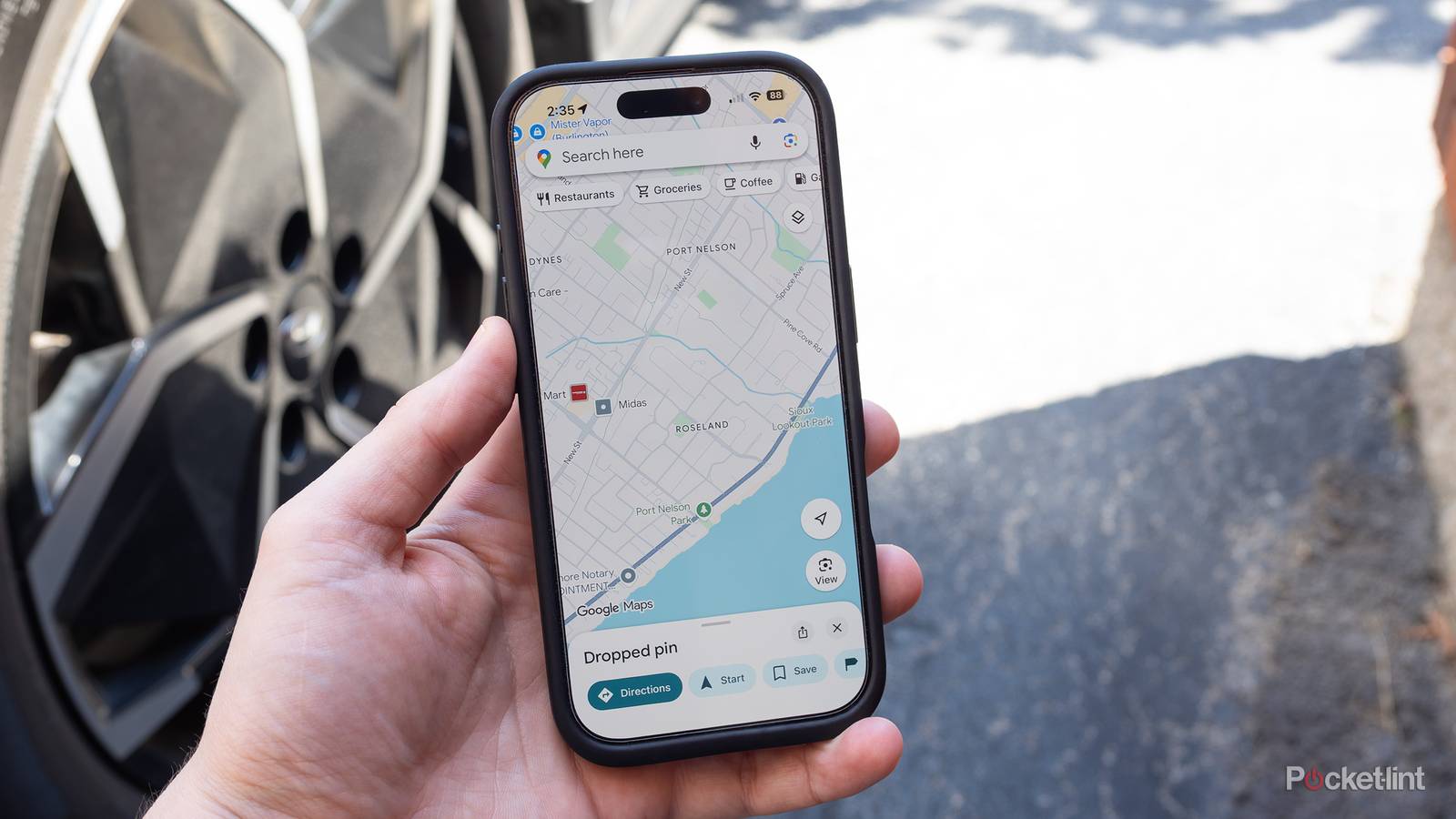
I’ve ended up traveling far more in my life than I would’ve ever predicted. As a kid, my parents took me on annual roadtrips across Canada and the US, to the point that I’ve seen more of America than most birthright citizens. Later, I moved to Texas and became a US citizen myself, frequently driving out of Austin to other parts of the state. I’m back in Canada these days, but I’ve already ended up driving extended distances, for instance touring the Rockies.
Starting with my time in Texas, Google Maps became an indispensable tool. It’s actually hard to imagine driving without it anymore — or at least its closest clone, Apple Maps. The further the destination, though, the more likely I am to be skeptical about what Google recommends, or (gasp) bring a paper backup. Here’s why I think everyone should adopt a similar philosophy.
Where Google Maps can steer you wrong
The hazards of blind faith

At a minimum, remember that as thorough as its maps might be, they’re not always comprehensive or up-to-date. The company relies on a combination of satellite passes, vehicle recon, and government records to build its data, and that’s not being done monthly, let alone weekly. GIS firm OnGeo claims that while major cities might get updates every 6 to 12 months, any other location is lucky to get an annual update, and remote areas might go years without a refresh. Completely new roads aren’t built that often, but it’s still possible to run into surprises, especially if you’re on a roadtrip. You don’t have the familiarity the locals do.
Speaking of remote areas, the further you drive out of a city, the less detail you’re likely to get. You’ll notice that whenever Apple or Google shows off a new level of mapping detail in a press event, they always focus on cities like San Francisco, Cupertino, or New York City. They’re catering to their largest markets first, so you simply can’t count on a route having every last alley, dirt road, or parking lot included. Indeed, the latest navigation aids are usually restricted to major cities too, so don’t expect Minority Report-style animations when you make your way from Austin to Giddings.
Timewise, it’s probably safer to trust detour prompts, but they sometimes result in convoluted routes with unknown risks.
Missing detail is usually less of a problem than another issue, which is the vagueness of warnings about traffic and construction. When you’re plotting out a trip, Maps will typically highlight hazards known at the time and devise a broad route around them. That’s great, but when you’re mid-drive and using an interface like CarPlay, you’ll sometimes get detour prompts without a clear indication of where they’re going to take you, or even how much time you’ll be saving. For those reasons, I’ve ignored detours in the past only to find myself dealing with delays up to 45 minutes, maybe more. Timewise, it’s probably safer to trust these detours — but they sometimes result in convoluted routes with unknown risks. Once, right in the city where I live, Maps took me down a rural road so torn up by heavy trucks and farm equipment that it’s a miracle I didn’t wreck my car’s underbody or suspension.
When it comes to multi-day roadtrips, it’s important to doublecheck the details for stops like restaurants, gas stations, and hotels, since some businesses are more diligent about updating their info than others. You might find out the hard way that a location’s hours or contact points have changed. Be very vigilant with EV charging stations — you need to know not just how many outlets they have, but what standards they support, and whether they’ll actually be functioning and free when you get there. Though Google Maps can help with these things in 2026, you may want to track down more direct info if missing a charge could leave you stranded.
My final concern is the gaps in the real-time view. Maps will of course draw lines in front of you, and tell you that you need to be in a given lane for the next turn, but it won’t explicitly warn you if another turn is coming up a few seconds after that. That becomes problematic if you need to fight traffic to change lanes again, which is all the more likely if the app only offered multiple suggested lanes a moment ago. I’m not sure why it’s so hard for Google to prevent drivers being caught off guard like this. In an unfamiliar area, extra hand-holding should practically be mandatory, since it’s not like I’m going to know the alternatives if I mess up at a given intersection. I’m not one of those people who makes turns at all costs to stick with directions — I’d rather be delayed several minutes than risk an accident.
Tactics you can use to stay on track
Don’t hinge everything on a battery and a screen

On anything longer than a daytrip, you should strongly consider bringing a paper map. With hours-long trips, it’s usually not too hard to recover from getting lost, running out of juice, or discovering that a business isn’t open. Once you start spending whole days on the highway, however, you shouldn’t bet your safety on having a working smartphone or dash display. You don’t necessarily need a complete regional atlas — even a few maps printed out at home will offer some peace of mind.
Speaking of advance prep, do that homework I talked about with points of interest. Check a location’s website for the latest info, and if things are really vital, give the place a call, no matter how much you might hate talking on the phone. When possible, book reservations well in advance. You can always cancel a hotel or event reservation if you have to — you can’t force a vacancy while you’re pulling into the parking lot.
Don’t just select a destination and hit Start. Zoom into to the areas around turns and pitstops. Use Street View to familiarize yourself with landmarks. Bookmark points of interest.
Back in the digital arena, consider downloading other apps specific to your various trip tasks. If you’re an EV owner, for instance, you may get better station info from PlugShare, or an app native to your favorite charging network. There are many tools for booking hotel rooms, and it’s good to have navigation fallbacks if Maps starts behaving oddly or refuses to load. iPhone owners will always have Apple Maps. If you’re on Android, you’re probably going to be downloading another Google app, Waze.
Sometimes, simply spending more time with Google Maps can help. Don’t just select a destination and hit Start. Zoom into to the areas around turns and pitstops. Use Street View to familiarize yourself with landmarks. Bookmark not just points of interest, but alternatives you can navigate to with a tap. In other words, think of the app as a planning tool as much as something you load once you get behind the wheel. If a trip really matters to you, spending a few minutes exploring might save a lot of grief later on.


