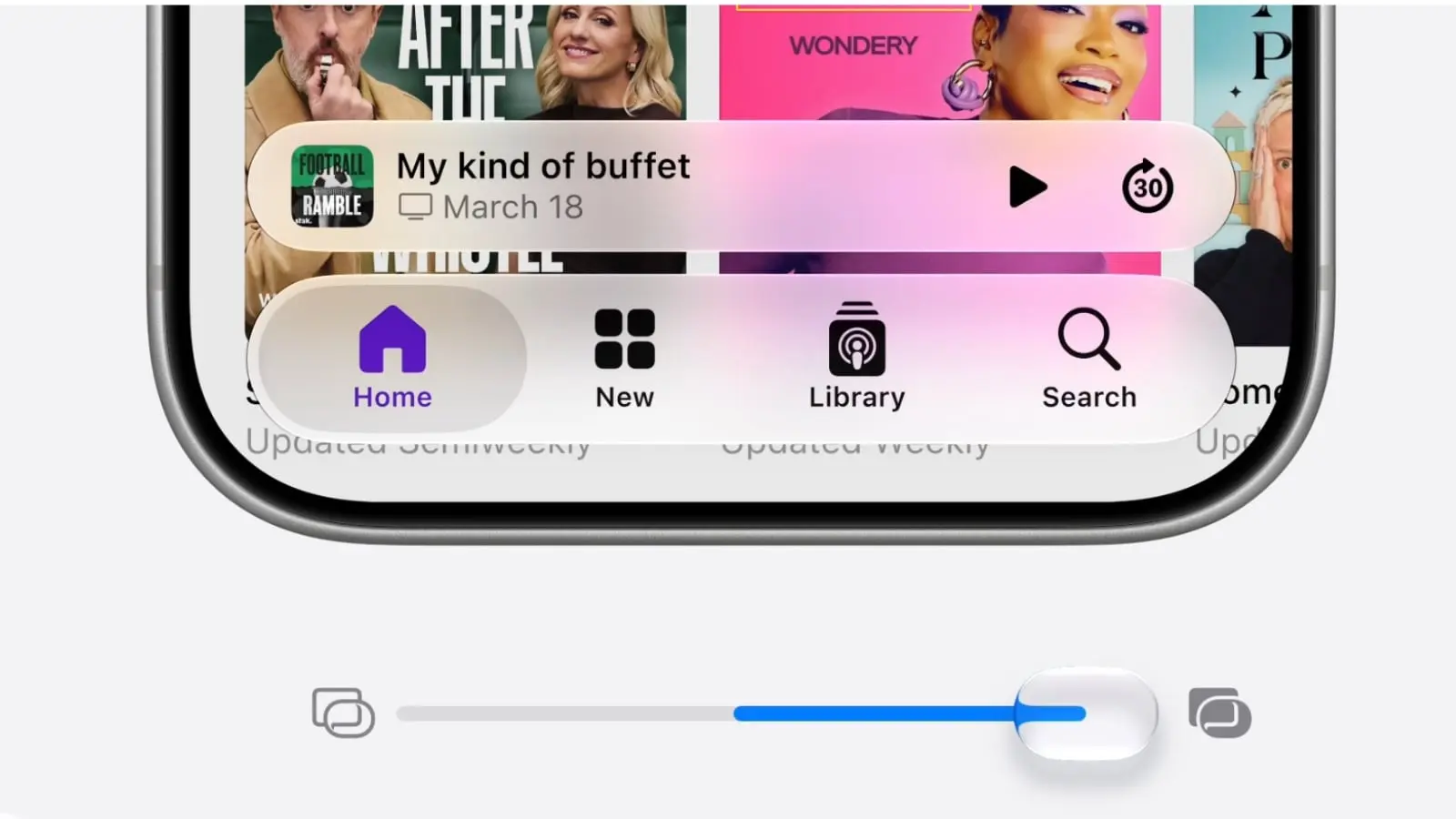
Apple released the first iOS 27 public beta Monday, giving everyday iPhone users a chance to experience the latest features.
By most accounts, it’s stable enough to download now and run without too much worry. The biggest bummer is that you’ll still need to get in line to experience the new, improved Siri AI.
iOS 27 public beta arrives
Downloading a beta to your precious iPhone always poses a bit of a risk. But Apple typically tames the most vicious bugs during the first few rounds of developer beta testing.
That means the first iOS 27 public beta — which brings loads of new Apple Intelligence features and a refined (and customizable) Liquid Glass user interface — shouldn’t prove too problematic.
This year’s iOS developer betas — we’re currently on iOS 27 developer beta 3, which is what the first public beta is based upon — have been surprisingly stable, according to Cult of Mac staffers.
The latest version has been the most reliable by far. In general, it’s stable enough for everyday use. Reduced battery life is perhaps its biggest drawback, according to our tests.
Others agree.
“It’s the first beta in years (maybe ever?) that feels stable enough for me to recommend on day one,” wrote tech journalist Joanna Stern on X after the iOS 27 public beta release Monday.
Still, if you have zero stomach for weird bugs or apps that don’t work properly, you should probably wait.
iOS 27 public beta is out. It’s the first beta in years (maybe ever?) that feels stable enough for me to recommend on day one. Now, good luck getting off the Siri waitlist. pic.twitter.com/HJr7FmNEyi
— Joanna Stern (@JoannaStern) July 13, 2026
New features to try first
As mentioned, you won’t be able to try the new Siri AI immediately. (More on that later.) That’s a drag, really, because the update transforms Siri into an actually useful voice assistant. It’s far more capable than before, thanks to a little help from Apple frenemy Google.
But you can try other impressive Apple Intelligence features, like a radically updated (and now legitimately useful) Image Playground and some great new photo-editing tools that let you extend and reframe images. The Clean Up tool in Apple’s Photos app also works much better in the iOS 27 public beta.
Other Apple platforms get public betas, too
Aside from the iOS 27 public beta, Apple also released the first public betas for macOS 27 Golden Gate, iPadOS 27, watchOS 27, tvOS 27 and visionOS 27.
Apple marketing chief Greg Joswiak touted the freshly released betas and the new features they bring.
They’re “more responsive, reliable, and delightful,” he wrote Monday on X. “Tap into the all-new Siri AI, transform your images with new Clean Up and Extend tools in Photos, and so much more.”
iOS 27 works on iPhone 11 and newer. However, because Apple Intelligence uses an on-device Foundation model that requires lots of computing power, the latest AI features only work on fairly recent devices (iPhone 15 Pro and newer, iPhone 16 and newer, iPhone 16e and newer, iPhone Air). You can check full device compatibility for all the OS 27 betas here.
Public betas are live!
More responsive, reliable, and delightful. Tap into the all-new Siri AI, transform your images with new Clean Up and Extend tools in Photos, and so much more. pic.twitter.com/SQLfILRUKb
— Greg Joswiak (@gregjoz) July 13, 2026
How to get iOS 27 public beta
If you’re ready to jump in and test the waters, you can download the iOS 27 public beta from the Apple Beta Software Program website. Just make sure you take a few precautionary measures first. (See our how-to: iOS 27 public beta arrives soon — prep your iPhone now.)
Then, once you update your iPhone, be sure to immediately hop on the Siri AI waitlist. Go to Settings > Siri and tap Try New Siri. A splash screen will showcase all Siri’s new AI-powered capabilities. Just tap Join Waitlist, then Continue.

Lewis Wallace is the managing editor of Cult of Mac and author of our weekly newsletter, The Weekender.
He’s a San Francisco-based writer and editor specializing in technology and culture. He loves his iPhone, hates Siri, and appreciates any hardware that combines form and function.
Prior to Cult of Mac, he juggled words and ideas as culture editor at Wired.com, homepage editor at TechTV, news product manager at NBCi, copy editor at PC World, reporter at The (Hayward) Daily Review and editor in chief of EveryBody’s News in Cincinnati.
He earned a bachelor of general studies degree with a journalism certificate from the University of Cincinnati. While in school, he worked as the entertainment editor of The News Record and as editor in chief of Clifton Magazine.
He’s also a bass player, who’s recorded and performed around the United States with Those Darn Accordions, The Electric Boogie Dawgz and The Mad Maggies. When not writing, editing or laying down bass lines, he plays darts and serves on the board of the San Francisco Darts League.


