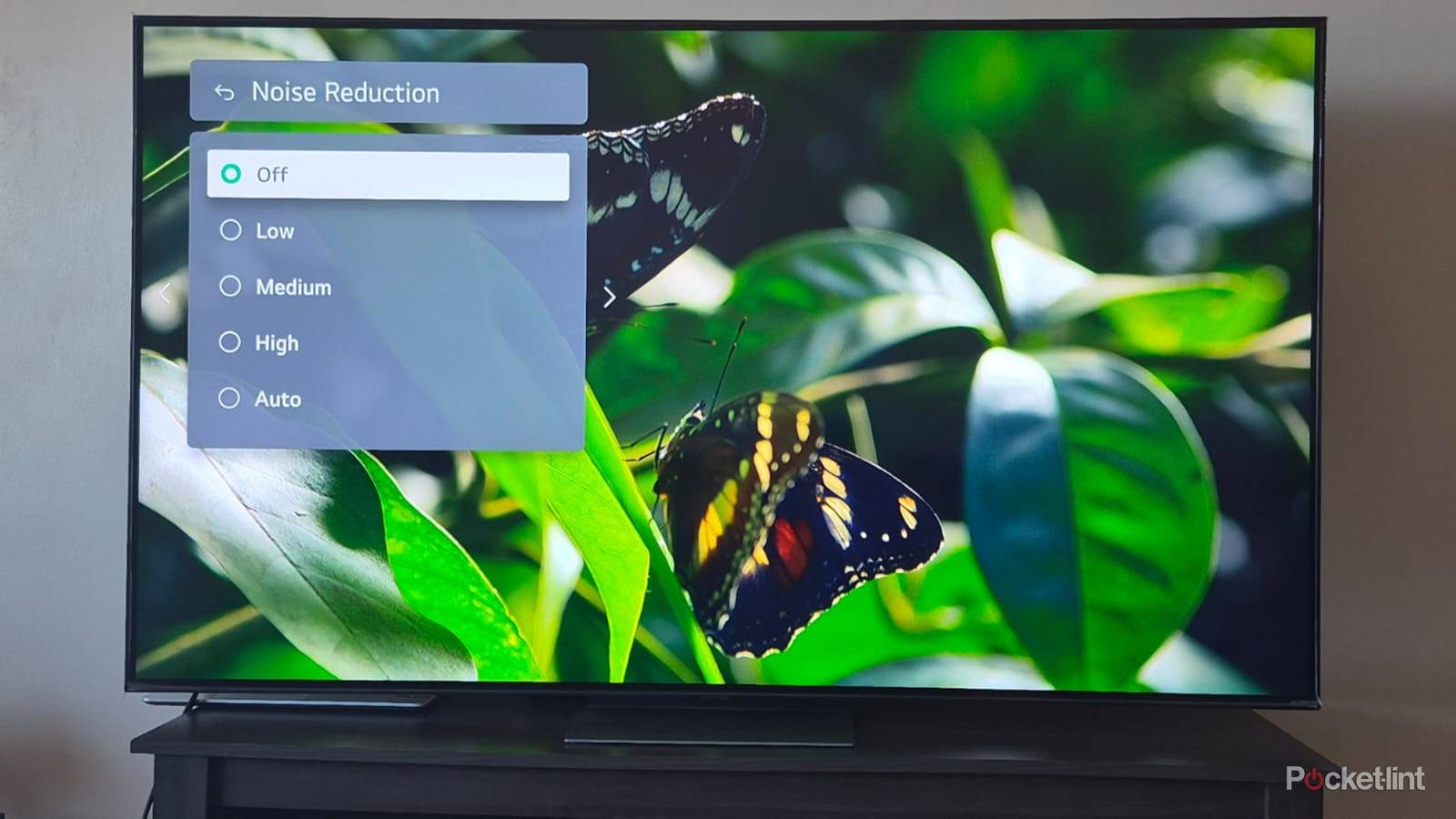
When you’re shopping for a TV these days, you’ll often encounter spiels about image processing. In some ways, that processing can be miraculous. It does more to produce the best colors and detail than you realize, and when it comes to upscaling low-res content, even budget TVs are doing a decent job of cleaning up the results. You’ll probably want a dedicated upscaler if you’re playing retro console games, but that’s understandable. The makers of Castlevania for the NES didn’t have the benefit of 480p, much less 4K HDR on a 16:9 screen.
Processing occasionally goes too far, however, because the foremost goal is to catch your eye and sell hardware, not present content the way it was intended. One of the chief offenders is something called noise reduction. In this quick primer, I’ll explain the basics of what it does and why you should probably disable it, no matter how picky you are about image quality.
What does noise reduction do, and why is that so awful?
A concept that’s probably past its prime

With analog TVs, noise was a widespread issue. Signals were vulnerable to interference from many sources, and when this got out of control, the result was a sea of dots and streaks. Images can and did become unwatchable sometimes, whether you were catching antenna broadcasts or playing a VHS tape. It makes sense to try to quash this sort of noise whenever possible.
Noise remains a concern in the digital era, but the definition is different. Mostly the concern centers around macroblocking compression artifacts, but there can be other glitches, such as the “mosquito noise” that sometimes develops around object edges. In fact, in one way or another, many digital noise issues are related to trying to squeeze too much data into too little bandwidth.
Increasingly, even this digital noise has started to become irrelevant, and the reason is simple: bandwidth is plentiful. For 4K HDR, 50Mbps should be plenty, and many home internet plans now start at 100 or 200Mbps. In richer countries, gigabit speeds are increasingly common, and even 5G cellular connections can measure in the hundreds of megabits.
Really, though, the main thing this bandwidth provides is higher bitrates. You’re not going to get lossless video from streaming services, but under good network conditions, compression will be light enough to make artifacts unnoticeable. This is true whether you’re watching in 4K or 1080p.
Physical media can actually be better. While you might have to worry about compression on some DVDs, Blu-rays have been around since 2006, and tend to minimize compression even with 4K HDR. Many movie fans insist on Blu-ray to achieve the best possible image and sound quality, ignoring the tradeoffs in cost and convenience.
The harm caused

Essentially, noise reduction algorithms don’t discriminate that well, even when AI object recognition is at work. They can’t deduce when noise is an intentional creative device, or simply an expected part of an older medium, such as 35 or 70mm film. Aggressive algorithms may all but destroy the look of older movies and shows, wiping away the grain that gives them their texture. You might not think you’re attached to it — but imagine how you’d feel if movies like Apocalypse Now, Raiders of the Lost Ark, or Gone With the Wind lacked their original grit. It’s such a popular look that some of the biggest directors continue to shoot on film, like Quentin Tarantino and Christopher Nolan.
Even if you don’t have any interest in nostalgia or artistic intent, bad noise reduction can still result in a “plastic” or “waxy” look that’s distracting, if not outright ugly. Things will probably look better if your TV allows you to scale reduction levels (check your TV’s Picture settings), but with problematic noise fading into the past, you might as well turn it off to both preserve image quality and reduce the lag from redundant processor tasks.
Noise reduction is eliminated automatically when you switch to Filmmaker Mode. This disables all post-processing, including another major offender, motion smoothing. Some people feel that it can make movies look too dark and drab, but that may be a function of your specific TV and whether you’re watching in HDR.
Are there any situations in which noise reduction makes sense?
A shrinking window

Possibly. The main examples I can think of are digital antenna and satellite broadcasts. Available bandwidth is lower, so high compression may be crucial to maintaining a steady stream. Note that in many countries, analog broadcasts are completely dead. Digital allows for superior quality in every sense, leaving the old frequency spectrums better suited to other purposes.
There might also be some value if you’re watching an older physical medium like DVD or VHS, but the circumstances are extremely important here. A certain amount of noise reduction may be performed automatically during your TV’s upscaling process. Whether that’s enough will depend on the model, though, and in some cases, upscaling may actually amplify problems. There’s no guarantee that additional post-processing will do the trick, which is one reason some people seek out advanced dedicated upscalers. Those can also be useful for those retro consoles, as I mentioned up top.


