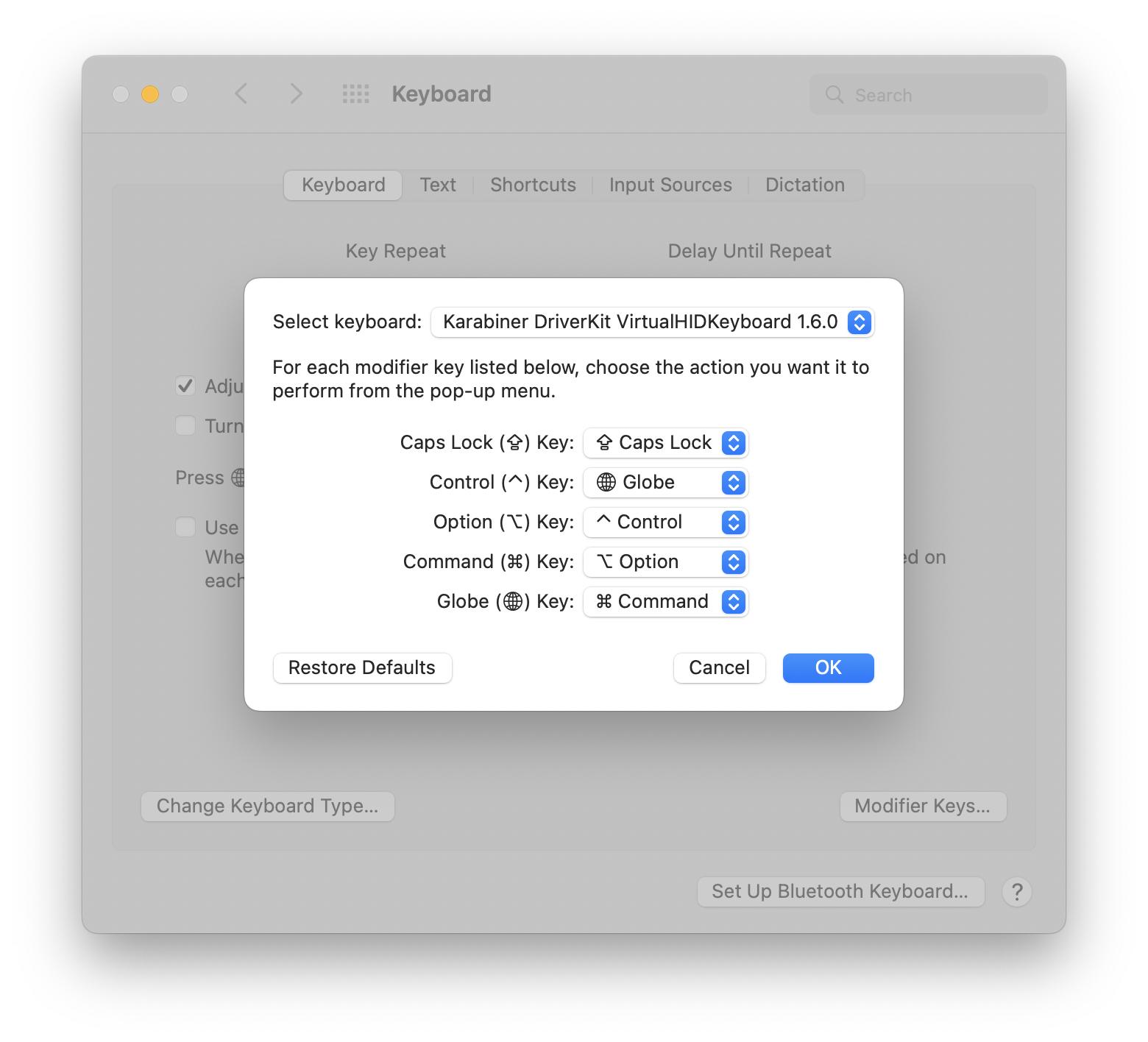
I am using a Macbook Air M2 with macOS Monterey. I am trying to get the keyboard bindings to better/more mimic Windows 10.
The laptop keyboard is like this:
{fn/globe} {control} {option} {command}
I have swapped modifier keys from System Preferences.
With the above change, the keyboard buttons are like this:
{command} {fn/globe} {control} {option}
This gets me most of the way there. What is left is being able to switch tabs in Edge/Chrome. The default is control + tab but I want it to be {command} tab.
I can’t set an application specific keyboard shortcut using {command} tab because it is used by the macOS application switcher (which I don’t use/need).
So I say https://ke-complex-modifications.pqrs.org/#swap-command-tab-with-control-tab for Karabiner but it does not seem to be working.
There must be a way to override the behavior so I can get [the left most button] + tab to switch browser tabs.


