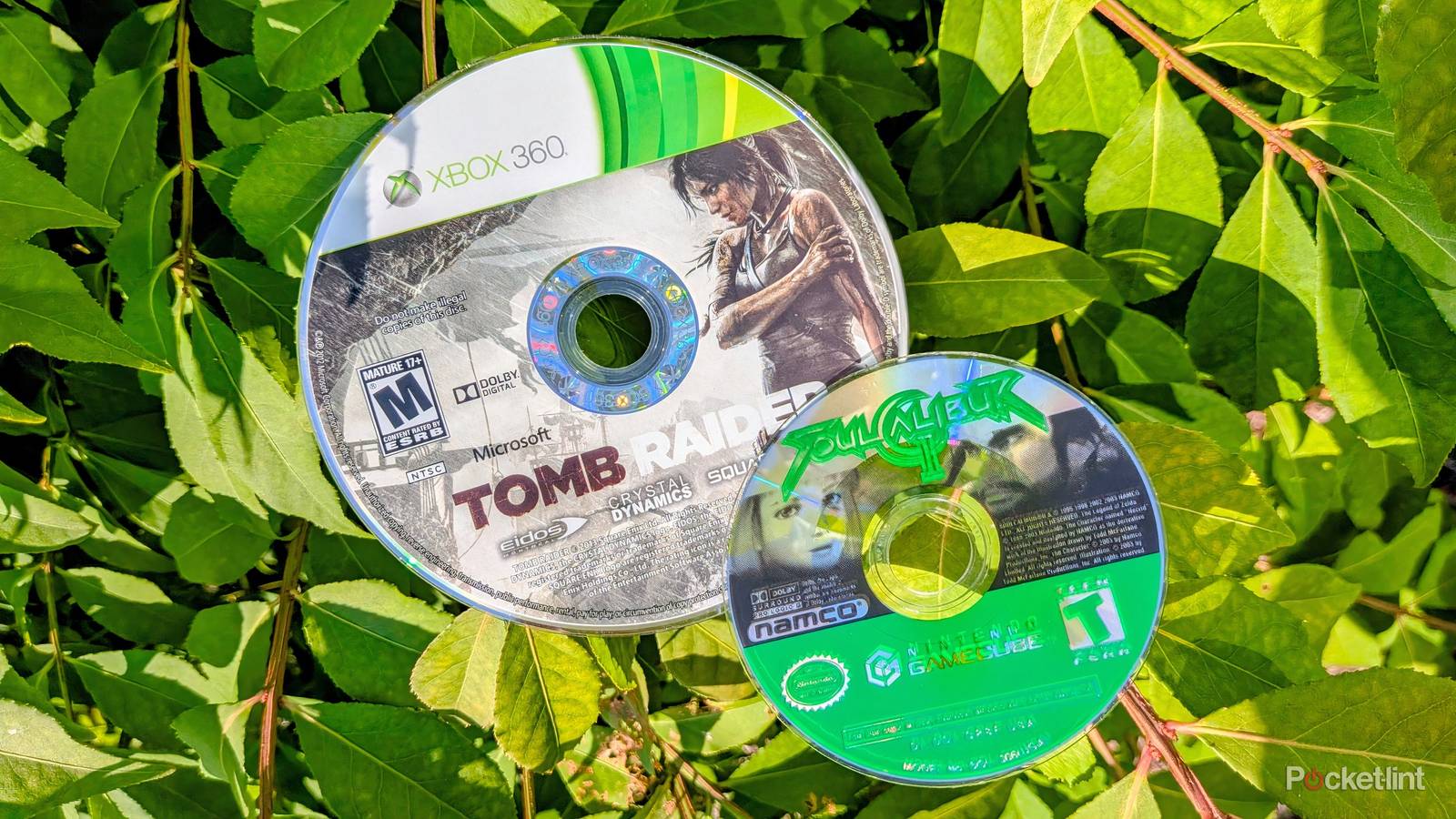
There’s an all-new piece of firmware on the block in the world of optical media, and it’s called OmniDrive. The modification tool, which is available on GitHub, allows you to rip the contents of proprietary optical discs from a variety of sources, most notably from several retro consoles.
OmniDrive is a modifier for external Blu-ray disc drives that are powered by the MediaTek MT1959 chipset, and specifically those manufactured by Hitachi-LG Data Storage (and sold under brand names like LG and Asus). The firmware enables under-the-hood features that make for a more feature-complete reading of discs.
OmniDrive is technically compatible with optical discs from the following video game consoles, at least in part:
- Nintendo GameCube / Wii / Wii U
- Sega Dreamcast
- Sony PlayStation 3 / 4 / 5
- Microsoft XBOX / 360 / One / Series S | X
It’s worth noting that OmniDrive’s ability to read proprietary game discs is still a work in progress, with some consoles only having partial support or unknown support (meaning that testing is still required). For example, Sega’s Dreamcast console is currently classified as unsupported, but low-density disc areas can be read by the tool.
A full up-to-date table of supported game systems can be found over on the OmniDrive GitHub page. Likewise, a list of compatible Blu-ray drive models can be found by visiting the Disc Preservation Project Wiki (via TechSpot).
A huge win for video game preservation
OmniDrive is the tool I’ve been waiting for

The release of OmniDrive is great news when it comes to video game preservation. The tool allows users to back up their classic game collection without the need to mod their existing hardware, decreasing the barrier of entry considerably. Of course, there’s always the ROM downloading route as well, but that requires flirting with what could be considered piracy depending on the context.
Ripping the contents of a proprietary optical disc is a murky area under the law, particularly when the sidestepping of encryption measures is involved. If you choose to make use of OmniDrive to rip your old video games, be sure to only do so with games you physically own (as opposed to ones you’re borrowing from someone else). Additionally, it’s illegal to distribute ripped game files on the internet — ripped copies of games you own should be kept only for personal use.
The act of installing and operating OmniDrive does require a bit of know-how, and there’s always the chance of accidentally damaging your drive in the process. With this in mind, YouTuber Archades Games has a detailed guide on their channel, which is worth checking out if you’re interested in trying out the custom optical disc drive firmware for yourself.
By and large, it’s cool to see tools like OmniDrive hit the physical media scene. Optical-based games have a limited lifespan, and the need to archive them for future generations is now more palpable than ever. As a free tool, OmniDrive is pretty miraculous, breathing new life into existing external disc drives. If you have the right hardware and a bit of patience, you can effectively back up all your disc-based retro games in fairly rapid succession.


