Published August 21, 2026 12:59PM
When an August snowstorm rolled in on my first backpacking trip to Alaska last summer, one thing was clear: Our planned route was no longer an option; we’d have to hunker down and wait it out. No hiker loves to be tentbound, but on that day in Gates of the Arctic, I decided to savor the downtime. My sleeping bag was warm, and I had a stack of books loaded on my e-reader. Without all that reading material, I would have been in for a long and boring day.
On most backpacking trips, though, I debate whether or not to bring a book or my Kindle at all. Is the added weight really worth it? Will I be too tired to read by the time I reach camp? Often, I decide to leave my reading materials at home in the name of going ultralight—and almost always regret it once the sun goes down. The world’s smallest e-reader may have just solved my ongoing dilemma.
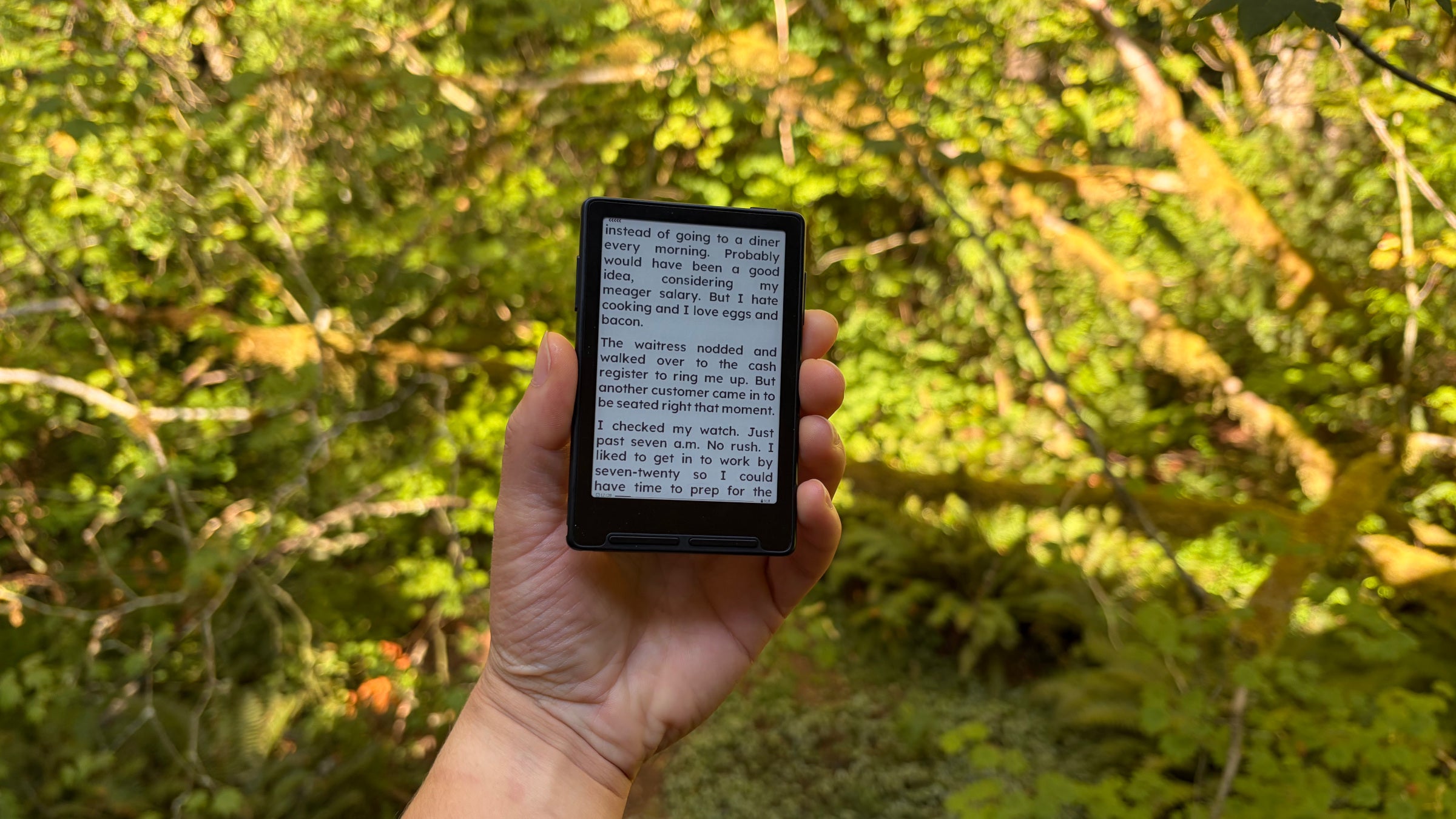
The X3 from Chinese company XTEINK is an ultralight, teeny tiny e-reader designed to disappear in your pocket. The small and magnetized device can stick on the back of a smartphone so that you always have a book on-hand; the idea is to discourage scrolling by making books as accessible as apps. And at only $69, it costs less than a week’s worth of freeze-dried meals. Could the X3 be the solution to my backpacking reading woes? I decided to test one out.
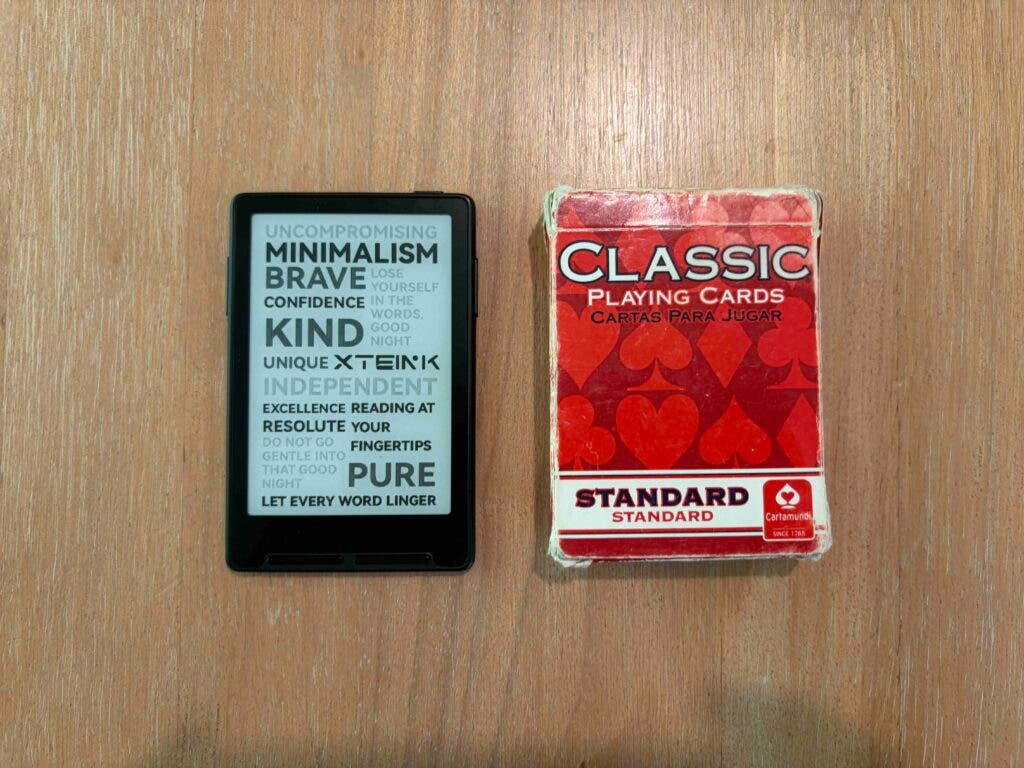
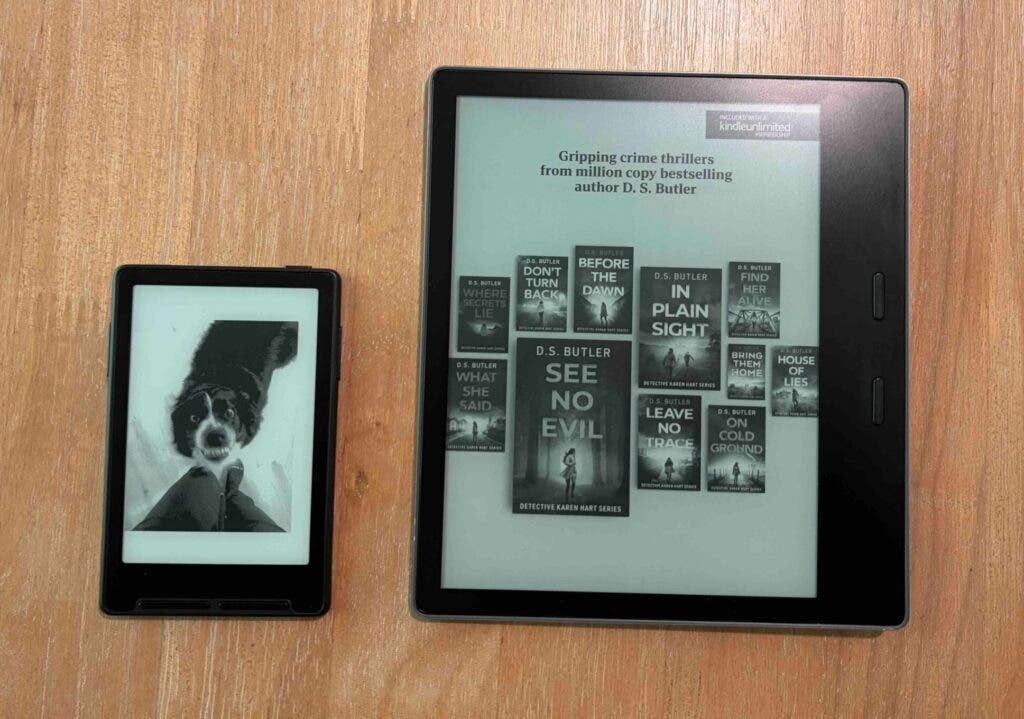
The X3 is, in fact, adorably small. The 3.7-inch display is slightly smaller in surface area than a playing card, and at about 5mm thickness, it’s very slim. In addition to fitting in the palm of my hand, the X3 weighs in at 58 grams, comparable to a Snickers bar. (My 10th generation Kindle Oasis weighs 188 grams without its case; the lightest model in Kindle’s current lineup, with a 6-inch display, weighs 158 grams and costs $110.)
Initially, I had some reservations about the X3’s size—it’s significantly smaller than my phone screen. Why bother with an additional device when my phone can store books and has a bigger display? Like many hikers, I like to save my phone battery for mapping, camera, and emergencies, so the idea of an external device for reading is appealing.
I found setup with XTEINK’s companion smartphone app to be straightforward. The app itself, which syncs wirelessly with the e-reader, can be a bit confusing, however. Most pages appear to be translated into English from Chinese, and the function of some pages on the app aren’t immediately clear. That said, all of the essential functions like transferring files, as well as some fun features like setting custom wallpapers, are easy enough to navigate.
The X3 itself does not have a touch screen, and navigating with the four main buttons takes a bit of practice. Once you’re connected to Wifi, you can wirelessly transfer files from your phone or computer, or use the included card reader to add e-books that you have stored on other devices. I found it fast and simple to transfer EPUB files I already owned or downloaded. One limitation, however, is with digital library books: I often borrow e-books from my library using the Libby app, which integrates seamlessly with a Kindle. I haven’t yet found a way to read library books on the X3. For now, I’ll have to purchase e-books or read free, downloadable EPUB, PDF, TXT, and MOBI files.
For its small size, the reading experience on the X3 is enjoyable. The e-ink screen is clear and offers a paper-like experience similar to other e-readers, and you can effortlessly turn the page with the press of a button or by shaking the device. While the display is small, the default font size is similar to standard e-readers and most books, though it’s a bit trickier to adjust the font on the device itself than on a Kindle. (With a few minutes of playing around with the buttons, I was able to toggle between two font sizes. The default was plenty legible for me, but folks with poor eyesight may want a larger font. There are ways to customize the font using the XTEINK app or Crosspoint, an open-source e-reader software that lets you personalize all sorts of settings, but that takes a bit of time and savvy.)
How does the X3 actually perform in the backcountry? After testing on some weekend trips, I haven’t yet run down the battery. XTEINK says that the 650 mAh battery lasts from 10 to 14 days if you’re reading one to three hours each day; that’s plenty to leave the charger at home for most backpacking trips short of a thru-hike. And while it’s an extra device compared to reading on your phone, its 58-gram weight is likely lighter than carrying a bigger charging block. (Kindle doesn’t disclose their battery sizes, but they claim that the basic model lasts up to six weeks.)
The X3 is not waterproof and XTEINK makes no claims about its water resistance, unlike some full-sized e-readers on the market. That said, it fits inside a snack-sized plastic bag, and it’s so small that it’s easy to slip into an internal protected spot in your backpack. The e-ink display does not have a built-in light, so you’ll need to read by headlamp at night. (XTEINK’s newest model, the X4 Pro, has a frontlight, a slightly larger display, a touch screen, longer battery life, and weighs less at 72 grams.)
Gimmick or Gamechanger?
Thanks to its light weight and portability, the X3 will certainly be replacing my Kindle on backcountry trips where I want to keep my packweight down. But is it worth carrying in addition to a phone? I think so. An e-ink screen, sans backlight and blue light, invariably offers a different reading experience than a phone—one that feels more akin to reading a paper book. On some trips, like during that Alaskan snowstorm, I like to read for hours at a time. The ability to do so without having to ration my phone’s battery is well worth 58 grams.
Perhaps even more importantly: I go to the trail to get off my phone. Reading is better than scrolling, but the longer my phone stays buried in my pack, the more I get out of a hike or backpacking trip. That alone is a good reason to pack the X3 on my next trip.


