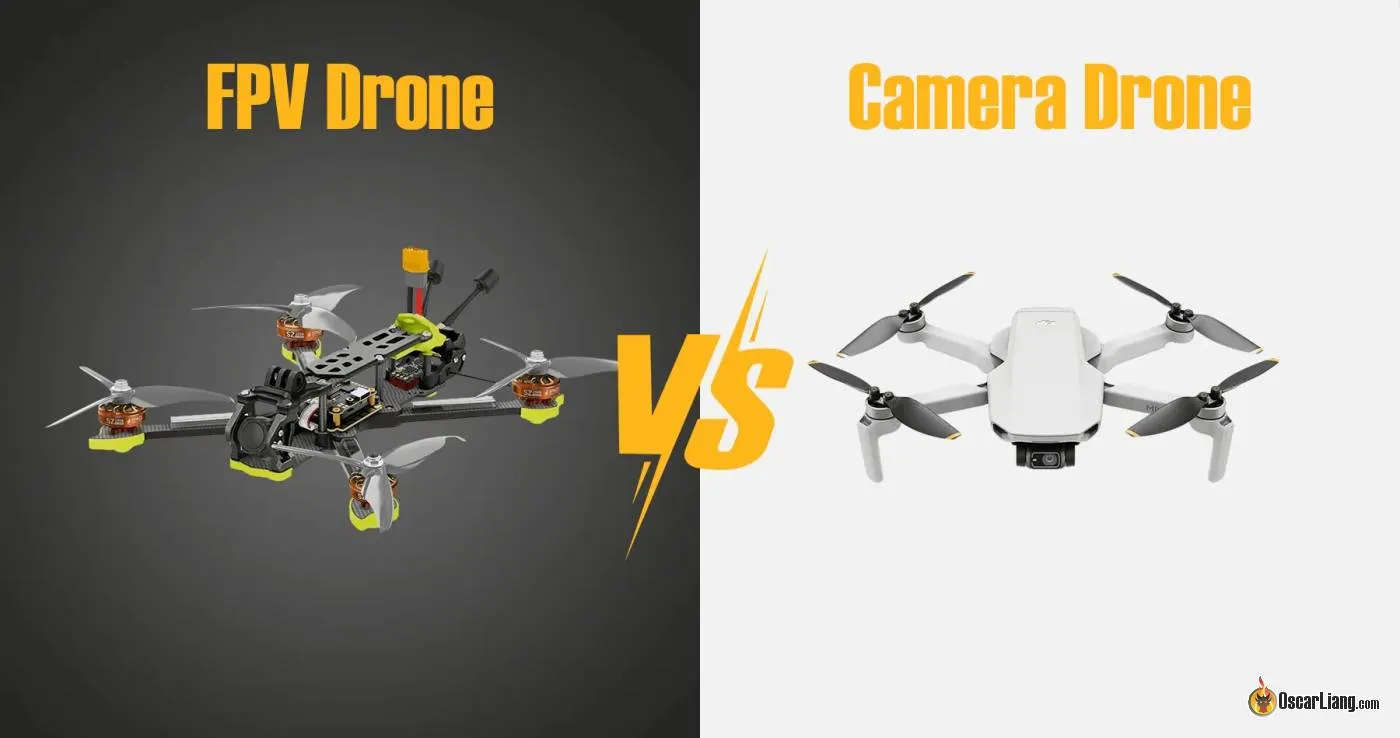
When you first get into FPV, one of the biggest questions is: which flight mode should you use? In Betaflight, the three most basic flight modes are Acro mode, Angle mode and Horizon mode. The main difference is simple: Angle mode and Horizon mode self-level while acro mode. However, as FPV pilots, you should absolutely fly in Acro mode, and I am going to explain why.


What Are Angle & Horizon Modes?
Both Angle mode and Horizon mode are self-level modes, that means the flight controller automatically tries to return the quad to level whenever you let go of the sticks. This is the common flight mode in camera drones.
If you tilt the quad forward, backward, left, or right, and then center the stick, the quad will try to flatten itself out again. You do not need to manually correct every movement and it’s all done automatically.
This makes these flight modes much more beginner friendly, it’s like having training wheels to your bicycle when you were learning how to ride it.
Between Angle mode and Horizon mode, they are very similar, with a small difference:
- Angle mode = self-level + limited tilt angle
- Horizon mode = self-level near center stick, but allows flips and rolls at full stick
In Angle mode, the quad can only tilt so far and you cannot do flips or rolls accidentally. This makes Angle mode the safest and easiest to learn at the beginning. It is very forgiving and feels stable, especially if you are hovering, taking off, landing, or flying slowly.
In Horizon mode, near center stick, the quad self-levels like Angle mode, but at larger stick inputs, it allows flips and rolls. That sounds great in theory, and many people assume Horizon mode is the perfect stepping stone between Angle and Acro. In practice, I am not a huge fan of it. The reason is that Horizon mode can feel inconsistent. Around center stick, it behaves like a self-level mode, but when you push harder, it suddenly transitions into something more like Acro. That mix can feel less predictable than simply learning proper Acro from the start.
What Is Acro Mode?
Acro mode is the default manual flight mode for FPV.
In Acro mode:
- the quad does not self-level
- when you move the stick, you are commanding a rotation rate, instead of an angle
- when you release the stick, the quad stays at whatever angle it was at until you correct it yourself
So if you pitch the quad forward 30 degrees and let go of the stick, it stays pitched forward at 30 degrees. If you roll 60 degrees and let go, it stays rolled at 60 degrees.
Your drone is in complete manual mode, there’s no automatic correction – this is why Acro mode feels more difficult at first. The drone will not save you from your mistakes. You must constantly manage its attitude yourself.
But this is also exactly why Acro mode is so powerful.
It gives you:
- the most precise control
- the smoothest flight once mastered
- full freedom for freestyle
- better control through turns and dives
- a more connected feel
This is the mode used by basically all experienced FPV freestyle and racing pilots.
Why You Should Use Acro Mode
This is the big question.
Why should FPV pilots use the harder Acro mode, when self-level modes feel much easier?
Because Acro mode teaches the correct skill.
If you spend too long in Angle or Horizon mode (e.g. flying DJI camera drones), you can end up building habits that do not transfer well to real FPV flying. The quad is always trying to help you, so you never fully learn to manage the aircraft attitude yourself.
In Acro mode, you learn:
- throttle control
- momentum management
- coordinated turns
- proper recovery
- smooth and precise camera angle control
- spatial awareness – how the quad really moves in space
Once Acro mode clicks, it feels much more natural than self-level modes. You stop fighting the flight controller, and the quad starts feeling like an extension of your hands. You and the drone became one.
That is why nearly all serious FPV pilots fly Acro mode.
Are Angle & Horizon Modes Better for Beginners?
On your first few flights, yes, it can be.
Angle mode can help if you are:
- totally new to drones
- trying your first hover, or just testing the drone
- learning basic controls
- nervous about crashing immediately
But I would only use it briefly.
It is fine as a training tool, but I would not get too comfortable with it if your goal is FPV freestyle or racing. The sooner you start learning Acro, the sooner your progress becomes more meaningful.
Some people use Horizon mode as a bridge between Angle and Acro, and that is understandable. But personally, I think many pilots are better off learning acro mode as soon as possible and just skip Angle and Horizon modes entirely.
The transition to Acro may feel harder at first, but it is a cleaner way to learn. Horizon mode can sometimes make the quad feel strange because it changes behavior depending on how much stick input you use.
If you really want to try Horizon mode, that is fine. Just do not let it become a long-term crutch.
How to Enable Acro Mode in Betaflight
You don’t need to enable Acro mode, it’s the default mode in Betaflight.
That means if you do not enable other flight modes such as Angle or Horizon, your quad will fly in Acro mode automatically.
So in Betaflight, if:
- Angle mode is off
- Horizon mode is off
- Rescue mode if off
- Position hold mode is off
- Altitude hold mode is off
then you are flying Acro mode.
To set up flight modes, you can do that in the Modes tab in Betaflight Configurator: https://oscarliang.com/betaflight-modes/

Personally I still have Angle mode assign to a switch on my radio, which is useful in emergency situations where I need to quickly level the drone (e.g. when I want to scratch my face 🙂 ), although 99% of the time I would be flying in Acro mode, from the moment I take off until I land. I don’t bother assigning Horizon mode at all.
The Best Way to Learn Acro Mode
How long it takes to learn acro mode will depend on the person, how often you practice, and whether you use a simulator.
Very roughly:
- some people get the basics in a few attempts
- many people need a few days to feel somewhat comfortable
- becoming truly confident usually takes much longer
The hardest part is the beginning, because Acro mode feels very unnatural if you are used to self-level drones or camera drones.
The best way to learn is:
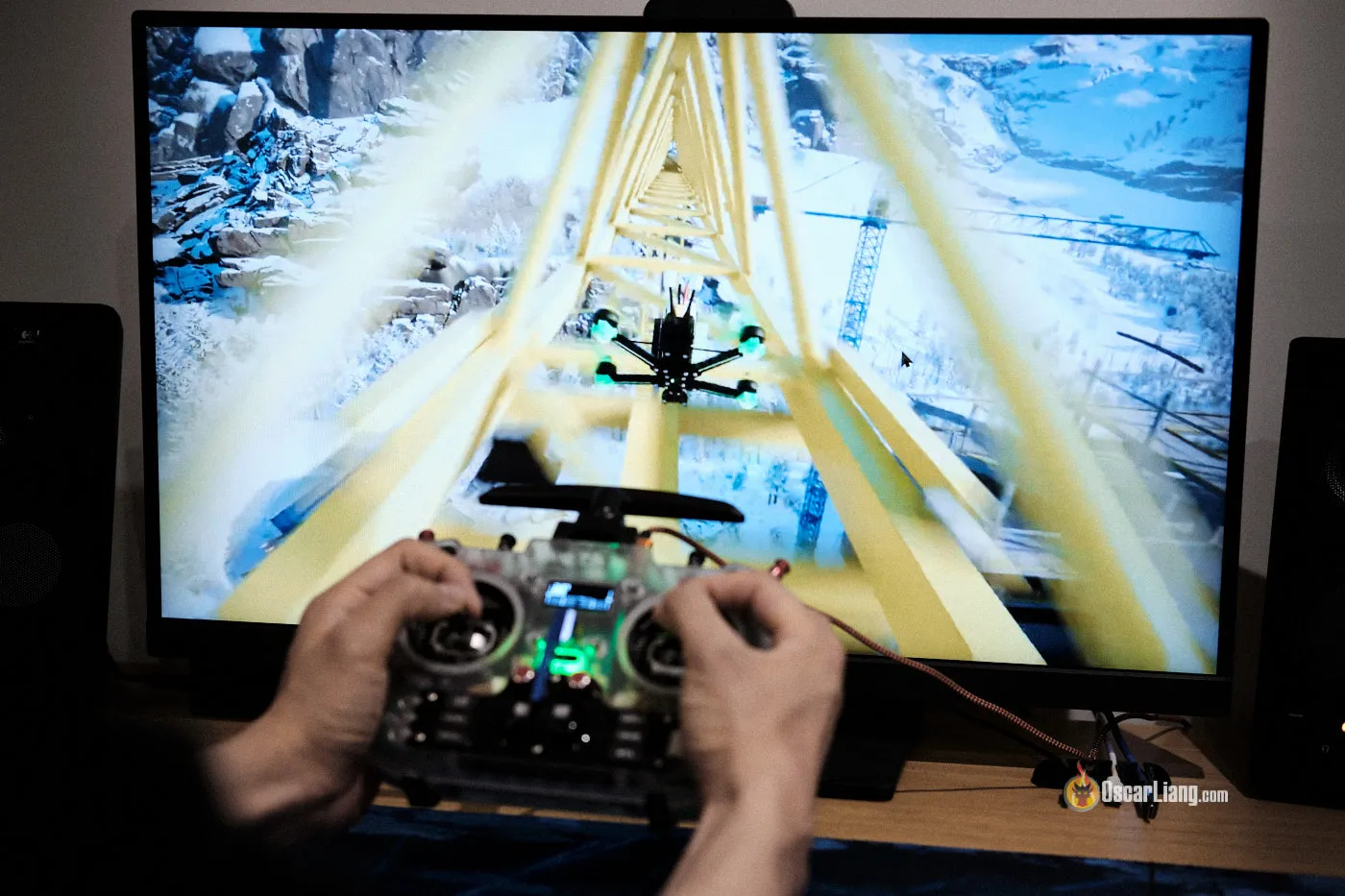
Once you feel comfortable flying acro mode in the sim, you can then try it on a real drone:
- expect crashes
- fly in open areas (ideally with grass to soften the crash impacts)
- stay close to the ground, disarm quickly if you are losing control to minimize damage
Do not judge Acro mode by the first few packs. Almost everyone feels terrible at it initially.
But once it starts to click, progress can happen quite quickly and it’s extremely rewarding.
Flying Acro Mode Line of Sight Is a Completely Different Skill
This is something worth pointing out.
Flying Acro mode in FPV and flying Acro mode line of sight are completely different skills.

In FPV, the camera view makes everything more intuitive. You are sitting “inside” the quad, so left and right always make sense.
In line of sight, orientation gets confusing very quickly, especially when the quad rotates, your stick control won’t make sense anymore (for beginners). Flying line of sight in Acro is much harder for most people.
So if you struggle to fly Acro line of sight, that does not mean you cannot learn Acro in FPV.
They are different skills, and FPV Acro is much easier to learn than LOS Acro for most pilots.
Final Thoughts
Angle mode and Horizon mode are both self-level modes, and they can be useful at the beginning. They make the quad easier to control because the flight controller helps level the drone automatically.
But if your goal is real FPV flying, then Acro mode is where you want to be.
Acro mode gives you:
- full control
- more precision
- better flihgt feel
- the right foundation for freestyle, racing, and cinematic flying
It is harder at first, no question. But it is worth it.
If you are serious about FPV, think of self-level modes as temporary training aids, not the end goal.
Because once Acro mode clicks, you probably will not want to go back.


