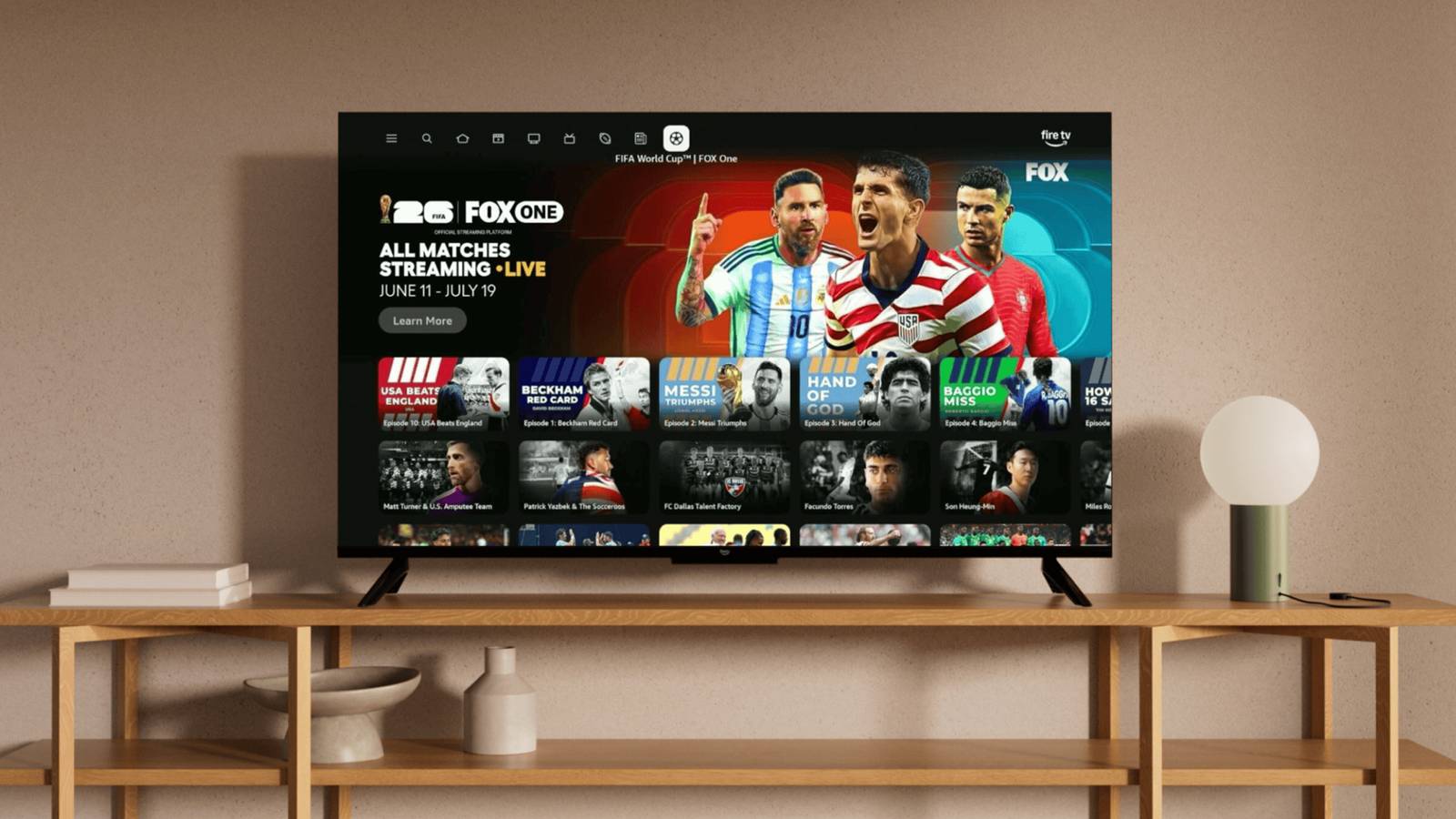
Back in 2009, my wife and I started a non-profit to teach internet safety and digital literacy. It was then that I learned, in real time, that people, regardless of their socioeconomic position, were terribly computer-illiterate. We taught in schools in disadvantaged neighborhoods and in private schools with $50k-a-year tuition, and it was always the same.
Back then, I would tell parents that if they and their children were using free sites like MySpace and, eventually, Facebook, that if they weren’t paying, they weren’t actually using a product; they were the product.
Frankly, that hasn’t changed much in the 17 years since I began educating people on safe tech use, except for the fact that spying, or “data harvesting,” has become so ubiquitous that even when you are paying, you’re still the product; or, rather, your data is. And that brings us to the topic of this article, ACR. “What is that,” you ask? “ACR” stands for “Automatic Content Recognition,” and it’s a technology that many TV and media device manufacturers use to analyze what you’re watching to determine which ads to serve you and provide content suggestions.
In all fairness, you may not have an issue with that, but companies may sell the data on your viewing habits to other companies as well, and that’s where things become a slippery slope. Exactly what data are they collecting and selling?
There are definitely some privacy concerns associated with ACR, and many modern manufacturers have this feature enabled by default. Let’s get into it and cover the potential privacy issues and explain how to disable the feature on your Fire TV and Fire TV Stick.
Your Smart TV is a clandestine operative
No, seriously… It’s spying on you!

ACR, or automatic content recognition, is actively “watching you,” as you watch TV. According to some cybersecurity experts, ACR captures screenshots of whatever you’re watching at a rate of two per second. That means your TV is capturing around 7,200 snapshots per hour, and it doesn’t matter which source they’re coming from because ACR “sees” and “hears” what is on your TV and what sound is coming from it. Think of the “hearing” part like that popular app Shazam, where you open the app, it listens, compares what it’s hearing against a database of music, and then identifies the song for you.
If you read the ToS on your account, the TV manufacturer will mention the use of randomized or anonymized data, but some security-conscious consumers have found that captured images and streamed audio can be matched to your IP addresses, email addresses, and other physical or digital identifiers. Now, this is all used by third-party companies that buy that data and can market to you more precisely, but many people don’t trust these marketers to handle their personal info responsibly.
Things also look a bit more nefarious when you really dig into this, as some folks on Reddit have. They used a technology like Wireshark to take a peek at what network data their TVs were sending after they already opted out, and it showed the devices were still sending the same data. According to some of those Reddit users, some Samsung TVs won’t even work unless you’ve logged them into a Samsung account.
I really want to drive this point home: your TV is “listening,” not merely recognizing data moving through it, so it doesn’t matter whether your source is your TV, a Roku Ultra, a 4k UHD Blu-ray player like the one I recently reviewed, or a gaming console; you’re still being tracked.
Deactivating ACR on Fire TV?
Like a good “spy,” Amazon has obfuscated the process
Amazon licenses the Fire TV OS to manufacturers such as Hisense, Toshiba, and Panasonic, so you may find the ACR feature under different names from those manufacturers. “First-party” Amazon Fire TVs are branded as Amazon or are manufactured in partnership with other companies, the most notable being TCL. These instructions are for “first-party” Fire TVs.
To disable ACR, Amazon’s own help pages tell you to go through a few clicks, which should take you to the menu option for “Automatic Content Recognition.” To be fair, manufacturers often post product instructions on their websites that become outdated with operating system updates, so it’s possible Amazon isn’t hiding this revenue-generating deactivation option from you.
To get to the menu options that appear to be ACR, launch the Settings app, then go to Preferences, then Privacy Settings, and finally, I recommend turning everything in this Privacy Settings menu off, as seen in the gallery above. The first menu option is “Manage Sharing from Apps.” Go ahead and turn it off. Then, disable: Device Usage Data, Collect App Usage Data, and Over-The-Air Data. Some of these menu options may not appear depending on your Fire TV OS version or the third-party licensee using Fire TV OS on their TV.

Note that when your TVs receive an OS or security update, the feature may be re-enabled, so be sure to check on it from time to time. Additionally, deactivating ACR could limit some smart features you’ve become accustomed to, such as “Watch this next” recommendations. But who needs recs from your TV when your buddies at work are already walking up to you and saying, “Dude, I watched this great series over the weekend. You should check it out!”
How do you feel about the ACR feature? Are you rushing over to your TV right now to turn it off, or not?


