
Welcome to Indie App Spotlight. This is a weekly 9to5Mac series where we showcase the latest apps in the indie app world. If you’re a developer and would like your app featured, get in contact.
Writing a little bit of code shouldn’t be a hassle. Typically you have to set up a project and go through layers of menus before you can even start to write. Notepad.exe flips that script, and believes you should start with a blank file first, and figure out the project later – making it much easier to get your idea on paper.
Highlights
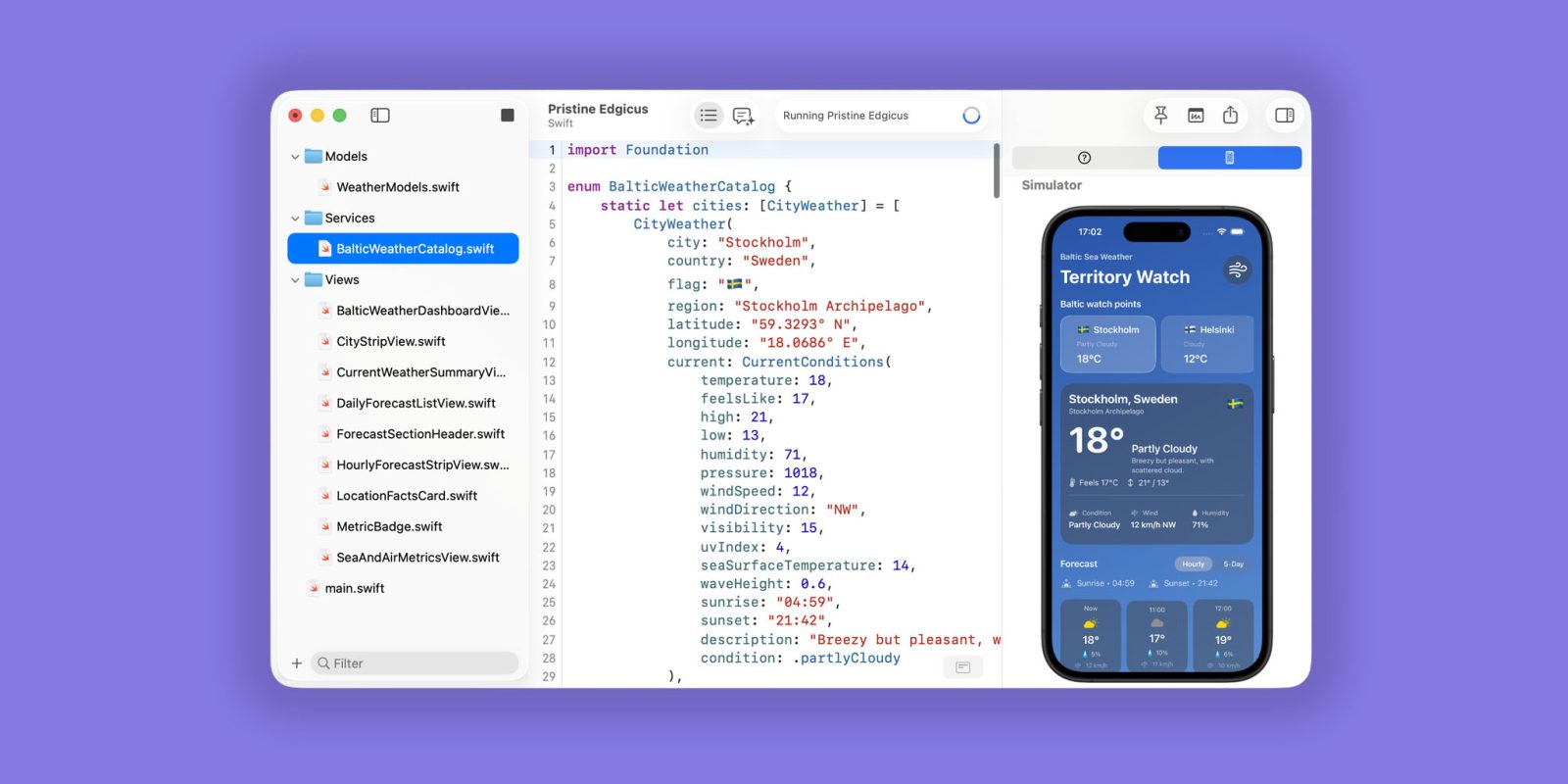
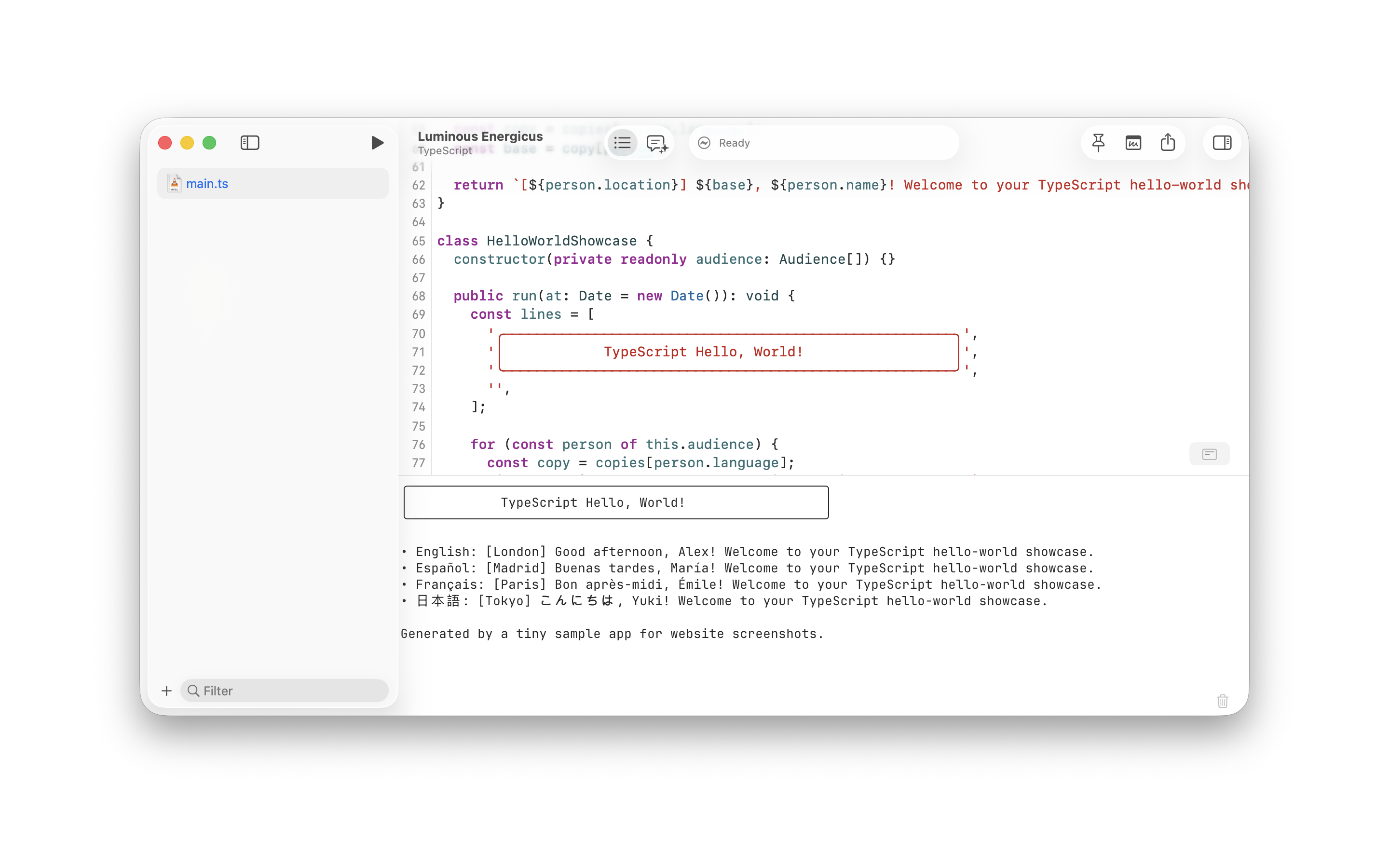
Notepad.exe comes with a very native-feeling UI, similar to Xcode – but without all of the bloat. It supports running Swift, Python, JavaScript, TypeScript, and Go, all out of the gate. Just write your code, and hit run. If you want to build something further, you can then turn it into a project.
It offers a Notes library for easily sifting through all of your files you’ve created, without needing to remember where you created your one-off file.
Notepad.exe also offers a built-in agentic coding assistant, allowing you to use your Codex subscription or local models for troubleshooting problems in your codebase.
And, as a cherry on top – it has a sweet option to bring your simulator inside of the text editor, making it a great workflow for iOS developers writing SwiftUI.
Download the app
Notepad.exe can be downloaded from the developer’s website here. For the core experience, the app is free with no account needed. For the fully-featured experience, you can buy Notepad.exe Pro, which’ll run you $19.99/year or $45 for a perpetual license to all updates within version 1.x.
My favorite Apple accessory recommendations:
Follow Michael: X/Twitter, Bluesky, Instagram


FTC: We use income earning auto affiliate links. More.


