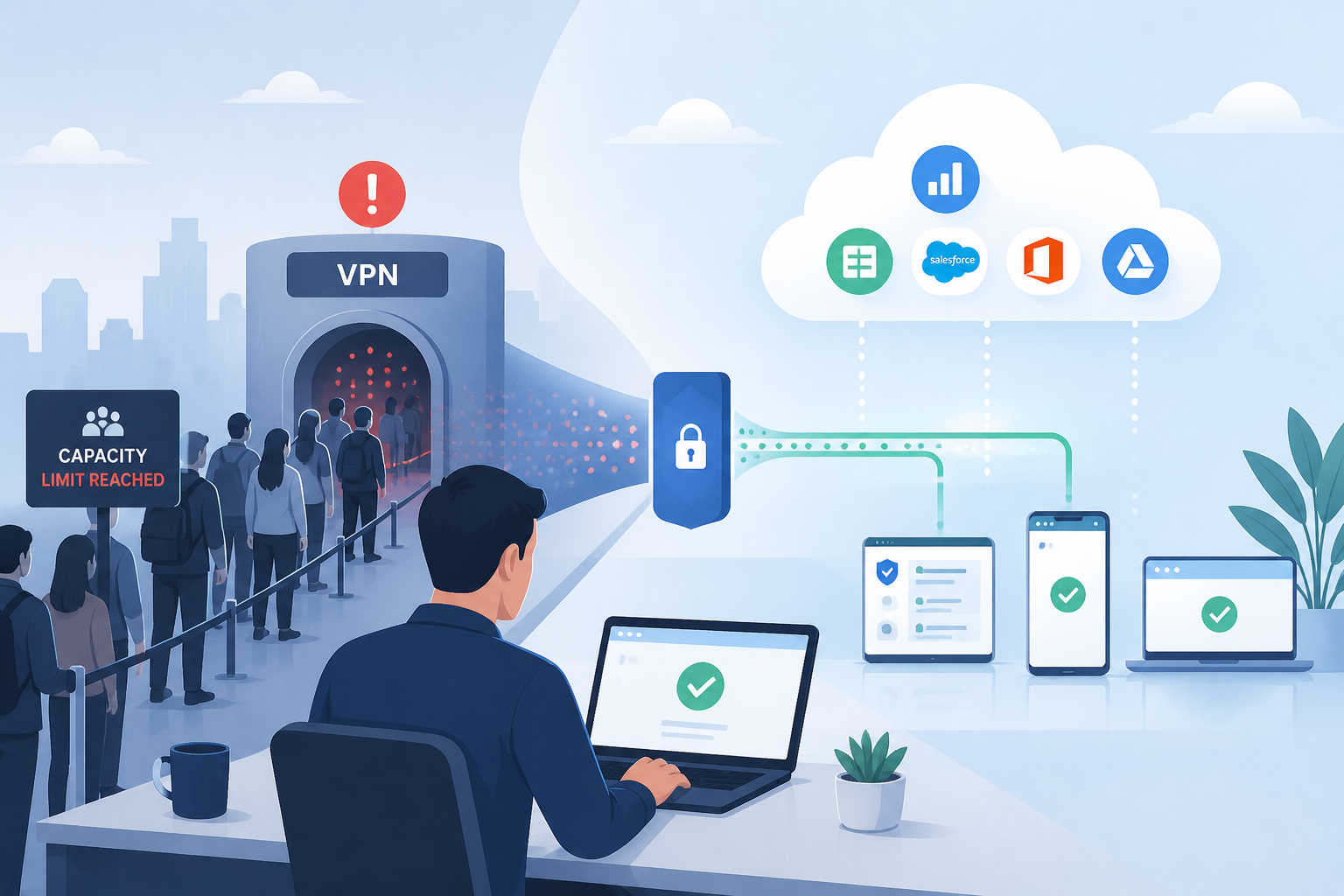
VPN alternatives such as application publishing can keep employees working when corporate virtual private networks (VPNs) reach capacity, by moving application sessions outside the tunnel. Organizations face this constraint when rapid workforce expansion, merger activity, or sudden remote work mandates push existing virtual private networks past their operational limits. The decision starts with which applications employees need, rather than how many additional tunnels your gateway can accept.
Application delivery platforms offer structured alternatives when VPN capacity becomes a bottleneck: these systems publish specific applications rather than granting full network access, consistent with the National Institute of Standards and Technology (NIST) principle of protecting individual resources rather than network segments. Desktop virtualization, which runs desktops on central servers, and browser-based access tools address capacity constraints through different technical approaches. Your choice of remote access solutions should follow measured demand, application compatibility, and the access each employee actually requires.
Audit Current VPN Usage to Identify What Is Consuming Capacity
The first move is establishing where the capacity is actually going, so check the gateway’s concurrent-session ceiling separately from bandwidth and authentication capacity; a connection limit can reject new sessions without slowing those already established. Authentication servers become obstacles when many employees attempt simultaneous login during peak hours. Bandwidth issues compound this: single gateway configurations force all remote traffic through one network point, so any surge in user count strains available capacity.
A useful audit answers three questions, with gateway logs and application traffic measurements providing the evidence; record the answers during the busiest login period, rather than relying on daily averages:
- Which applications generate the heaviest traffic? Rank programs by measured throughput before deciding which workloads to move.
- Which user groups genuinely need full network access? Many need one or two line-of-business applications, not a routed tunnel into the local area network.
- When does peak concurrency occur? Shift patterns and time zones often mean the ceiling is hit for a few hours rather than all day.
The applications that surface at the top of that list become the first candidates for delivery outside the VPN tunnel; keep their current traffic measurements as a baseline for checking whether the replacement actually relieves gateway pressure.
Publish Individual Applications Instead of Granting Full Network Access
Application publishing delivers specific software programs to remote users rather than full network access. Users interact with application windows while the actual program executes on centralized servers. Compare bandwidth under the same workload rather than assuming a published application always consumes less than a full virtual desktop, and include printing or file transfers in that test. The potential security benefits of virtualization still depend on access policies and server configuration.
Platforms such as TSplus support this model on both on-premises and cloud infrastructure, with subscription and perpetual licensing options as of September 2026. TSplus describes installation on existing Windows servers with browser access, while acknowledging fewer built-in third-party integrations than larger platforms, so organizations researching Citrix alternatives should check those integration requirements before treating a smaller delivery stack as a direct replacement.
Move Users to HTML5 Browser Access to Remove Client Deployment Delays
HTML5 browser-based delivery eliminates client software installation requirements: employees authenticate through standard web browsers using existing credentials where identity integration is configured, which removes an installation step without eliminating compatibility checks on personal devices. When a VPN is already saturated, browser access offers a way to onboard contractors without first deploying a dedicated remote-access client. But Microsoft’s Windows App requirements, as of September 2026, specify supported desktop browsers no more than 12 months old and exclude mobile browsers, so “clientless” does not mean every endpoint will work.
Choose Between On-Premises, Cloud, and Hybrid Delivery
On-premises infrastructure keeps hosted software and data within corporate facilities; IT departments maintain direct control over hardware, security policies, and network configuration, but your assessment should separate those controls from assumptions about latency or regulatory compliance.
Cloud-hosted solutions such as Microsoft Azure Virtual Desktop provide elastic scaling instead: Microsoft documents full-desktop and individual-application delivery with autoscaling, but your team still needs to size the machines that run user sessions and configure the deployment.
Hybrid strategies combine the two, keeping selected workloads in-house while allocating overflow demand to cloud capacity during peak periods. Before choosing that route, test whether the application’s database and authentication dependencies remain accessible from the cloud deployment under the expected load.
Match the Licensing Model to How Your Workforce Actually Scales
Licensing barriers prevent rapid scaling. Where a VPN contract charges per user or device, doubling remote staff can double VPN software costs, while approval delays can block access even when gateway capacity remains available. Compare payment terms separately from how seats are counted, because a subscription can also use named-user or concurrent-user licensing:
- A perpetual license grants continued use of the purchased version, but check whether support and updates require separate recurring payments.
- Subscription costs are divided into monthly or annual payments, with changes to user counts governed by the contract.
- Concurrent-user licensing counts simultaneous connections, which benefits shift-based operations where employees work different hours.
- Named-user licensing assigns individual seats regardless of usage patterns; Microsoft Windows 365 uses per-user subscriptions for dedicated cloud PCs.
Evaluating these over a multi-year period reveals considerable total cost differences, so teams considering an alternative to Citrix should compare the models against expected headcount fluctuations rather than against list price alone.
Prioritise Deployment Speed and Simple Administration
For deployment speed, separate the first working application from a production-ready service: an installation demonstration does not establish that authentication and access restrictions work correctly. Enterprise virtual desktop infrastructure (VDI) projects may need new hardware before software installation can begin, while security checks and integration testing still have to pass before production use. Lightweight application publishing platforms can shorten that path when existing Windows servers already meet the application’s requirements.
Administrative difficulty then shapes total cost of ownership: solutions requiring specialized knowledge increase operational expenses, while platforms with simplified management consoles let standard IT staff handle routine tasks and automation features cut manual provisioning overhead.
Migrate Existing Citrix Workloads in Phases
Compatibility assessment comes first, with essential applications tested in staging before users move. Phased migration then moves departments incrementally rather than all at once, limiting risk exposure and letting IT resolve issues at small scale. Choose the pilot by its measured peak sessions and application traffic, then require launch times and task completion to match an agreed baseline before expanding, including a successful print or export test.
For an Azure Virtual Desktop pilot, Microsoft’s connection-quality guidance provides a useful reference: latency up to 150 milliseconds should not affect ordinary non-video workloads, but use that as a network check, not a universal acceptance threshold; record application response times at the observed peak concurrency and have the application owner approve the results.
Training deserves its own slot in the plan: browser-based tools operate differently than installed clients, so brief sessions and clear documentation reduce the support tickets that otherwise arrive in the first fortnight.
Before retiring VPN access for the pilot group, compare peak gateway traffic with the original audit and confirm that the replacement passed its application tests. Expand application-based remote access only after that evidence is recorded, with a rollback owner assigned if the next workload exposes a dependency the pilot did not cover.


